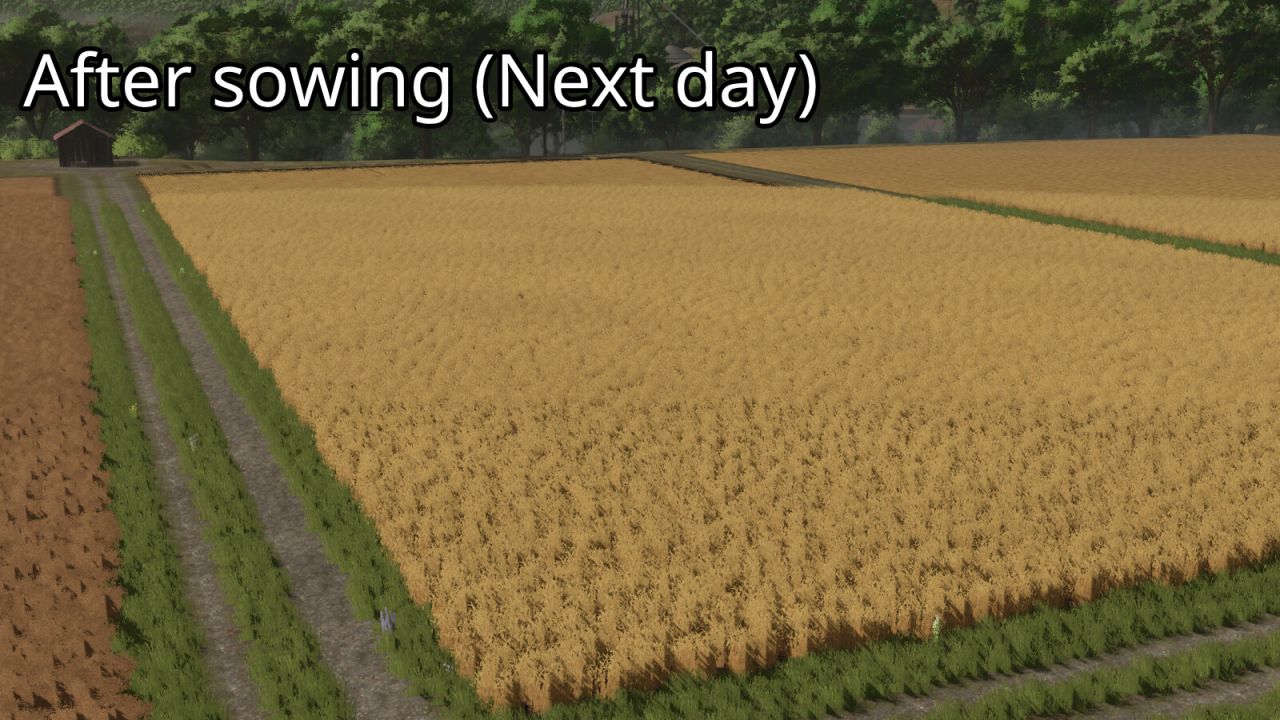
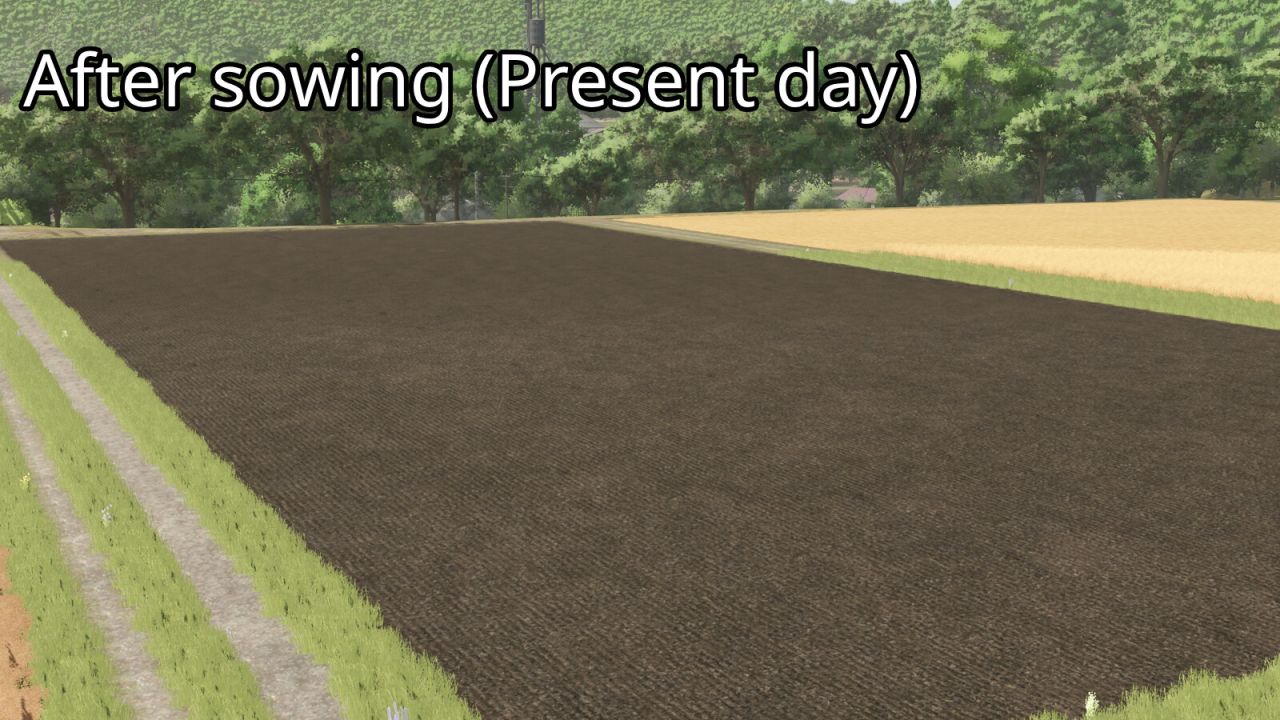
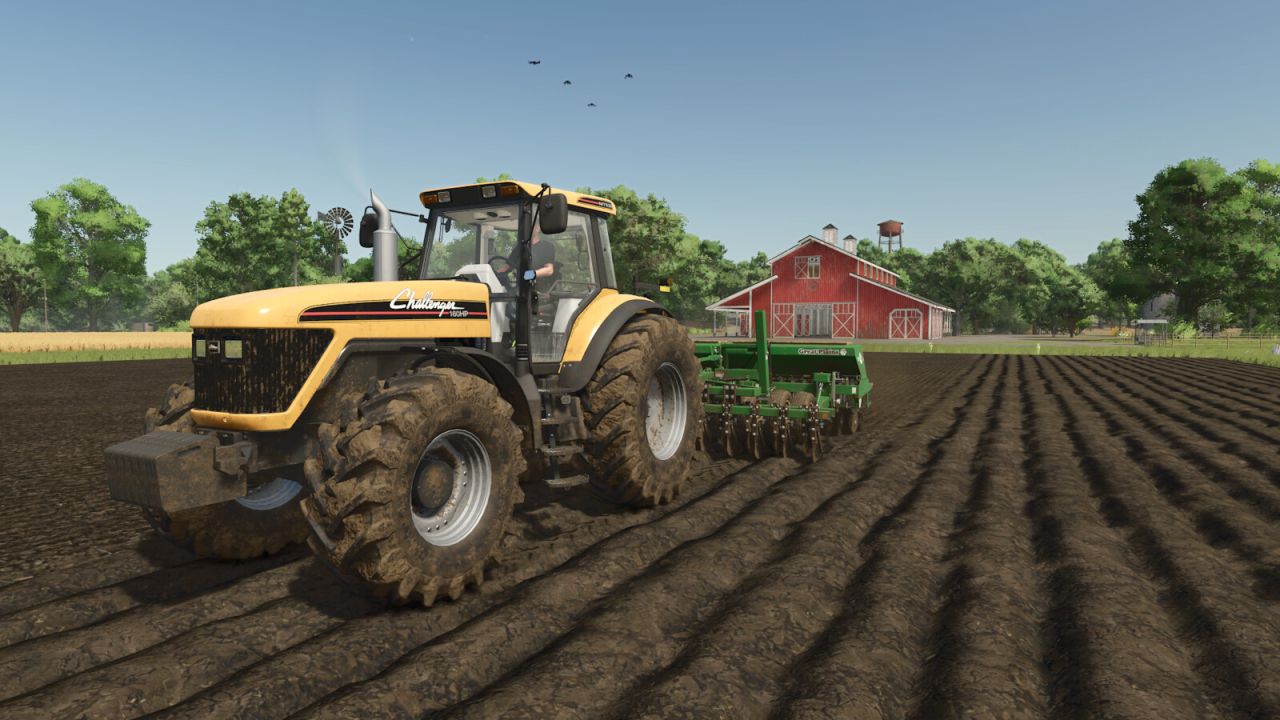
24 Hour Crop Growth makes supported crops ready for harvest exactly 24 in-game hours after they are sown. This means the next in-game day at the same time, not the next in-game month. The mod does not wait for the next monthly growth period. If the savegame uses multiple days per month, crops still mature after one full in-game day. For the intended behavior, Seasonal Growth should be turned off in the game settings.
The mod records only the areas that are actually planted and remembers the exact in-game time of sowing. Each recorded area is moved to its first harvest-ready growth stage after 24 in-game hours. Sleeping, changing the time scale and saving or reloading the game are fully supported.
The mod works with all standard sowable base-game crops that use the normal GIANTS fruit growth system. Standard crops planted on mod maps are also supported. Pending crop-growth data and the enabled state are stored separately in the savegame.
Press Left Alt + G during gameplay to enable or disable 24 Hour Crop Growth. The key binding can be changed in the Controls menu. The mod must be enabled while sowing so that the exact planting time and planted area can be recorded.