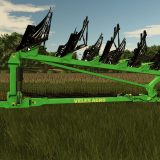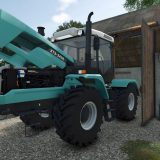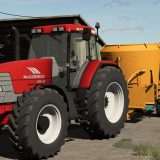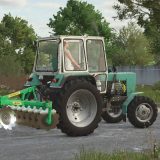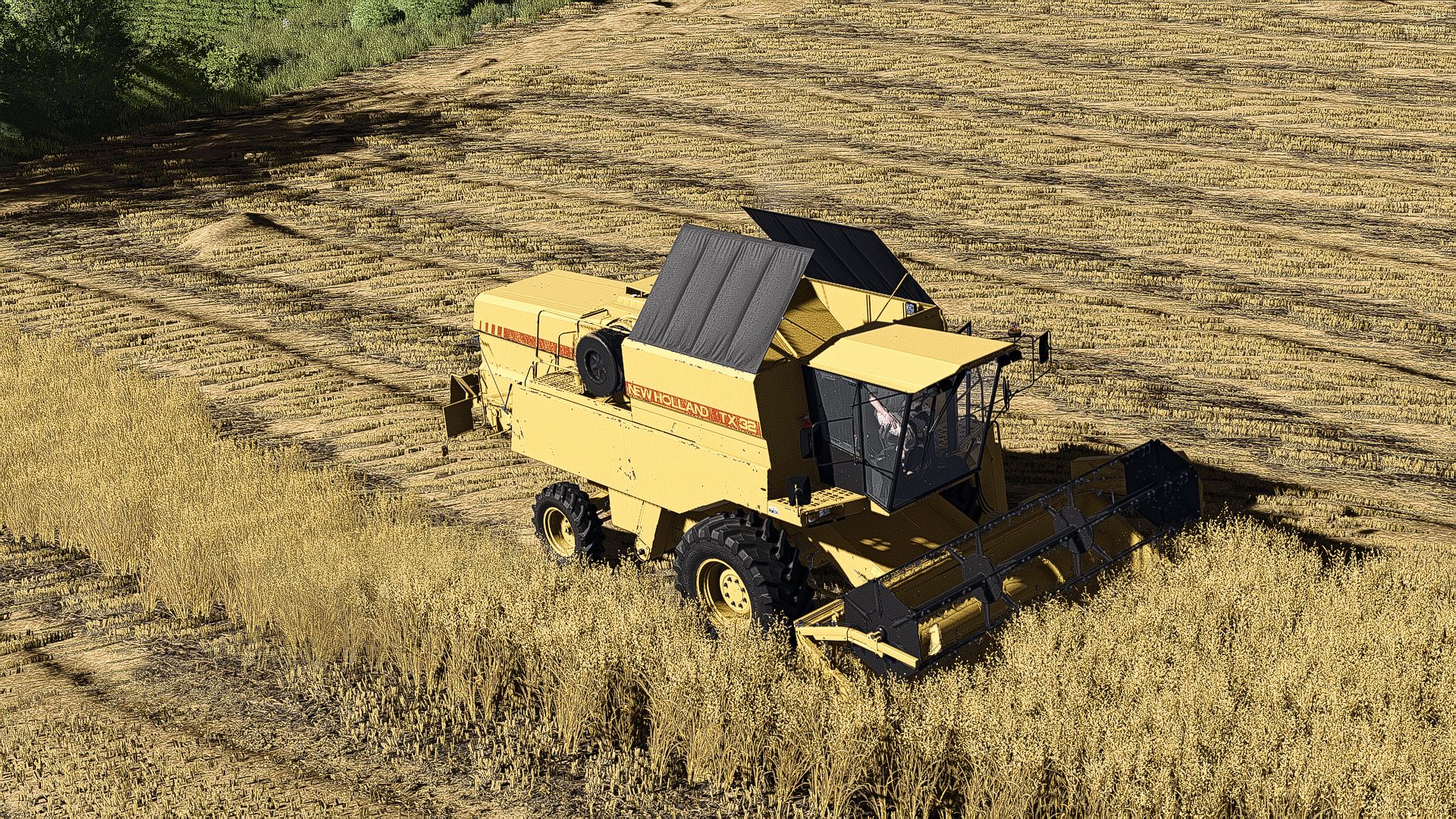
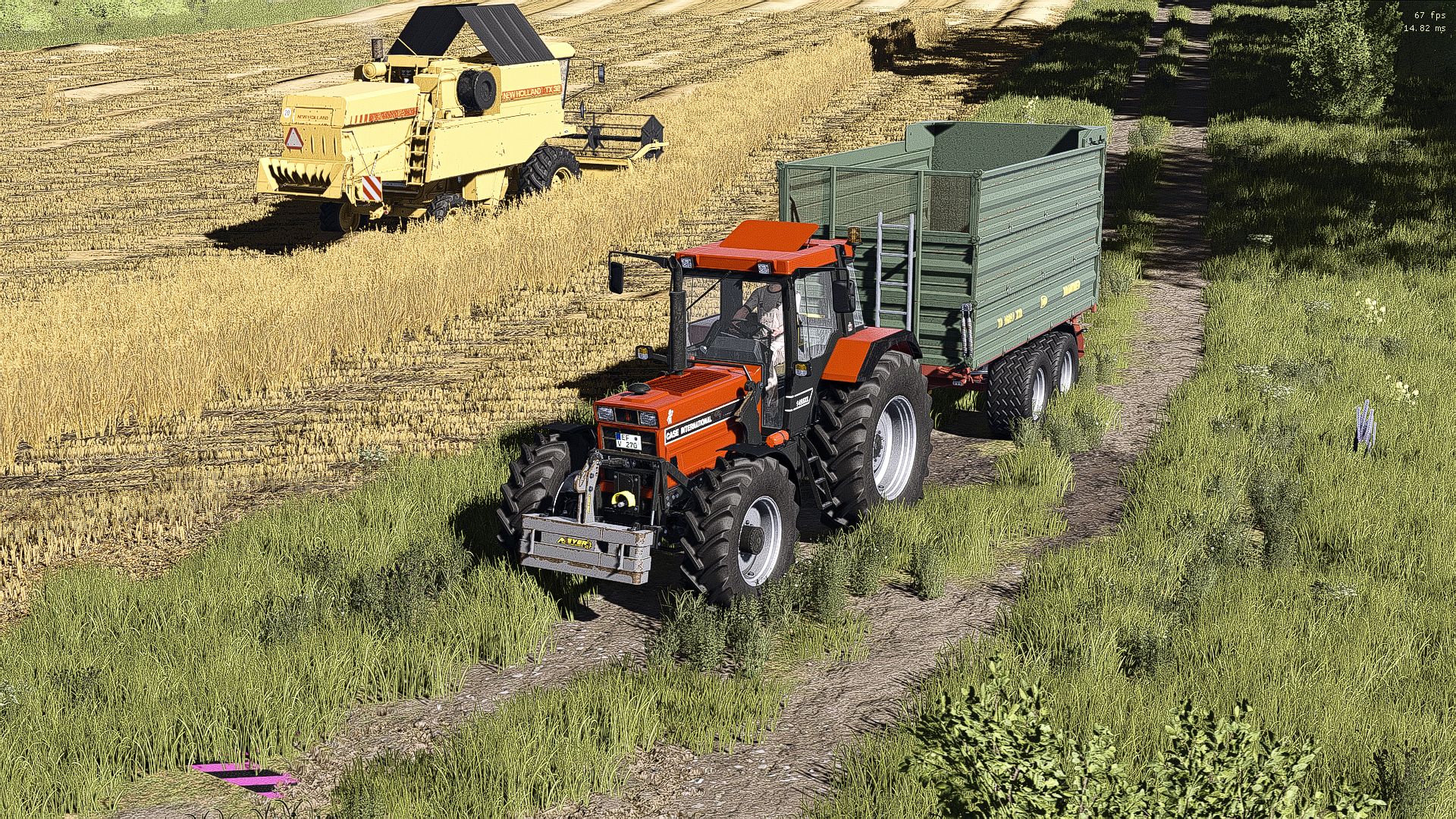
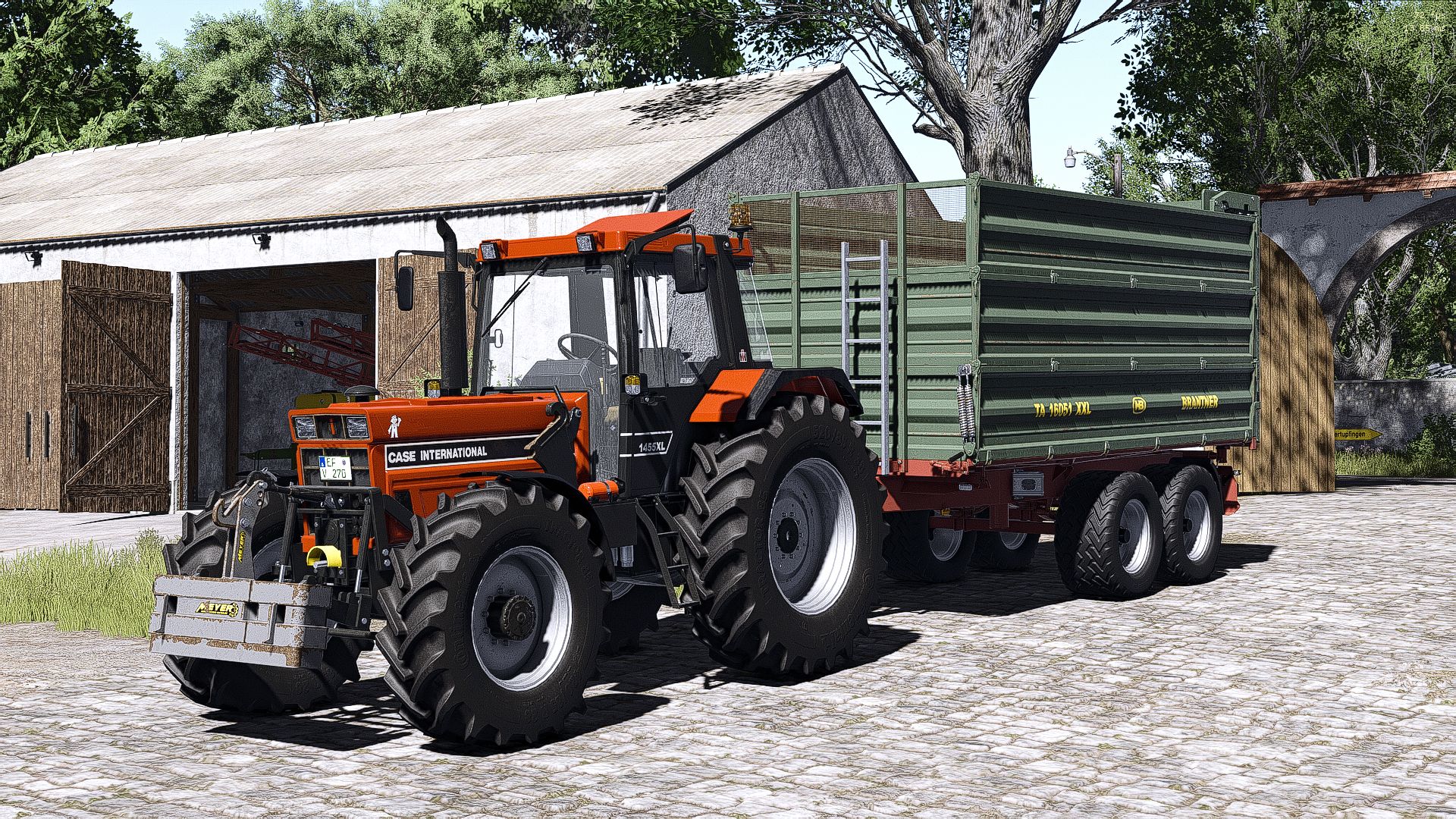
Shader installation & settings
Here you will find all the information you need to use the shader correctly. Please note that this shader is exclusively available here and may not be shared on other Discord servers or platforms.
This is how you set the shader correctly:
– Download the ZIP file. This package includes both the shader and the appropriate environment.
– Unzip: First you have to unzip the ZIP file on your computer and then put the individual shader into the x64 folder.
Game settings:
In order for the shader to look like it does in the pictures, additional game settings are mandatory.
The supplied environment must be set correctly in the game:
– (Copy the 3 files with the lighting settings into the following deposit: (and then select the additional game settings in Game: Lighting: folder)
– DocumentsMy GamesFarmingSimulator2025modSettingsFS25_additionalGameSettingslighting)
Help:
If you have problems setting it up, there are numerous tutorials on YouTube that explain step by step how to configure the environment and shader options.
Required:
– Additional Game Settings