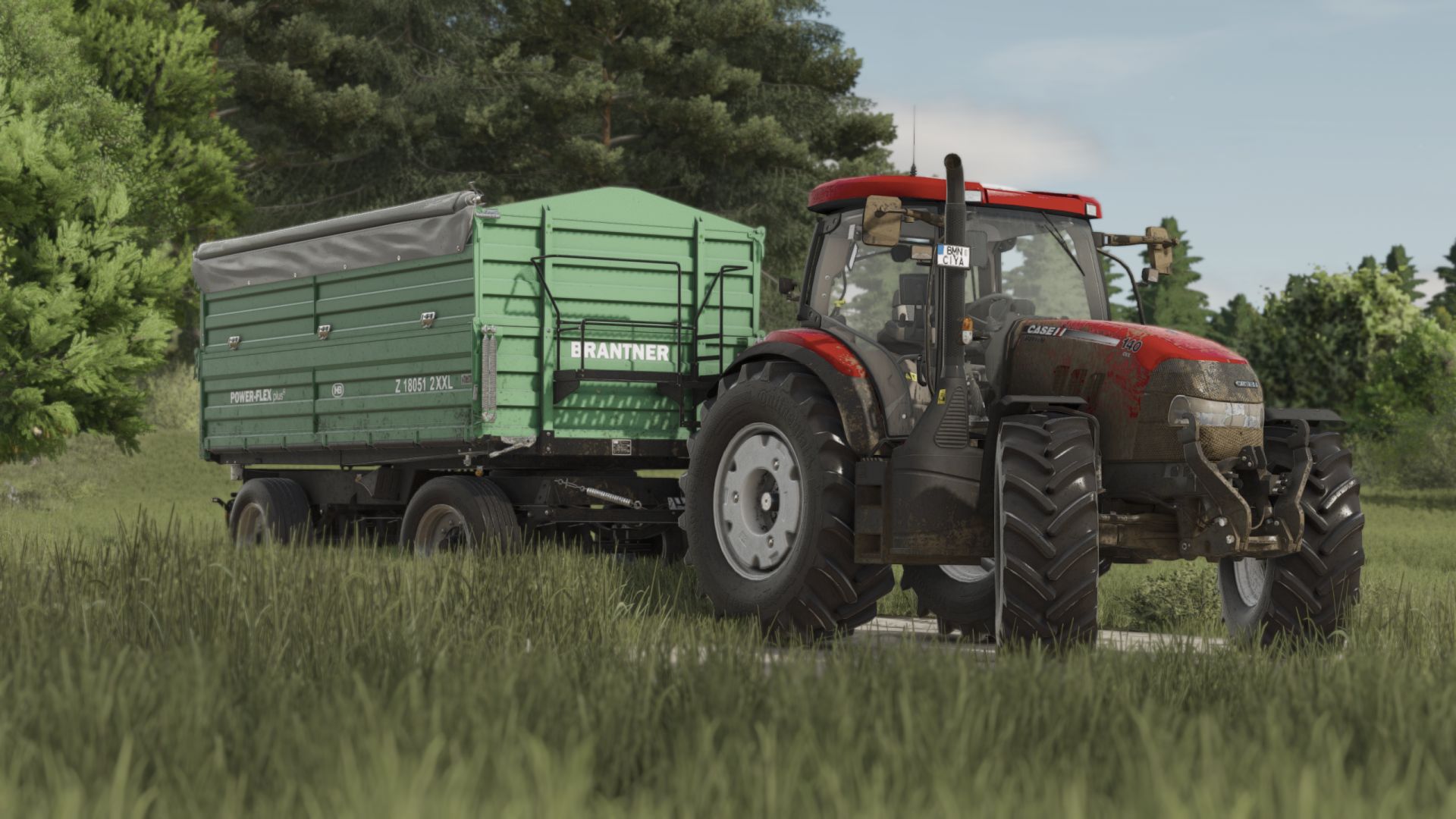
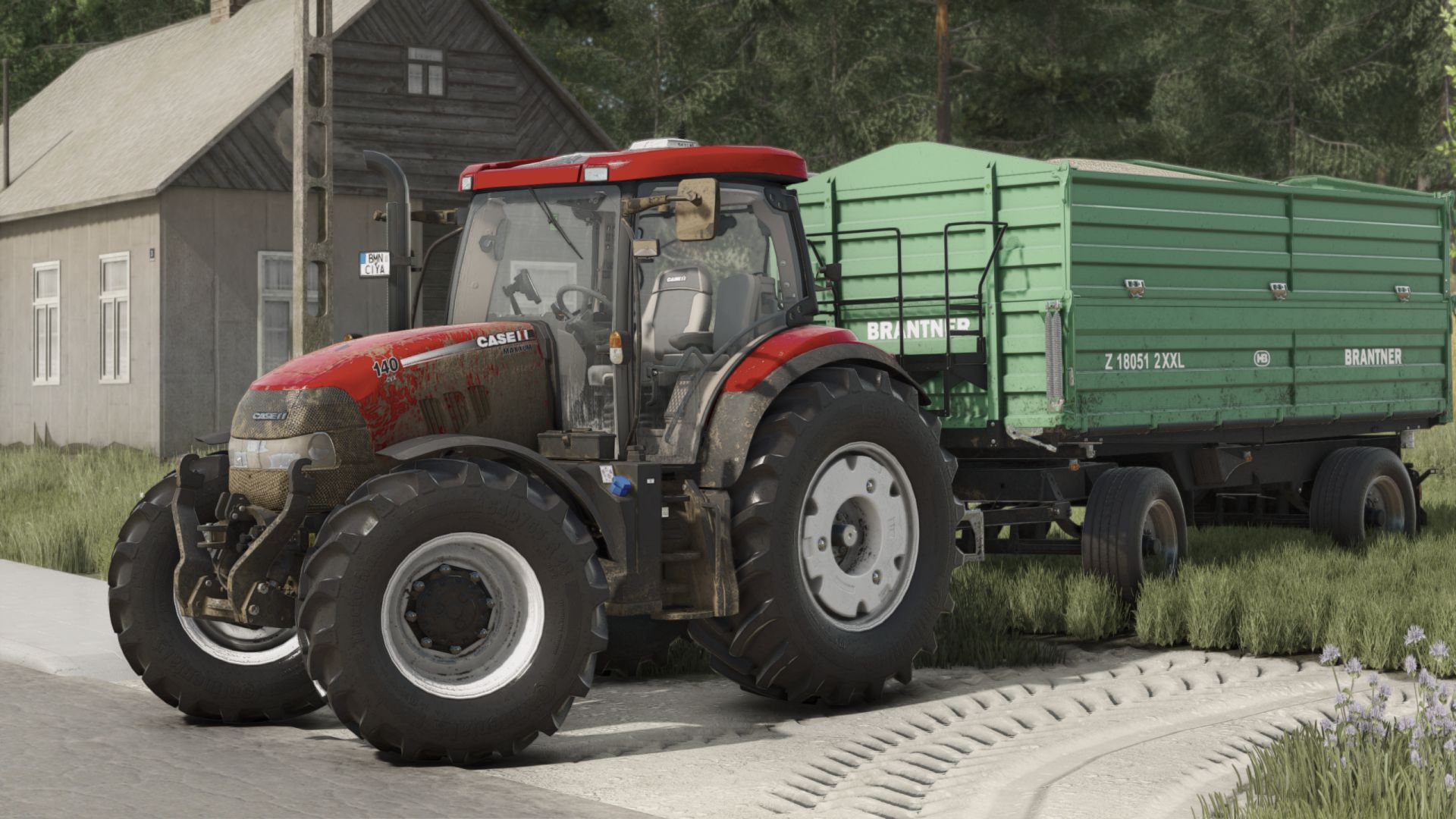
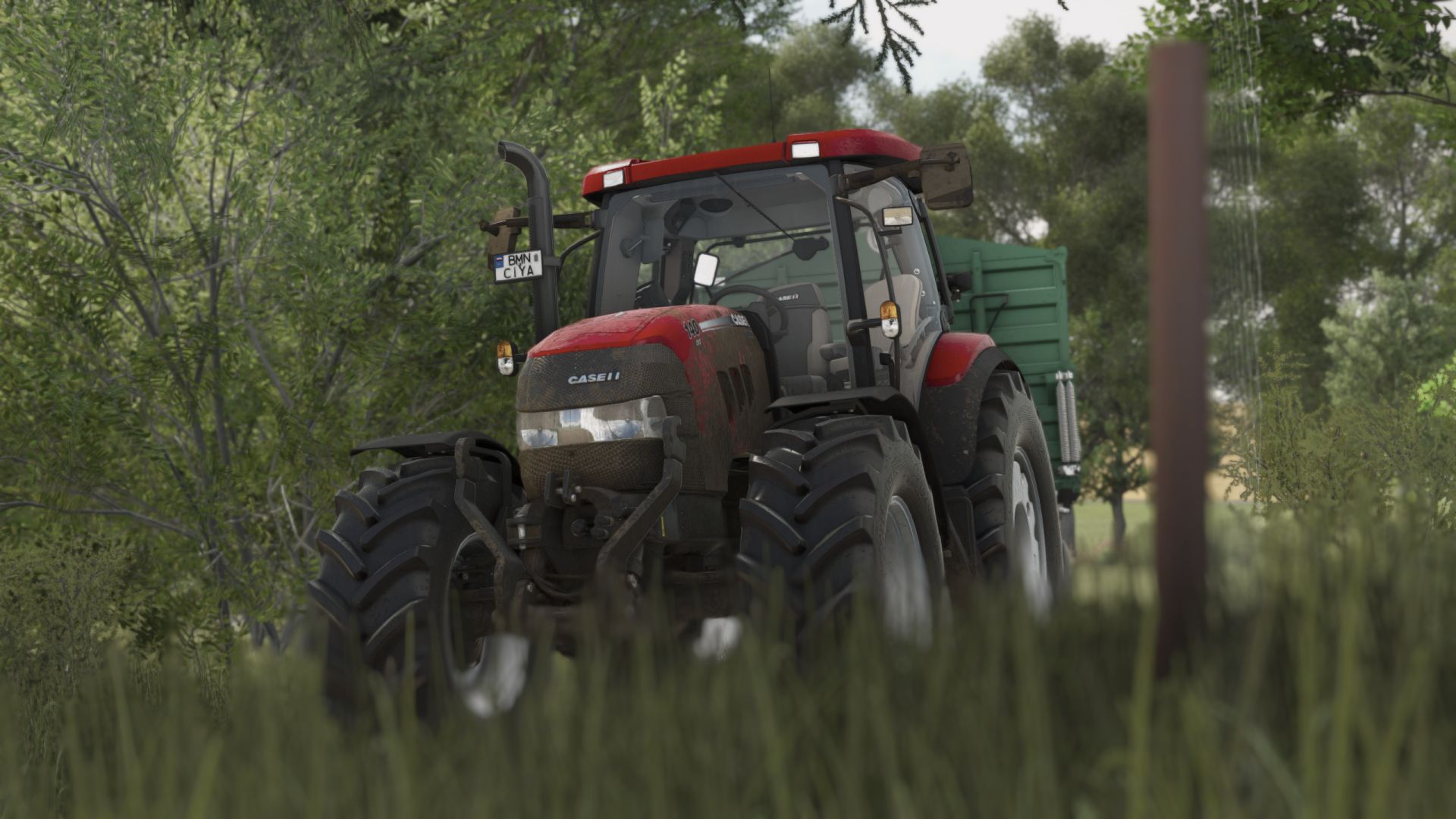
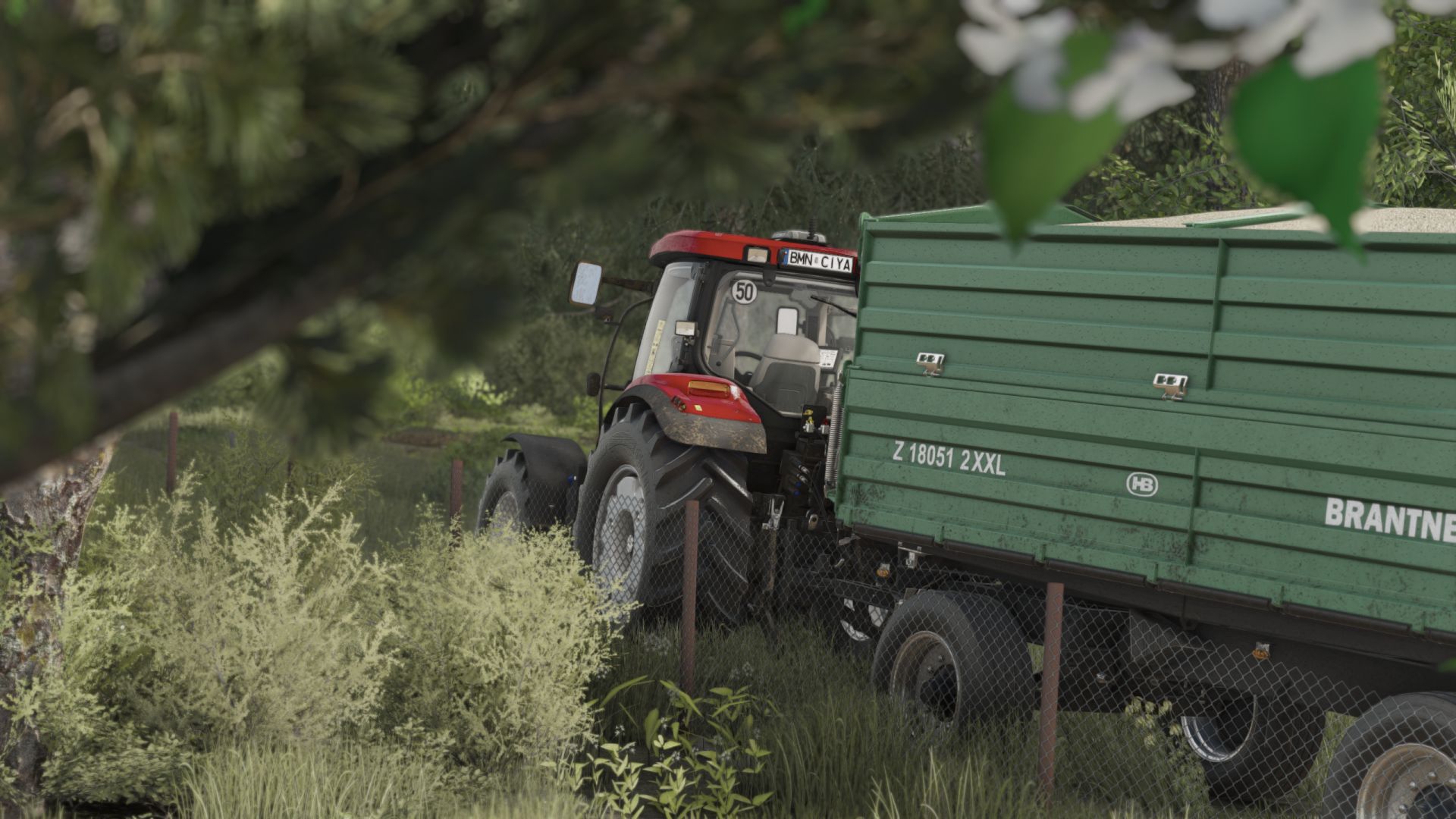
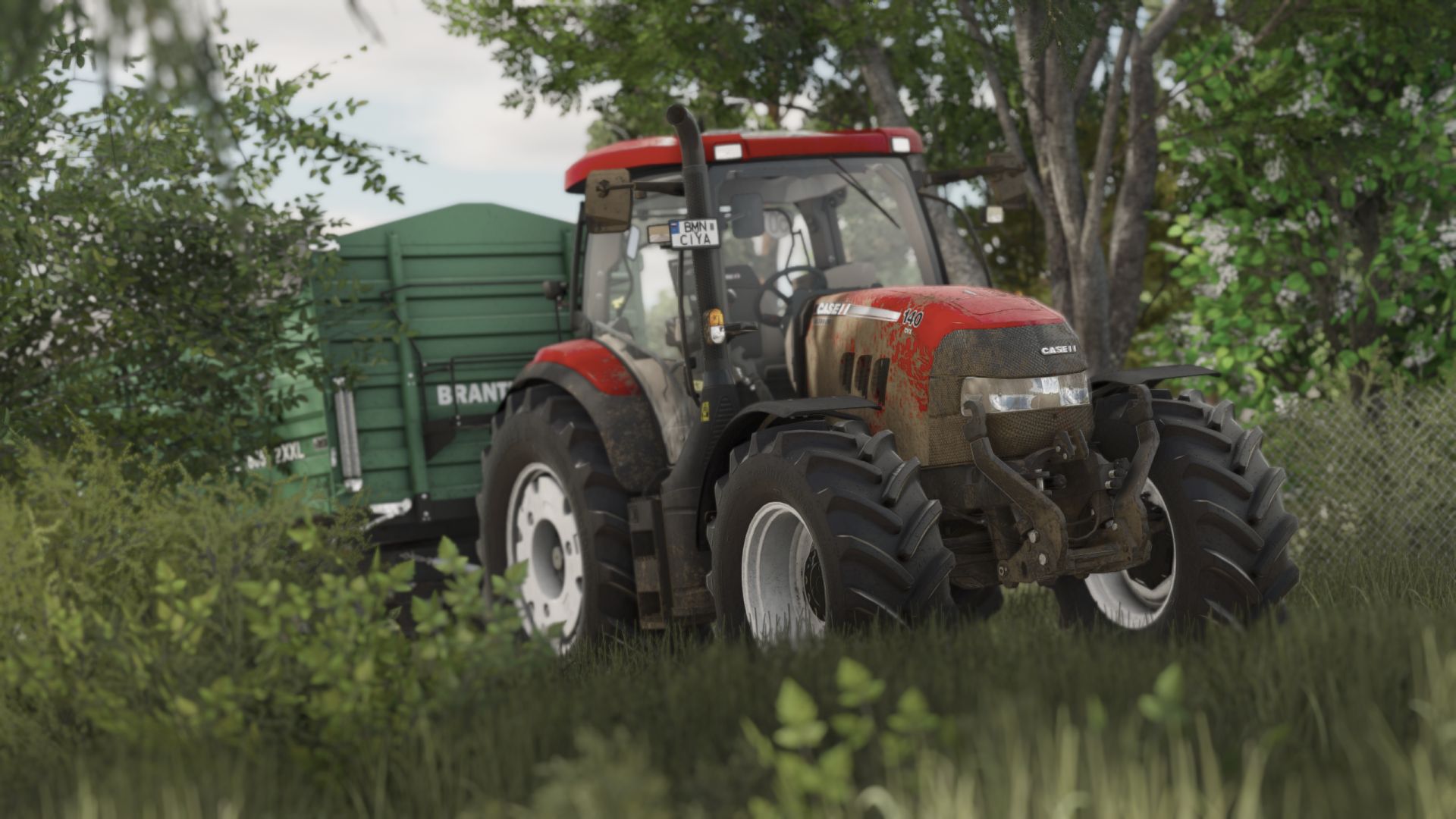
Shader 4 v1.0

FS 25 Mods |
Shader 4 v1.0


Instructions
1. Install Addition Game Settings mod
2. Install Reshade
* Pick Giants Engine 10.0.0 and DirectX10,11,12
* Install all effects
3. Go in Program Files (x86)SteamsteamappscommonFarming Simulator 25(in my case) and put in the x64 folder the Shader_3 by CasiJr.ini
4. Launch game and press “Home” button and select “Shader_3 by CasiJr.ini”
5. In “Additional Settings” tab change your “Custom lighting” to “Sample”. It is the first option after “off”.



Author: Casian

Download


Farming Simulator 25 mods open the door to endless ways to customize and elevate your game. With free tools and tweaks that make every hour more immersive, you can shape your game exactly how you like. Try the FS25 Shader 4 v1.0 mod to give your game a fresh touch of atmosphere, and explore countless other options to keep upgrading your experience, all without limits.
Useful Information: How to install FS25 Mods | FS25 Guides | Complete Modding Guide | Download FS25 Game

Leave a Reply

Your email address will not be published. Required fields are marked *