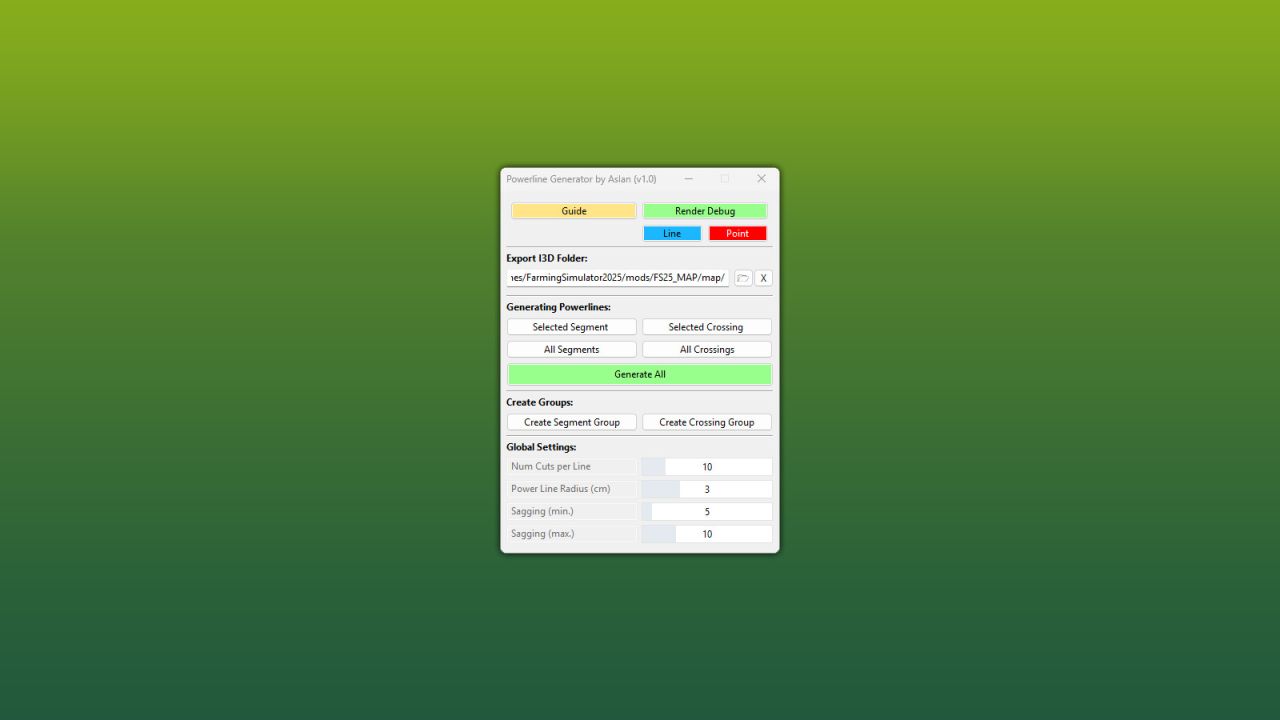
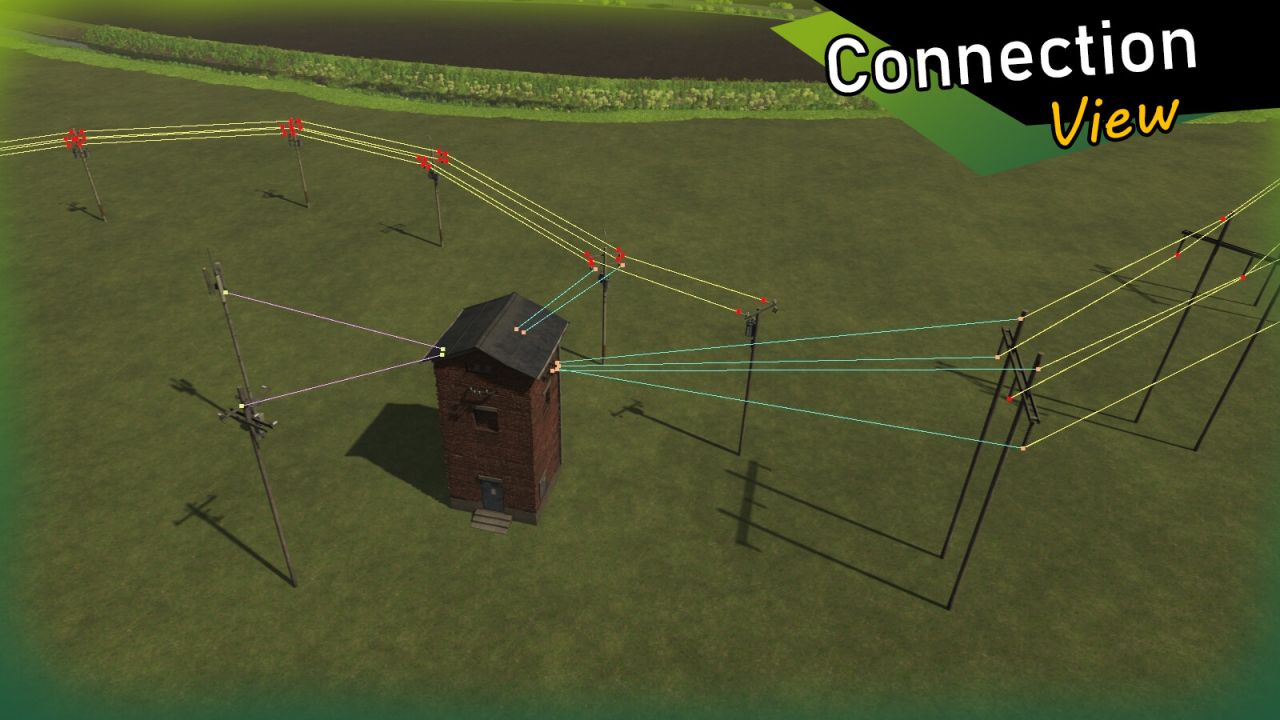

With this powerful GIANTS Editor script, a complete powerline network can be created in a short amount of time – from simple line segments to complex branches and crossings.
Power poles are connected via defined connection points in the Scenegraph, and the cables are automatically generated as meshes and properly organized within the project structure. The hierarchy remains clean and easy to manage at all times.
The generated powerlines use the official LS25 standard (including wind reaction), ensuring realistic in-game movement and seamless integration into existing maps.
A detailed, multilingual guide (DE / EN / PL / FR) is included directly within the tool.
Installation:
1.) Navigate to your GIANTS Editor installation directory. Default path: “C:Program FilesGIANTS SoftwareGIANTS_Editor_10.X.X”
2.) Copy the file “SplineToolkit.lua” and the folder “fenceImages” from the prefab into the GIANTS Editor script folder.
3.) The script will then be available in the GIANTS Editor via the menu bar under “Scripts”.