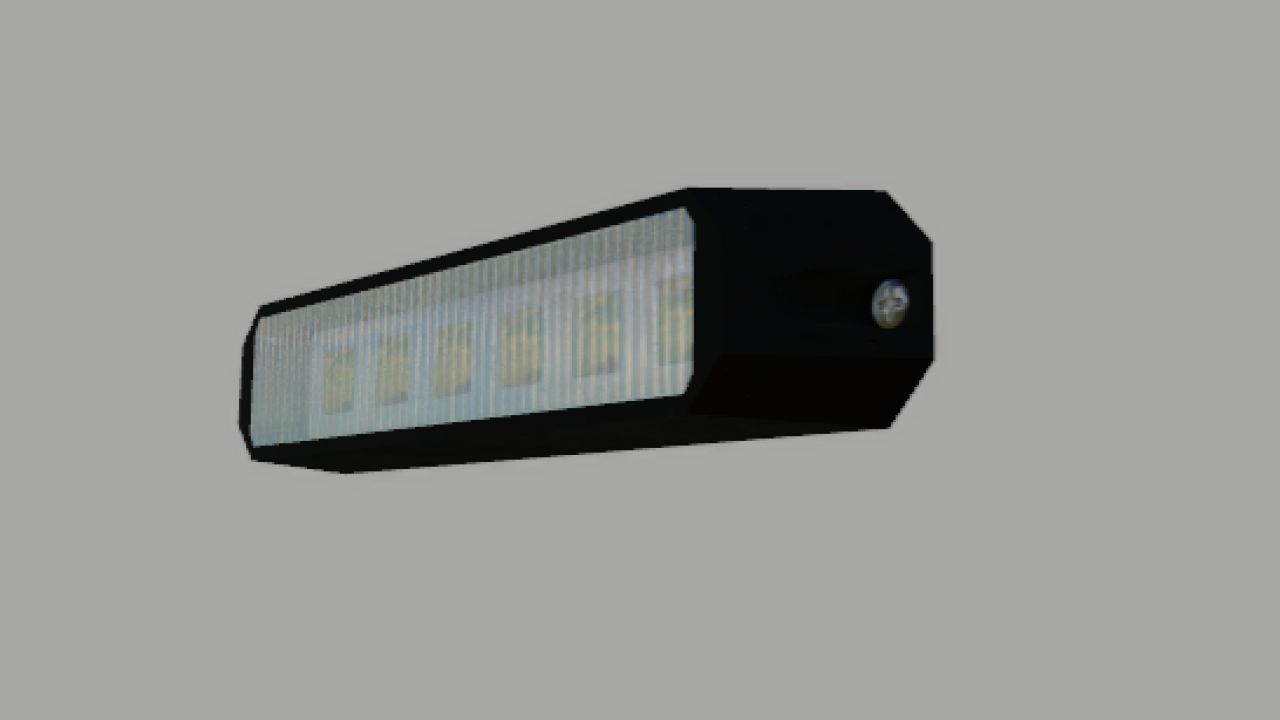
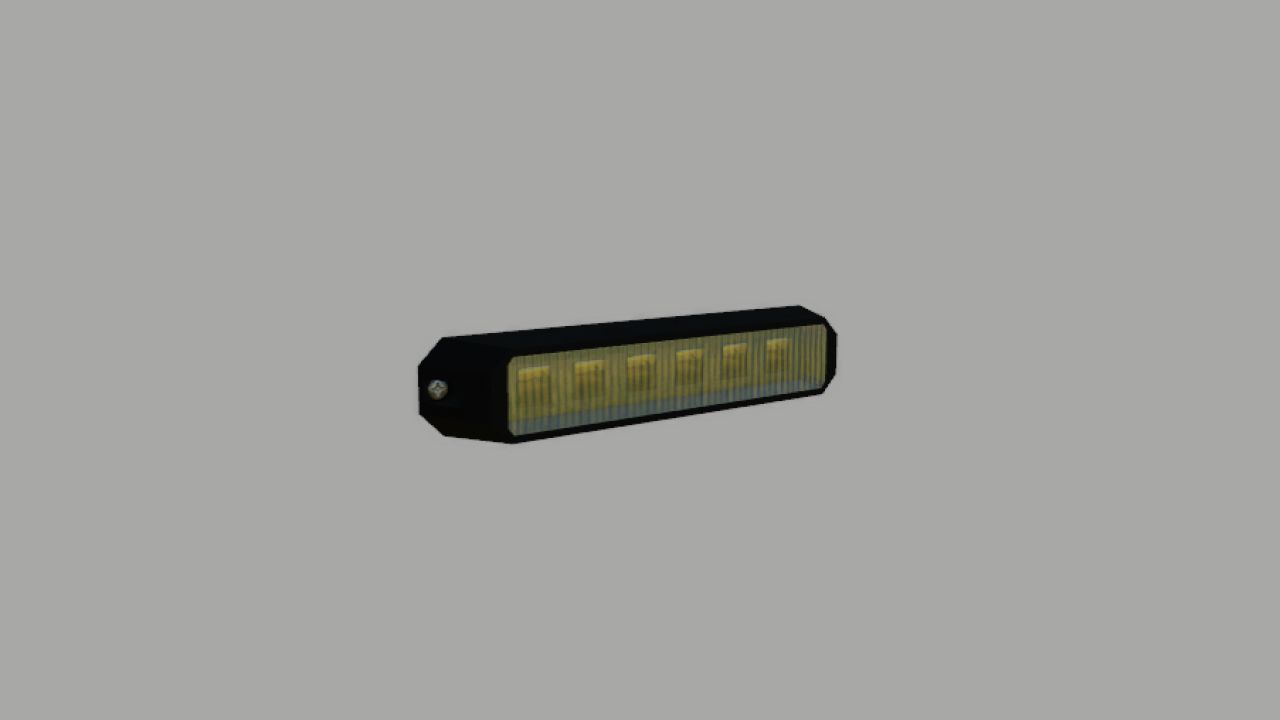

For the led to work you need to add
<beaconLight node=”” filename=”flashled.xml” variationName=”BLINK02″ />
<beaconLight node=”” filename=”flashled.xml” variationName=”BLINK” />
<beaconLight node=”” filename=”flashled.xml” variationName=”BLINK02″ />
<beaconLight node=”” filename=”flashled.xml” variationName=”BLINK” />
to the <beaconlight> </beaconLights> section
It must look like this
<beaconLights>
<beaconLight node=”NODE FLASHLED1″ filename=”flashled.xml” variationName=”BLINK02″ />
<beaconLight node=”NODE FLASHLED2″ filename=”flashled.xml” variationName=”BLINK” />
<beaconLight node=”NODE FLASHLED3″ filename=”flashled.xml” variationName=”BLINK02″ />
<beaconLight node=”NODE FLASHLED4″ filename=”flashled.xml” variationName=”BLINK” />
</beaconLights>
After deletion e.g
<beaconLight node=”NODE FLASHLED3″ filename=”flashled.xml” variationName=”BLINK02″ />
<beaconLight node=”NODE FLASHLED4″ filename=”flashled.xml” variationName=”BLINK” />
maybe leave the rest then you will have 2 flashleds and not 4
V1.1.0.0
– instructions added