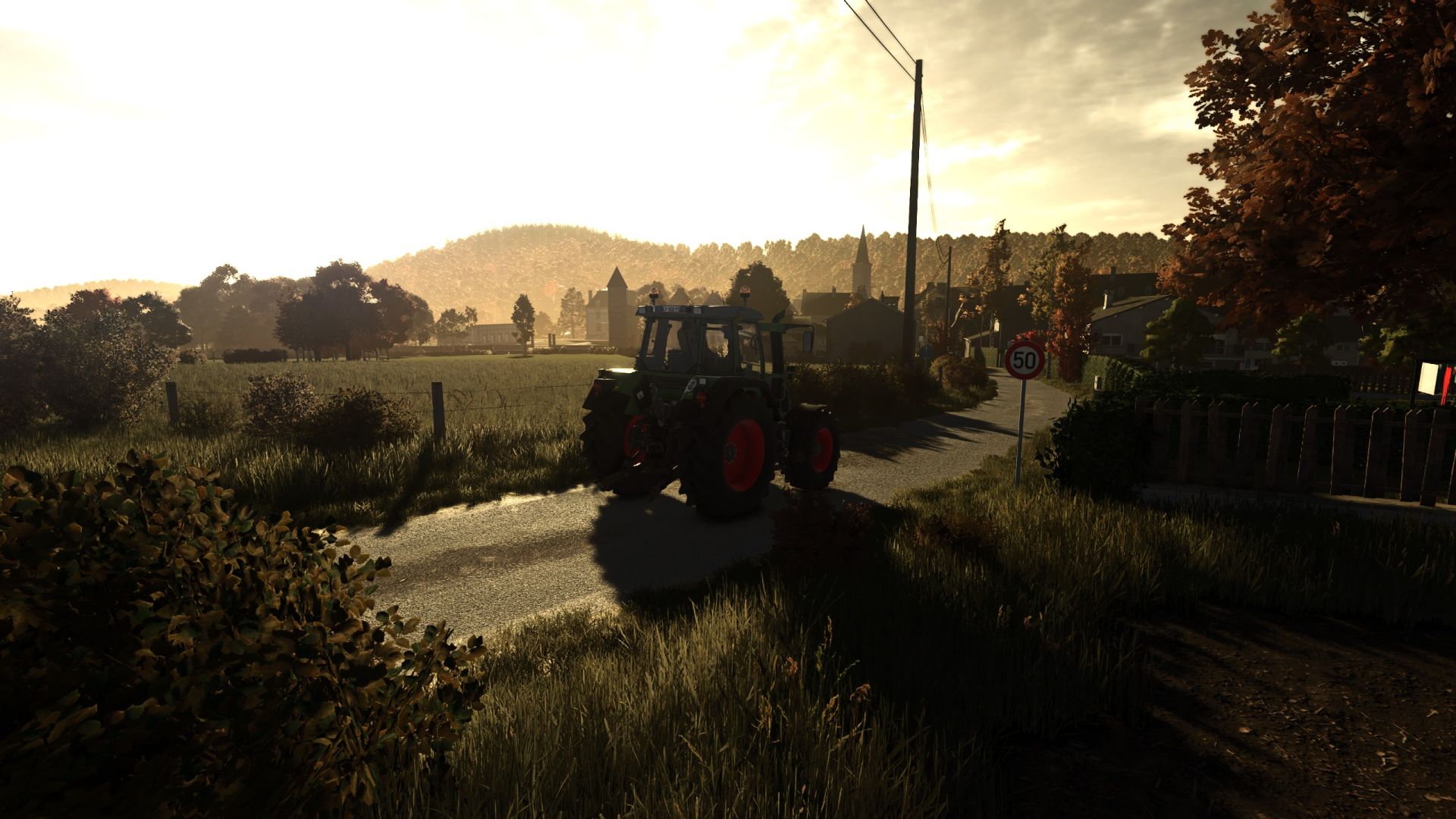

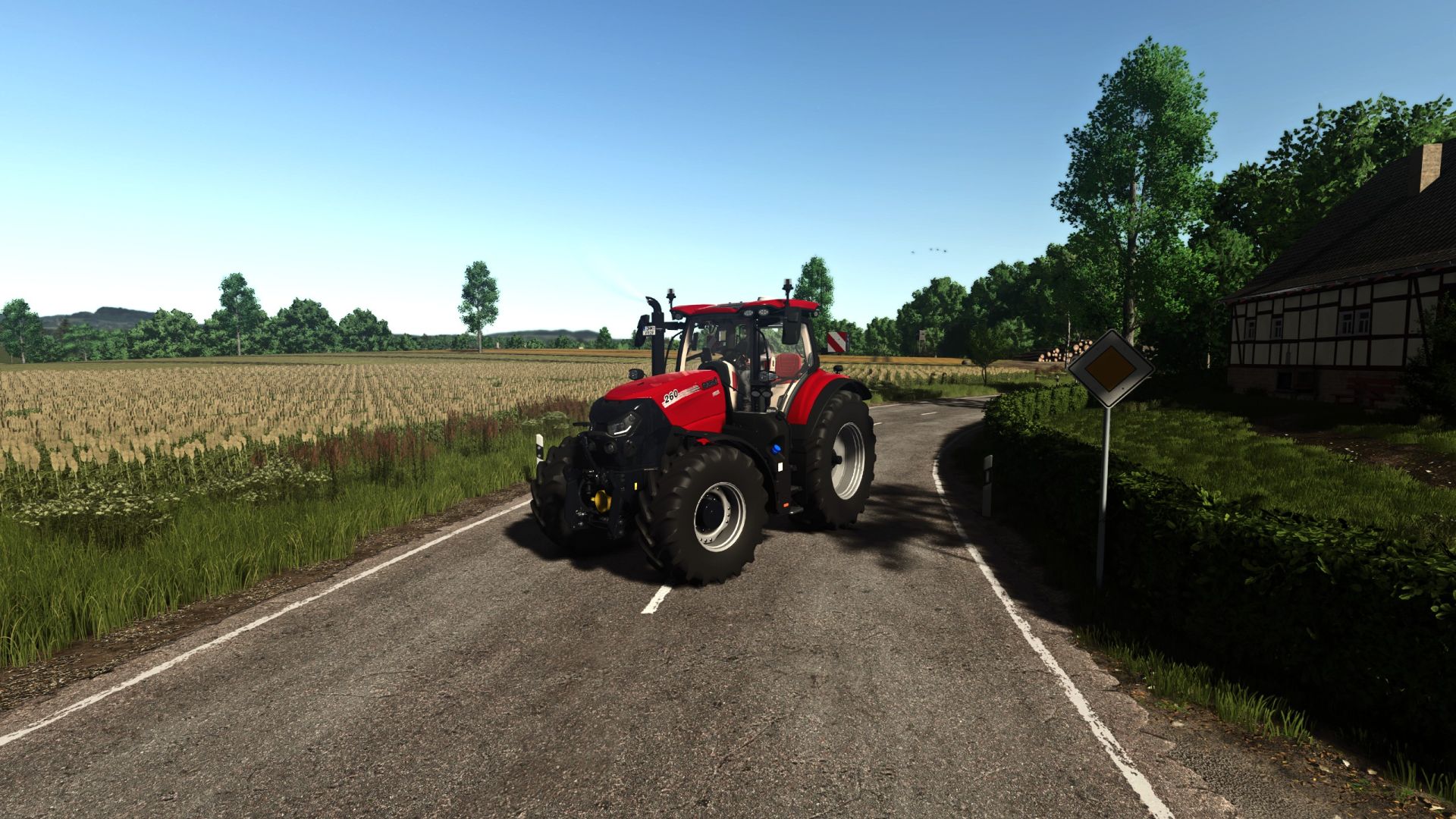
Thunder Warm Shader v1.0

FS 25 Mods |
Thunder Warm Shader v1.0


Description:
– Simple warm tone realistic shader. Nothing special, just what I like and always run.

How to install:
1. Install the most recent version of Reshade
2. Download and unzip the “ThunderWarmShader.zip” file
3. Move .ini file into your “/Farming Simulator 25/x64” folder
4. Load into game and press “Home”
5. Select the “ThunderWarmShader.ini” preset
6. You should be set

Feedback:
– Please leave helpful feedback on changes I can make for future versions and if you have any problems please let me know. This is my first upload to KingMods and I am sort of new to the PC side of Farming Simulator so please be kind.



Author: ThunderFS

Download


Farming Simulator 25 mods open the door to endless ways to customize and elevate your game. With free tools and tweaks that make every hour more immersive, you can shape your game exactly how you like. Try the FS25 Thunder Warm Shader v1.0 mod to give your game a fresh touch of atmosphere, and explore countless other options to keep upgrading your experience, all without limits.
Useful Information: How to install FS25 Mods | FS25 Guides | Complete Modding Guide | Download FS25 Game

Leave a Reply

Your email address will not be published. Required fields are marked *