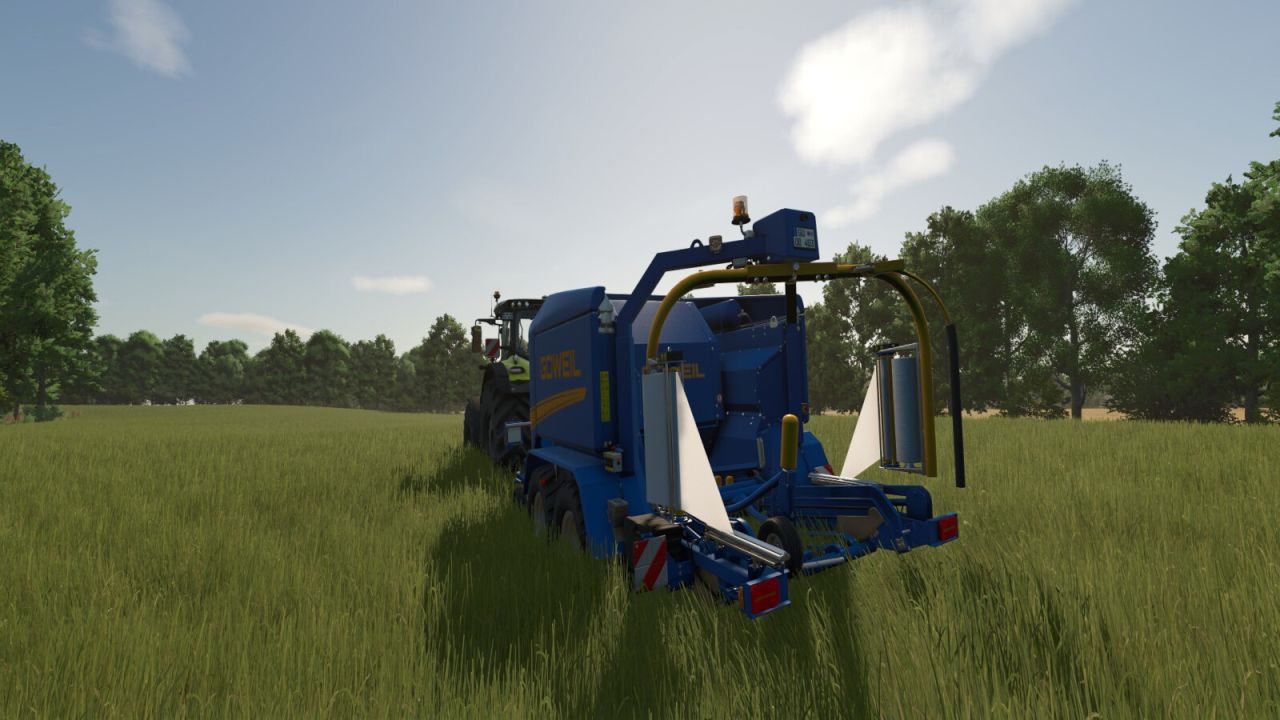
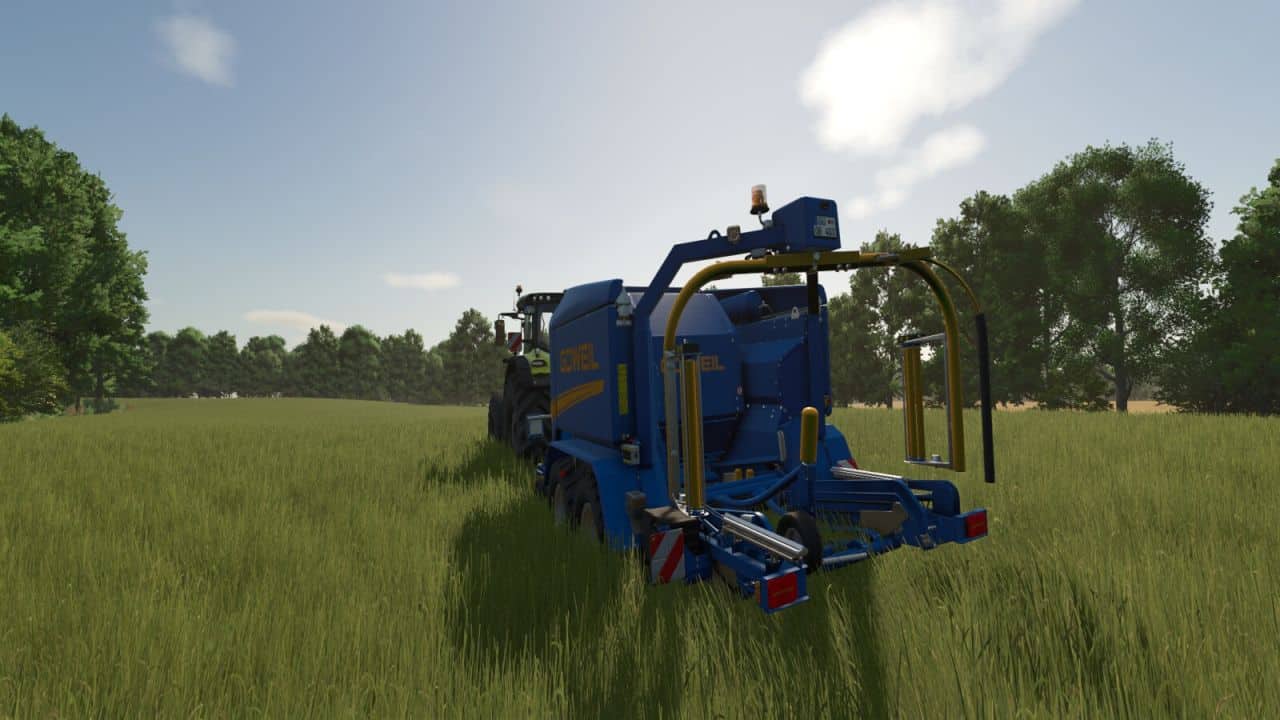
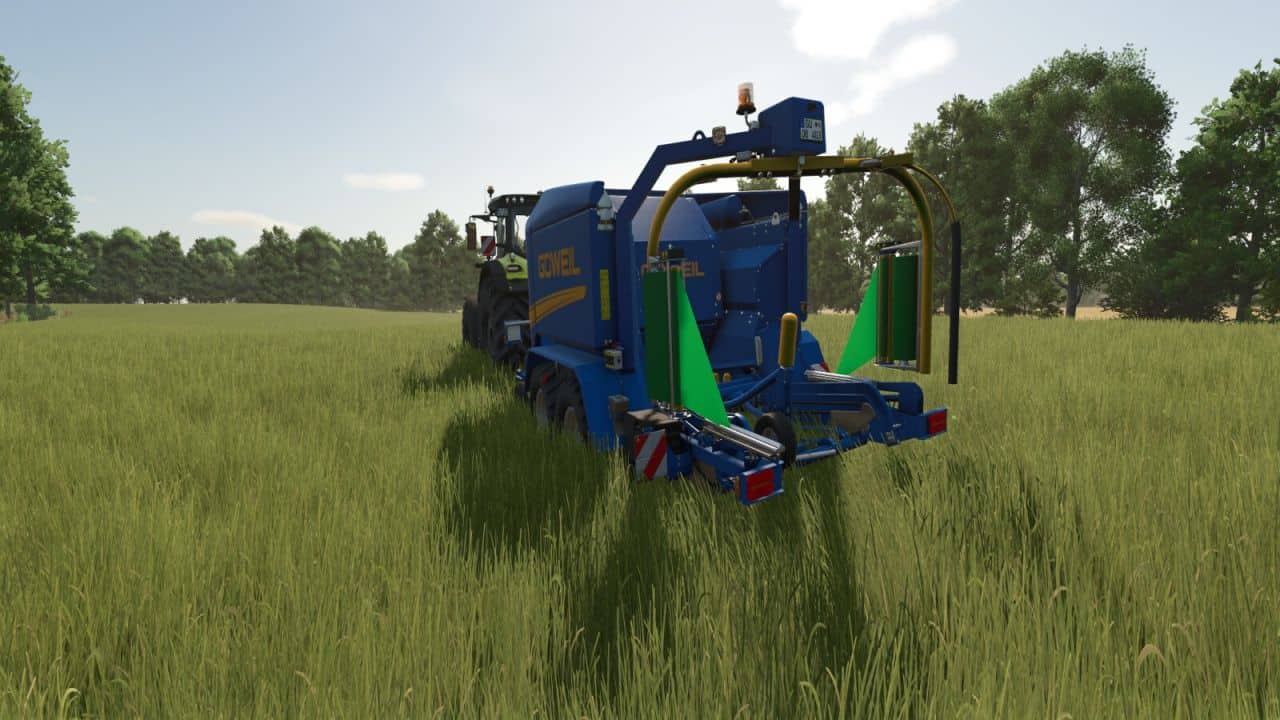
Some farmers use different wrap colors to keep their forage types organized in storage. To switch colors, they simply unload the old rolls, load new ones, and start wrapping. In FS25, you can’t unload old rolls. When you load a new color, it only fills the empty slots, so the wrapper works through the remaining old-color rolls first, leaving you with mixed-color bales. This mod adds that missing step: unload the old wrap with a single key combo and start baling with the color you actually wanted.
FEATURES:
– Unloads all wrap film (storage rolls and spindle rolls) with a single key combo
– Refreshes the HUD fill levels and 3D visuals correctly
– Leaves twine, net wrap and silage additive completely untouched
– Restores spindle visuals automatically when fresh wrap film is loaded
– Works on integrated baler-wrappers and standalone wrappers
COMPATIBLE WITH:
Integrated baler-wrappers: Goeweil G-1 F125 Kombi, Goeweil Vario Master, John Deere C441R, Massey Ferguson Baler 4160V, Fendt Rotana 160 V Combi.
Standalone wrappers: KUHN SW 4014, Goeweil G5020, Goeweil G4010 Q Profi, Goeweil G1015, Anderson Group Hybrid X.
Should work on any machine that uses BALE_WRAP consumables.
NOTE: Unloaded wrap film is discarded, not returned to your inventory. You will need to purchase replacement rolls when reloading with a new color.
Default key: Right Ctrl + U (rebind in game settings to your preference).
This mod may only be hosted on the official GIANTS ModHub. Redistribution on other websites is not permitted without the author’s written consent.