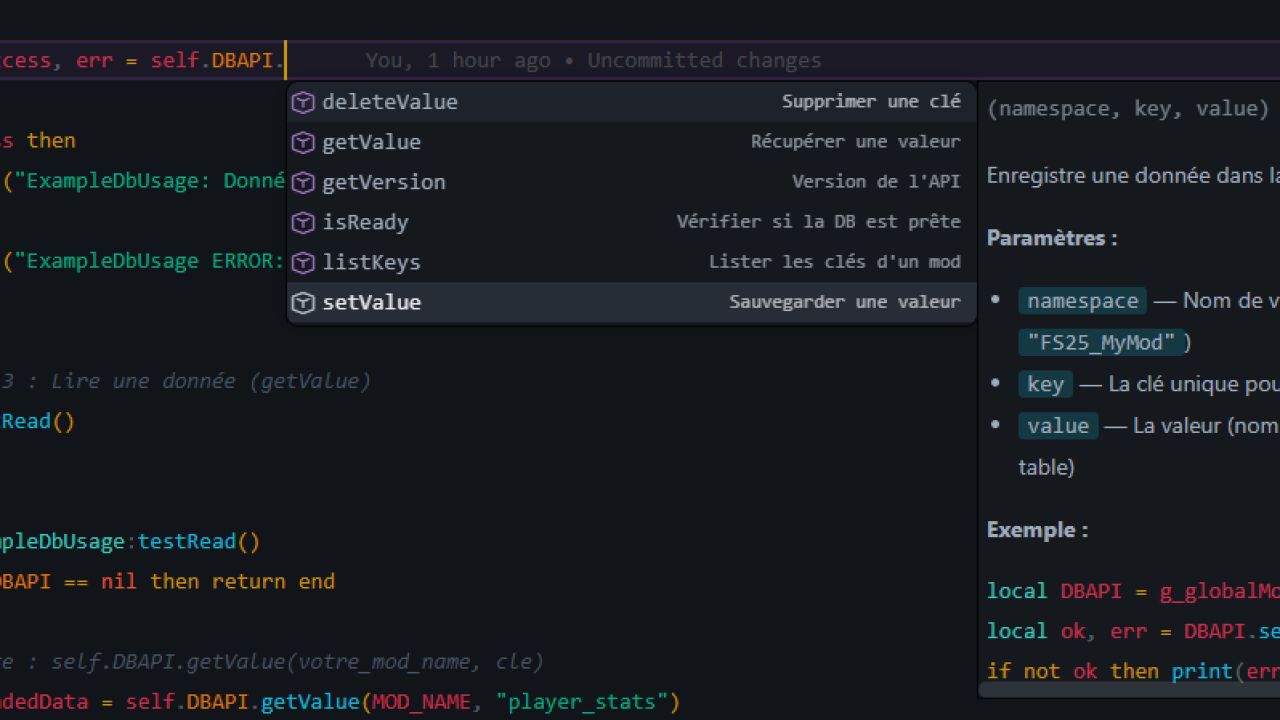
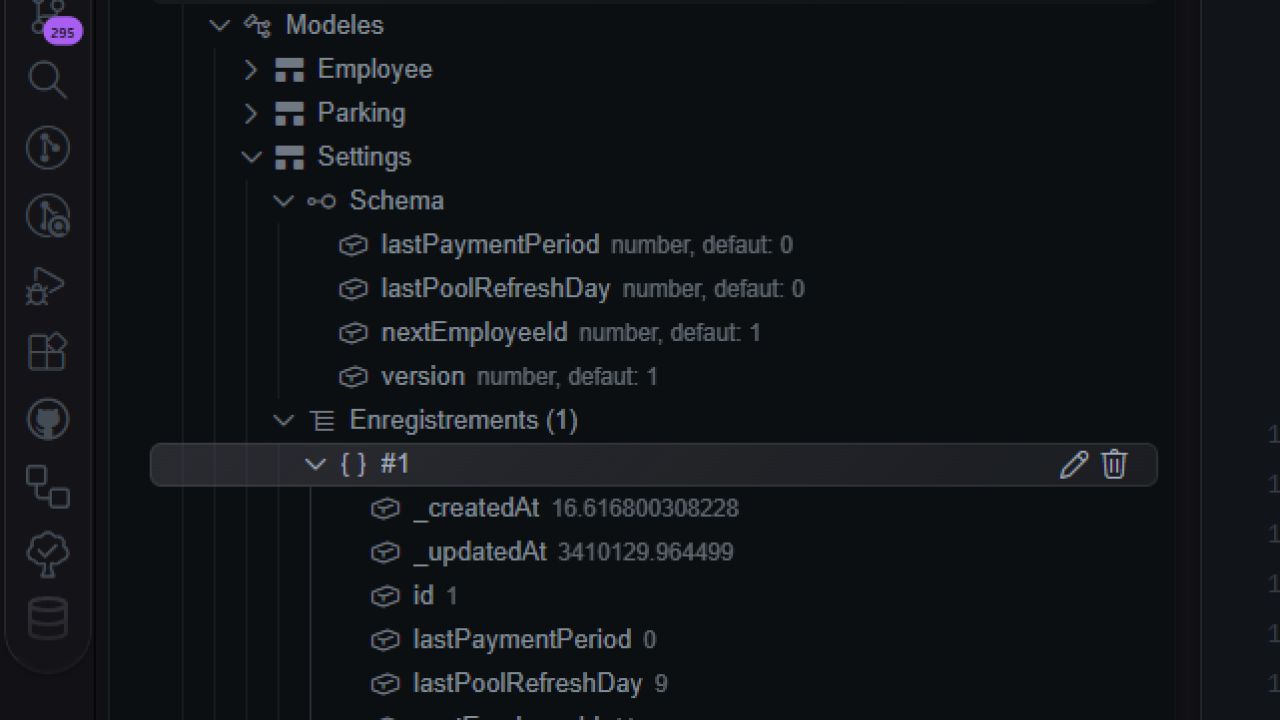
Centralized storage and VS code tools for modders. SiloDB is an essential infrastructure tool for Farming Simulator 25. It offers mod creators a centralized and structured database to store information persistently, without risk of conflict between mods thanks to a “Namespace” isolation system.
No more complex XML or JSON files to manage manually for each mod. With SiloDB, data is organized, typed and automatically saved in your game folder (Savegame).
Main features:
– Complete ORM system: Define your data models (fields, types, default values).
– Total isolation: Each mod has its own storage space (namespace).
– Automatic persistence: Data is linked to the current backup.
– Optimized performance: Lightweight NoSQL engine based on JSON.
– Developer Tools: Console commands included to inspect and modify the database in real time.
– Zero configuration: Integrates via a simple dependency in modDesc.xml.
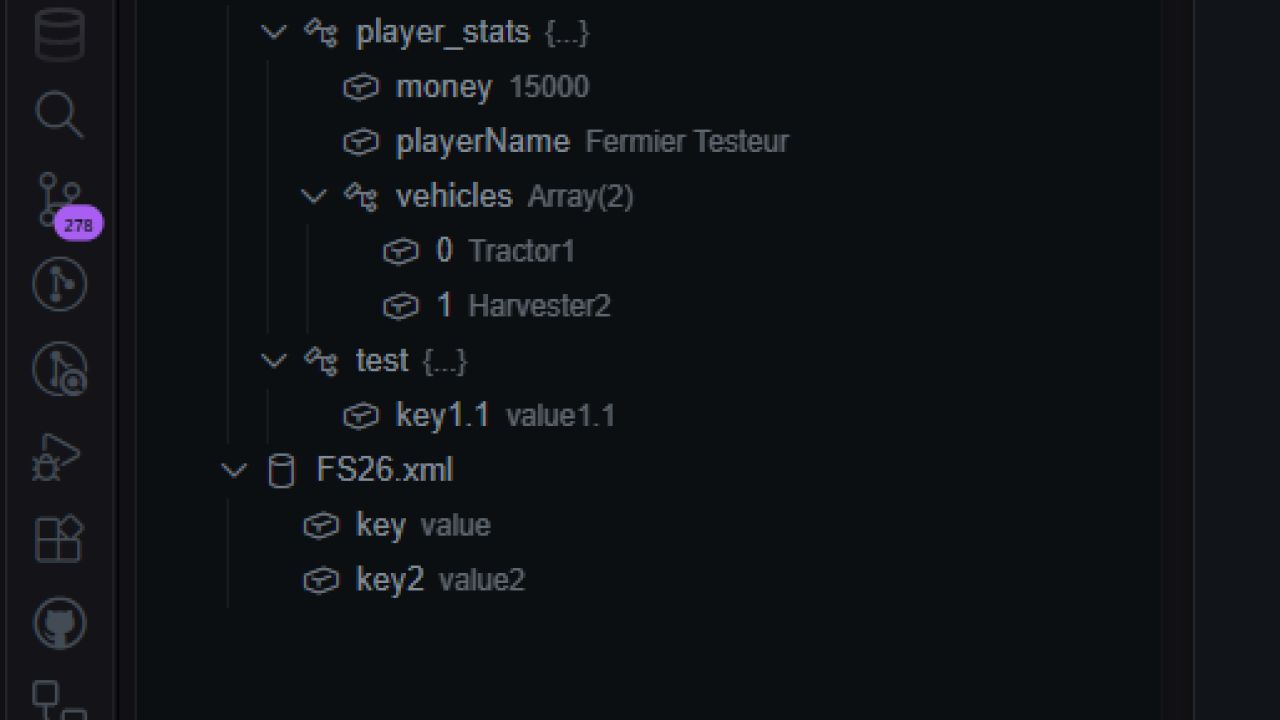
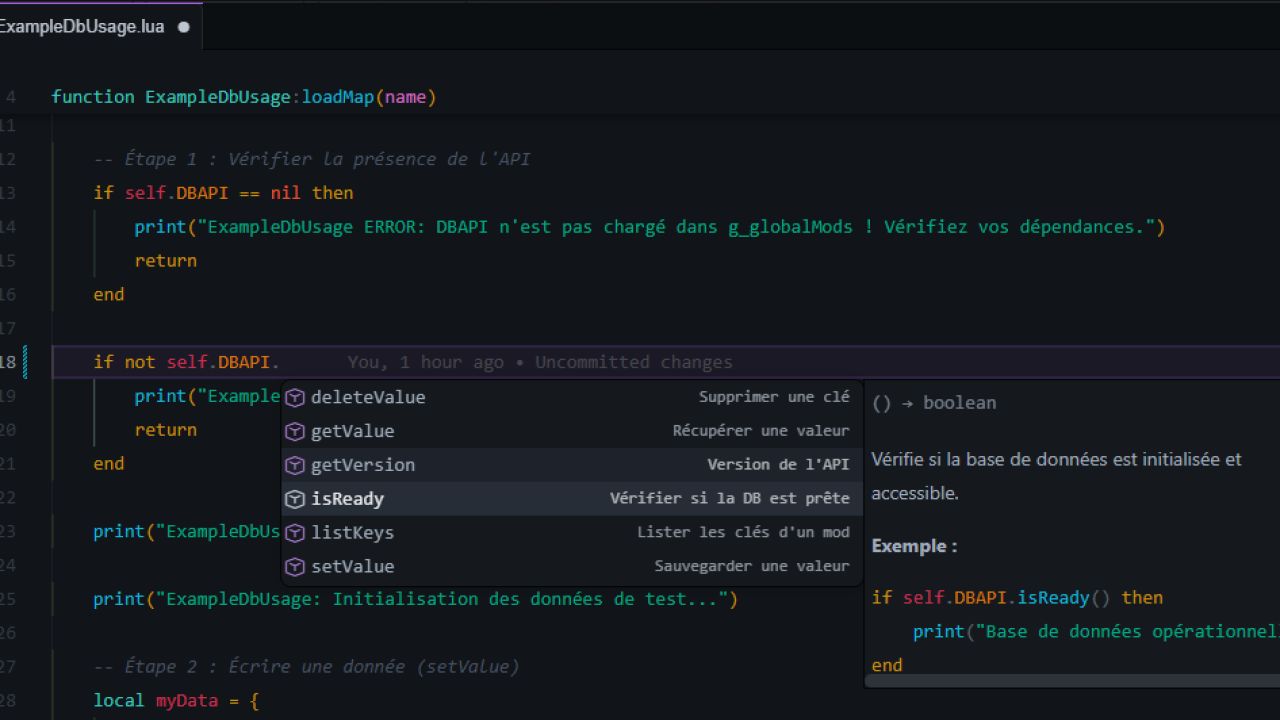
To boost your workflow, it comes with a dedicated VS Code extension including IntelliSense, code snippets and a live tree to inspect your database files directly in the editor.
Getting Started Guide (Moders)
To use SiloDB in your project, first add the dependency in your modDesc.xml
Implementation example (API v2.0):
Here’s how to initialize the API, define a template, and save data in a few lines:
1. Initialization (Access to global API)
local SILODB = g_globalMods[“FS25_SILODB”]
if SILODB and SILODB.isReady() then
Connection to your dedicated storage space
local db = SILODB.bind(“FS25_MonMod”)
2. Model Definition (Data Structure)
db:define(“PlayerStats”, {
fields = {
name = { type = “string”, required = true },
points = { type = “number”, default = 0 },
isVIP = { type = “boolean”, default = false },
options = { type = “table” }
}
})
3. Saving data (Set / Create)
local newRecord, err = db:create(“PlayerStats”, {
name = “Grizzly”,
points = 150,
isVIP = true
})
if not err then
print(“Data saved with ID: ” .. newRecord.id)
end
Updating an existing record
db:update(“PlayerStats”, newRecord.id, { points = 200 })
end
Console commands (Debug):
– dbList : List all keys/models of a mod.
– dbGet : Displays the contents of a record.
– dbSet : Modifies a simple value quickly.
Major Changes:
– Complete rebranding: DBAPI becomes SILODB (modDesc, scripts, console commands and API).
– Transition to ORM: Introduction of a structured data management system (CRUD: Create, Update, Delete, Find).
– Query Engine: Added QueryEngine (filtering, sorting, pagination) and SchemaValidator.
Breaking Changes:
– Removal of Key-Value: The old getValue, setValue, deleteValue and listKeys methods are removed.
– New Export: Scripts must now call SILODB instead of DBAPI.
Improvements:
– Updated ExampleDbUsage.lua with error handling.