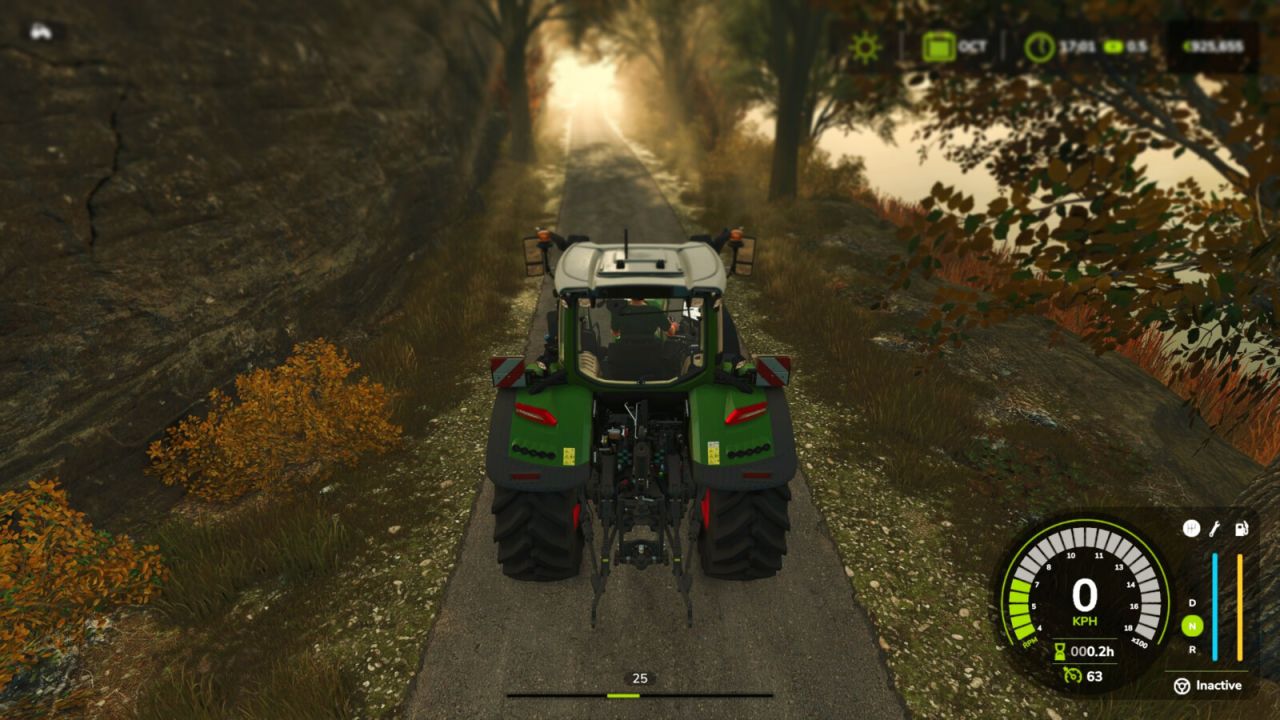
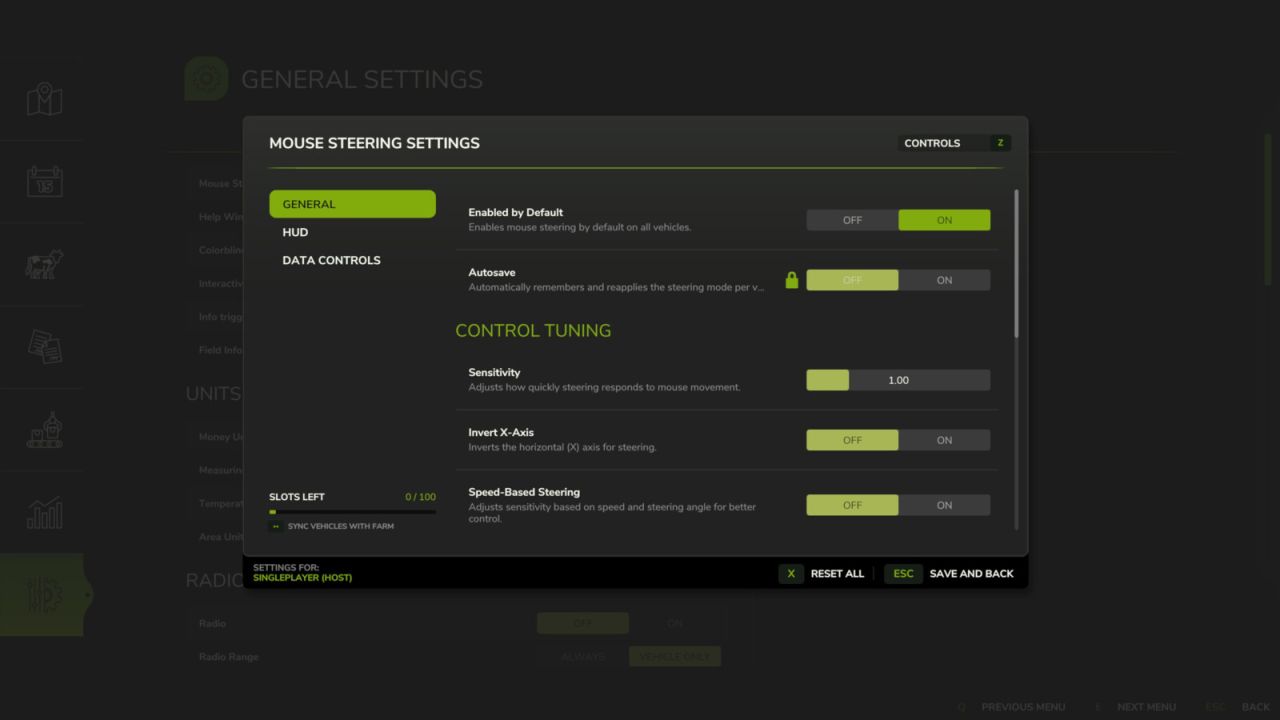
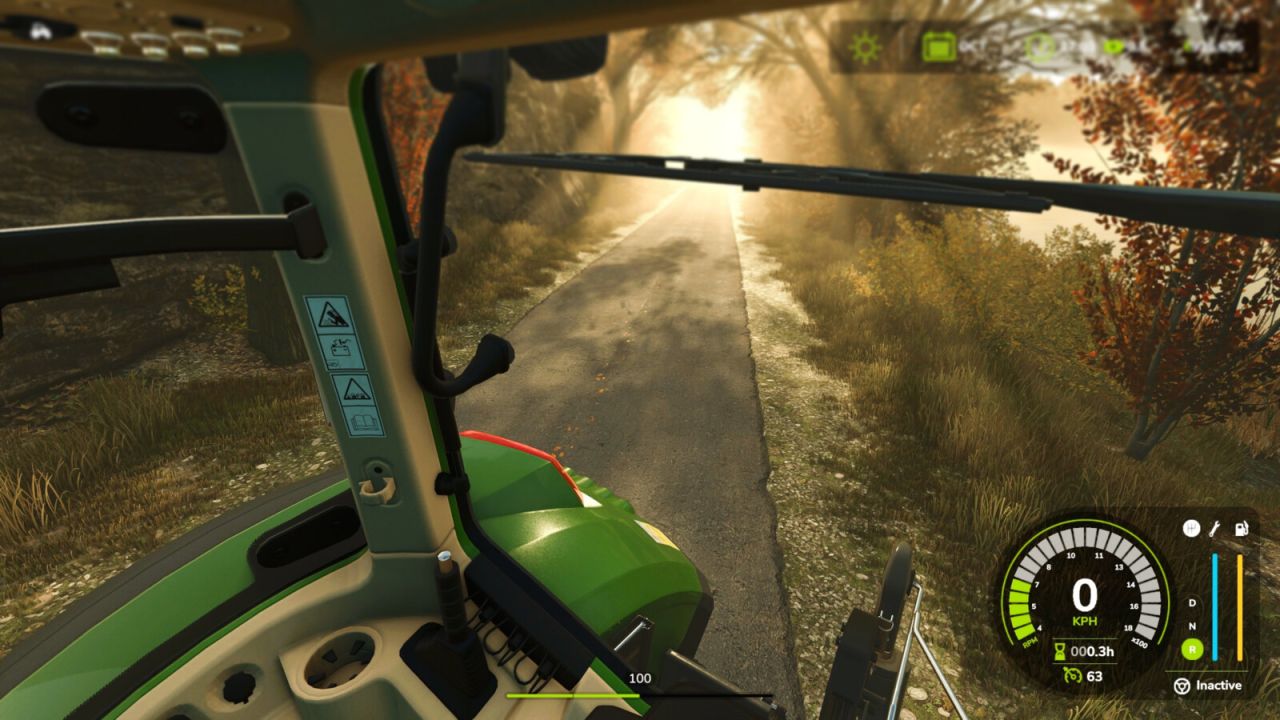
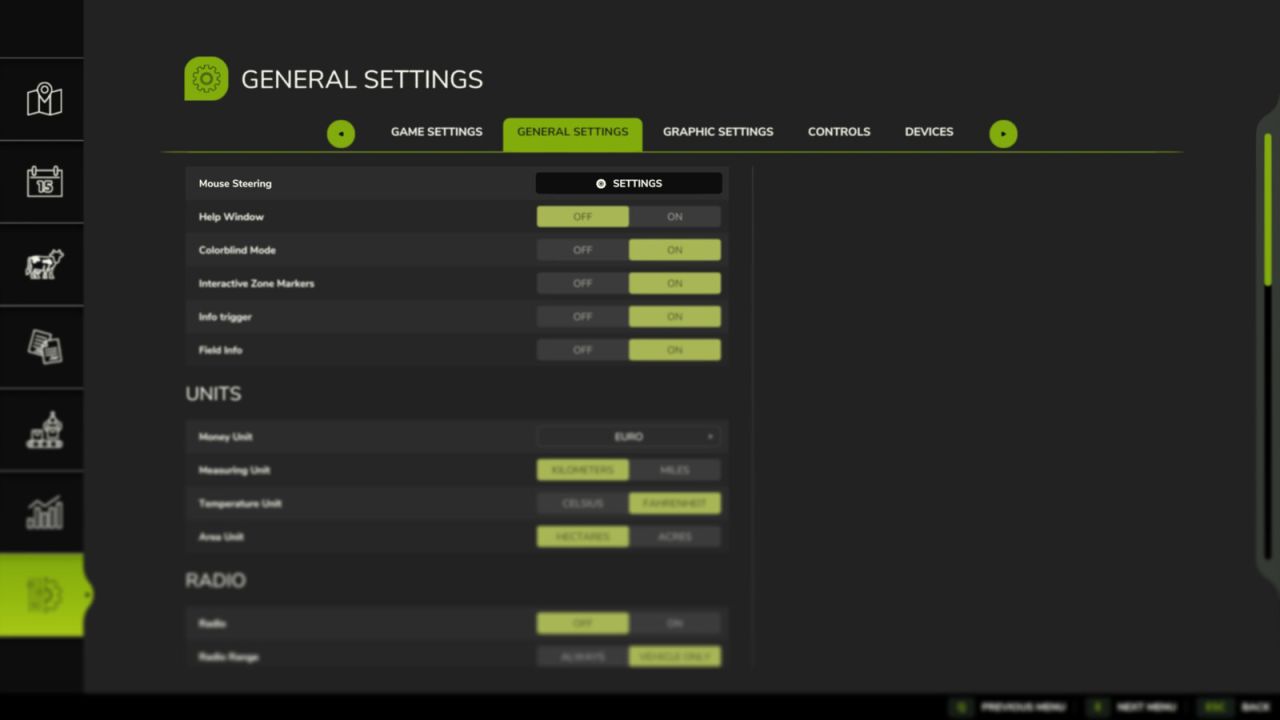
Steer your vehicles with the mouse for a more natural and fluid driving experience. Easily customize sensitivity, linearity, and dead zones via the settings button in the general settings menu. Features include a clear HUD indicator, speed-adaptive steering for better precision at high speeds, and an automatic camera-follow system.
Hotkeys:
– Press Left Ctrl + . to toggle Mouse Steering.
– Press Left Ctrl + , to toggle Camera Follow Steering.
– Press Left Ctrl + SPACE to center camera or double-click to look back.
– Hold Left Alt key to rotate camera with mouse.
– Press Left Ctrl + / to save/remove steering as default for the current vehicle.
– Use Mouse Wheel to adjust vehicle speed when active.
V1.3.1.0
– Improved camera orientation and centering
– Added smooth speed control via mouse wheel
– Added camera look-back (double-click)
– Added small optimization improvements