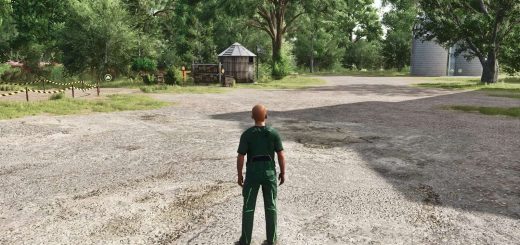
With the PowerTools menu you have quick and easy access to some “quality of life” features. Especially useful if you are a modder or content creator.
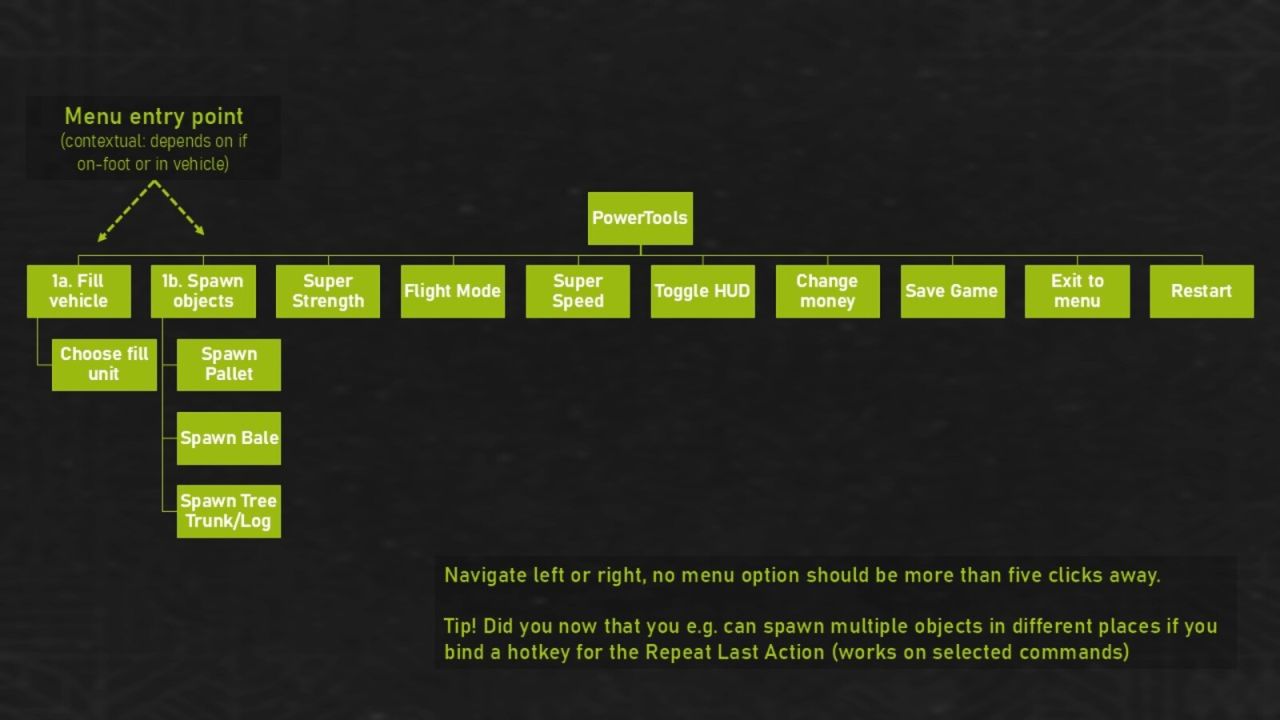
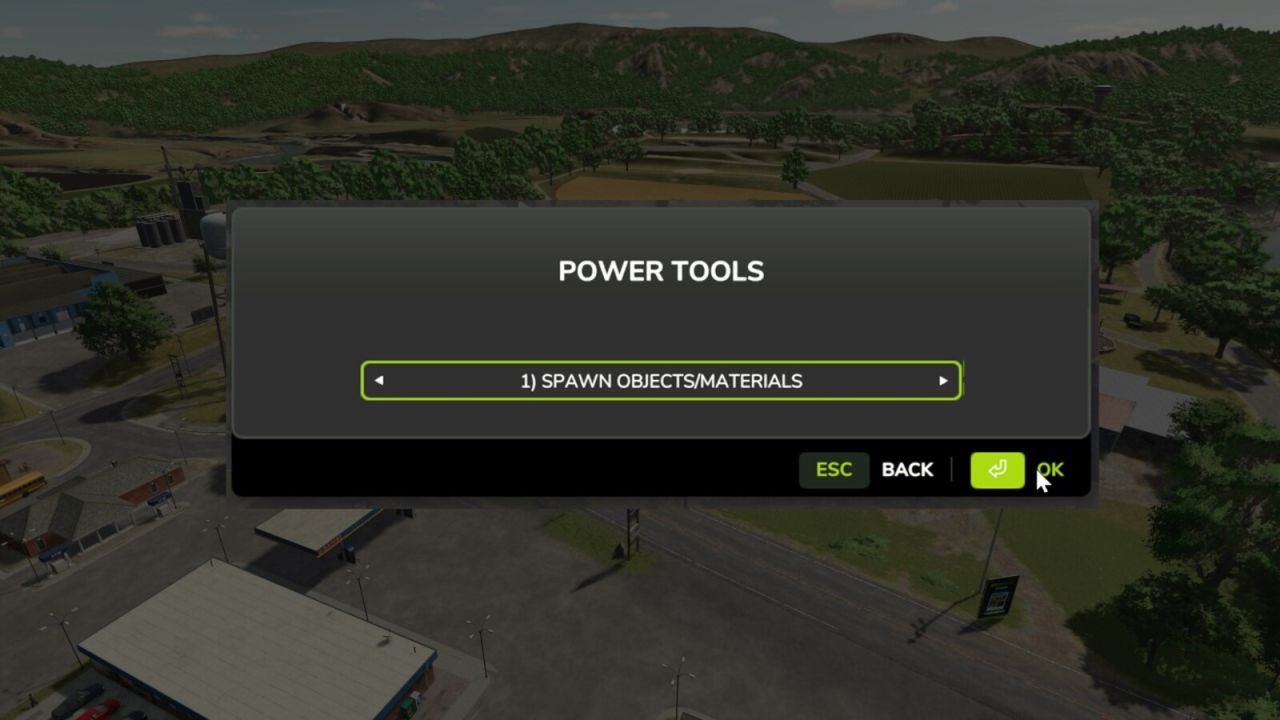
Using a single key/button (default F12) you activate the PowerTools menu. From there you can quickly navigate to the different functions without the need for a mouse or navigating through multiple menus.
MAIN FEATURES:
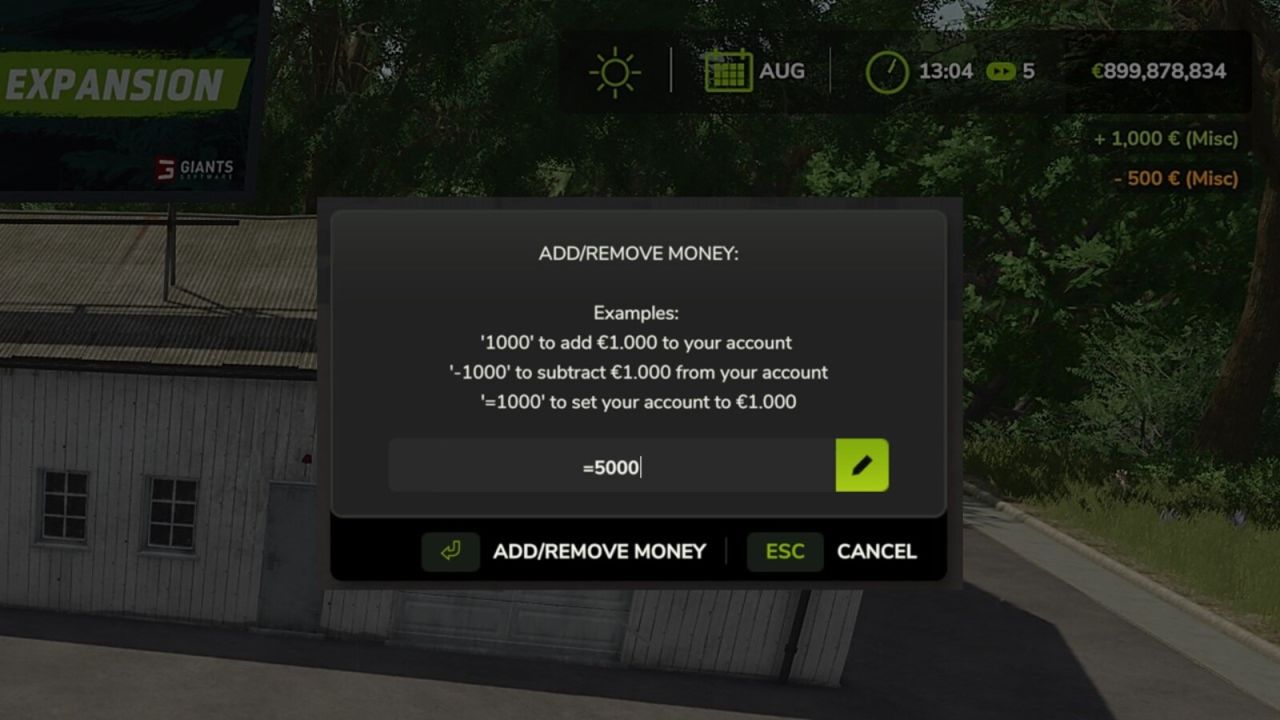
– Add/remove money to your farm
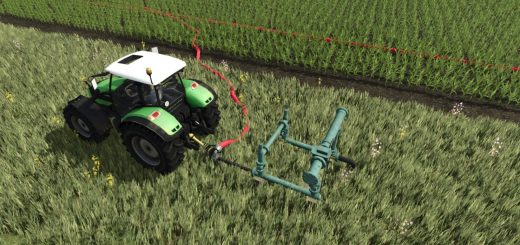
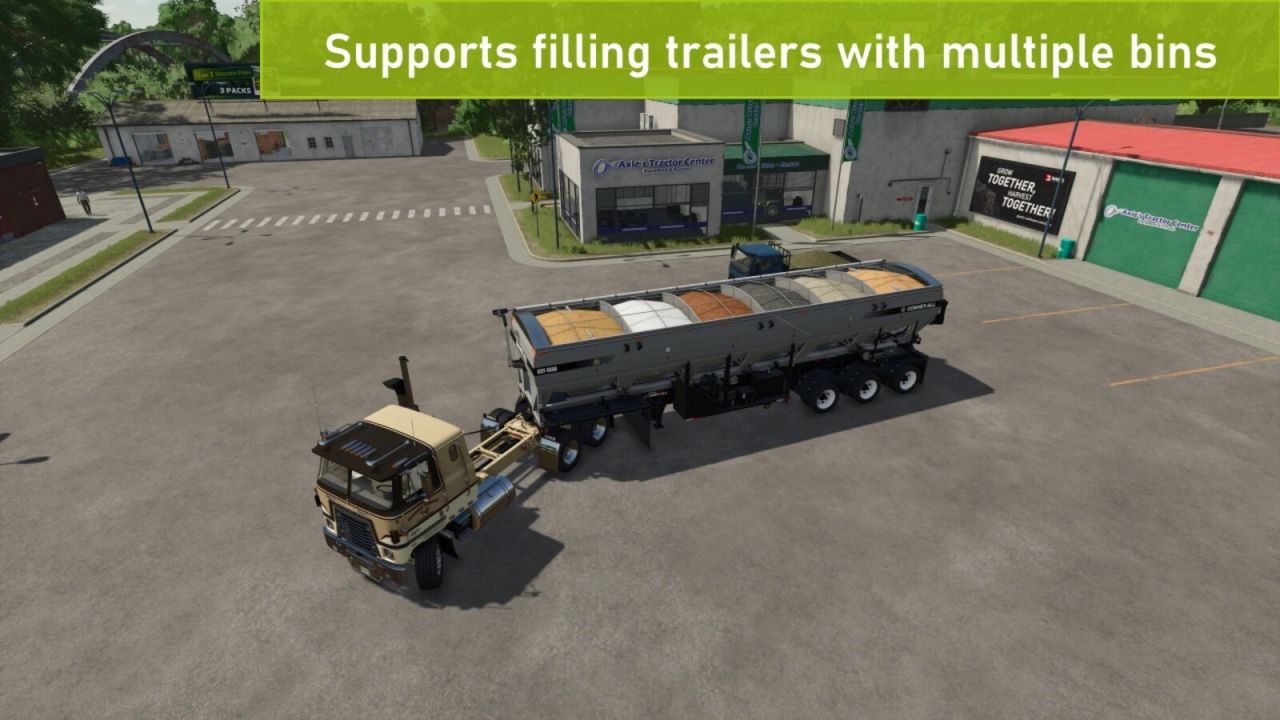
– Fill vehicle – supports vehicles with multiple tanks/storage units and accepts any filltype supported by the vehicle *
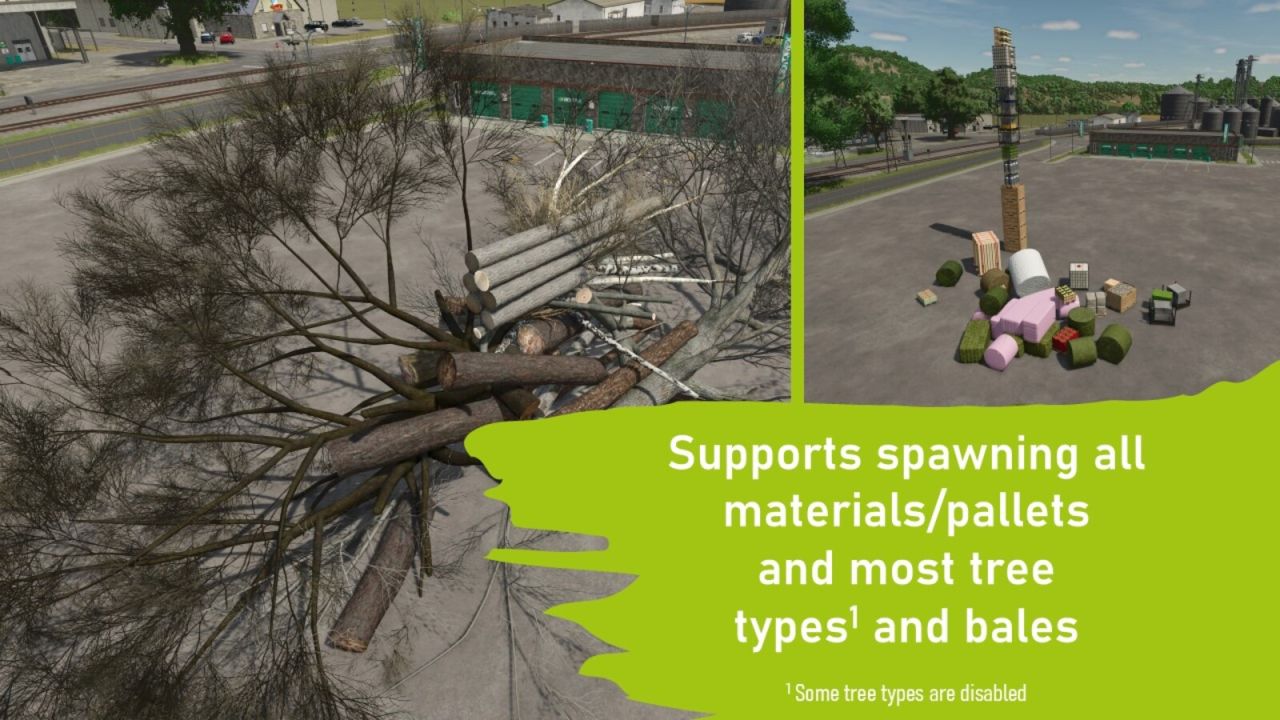
– Spawn any type of pallet (including production materials like sugar and clothes)
– Spawn any type of bale – supports round/square, all sizes and all types (straw, silage, cotton etc) *
– Spawn tree logs – currently only supports limited number of lengths *
– Toggle super speed, super strength or flight mode
– Quickly save the current game, ether via hotkey or the menu *
– Toggle HUD/interface on/off (now with quick command: hold F1/help menu button for ~1 second)
– Repeat last command
– Open PowerTools menu in alternate mode:
— Restart and exit to menu uses the “hard reset” method instead of “soft reset”
— Change UI scale (will be reset on restart, to permanently change the UI scale use the game settings instead)
– A limited PowerTools menu can now be opened when main menu is open as well as when the game is paused
– Additional time scales, hold decrease button (default: 7) to pause time, and hold increase button (default: 8) to enable/disable additional speeds *
– Change field state (crop type, growth stage, ground type etc)
NOTES:
1. Features marked with an asterisk (*) isn’t available on dedicated servers, only in singleplayer and self-hosted multiplayer.
2. Many of the features requires that you have admin access (to prevent cheating in multiplayer) – in single player everyone is admin though 🙂
3. To be able to use “Repeat last action” you need to bind a hotkey in the input binding settings
4. The new alternate mode menu uses a separate hotkey (default Right Ctrl + F12)
5. For players with a keyboard that doesn’t have the WASD layout, e.g. AZERTY, the key binding for ascending/descending (default: Q/E) in flight mode can be different (e.g. use keys A/E for AZERTY layout)
v1.1.2:
– HOTFIX: Filling vehicles should no longer generate a “fillType ‘UNKNOWN'” error [#46]
– HOTFIX: Disable old/deprecated console command ‘qq’ [#47]