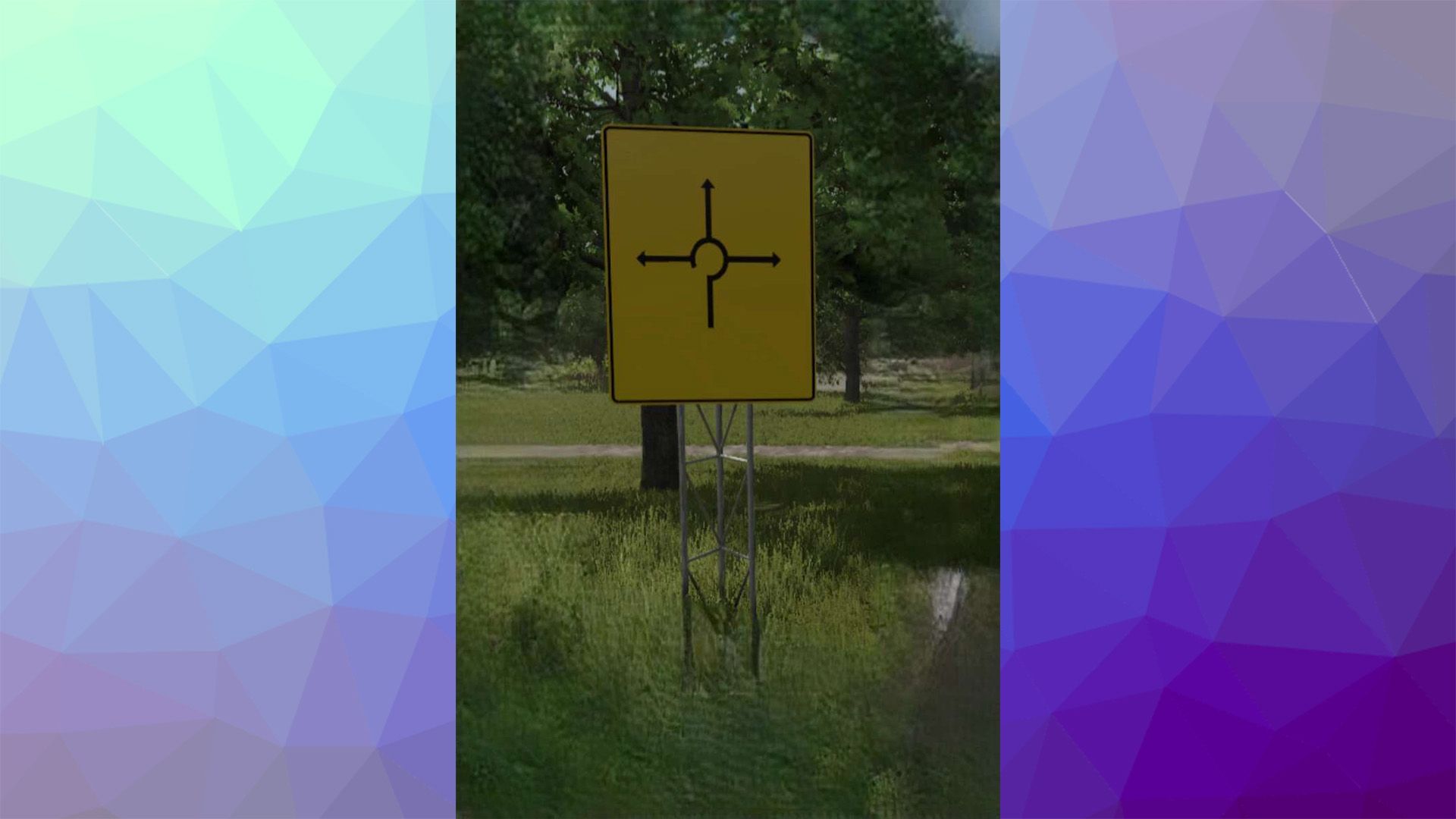
Roundabout texture for advance direction signs from the R5 Tool v1.0

FS 25 Mods |
Roundabout texture for advance direction signs from the R5 Tool v1.0


Roundabout texture for directional signs from the R5 tool, allowing you to include roundabouts on the signs.

This simplifies creating signs in the Giants Editor for roundabouts on directional signs that already have the texture. Included is the “specular” version. For this, you simply need to add the textures and city names to the directional signs in the R5 (Modding World), and you’re all set.



Author: Agrar.Domi

Download


Farming Simulator 25 mods open the door to endless ways to customize and elevate your game. With free tools and tweaks that make every hour more immersive, you can shape your game exactly how you like. Try the FS25 Roundabout texture for advance direction signs from the R5 Tool v1.0 mod to give your game a fresh touch of atmosphere, and explore countless other options to keep upgrading your experience, all without limits.
Useful Information: How to install FS25 Mods | FS25 Guides | Complete Modding Guide | Download FS25 Game

Leave a Reply

Your email address will not be published. Required fields are marked *