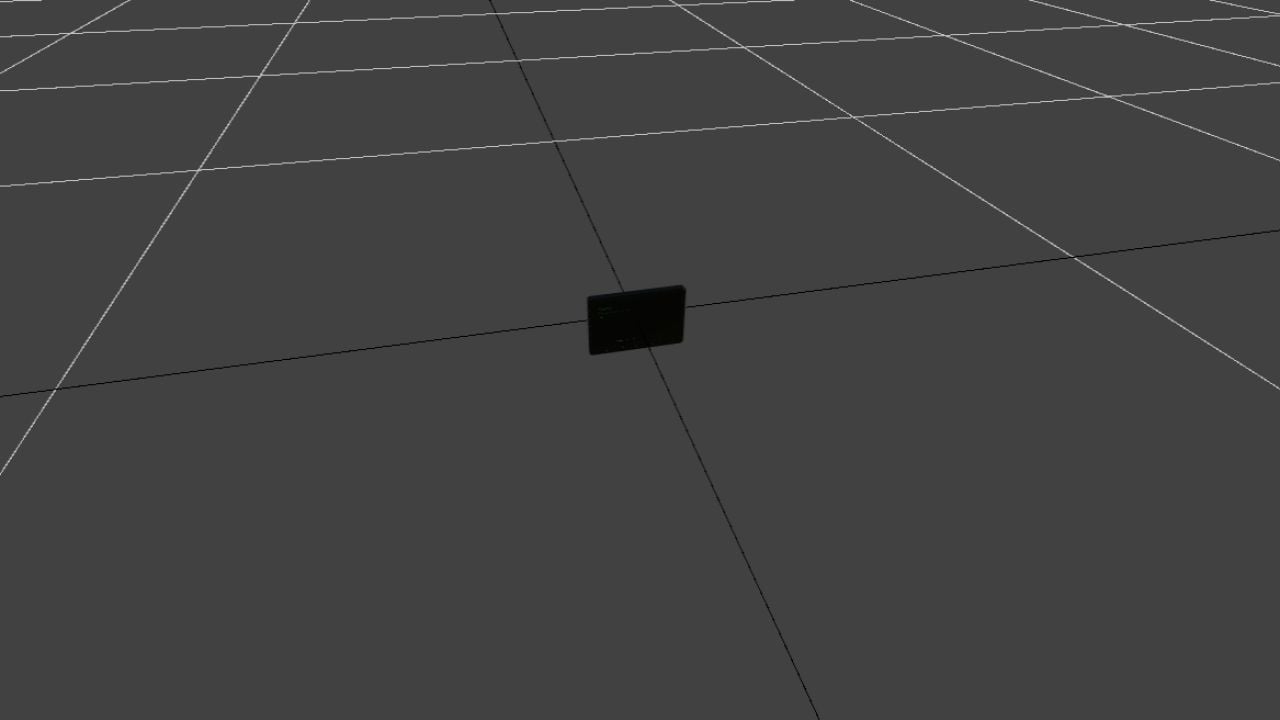
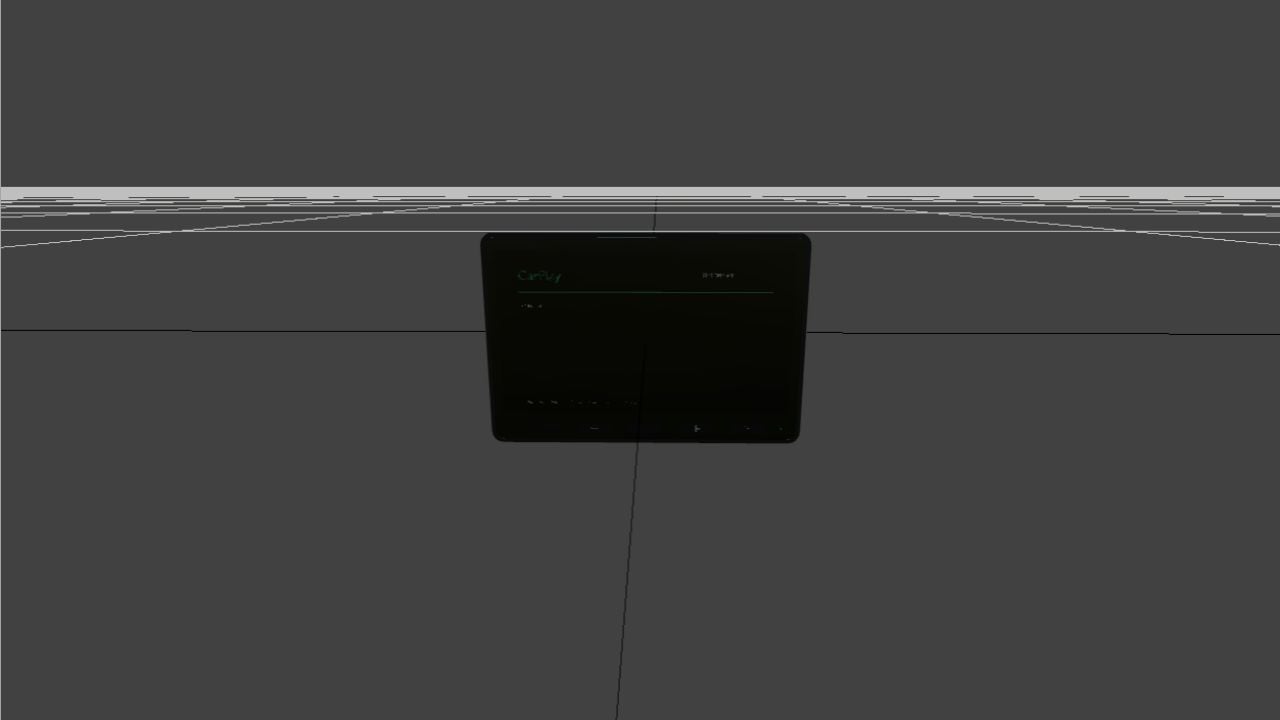
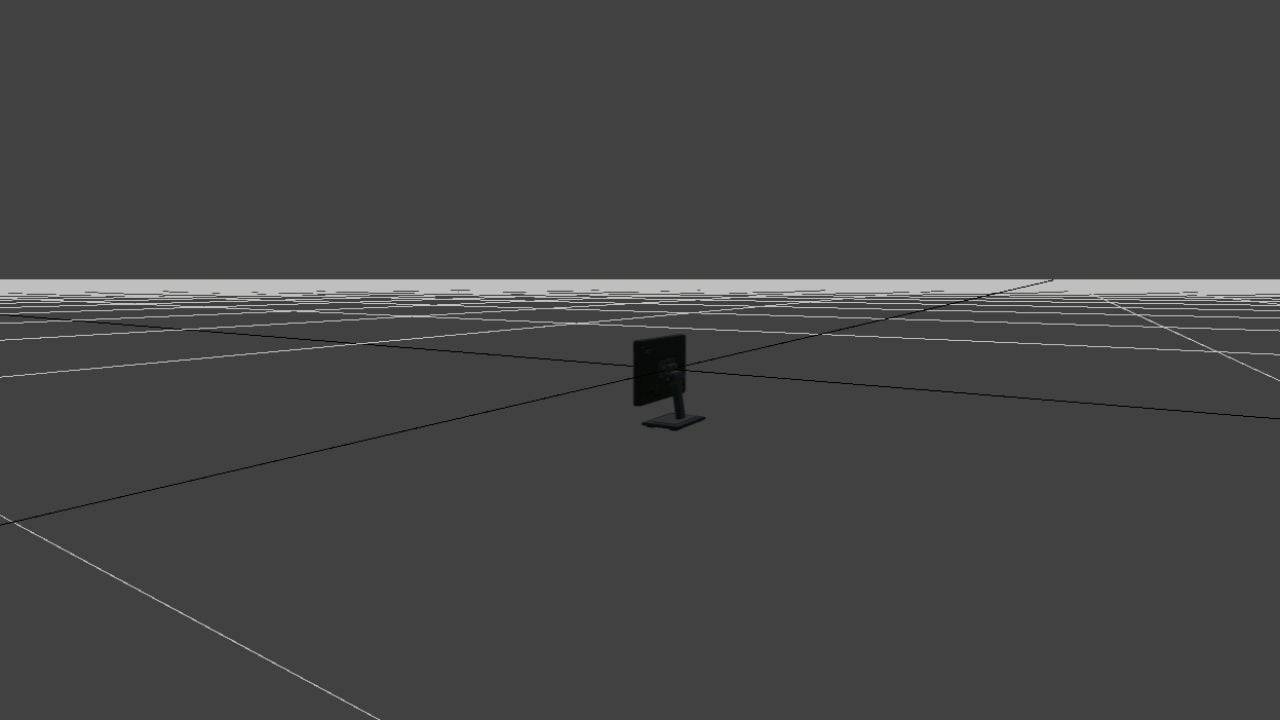
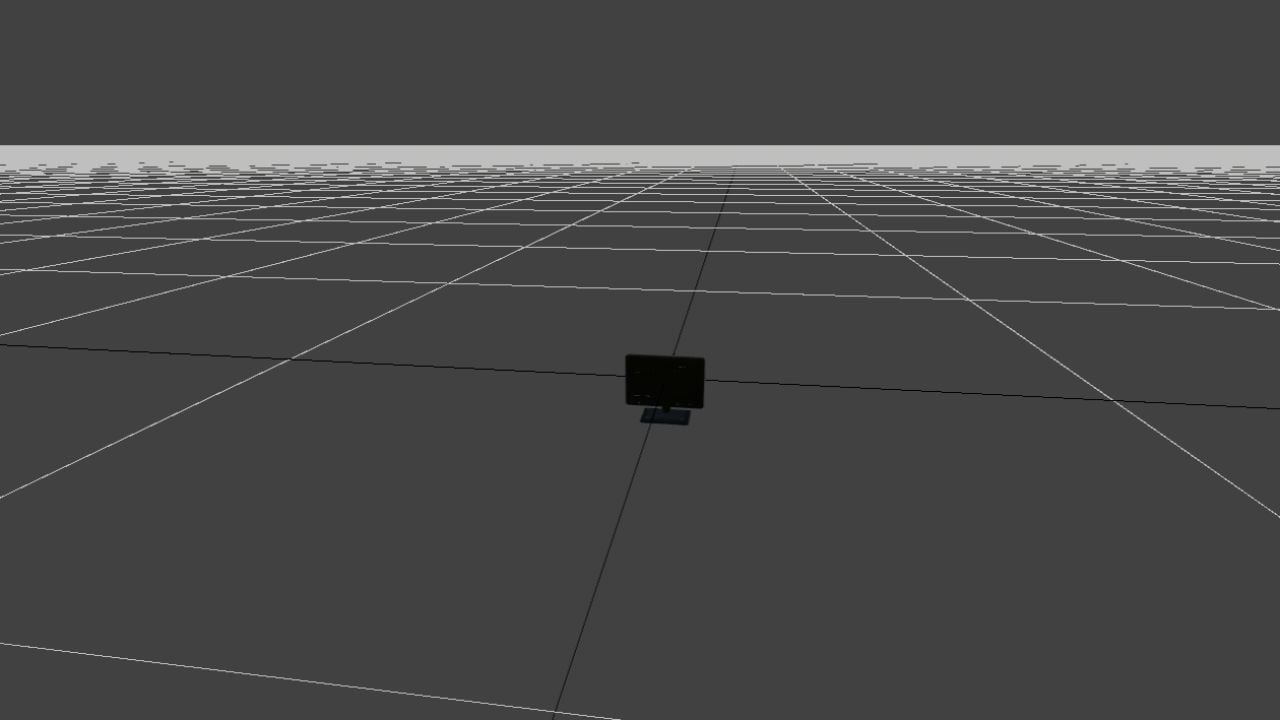
Want to build a CarPlay screen into your Farming Simulator 25 vehicles? This prefab is made for GIANTS Editor integration and gives you two models to work with, standard and dashboard mount. It is an unofficial Apple prefab, ready to become part of your vehicle setup.
YOU NEED: Interactive Control
Features
- You get five Interactive Control points: previous, volume -, play/pause, volume + and next.
- AurelienVk is displayed by the Windows Car Play program.
- The portable Python runtime and libraries are already in the package, so you do not need a separate Python installation.
- The ZIP comes with the
I3D/SHAPESmodels, scripts, XML examples, Windows controller, capture bridge and French documentation. - Spotify for Windows and Interactive Control are required.
- Windows PC only. Native capture is not compatible with consoles or multiplayer.
- It is still in beta: scripts, files and local communication were tested, full capture works partly, and actual audio playback still needs to be confirmed.
Installation
- Extract the ZIP to get started.
- Open
Programme/Lancer_CarPlay.cmd. - Keep the complete ZIP out of the mods folder.
Changelog
- Video rotation at 0/90/180/270° now uses automatic alignment, with no movement of the model or the IC points.
- The connection folder is created automatically, with atomic status writing.