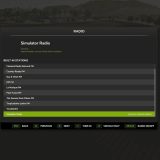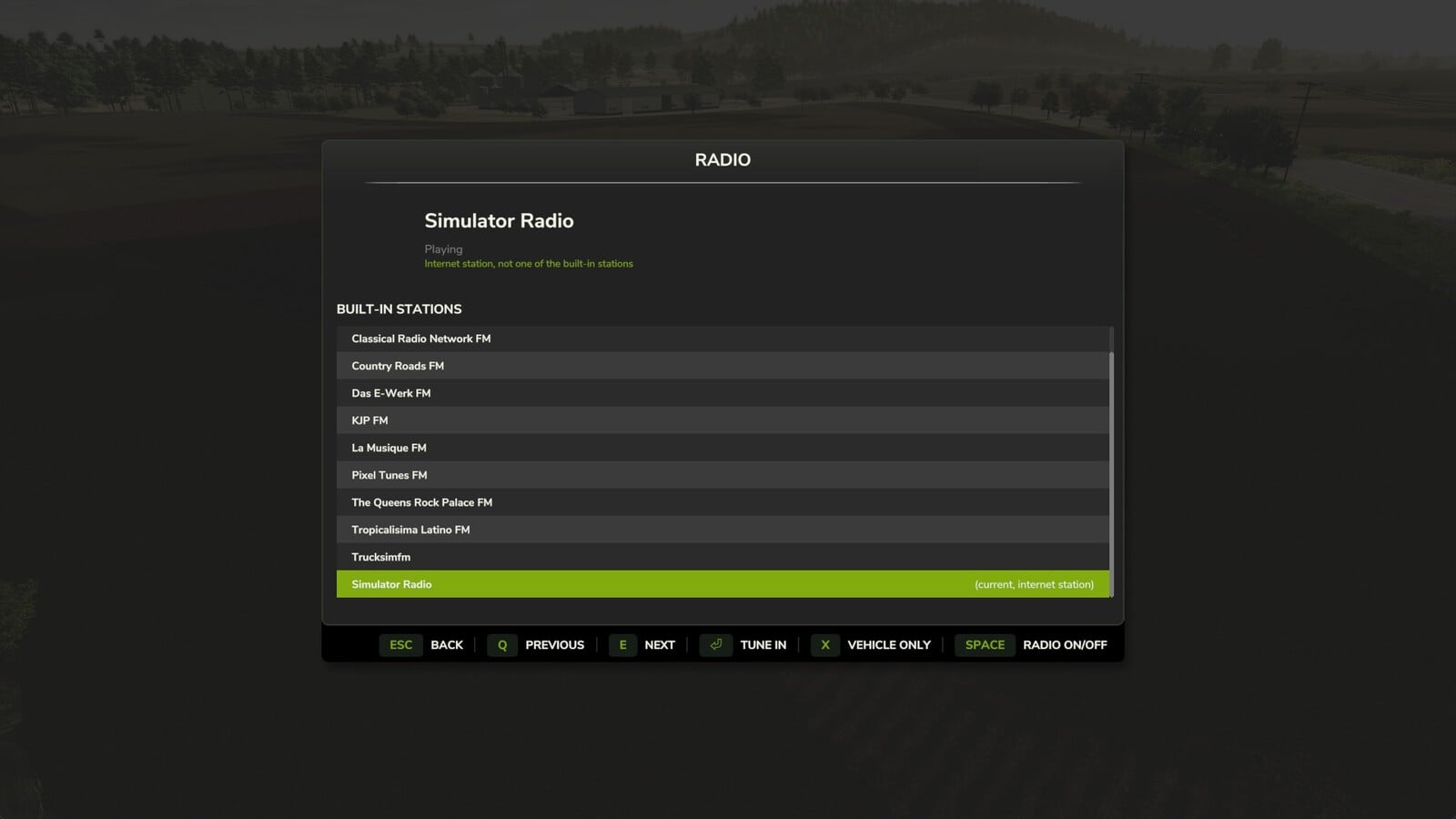
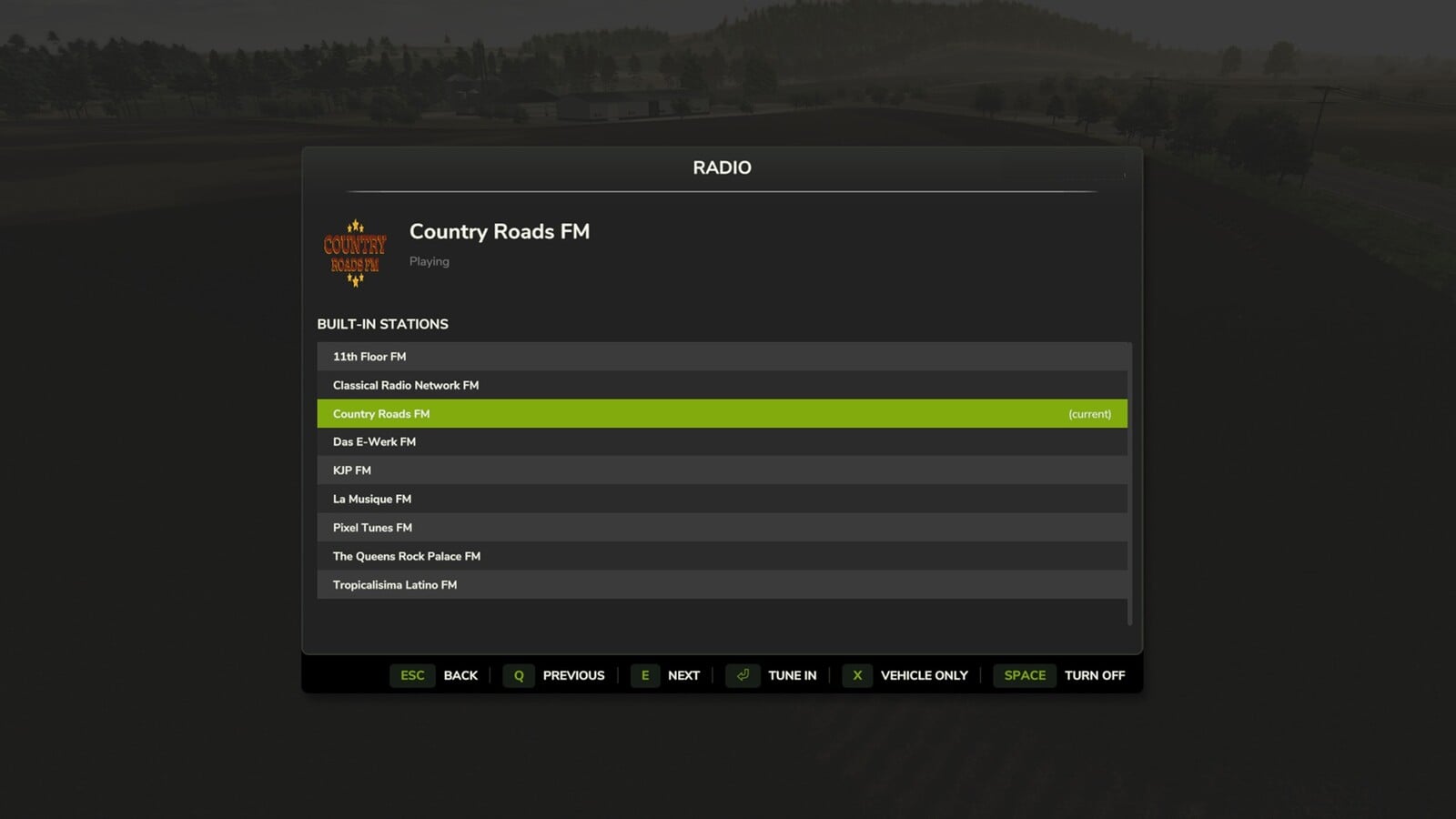
With Radio Player, you get a simple control panel for the in-game radio. It shows you the station and song playing right now. You can tap through stations, turn the volume up or down, or go straight to one station without stepping through the others.
Open it with Left Alt + 5. You can find that key in the F1 help and change it under Options > Controls. If you play with a controller, you can assign the action to a button there too. The panel is available when you are on foot and when you are inside a vehicle.
Features
- See the station you are listening to, with a logo for the built-in stations
- See the song that is playing whenever the game provides the song information
- Browse the game’s built-in stations in alphabetical order, with the one you are using highlighted
- Check whether the radio is playing, switched off, or set to play in vehicles only
- Works in multiplayer. Your radio belongs to you, and each player controls their own radio; nothing is shared with other players.
- Keep using the game’s own radio keys as usual, with those keys following the game’s station order.
Controls
- Previous / Next: browse every station. The built-in stations are first, running from A to Z, and the other stations follow them.
- Tune In, or double-click a station: go directly to that station
- Volume – / +: set the radio volume with the mouse
- Play Everywhere / Vehicle Only: choose if the radio should also play while you are on foot. It is the same option as the game’s Radio setting.
- Radio On/Off: put the radio on or turn it off, using the same function as the game’s radio key
- Back: leave the panel
Mini player
Want the controls on screen while you play? Press Left Alt + 6 to show or hide the small player, which works like the AutoDrive and Courseplay HUDs. It includes the station logo, the station name and the song, plus Previous, On/Off and Next buttons.
First show the mouse cursor with the game’s own cursor. In a vehicle, use the middle mouse button, or use Left Alt + 7. Once the cursor is visible, you can drag the mini player wherever you want it. It remembers if you left it shown and also remembers its position.
Internet stations and your own music
The built-in stations are not the only choice in Farming Simulator 25. The game also has a list of internet radio stations and can play music or stations that you add yourself. Check ReadmeMusic.txt in the music folder inside your game’s user folder for the details.
Previous and Next include these stations, and the panel shows each station’s name. When you listen to one, it is added below the built-in stations and remembered for next time. That means Tune In can take you back to it later.
Adding your own stations
You can bring in any internet radio station that provides a direct stream address. Go to the music folder in your game’s user folder at Documents > My Games > FarmingSimulator2025 > music. Then add one line for every station in streamingInternetRadios.xml.
Stream addresses ending with .mp3, .aac, .m3u or .pls work best. Apps with their own music player usually do not give you these addresses, while many stations provide them on their own website. The game’s ReadmeMusic.txt in that same folder explains this and also covers adding your own music files. Restart the game when you are done. Your stations will show up on the radio, and Radio Player will show their names.
Unreachable stations
Sometimes an internet station is offline. If it has not connected within 8 seconds, the panel says “Station not responding”. From then until the game session ends, Previous and Next skip that station.
The game can still try connecting for a few more seconds. So, moving away from a station may take a moment, and an offline station can briefly make the game pause while it tries. That comes from the game’s radio, not from this mod.
Your station is saved with your game
Your current station is saved with the savegame when you save. Load that game again, and the radio tunes back to the same station as soon as it starts playing.