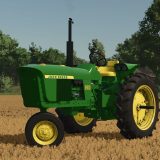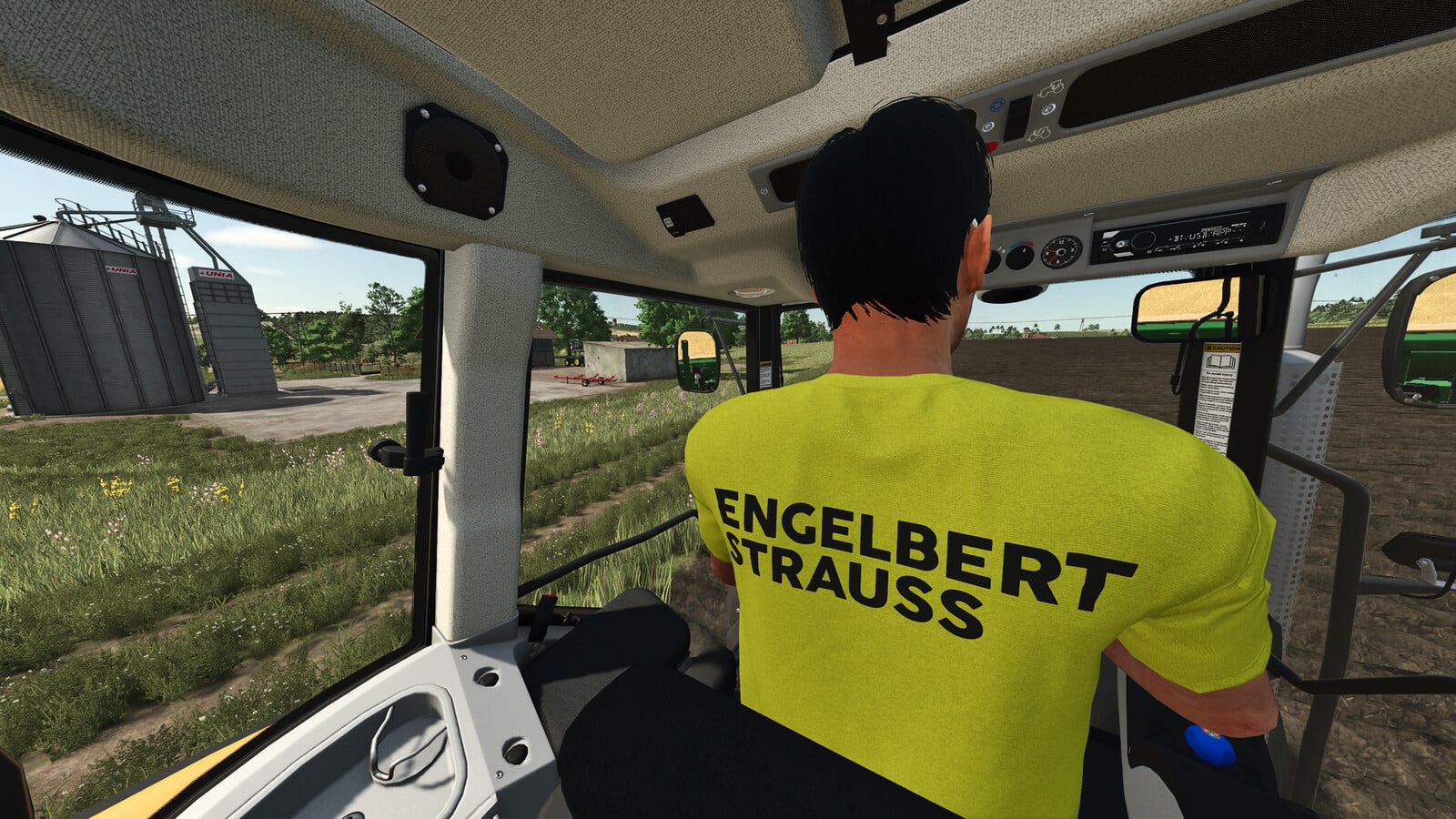
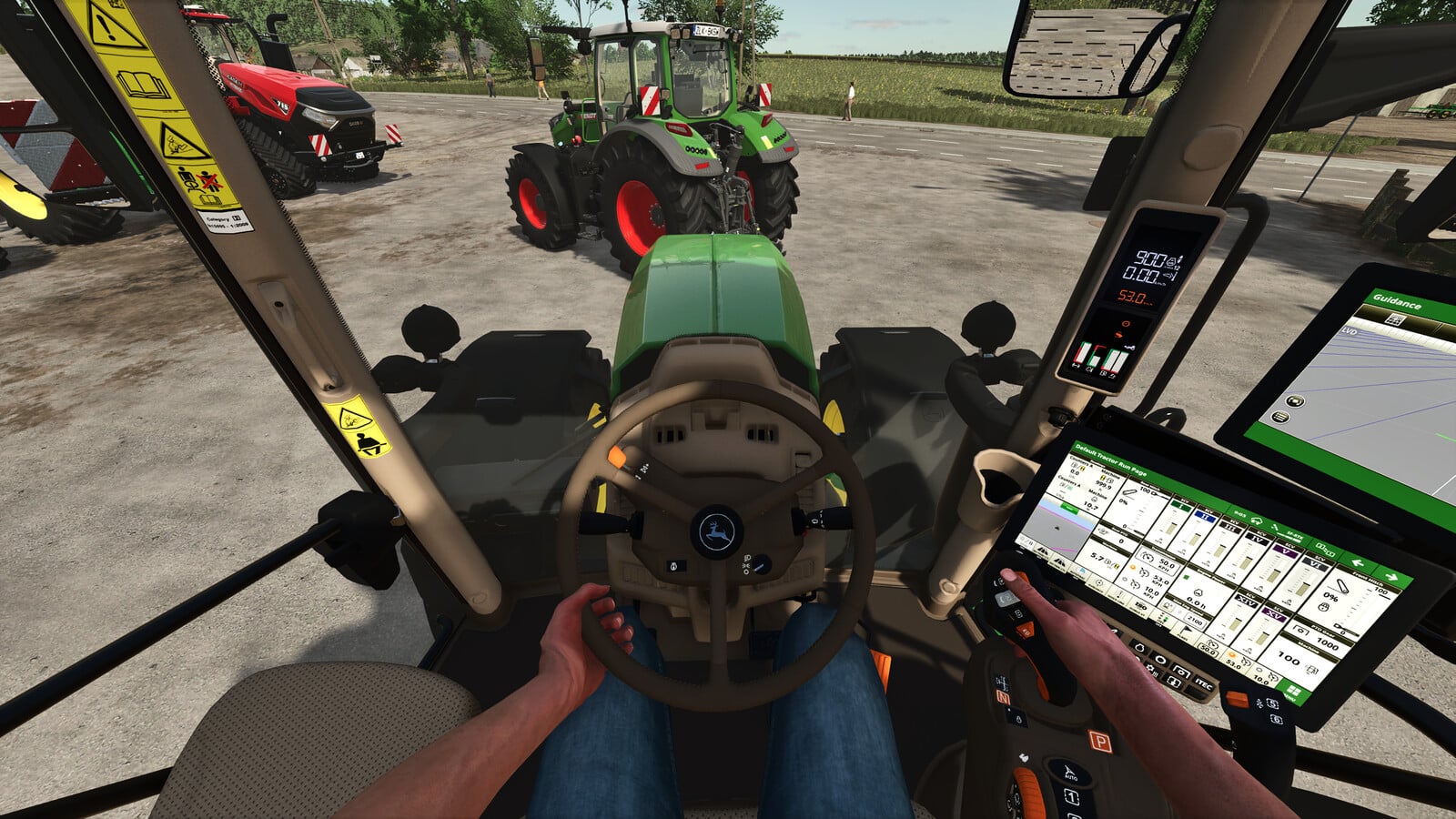
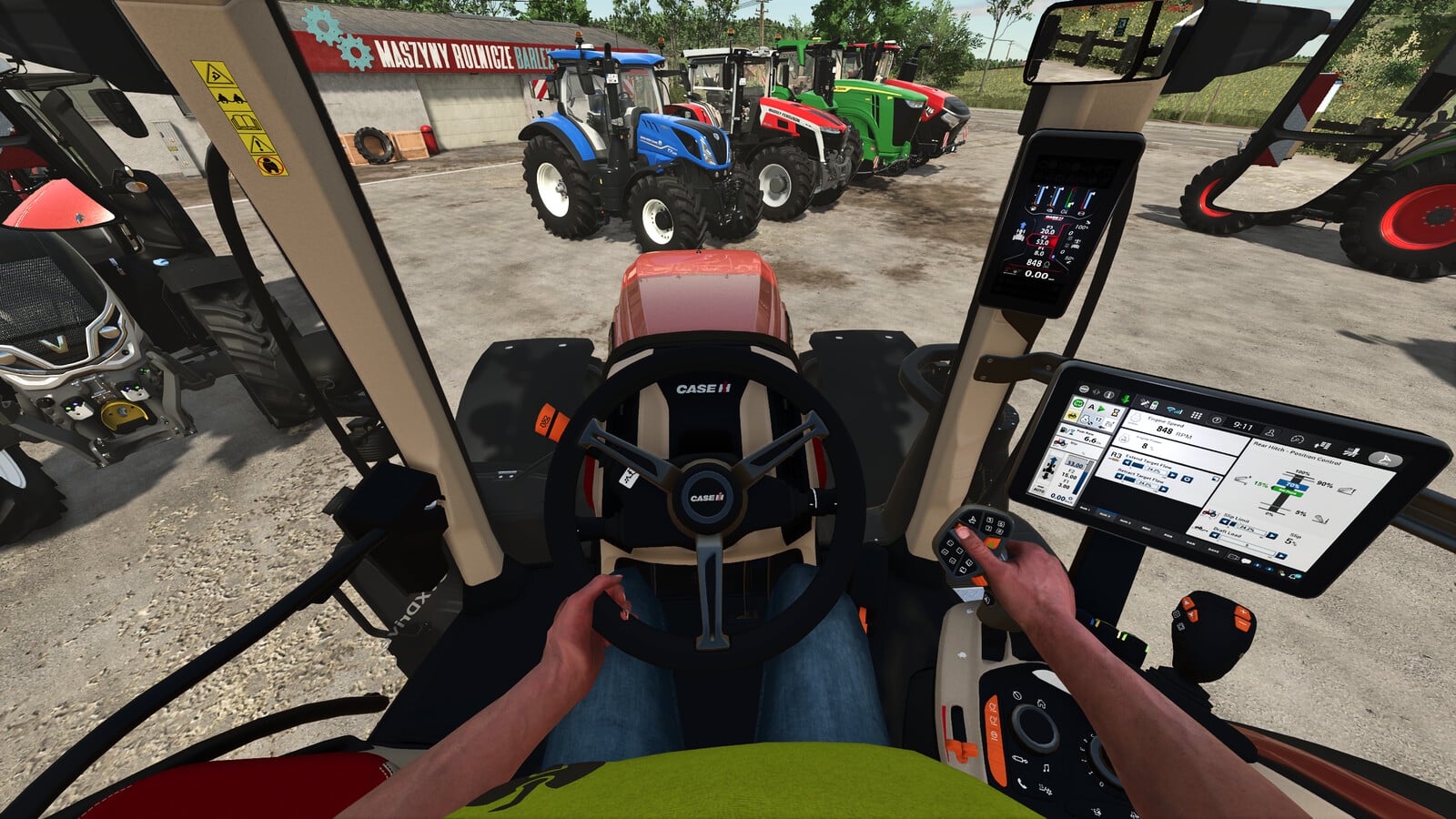
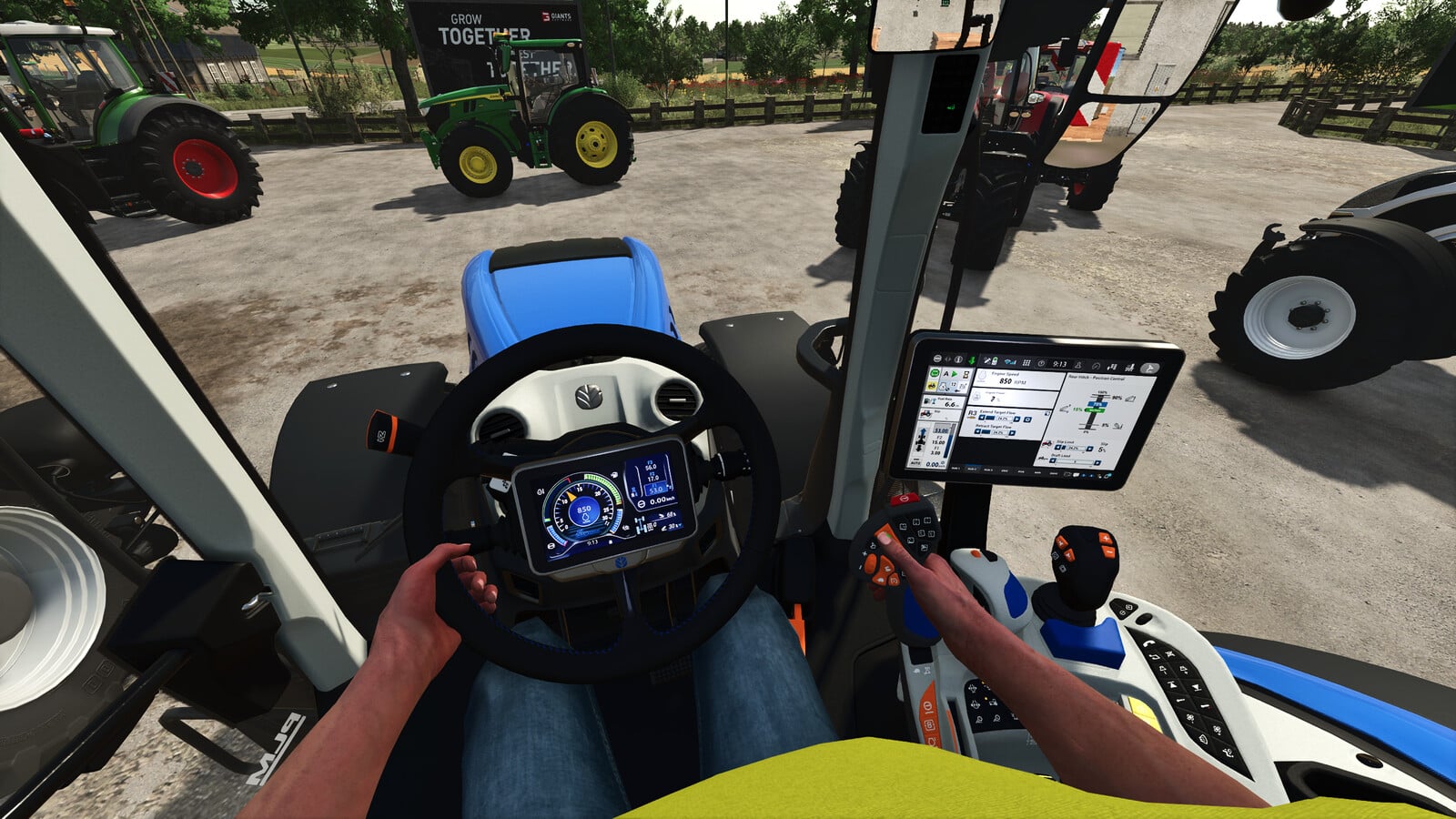
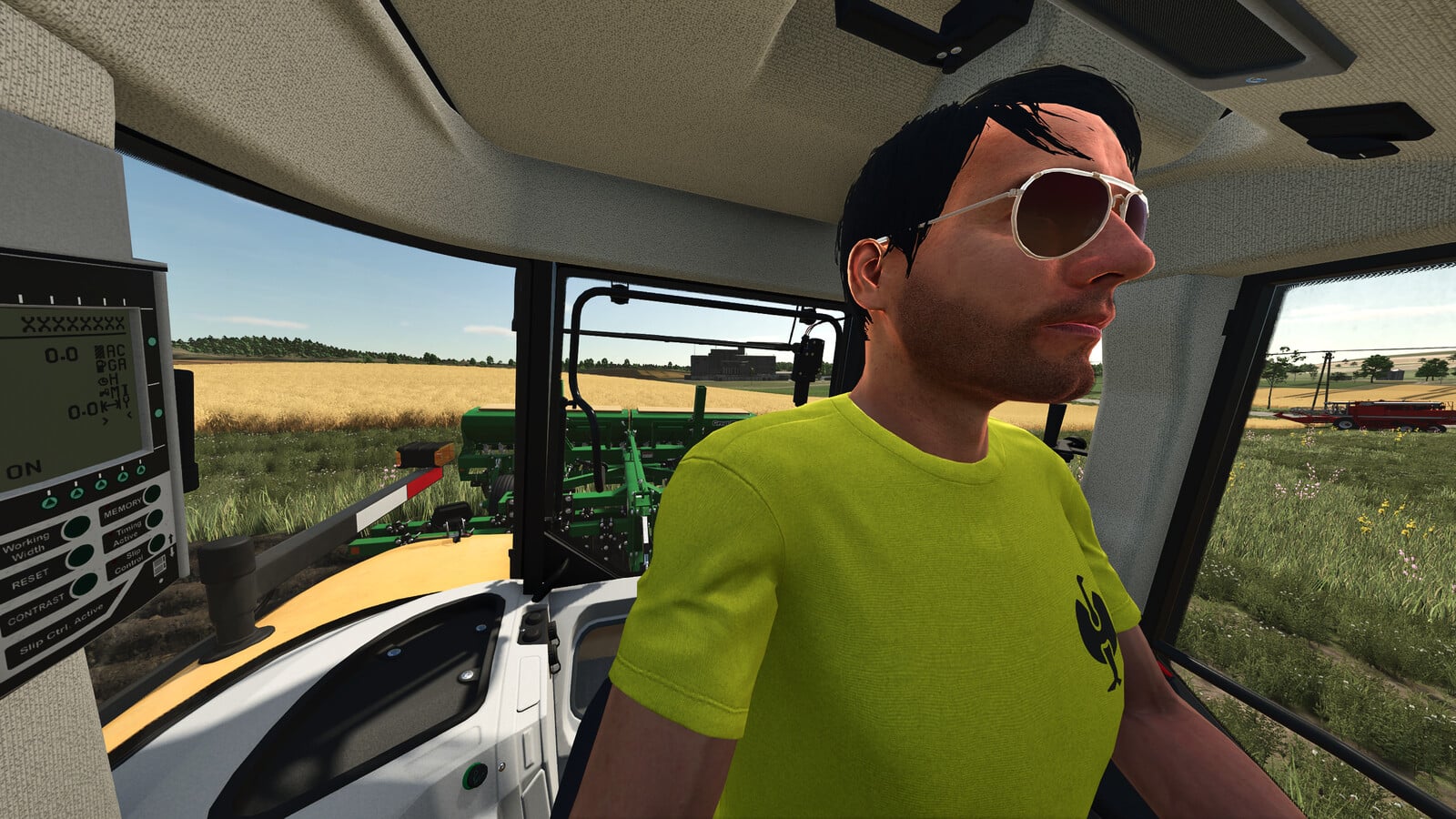
You keep seeing the vanilla driver character when you switch to the inside vehicle camera, and the cab camera gets realistic movement too. The character stays visible in the controlled vehicle instead of being hidden, with camera offsets helping reduce strange clipping close to the camera. That makes driving from inside feel more active while you use the cab view.
Features
- Lean inside the cab
- Inside-camera rotation stays limited
- Looking back adds a small automatic lean
- The interior camera FOV follows your game setting
- Zoom the inside camera FOV in or out with the mouse wheel
- Move the inside camera up or down using Left Ctrl + mouse wheel
- Use Left Alt + Arrow Up/Down to move the inside camera forward or back
- The interior camera starts a little further forward to help reduce body clipping
- Large tractors receive a small extra upward camera offset