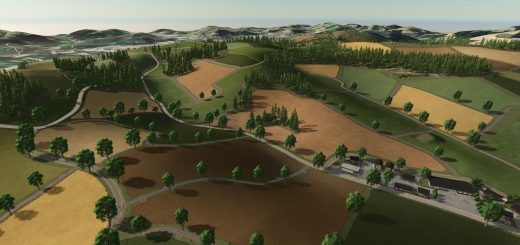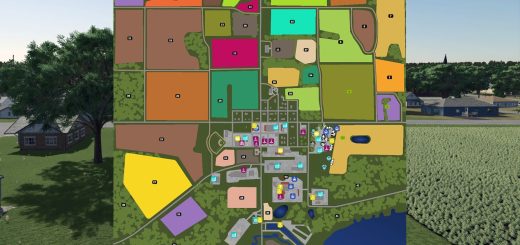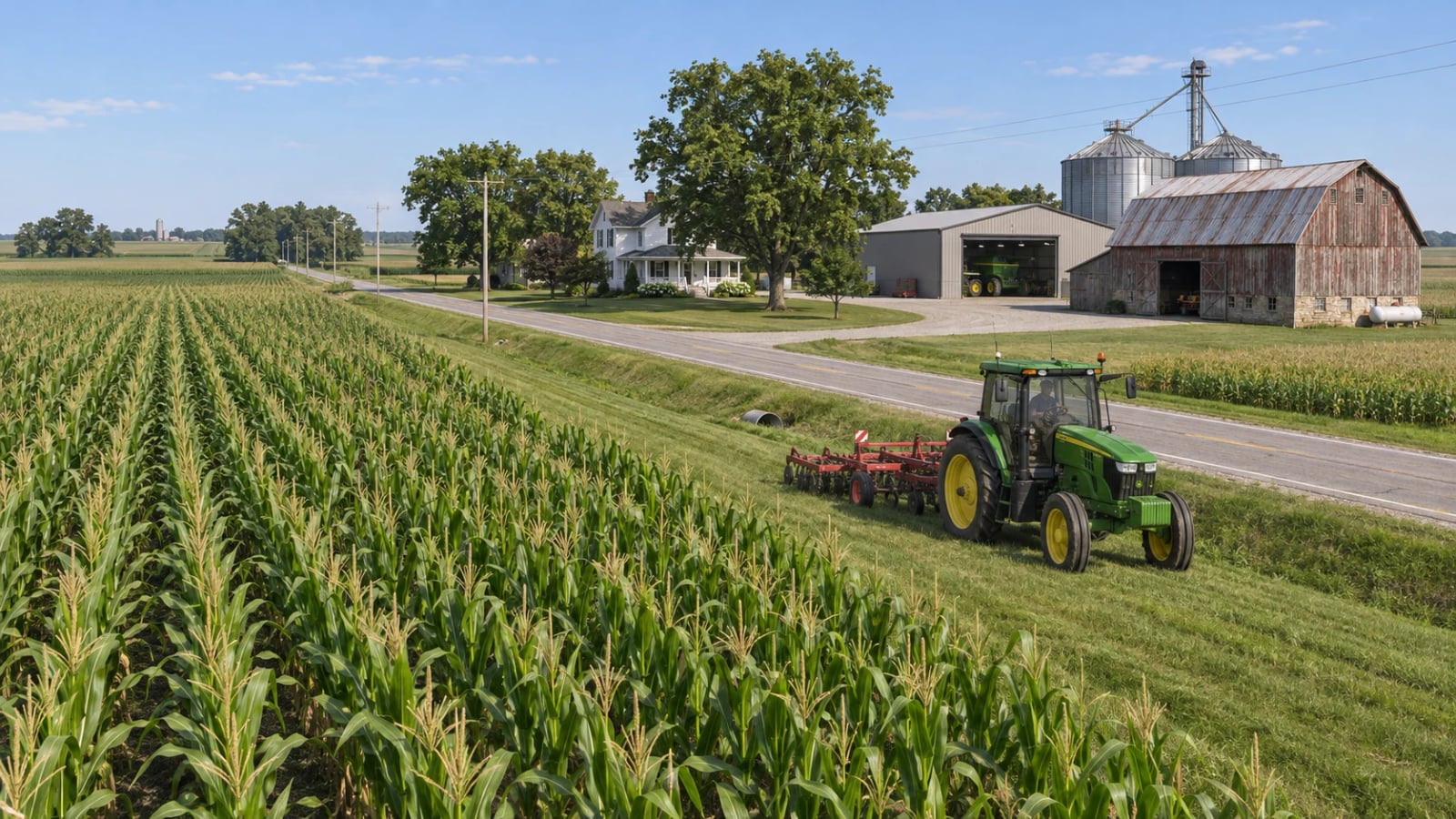
Take on a 4X Farming Simulator 25 map made from real farmland in western Ohio. You start with your own farm, then build it up from there. Drive through straight country roads, pass drainage ditches and small woodlots between the fields, and work around older farm buildings alongside newer steel sheds.
REQUIRED MODS:
- ThundR’s Row Crop System
- Midwest Dealership, the dealership included below
- USMB GrainSites, the grain bins included below
You need all three mods. Without them, the map will not work correctly.
Features
- The map is ready for ThundR’s Row Crop System, letting you plant crops in real rows.
- Begin with your own farm and grow it out.
- You get straight country roads, drainage ditches, small woodlots between fields, older farm buildings, and newer steel sheds.
WHAT YOU GET:
FS25_Bunch_family_farms.zip(69 MB), the mapFS25_ML_Midwest_Dealership.zip(29 MB), required modFS25_USMB_GrainSites.zip(236 MB), required mod
Installation
- Grab all three zip files here, then download ThundR’s Row Crop System from the link above.
- Leave the downloads as .zip files. Do not unzip them.
- Move all four files into your mods folder:
Documents > My Games > FarmingSimulator2025 > mods - Open FS25 and choose “Bunch family farms” in Career.
Notes
- This 4X map needs a decent graphics card. If your PC has trouble running it, turn down the graphics settings.
- Make a new save for the map, because it should not be loaded into an old save.
Known Issues
- Precision Farming is not working on the map right now. The cause is still unknown. You can play the map without it by turning Precision Farming off in your save.
Found another issue? Share it in the comments and add your game log if you can. It helps me fix things faster. You can find the log file here: Documents > My Games > FarmingSimulator2025 > log.txt