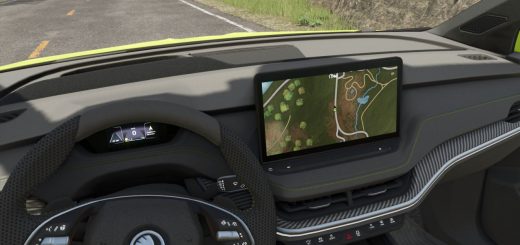
You get five ways to steer the JCB wheel loaders from the ModHub with this add-on. Set your own keys to turn wheel steering on or off and jump between the steering modes while you play.
Features
- Front-wheel steering
- All-wheel steering
- Rear-wheel steering
- Crab steering to the left
- Crab steering to the right
- Turn wheel steering on or off with a key press
- Switching it off brings back standard, default steering
- Your chosen steering mode is saved across game sessions
- Customize the key bindings for all three HMT steering actions
Operation and key bindings
Default bindings:Ctrl + Alt + 6
Press this to enable or disable wheel steering.Ctrl + Alt + 1
Press this to move to the next steering mode.
Use the previous steering mode action when you want to move back.
You can change all three key bindings in Settings → Controls.
These are the names you will see there:
- HMT Wheel Loader – Wheel steering on/off
- HMT Wheel Loader – Next steering mode
- HMT Wheel Loader – Previous steering mode
Pick new keys if you want to reassign them, and those keys will apply.
The first time the wheel loader loads, it starts with front-wheel steering by default.
Installation
Drop the ZIP file into your LS25 mods folder. Then activate this add-on mod and the desired JCB wheel loader in your savegame.
For multiplayer, the server and all players need the same version of this add-on mod installed.
Changelog
Version 1.0.0.5