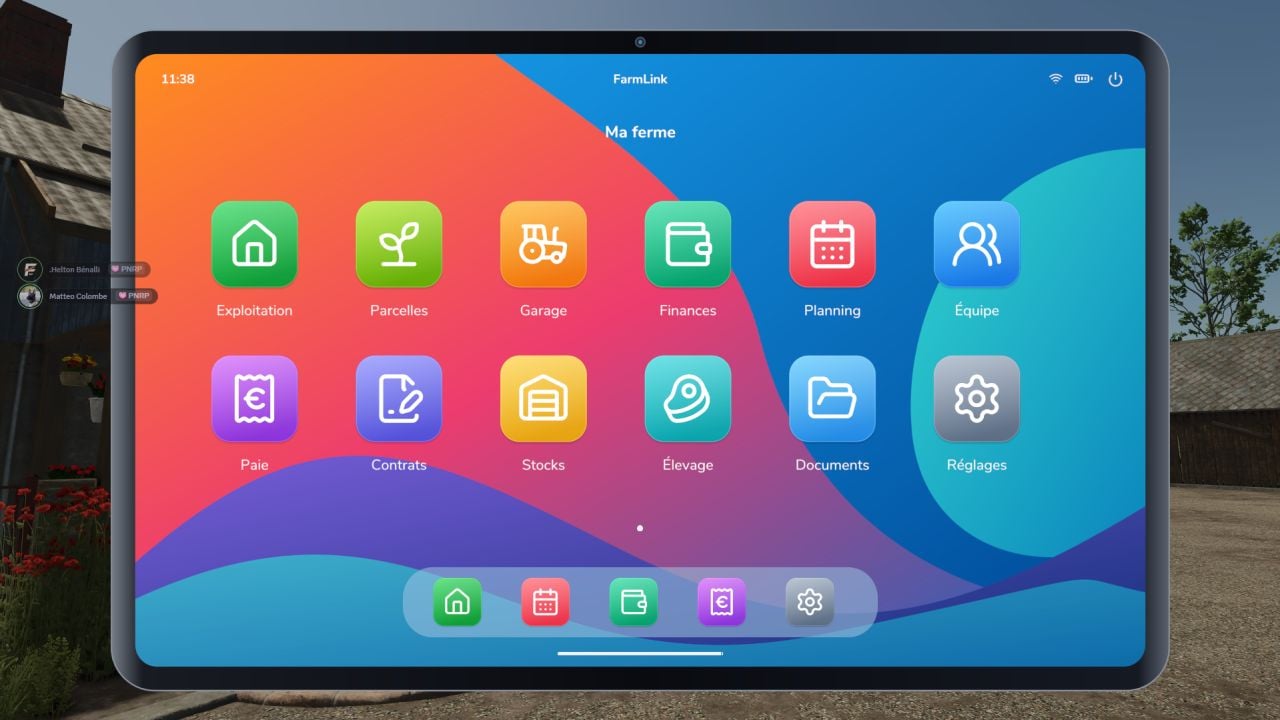
FarmLink puts a farm management tablet right into Farming Simulator 25. You get a customizable home screen plus twelve dedicated applications, so you can handle different parts of your farm from one place.
Set up field work, keep an eye on equipment, organize your team, and sort out employee pay through an interface available in French. It gives you another way to manage the farm while you play.
Features
- Farm: Check the overall operation and see which tasks are next.
- Fields: Look at land area, track crops in-game, and make new tasks.
- Garage: Keep up with equipment inventory, engine hours, wear and tear, and maintenance scheduling.
- Finances: Follow the farm balance, review FarmLink activity, and check transaction records.
- Planning: Build tasks, give them to employees, and track the progress.
- Team: Register staff, handle clocking in and out, choose job roles, and manage access.
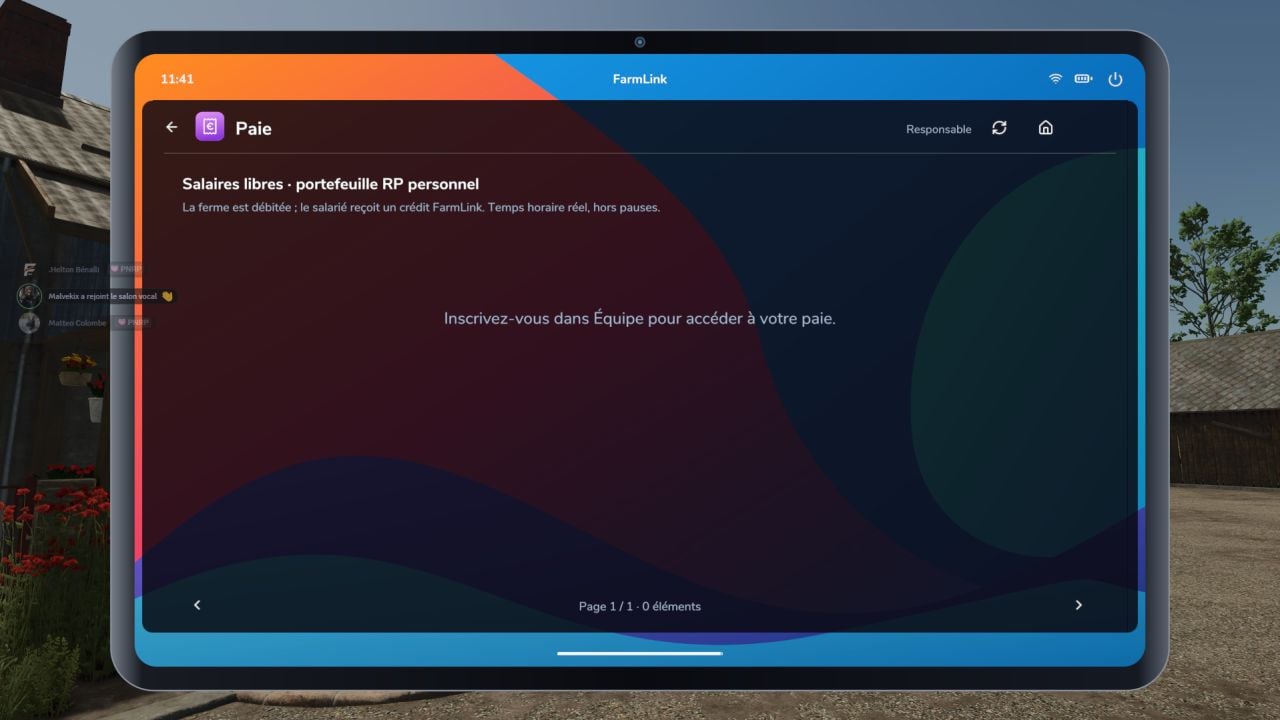
- Payroll: Set customizable wages, bonuses, cash advances, and roleplay (RP) pay slips.
- Contracts: Work with quotes, services, inter-farm invoices, and local roleplay agreements.
- Inventory: See what is in the silos and set your own alert thresholds.
- Livestock: Check animal counts and details for your farm buildings.
- Documents: Store notes, instructions, and files shared with others.
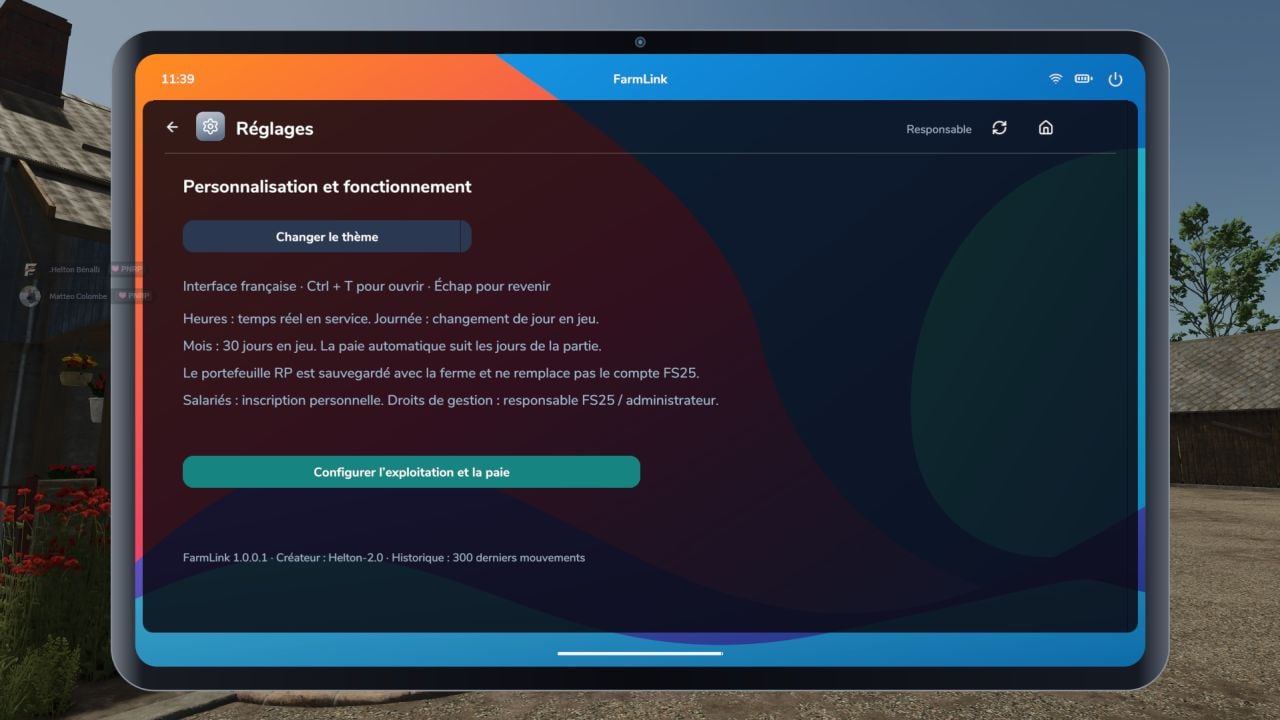
- Settings: Change the farm name and payroll configuration.
Payroll tailored to your roleplay
Pick how each person gets paid: hourly, daily, monthly, over a 30-in-game-day cycle, or per task. Hourly pay uses the real in-game time spent on duty. You can also add bonuses and cash advances, then choose manual approval or automatic payouts every 1, 7, or 30 in-game days.
Wages come out of your farm’s FS25 account and go into every employee’s personal FarmLink roleplay wallet. The wallet works only as a mod-internal ledger, so it cannot buy equipment from the in-game FS25 shop.
Quotes and invoices
The inter-farm routine is clear: send a quote, receive acceptance, complete the service, and process the payment at the end. Inter-farm invoices transfer funds between the FS25 accounts of the two farms. Local roleplay (RP) contracts simply record a declared payment, without making an actual bank transaction.
Controls and installation
- Open menu: Use Left Ctrl + T or F10, or change the key through FS25 control settings.
- Navigation: Use your mouse to move around, then press the Esc key to get back to the home screen.
- Copy the
FS25_FarmLink.zipfile, do not extract it, into yourmodsfolder, then enable FarmLink when starting your game session. - In multiplayer, the same ZIP file has to be installed on the server and every client machine.
Information
- Game: Farming Simulator 25.
- Supported platforms: PC/Mac, requires Lua script support; not available for PlayStation/Xbox.
- Interface language: French.
- No additional mods required.
- Your data stays in the FS25 save file, so save the game to keep changes you make.