With Universal Work Cameras, you can set up work cameras right in the game on compatible vehicles and implements. Put them on moving vehicle parts and watch them follow along as those parts move. Your camera setup is saved with the savegame, and the server synchronizes it in multiplayer, so your work stays in place when you play together.
Features
- You get five camera channels to work with: BACK CAM 1, 2 and 3, plus FRONT CAM 1 and 2.
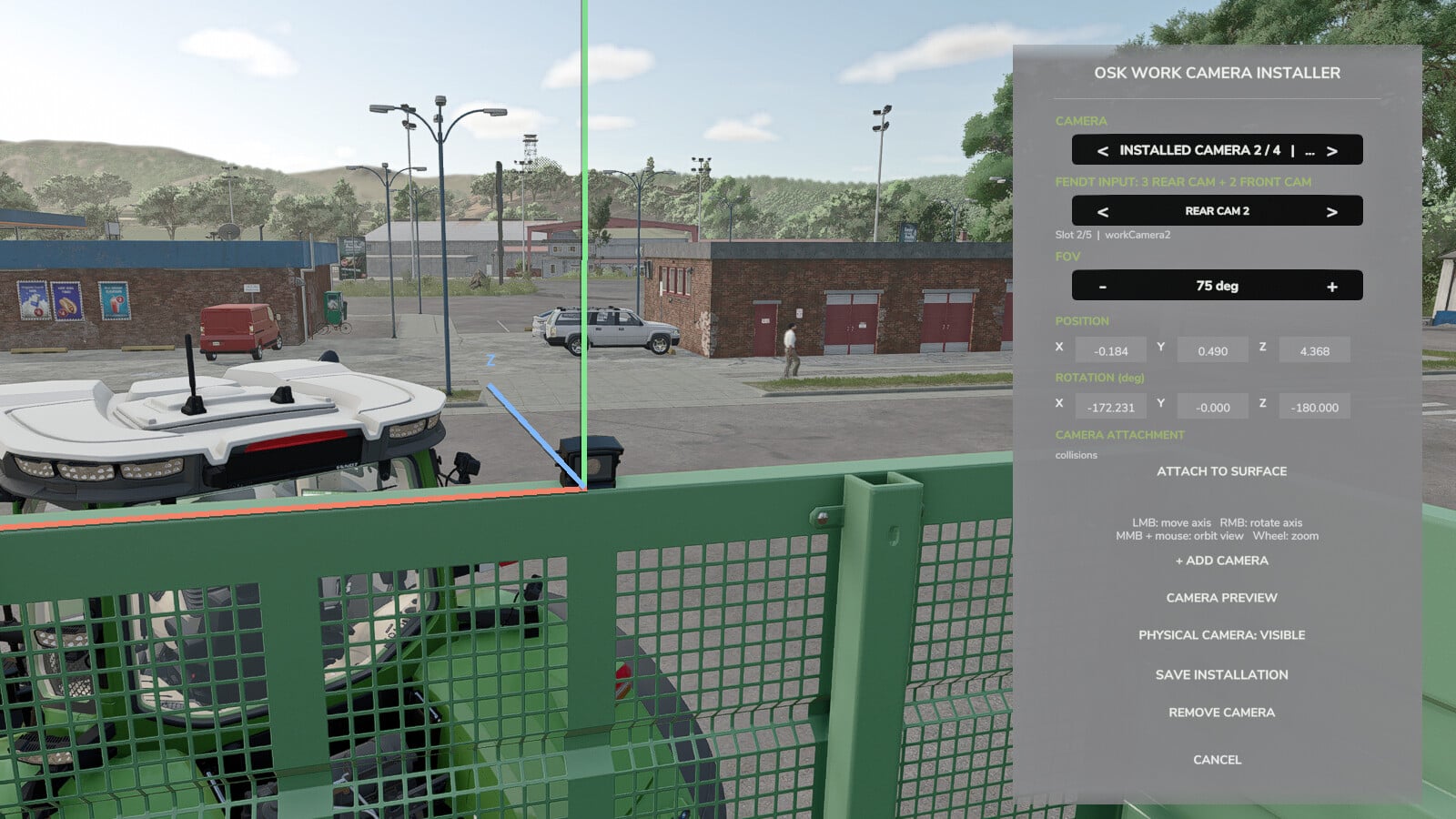
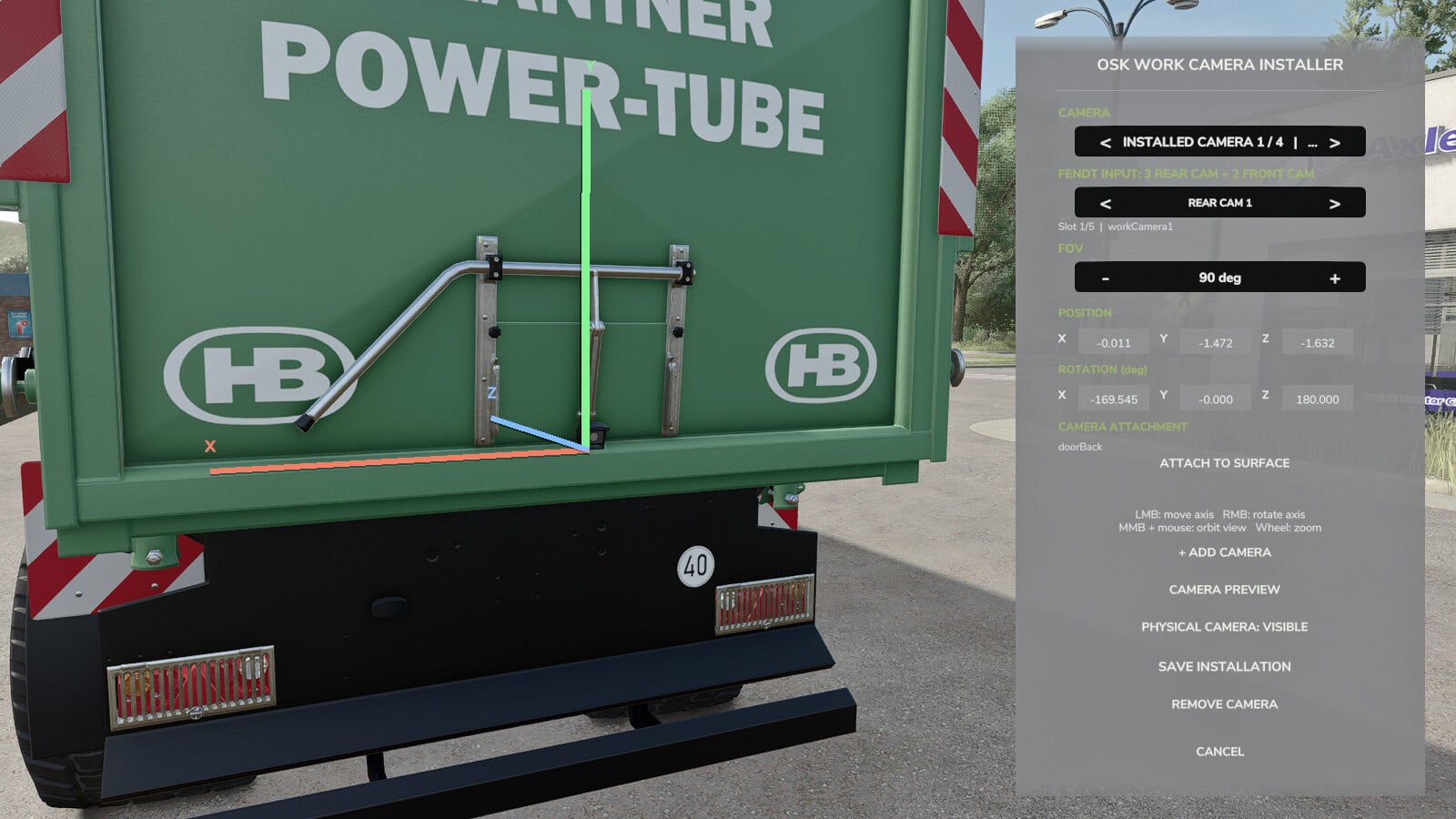
- Shape the view in the editor by changing the camera position, rotation and field of view.
- Use the camera preview to check how the setup looks.
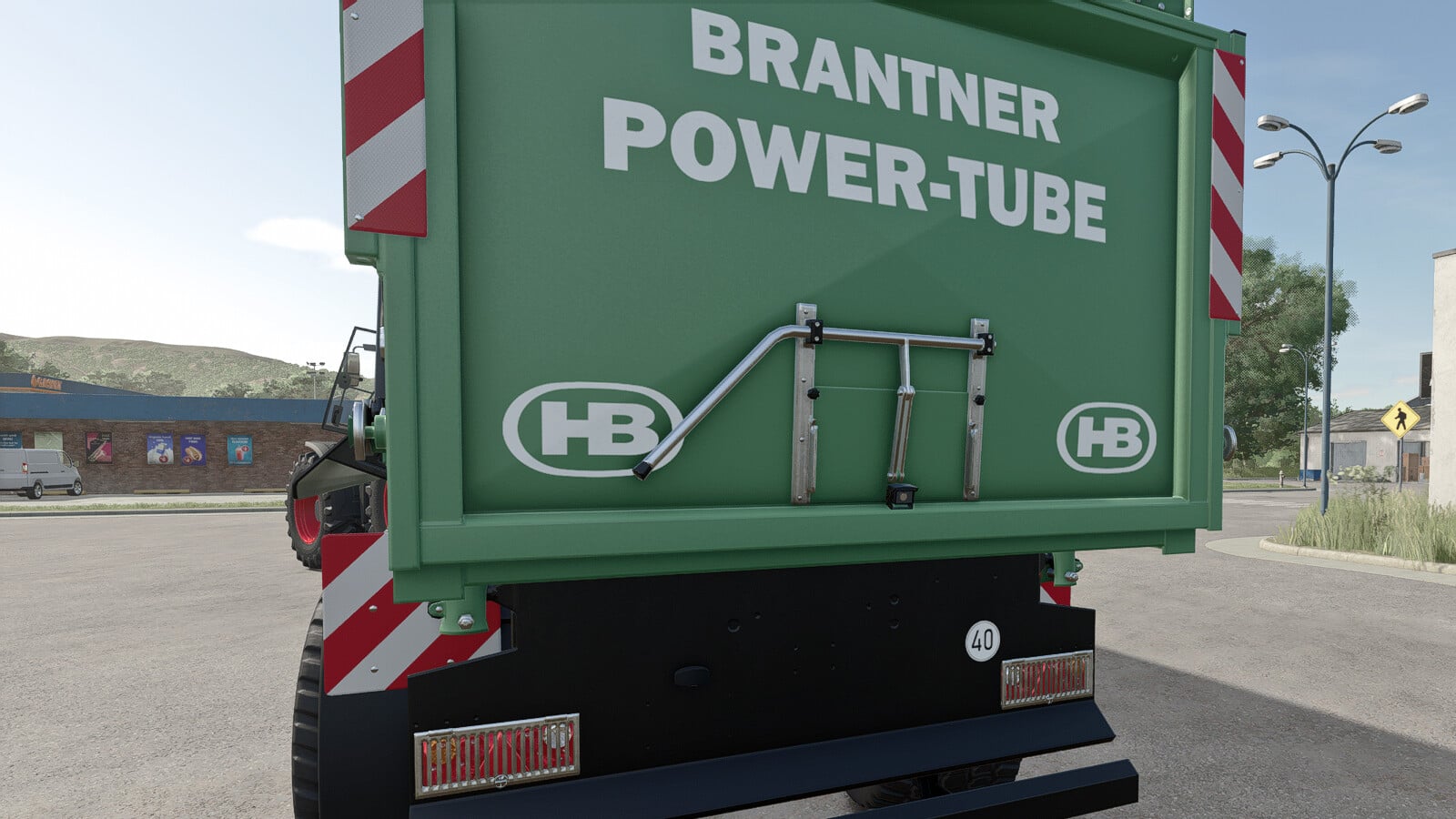
- Attach a camera to a moving part and it follows that part’s movement.
- Common WorkCam camera connections work on compatible Fendt models, especially Paul’s Fendt vehicles, which keep their existing camera connections and IC controls.
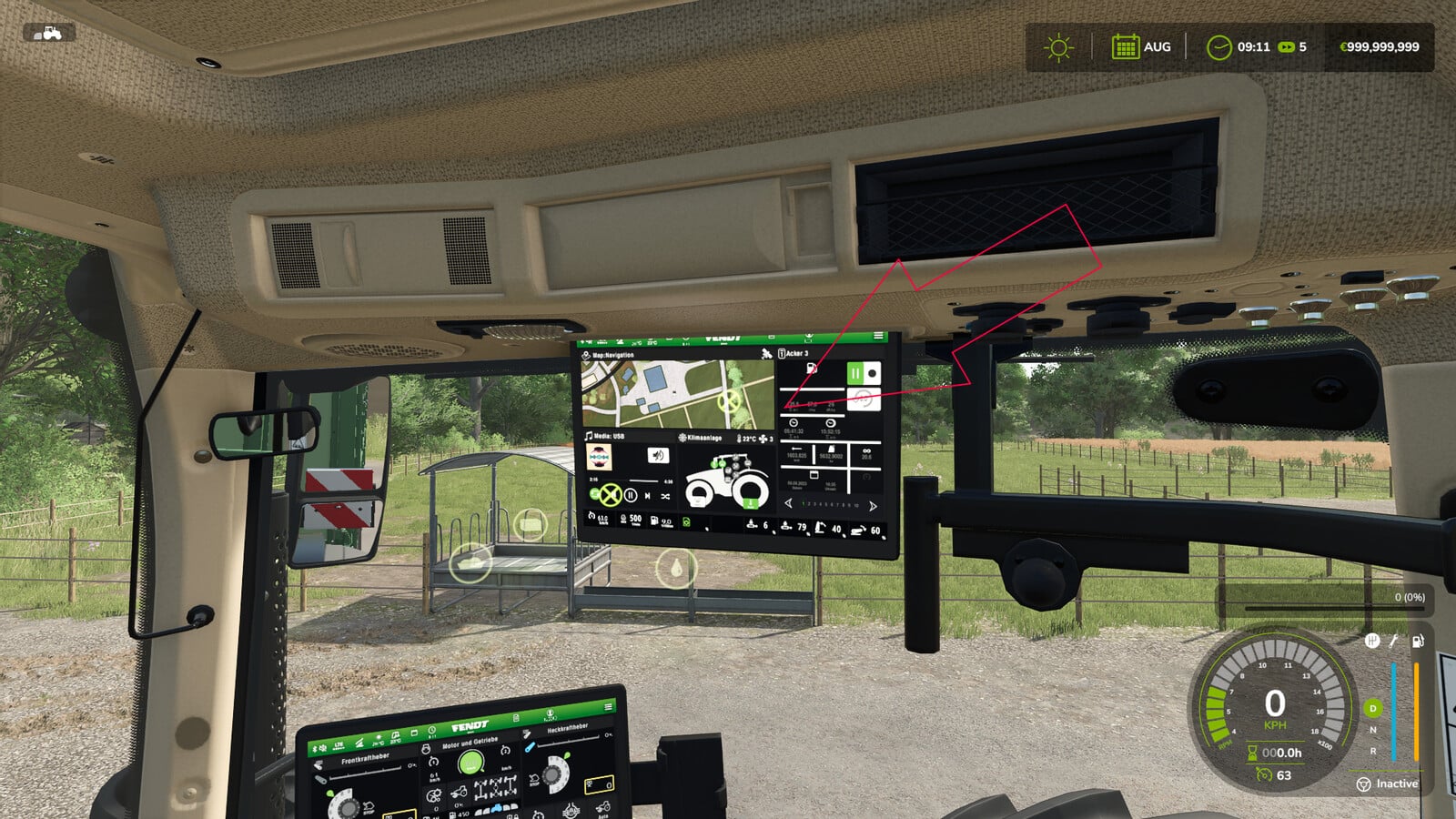
- Dashboard Live and WorkCameras use the camera displays that each vehicle supports.
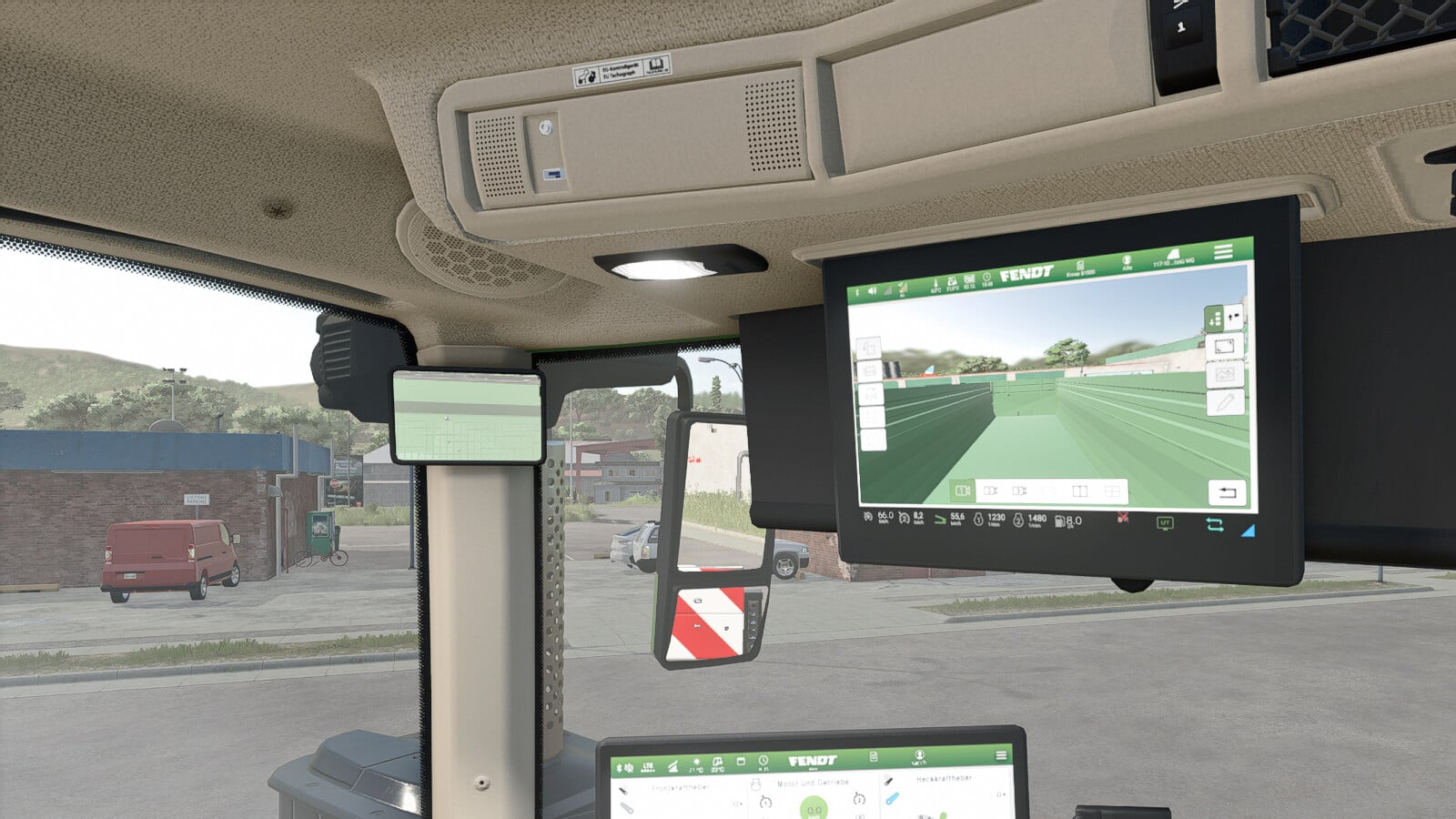
- Supported Fendt ONE models keep their existing upper monitor too. Attach an implement and the normal monitor page stays on screen. Then open the camera feed with the WorkCameras controls or a supported IC button.
- Paul’s models still run with their own camera system.
- Vehicles with compatible camera connections can use UWC cameras as well. The same applies to vehicles using a camera system supported by optional integrations. What is available depends on the vehicle model and its equipment.
Installation and use
- Walk up to the vehicle or implement and press
ALT+Cto bring up the camera editor. - Choose Add Camera, pick one of the five channels, and set the position, rotation and field of view. Pick a vehicle attachment point, save the setup, and leave the editor.
- Once you are in a compatible vehicle, select and activate the camera group. Change cameras with the default WorkCameras controls or the existing Interactive Control (IC) buttons. The supported Fendt ONE upper monitor also works with the default WorkCameras controls.
Required:
- Dashboard Live
- Interactive Control
- Mercedes-Benz Trucks Pack DLC
The DLC lets you install cameras and preview them in the editor.
Recommended for compatible base-game vehicles:
- MB DLC Work Cameras For All Vehicles
- Dashboard Live Vanilla Vehicles, used with Dashboard Live
These optional packs bring support for compatible in-cab monitors, including the upper Fendt ONE monitor.