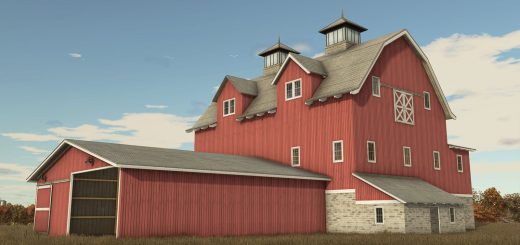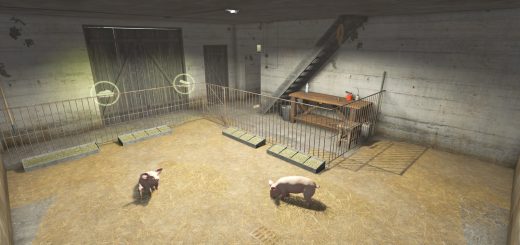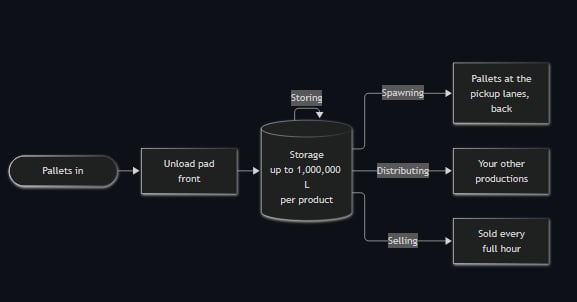
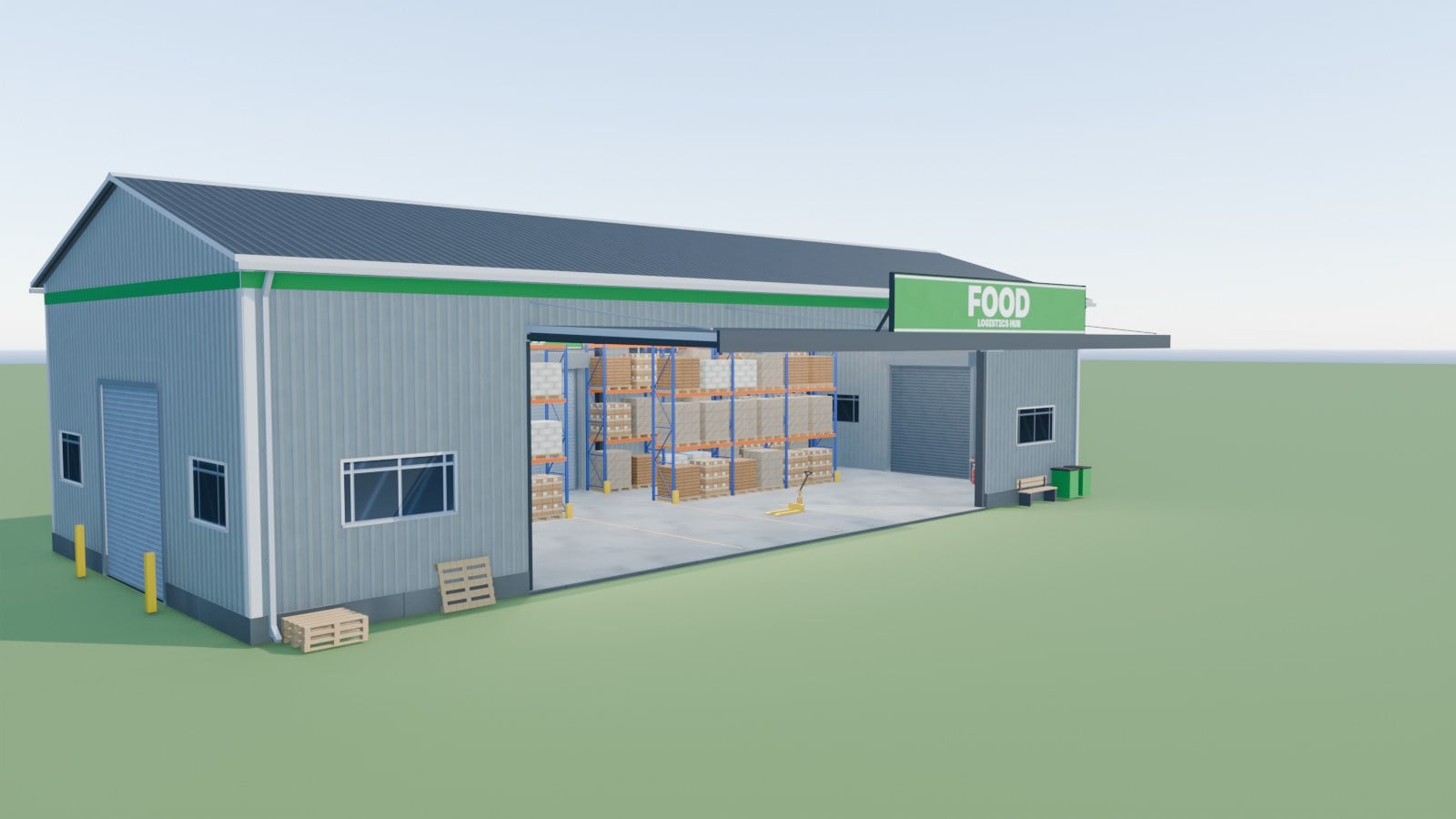
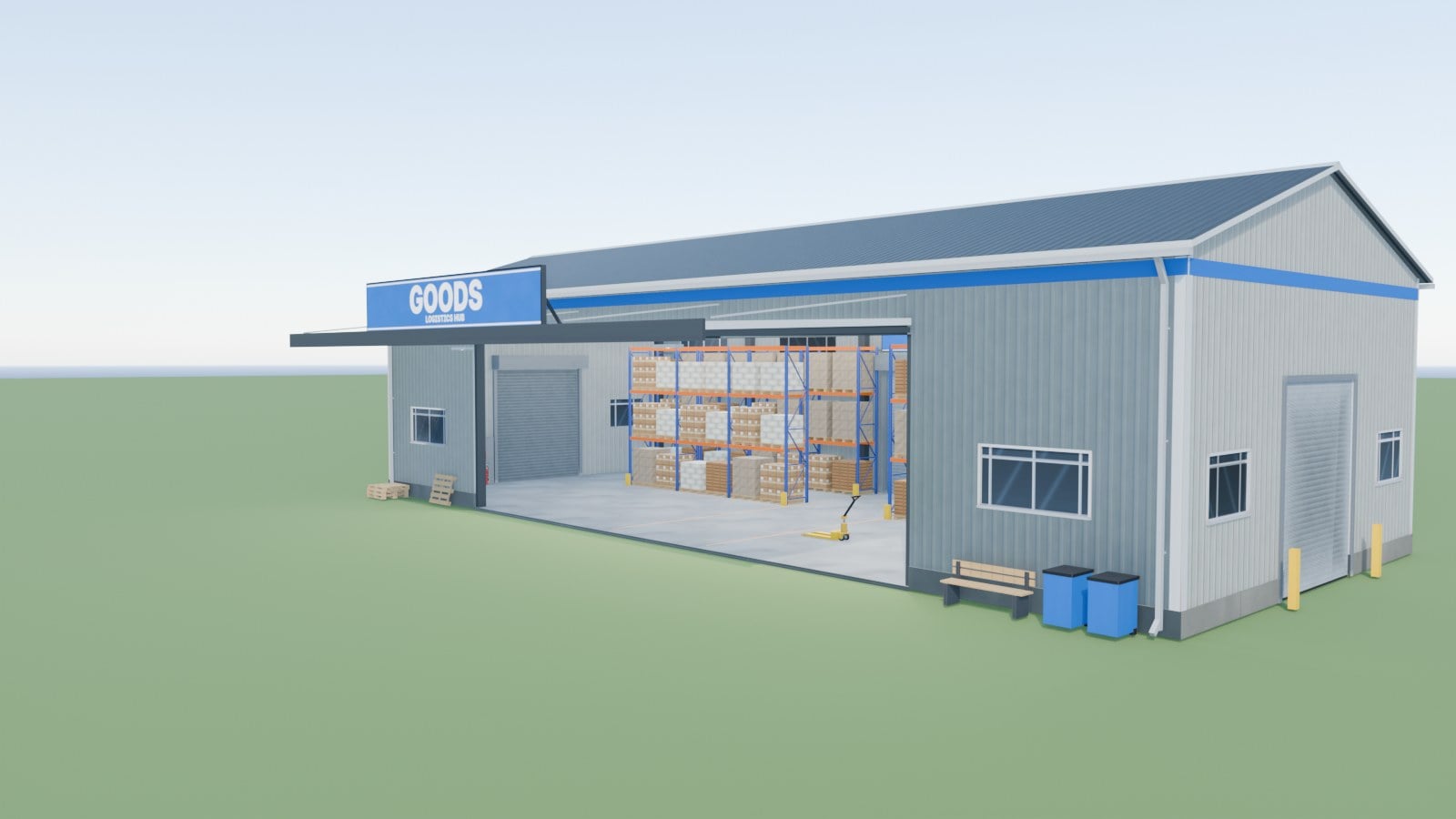
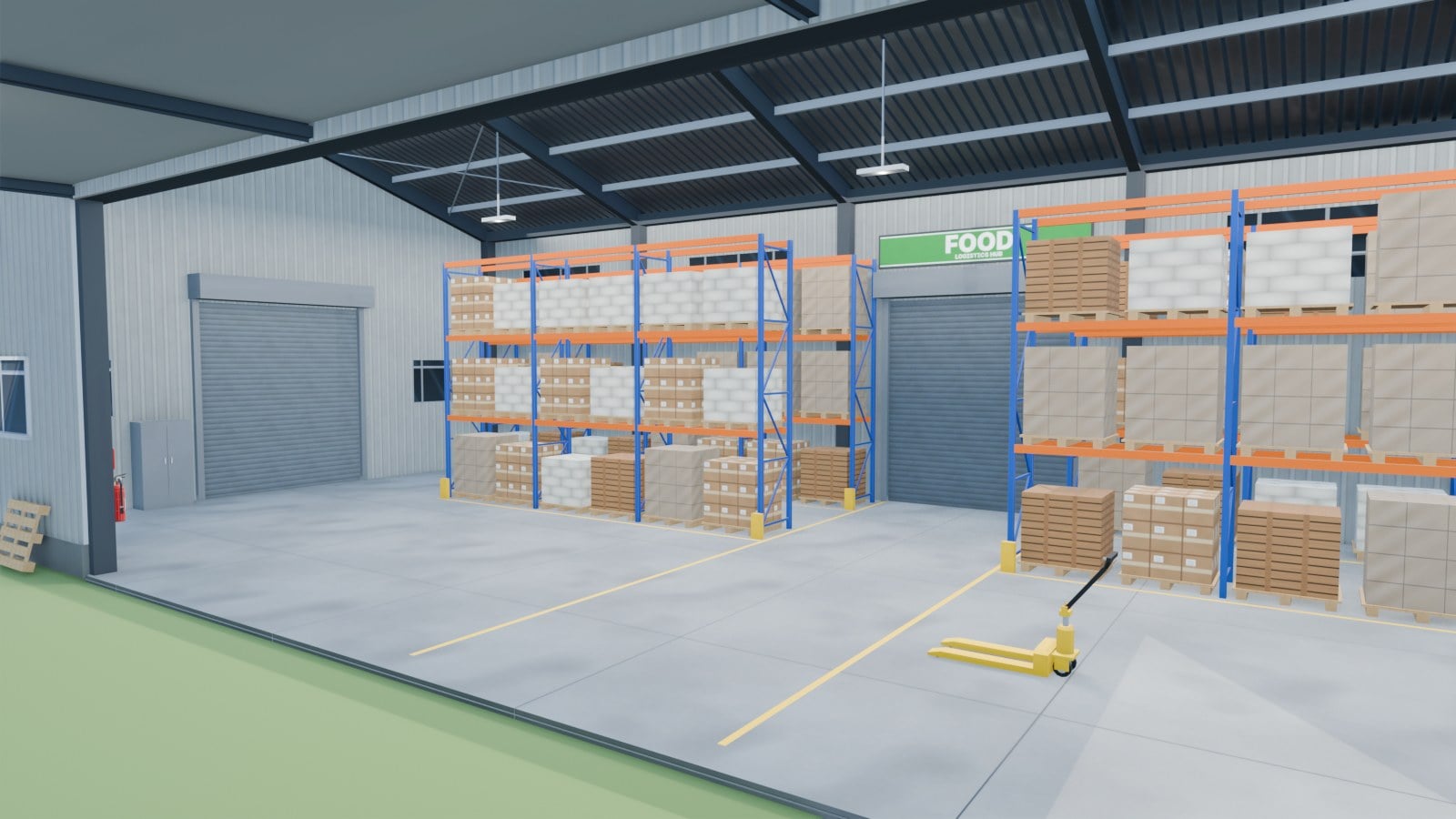
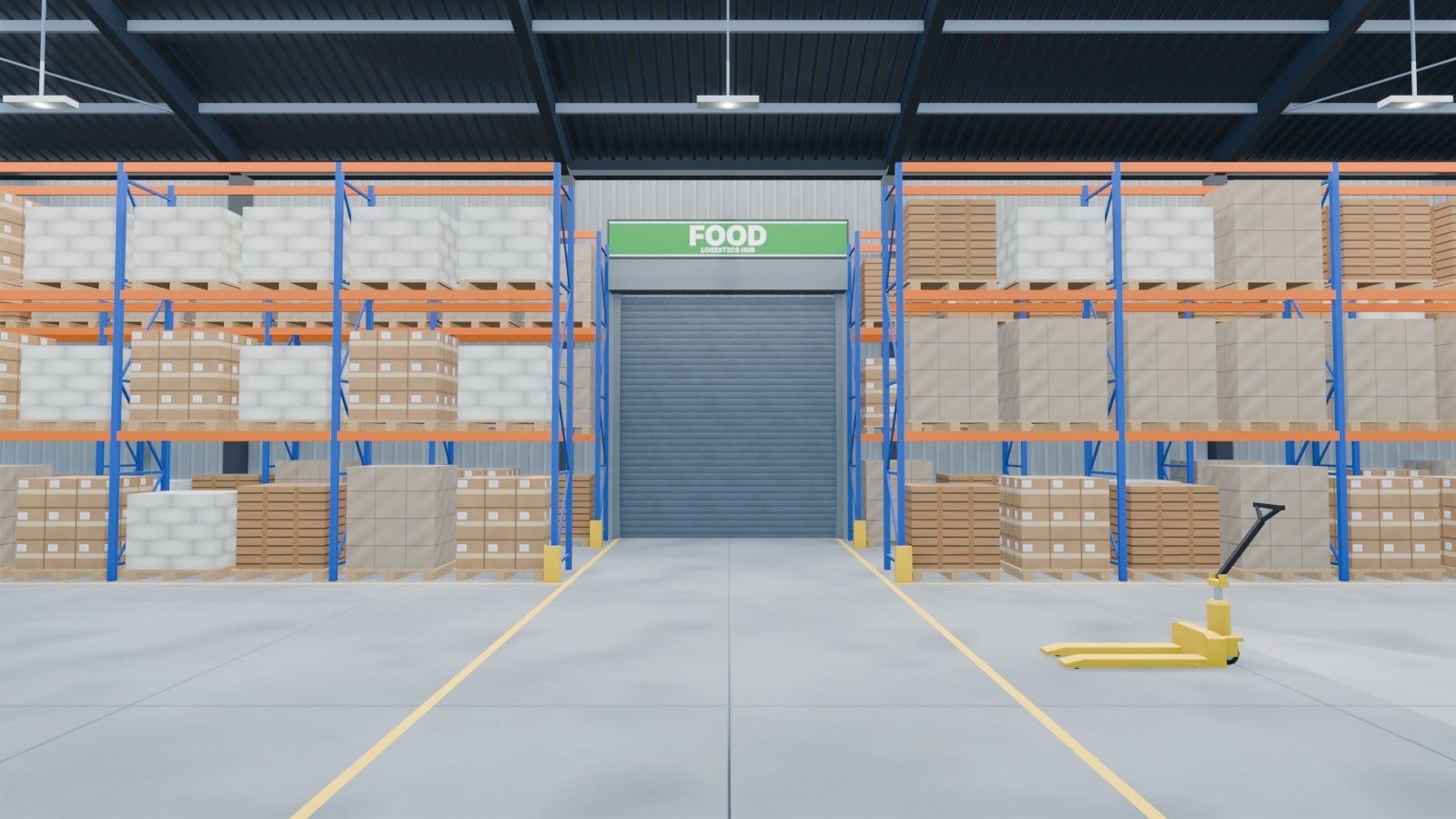
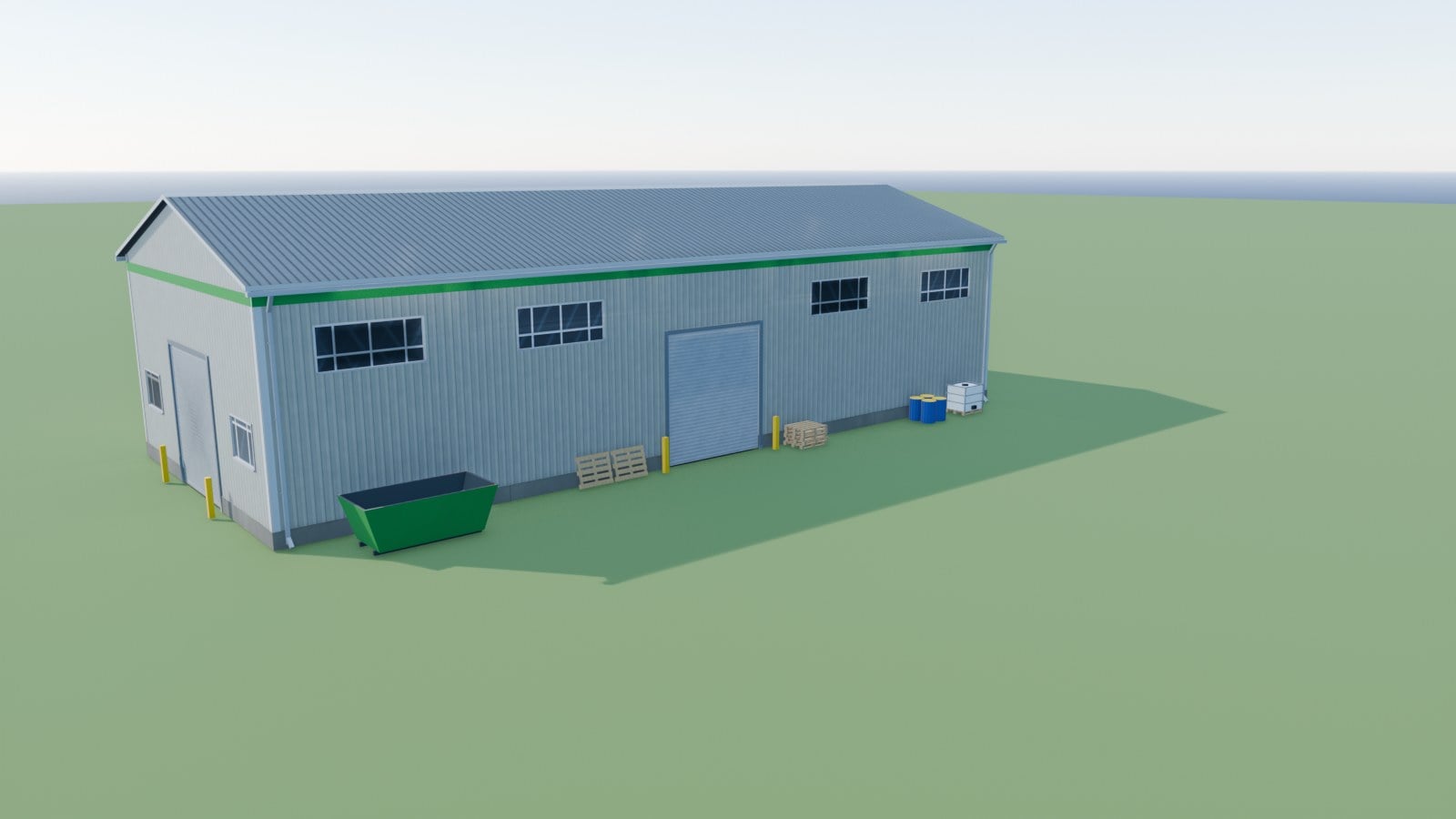
With Logistics Hub V1.5.8.1, you get a pallet hall for Farming Simulator 25 that keeps your products moving. Bring pallets to the unload pad at the front, choose the next destination for each product, and let one hub hold up to 1,000,000 L of every product it accepts. It is a handy setup when you want to drive in, unload, and sort out where everything goes next.
Keep in mind, this is for pallets only. Bulk goods, field crops and bales are not accepted.
Food & Drinks
- Sign: green
- Cost: 50,000
- Daily upkeep: none
- Products: dairy, bread and cakes, oils, flour, sugar, honey, vegetables, fruit, juices, canned and preserved food, rice products, soups
- Beans & Alpacas products: bananas and banana products, coffee and coffee products, and tiramisu
- With everything loaded, up to 199 products
Textiles & Goods
- Sign: blue
- Cost: 50,000
- Daily upkeep: none
- Products: fabric, clothes, wool, rope, furniture, paper and carton, building materials, including cement, planks, boards, roof plates and prefab walls, seeds, fertilizer, herbicide, lime, road salt
- Beans & Alpacas products: alpaca goods, pigments, resin, paint buckets and fungicide
- With everything loaded, up to 81 products
Both hubs work with products from the FedMods packs, standard or ProEdition. Do not have those packs installed? The hubs then provide the base-game products.
Features
- You decide the route for every product: keep it stored, spawn it as pallets, send it to your productions, or sell it every full hour. Storing is already part of the hub, so no other mod is needed. Your stock stays there until you take it out.
- Choose a hub capacity of 100,000 / 500,000 / 1,000,000 L per product.
- For depot pallets, choose 1,000 L / 2,500 L / 5,000 L. All three use a 1.20 × 0.80 m base. Their full heights are 0.364 / 0.804 / 1.464 m, with 1 / 3 / 6 cargo layers. They use the original product models and material maps from the game or installed mod, including open lettuce crates and carrot bags. The built-in collision follows all complete layers as the fill changes. The three sizes of lettuce and carrot bags were visually checked in GIANTS Editor, but gameplay remains untested. Universal Autoload gets the depot footprint and current collision height directly, which lets three narrow sides fit across the Krone Profi Liner even when its cached measurement is wrong. Other productions still use their existing pallets.
- Open the spawn goods window without needing another mod. Pick the product in stock, choose a 1,000 L, 2,500 L or 5,000 L depot pallet, decide between full pallets only or a last part-filled one, select the farm that receives it and set the pallet count. The pallets appear at the pickup lanes. The window remembers your last choice for each building and warns about the pallet limit and pallets that are still at the lanes.
- The racks fill as your stock grows, with 84 pallet places showing what is there.
- Three sides have working roller doors. Use them like garage doors, opening or closing them as needed. Their state is saved.
- At 06:00, check the daily report for what came in, went out, was delivered and was sold at each hub.
- Press C in the game’s production menu to hide empty materials, so the hub does not fill the list with 180 rows of 0 L.
- Placing the hub imports its AutoDrive route.
Productions window
Use Right Shift + P to bring up one table for all your productions, not just the hubs. You can see their inputs, five per line, recipes, finances and logistics in one place.
| Key | Main page | Logistics page |
|---|---|---|
| X | inputs / outputs | schedule: the months a line runs |
| C | recipes | hide inactive |
| Q | finances | spawn goods |
| E | logistics | |
| Enter | settings | change output |
| Backspace | spawn goods | recipe on / off |
| Space | CSV export | |
| Esc | close | close |
On the settings page, you find:
- Auto-management: stuck lines pause, so they stop costing money, and restart once they can run again.
- Alerts when lines pause or restart, when inputs are low and when outputs are nearly full.
- Building options for the production you selected, covering the hub’s capacity and the pallets it spawns.
Your savegame keeps the settings, schedules and options. On a server, all players share them.
Compatibility
| Mod | Needed? | What it adds |
|---|---|---|
| FedMods, standard or ProEdition | optional | Fed products in both hubs |
| Beans & Alpacas (DLC) | optional | banana, coffee, alpaca and paint products in both hubs |
| Highlands Fishing (DLC) | optional | fish, onion products, roof shingles and coal in the hubs |
| Production Storage Control | not needed | Spawn goods and Storing are built in. With PSC installed, its spawn window at a hub offers the 1,000 L / 2,500 L / 5,000 L depot pallets too, and its own Storing mode stays in charge |
| AutoDrive | optional | imports the hub’s route when it is placed |
| Price Ticker | optional | the hubs are taken out of its station list, its files are not changed |
Multiplayer works. The server and every player need the same zip.