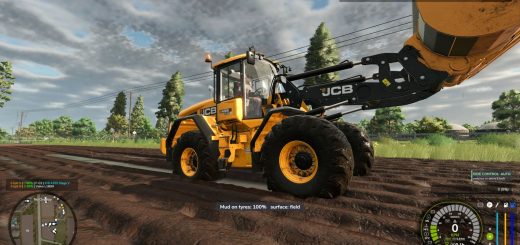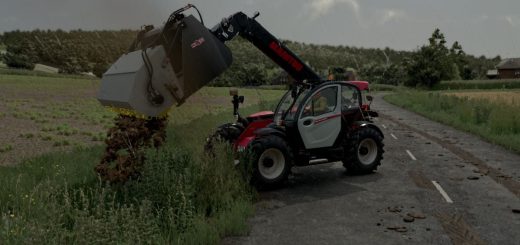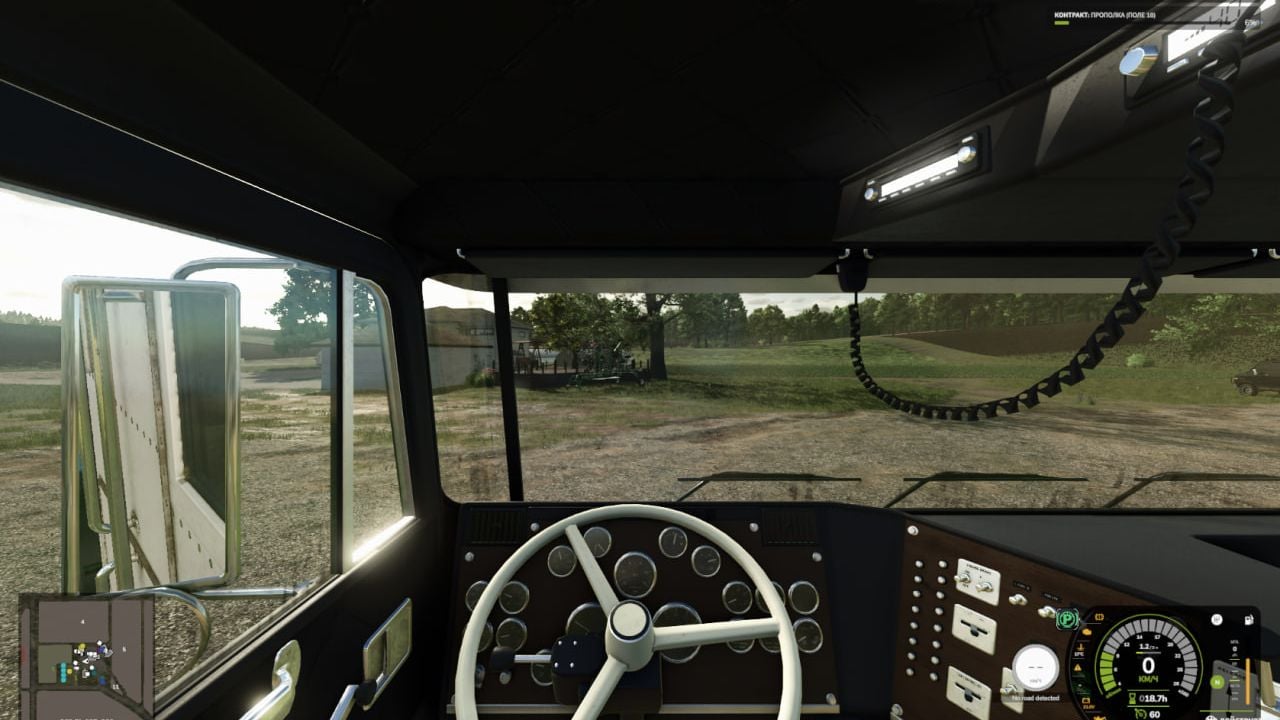
Better Cruise and Shift makes driving feel more hands-on by pairing smart gear selection with cruise control that locks the speed you are currently driving.
Features
- Smart Gearbox. You still use the familiar gear up and gear down buttons. Tap one while driving and the mod picks the right gear in that direction, using the same logic as the game’s standard automatic transmission. When you speed up or slow down, you can jump over gears you do not need.
- Shifting is still manual, so the next gear is always chosen when you command it. The selection stays within the current range. When you are stopped, normal sequential selection is used. Pick a starting gear ahead of time, or shift through neutral into reverse.
- The clutch works according to your selected control mode and the supported gearbox’s characteristics. In «manual with clutch» mode, use the clutch whenever it is required. The usual clutchless shifting of the Lizard 362 PowerShift stays intact. CVTs and fully automatic gearboxes work as usual.
- Cruise at Current Speed. Drive up to the speed you want and press the normal cruise control button. Instead of recalling the old value, it locks the speed you have right now. The standard adjustment buttons still let you raise or lower that speed while moving.
- The brake or accelerator switches cruise control off. If you are already pressing the accelerator when cruise control is enabled, let go first. The next accelerator press will disengage it. Keeping the cruise control button held does not turn on maximum speed. You can activate it from 1 km/h, while the vehicle’s usual speed limits still apply.
- Your existing steering wheel and controller bindings for gears, clutch and cruise control keep working. You can also reassign neutral and the Smart Shift toggle in the game’s control settings.
Default Keyboard Controls
- NumPad + / NumPad -: gear up / gear down.
- Left Shift: clutch, when required by the selected mode.
- Left Ctrl + N: neutral.
- Left Ctrl + Left Alt + G: enable or disable Smart Shift on the current vehicle.
- 3: enable or disable cruise control.
- 2 / 1: increase / decrease cruise speed.
- Accelerator or brake: disengage cruise control.
Single-player, PC only. Languages: Russian and English.