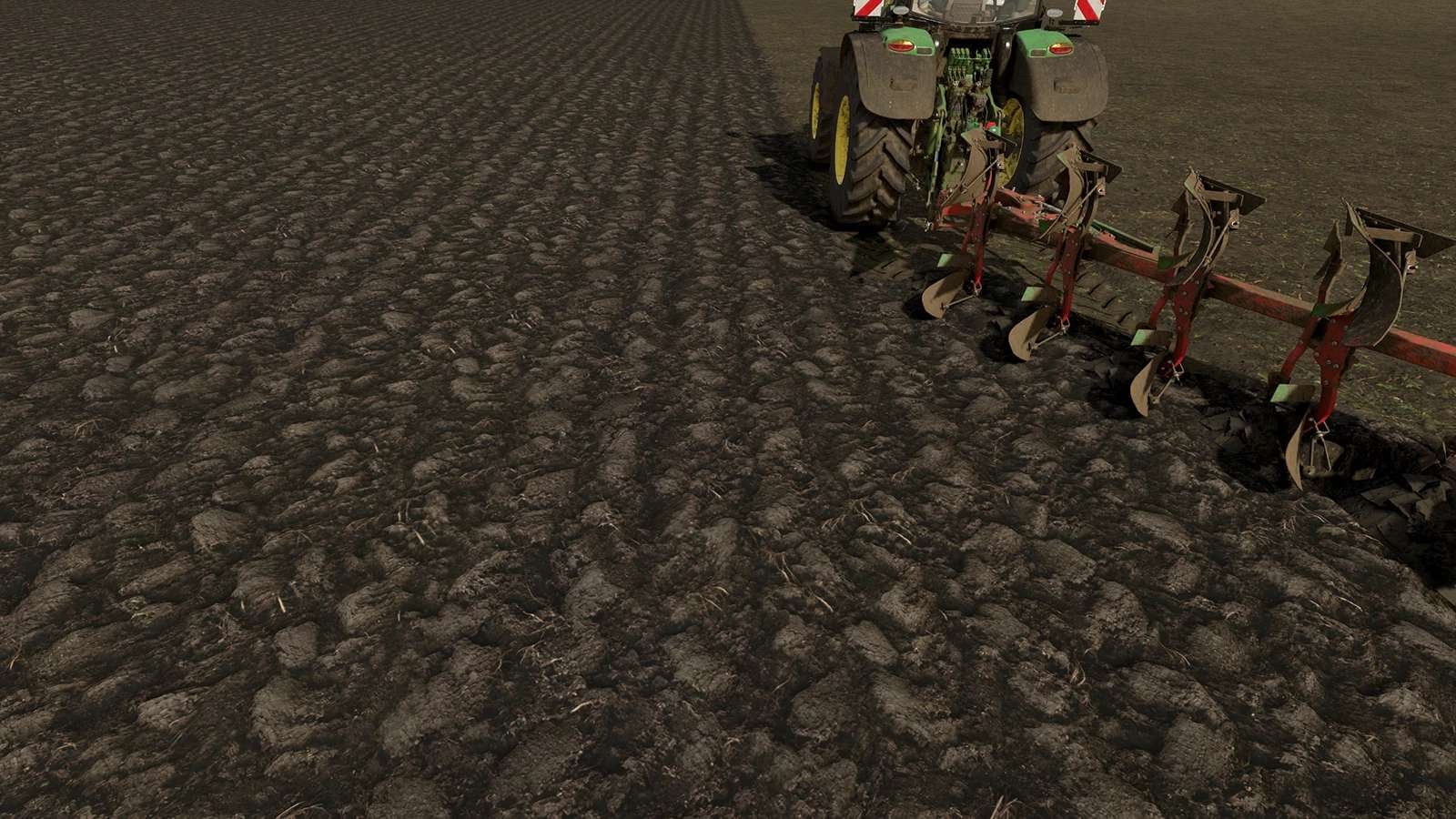
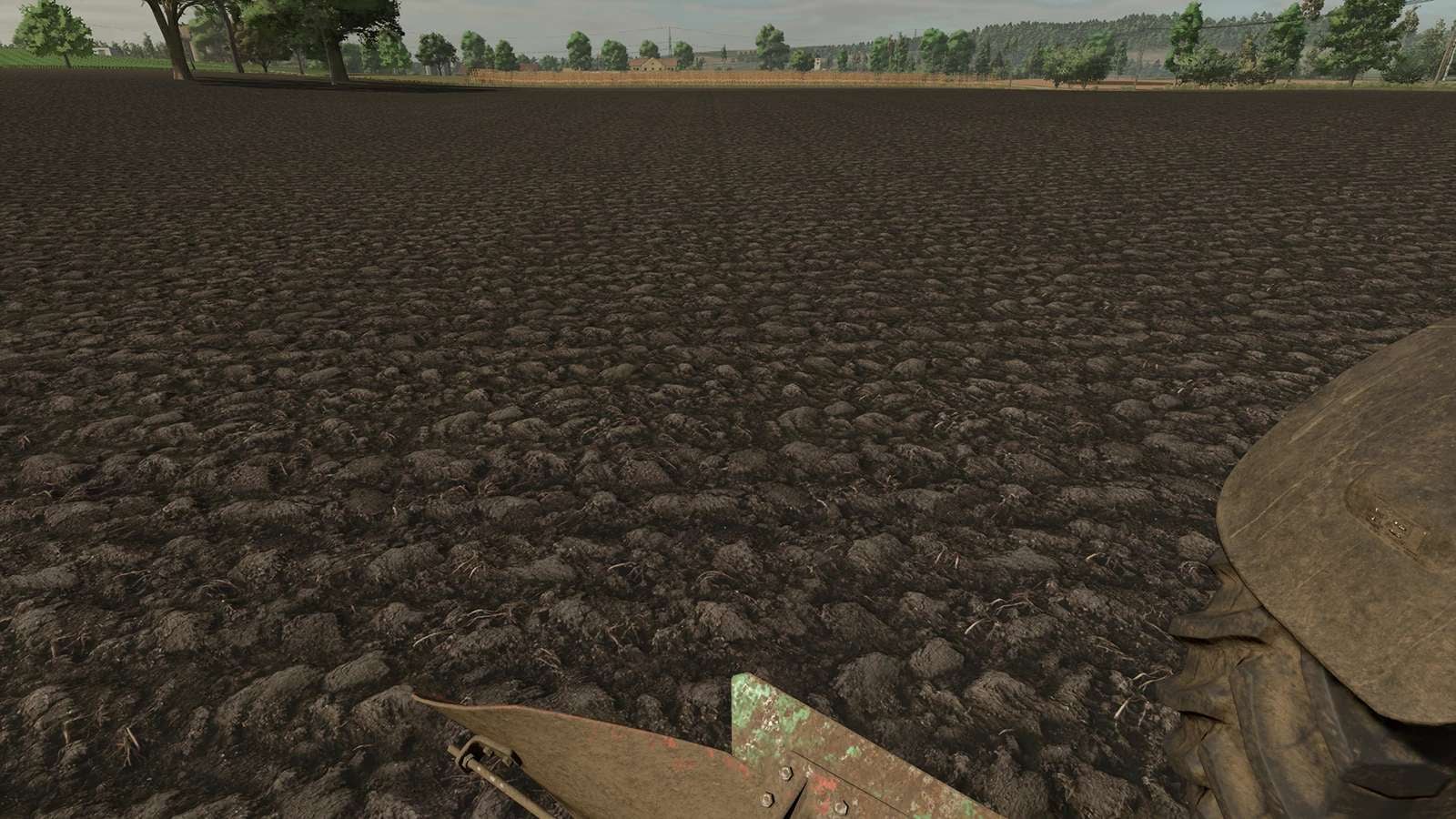
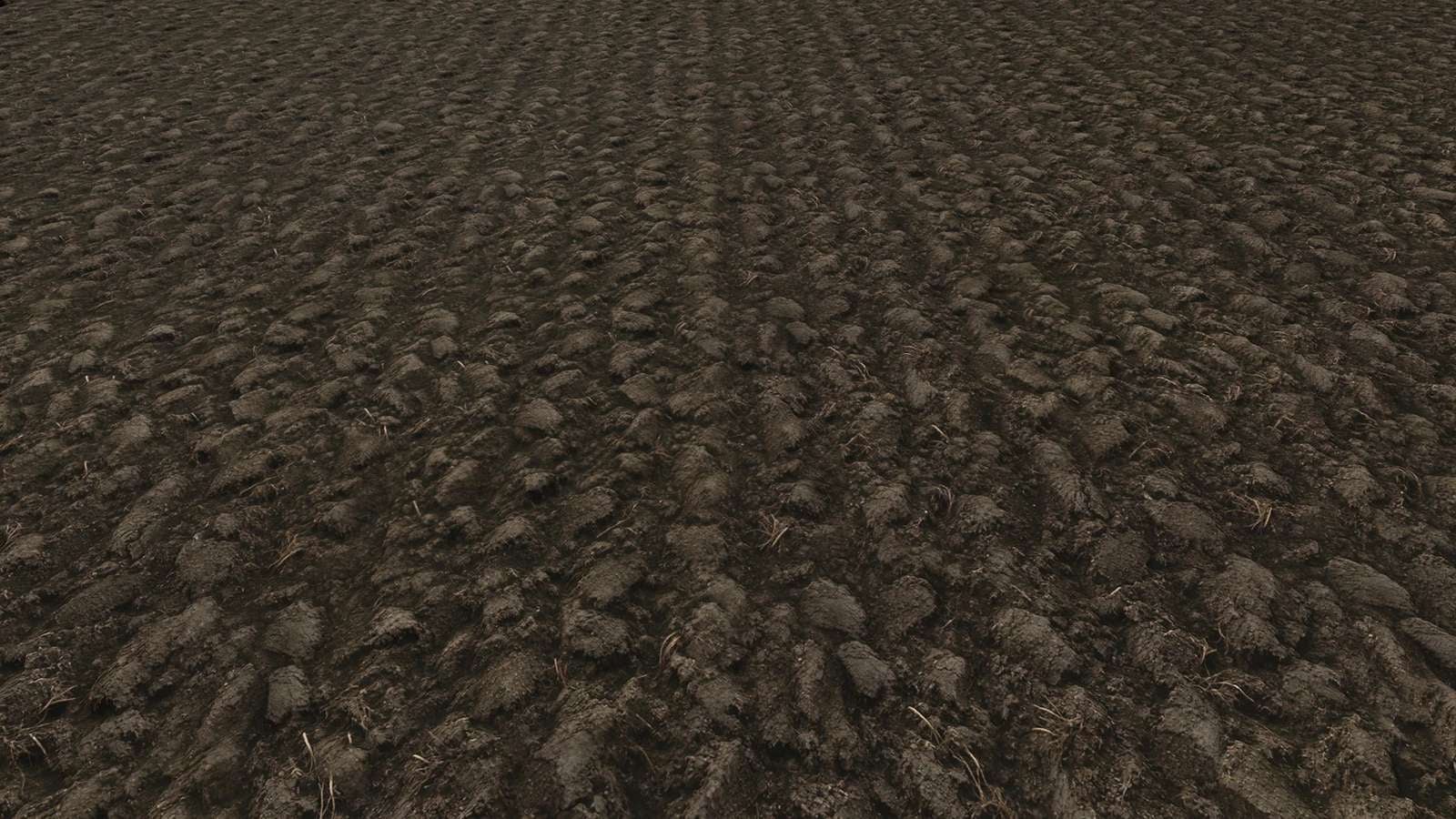
Give your Farming Simulator 25 fields a realistic dark plowed-soil texture. It is a simple way to change the look of the ground while you play.
Features
- Dark plowed-soil texture
Installation
Want to replace the base-game textures? Start here.
MAKE A BACKUP FIRST!
Go to the data folder in your game directory. From there, open data>maps>textures>terrain>ground and paste in the new textures, letting the files be overwritten. If you decide you do not like the new textures, restore the originals from your backup.
Changing the base-game files will typically update the textures because many mod maps also depend on these assets. If they stay unchanged, use the custom-map steps below.
For custom maps:
- First, place the texture file inside your map’s directory.
- Next, open the map’s
.i3dfile with a text editor. For example, usemap.i3d. - Look for the plowed-soil texture reference, for example:
<File fileId=”545″ filename=”$data/maps/textures/terrain/ground/groundType_plowed01_diffuse.dds”/>. Replace the filename with the path to the texture file in your map’s directory.