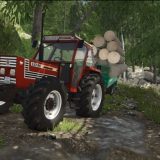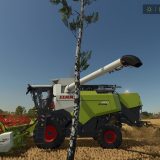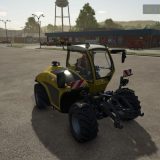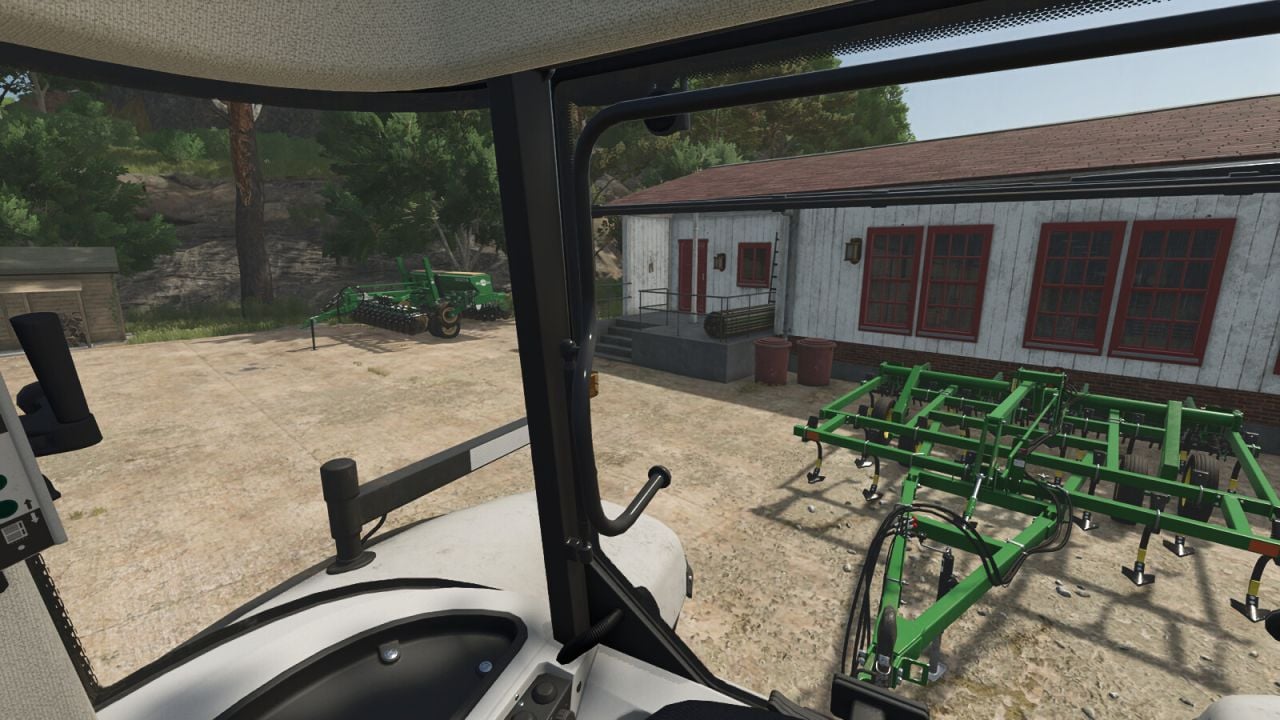
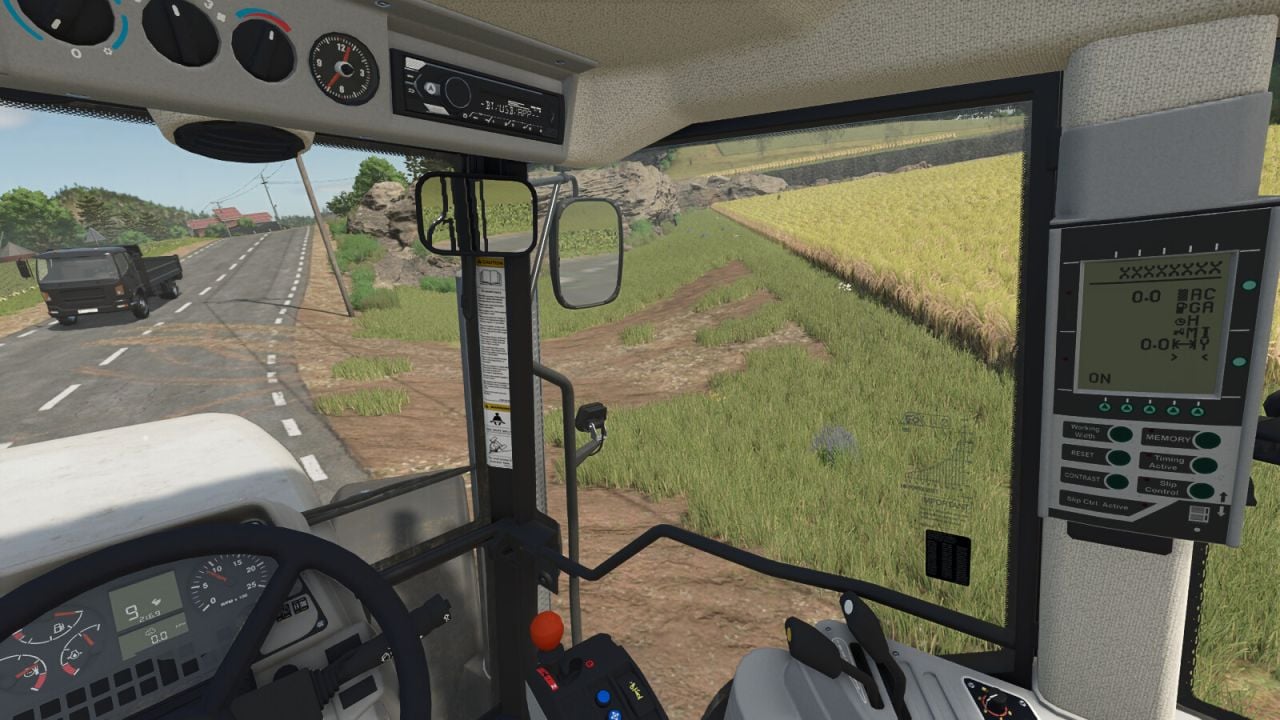
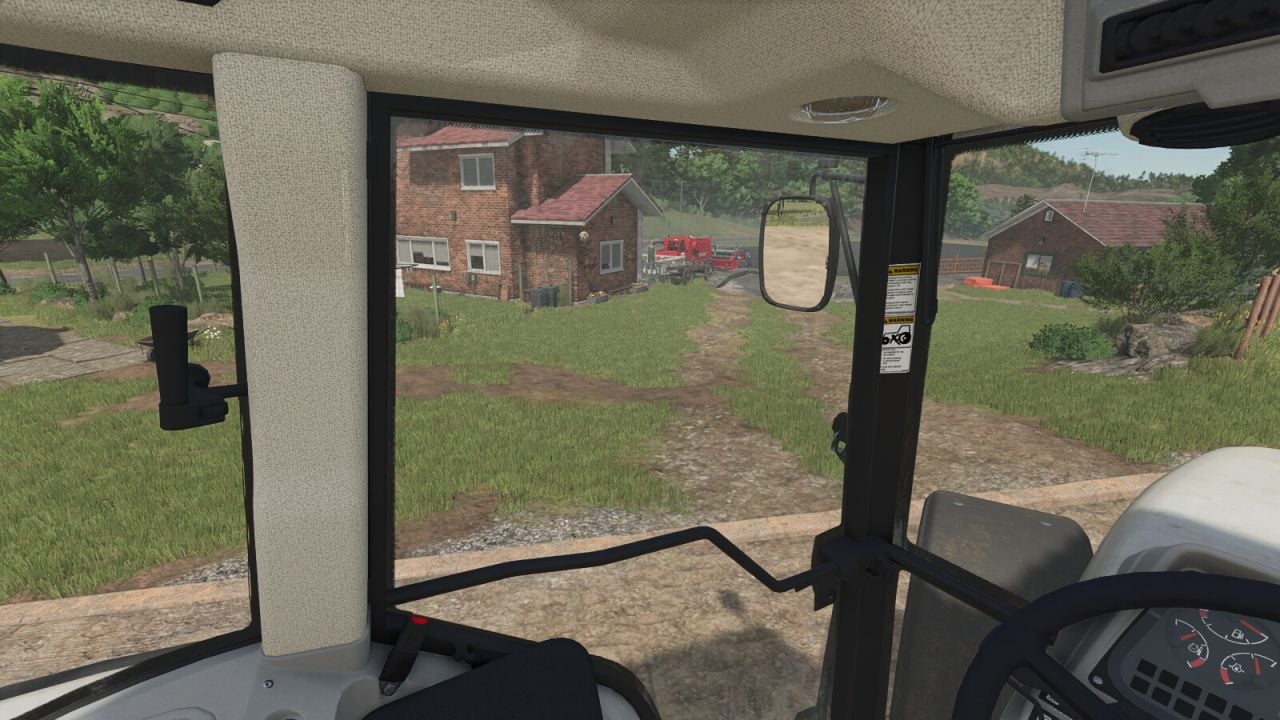
Get a more comfortable cabin view with a wheel, gamepad or keyboard. Auto Camera Steering moves the interior camera into the turn as you steer, just like the head movement of a real driver. It keeps the view moving with you while you drive.
Features
- Steer and the camera follows along. The interior view turns smoothly in the same direction, even when you are standing still or driving at any speed.
- Pick the input profile that fits your setup: Wheel, Gamepad or Keyboard. Each one has its own dead zone and smoothing. That gives you precise camera movement on a wheel and calmer movement when using the A/D keys.
- You can set the sensitivity to 7 levels and choose a maximum turn angle of 25°, 45°, 90° or 120°.
- When the vehicle really starts moving backwards, Reverse flip turns the camera to look behind and mirrors the steering direction. It does not trigger from selecting reverse gear or from a light nudge. The vehicle needs to move backwards at about 2 km/h for a short moment. Driving forward again follows the same rule.
- Look around with the mouse, then keep driving forward and the camera smoothly comes back to the front. Set the delay to 1-5 s, along with the return speed and movement threshold. Manual looking around is never interrupted.
- Enter a vehicle and the camera faces the real driving direction, even if that vehicle’s default camera looks to the side.
- Hold a key for a quick glance behind, to the left or to the right. Let go and the camera smoothly returns. It works in forward drive and reverse.
- Use the mouse wheel to zoom the interior camera, with a separate reset key ready as well. If you do not want zoom, you can switch it off in the settings.
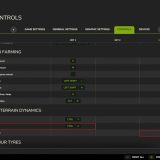
- Change the hotkeys in the controls menu: Right Ctrl + / turns the mod on or off, and Right Ctrl + , pauses or resumes auto-centering for free look.
- Look back, look left, look right and reset zoom are not assigned by default. Choose your own keys in the controls menu, Auto Camera section.
- Every option is found in the game settings menu and is saved automatically.
- In multiplayer, the mod stays purely visual and client-side. Only your own camera is affected.
Notes
- Works with interior, cabin, cameras. Mouse look always has priority over the automatic movement.