HMT Ear Plugs give you two hearing protection options to buy, three attenuation levels to choose from, and a way to switch radio attenuation without going through a menu. Turn down vehicle, environmental, and character sounds while keeping multiplayer voice chat available at the volume you set.
Features
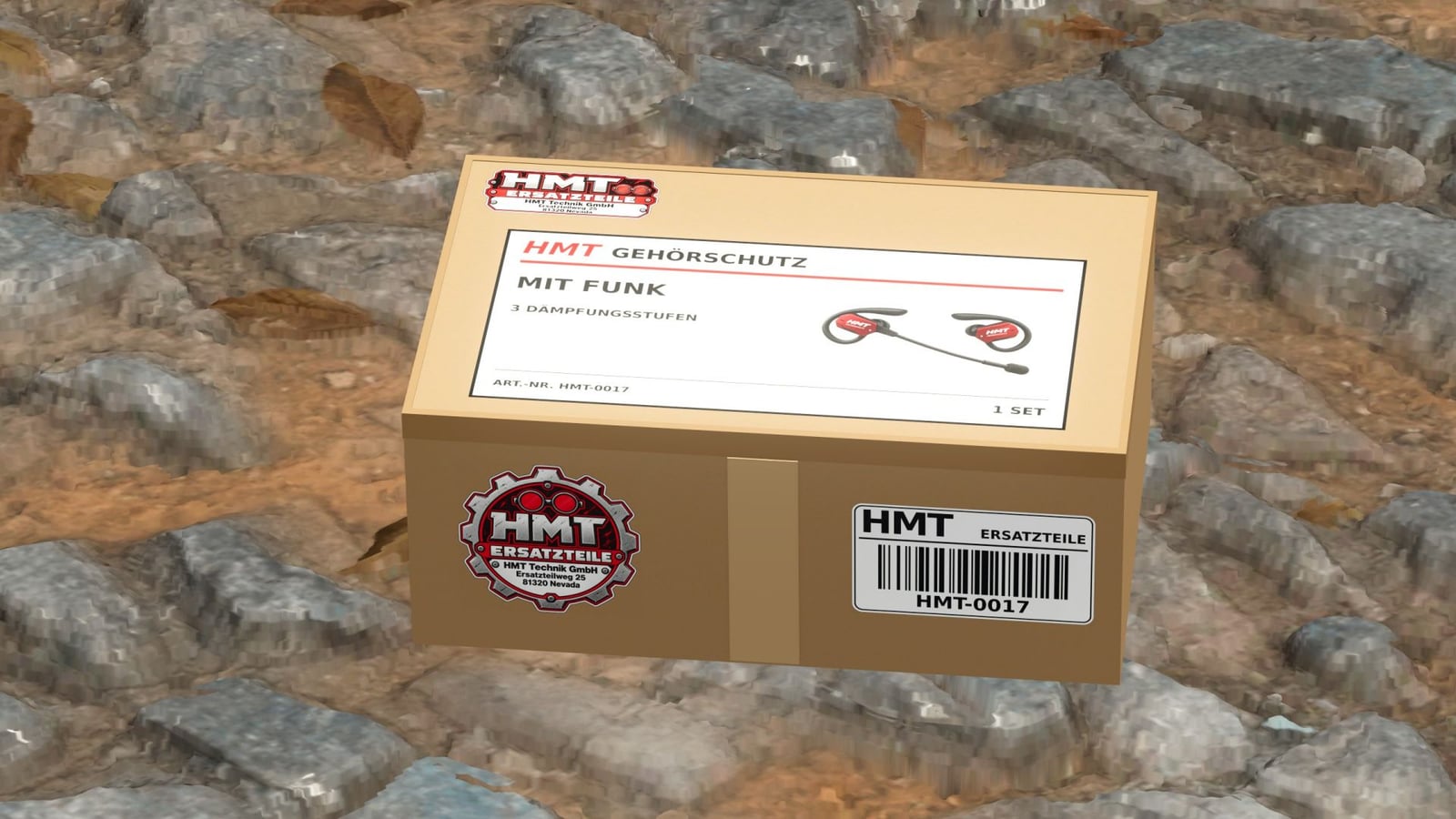
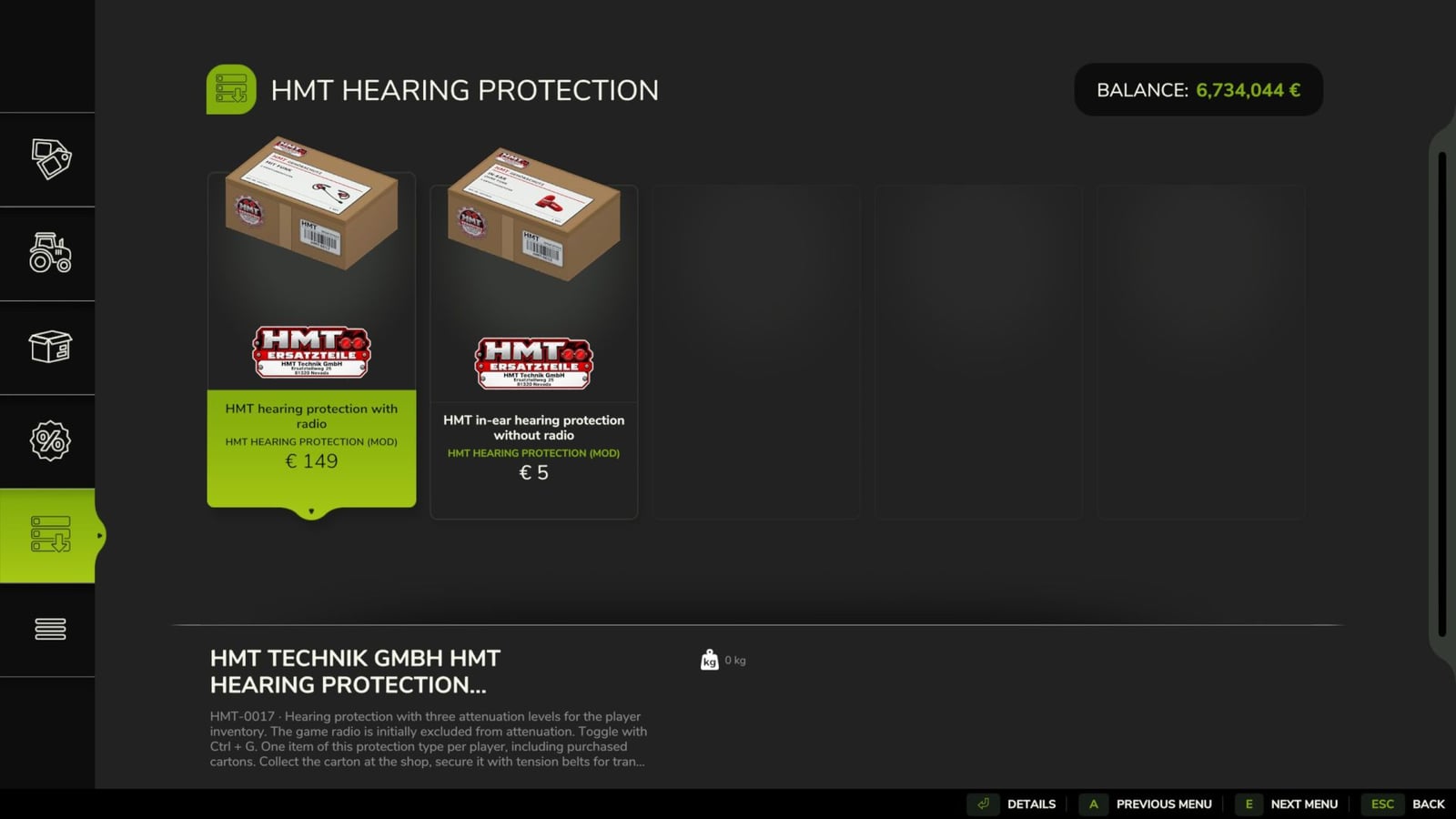
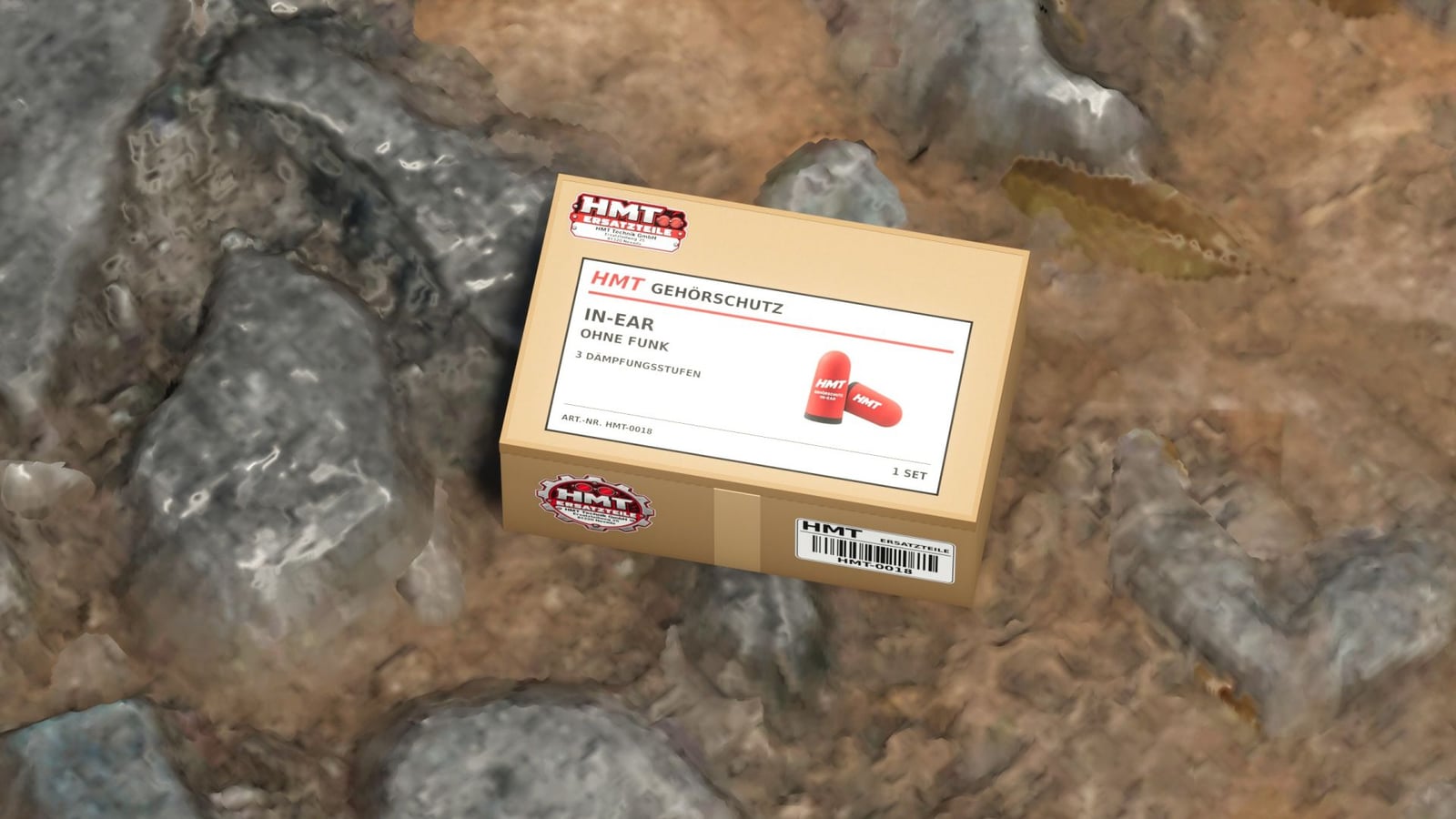
- You get two variants: HMT-0017 hearing protection with radio, or HMT-0018 in-ear hearing protection without radio.
- Pick 25%, 50%, or 75% attenuation, or switch it off.
- The wireless hearing protection lets the game radio play at its set volume by default.
- With the in-ear version, the game radio is included in the attenuation by default.
- Radio attenuation can be switched whenever you need it.
- Multiplayer voice chat stays at the set voice chat volume in either version, even when the volume is muted.
- You can use the hearing protection while driving and while working with other tools.
- Switch to another hearing protection type and your chosen noise reduction level is kept.
- Each player can have one pair of wireless earplugs and one pair of in-ear earplugs. Boxes bought earlier and purchases still pending also count toward the limit. Sell a pair and you can purchase it again.
- Your player’s inventory is saved with the game progress, but every new game session starts with hearing protection switched off.
HMT-0017
- Hearing protection with radio
- Price: €149
HMT-0018
- In-ear hearing protection without radio
- Price: €5
Setup and controls
- Head to the shop and purchase the hearing protection.
- After that purchase, the matching small HMT box appears in the shop.
- Carry or load the box, then use straps to secure it for transport.
- Put your own box down, release its straps, and come within 2.5 meters of it on foot.
- Press
Xto put the ear protection into your personal player inventory. The box vanishes when the transfer is successful. - For operation, it is enough to have the device in your own inventory.
X– Take over the inventory of hearing protection on your own, stored cardboard box.^– Switch through 25% → 50% → 75% → Switch off.Left Ctrl + G– Turn radio attenuation on or off.Left Ctrl + left Shift + G– Switch between the purchased variants once both are in the inventory.- F1 help shows which variant is active, the attenuation level, and the radio selection.
- Customize all buttons in Options → Controls.
- Enable developer commands and the
^key can also open the console. - You can move the hearing protection action to a different button.