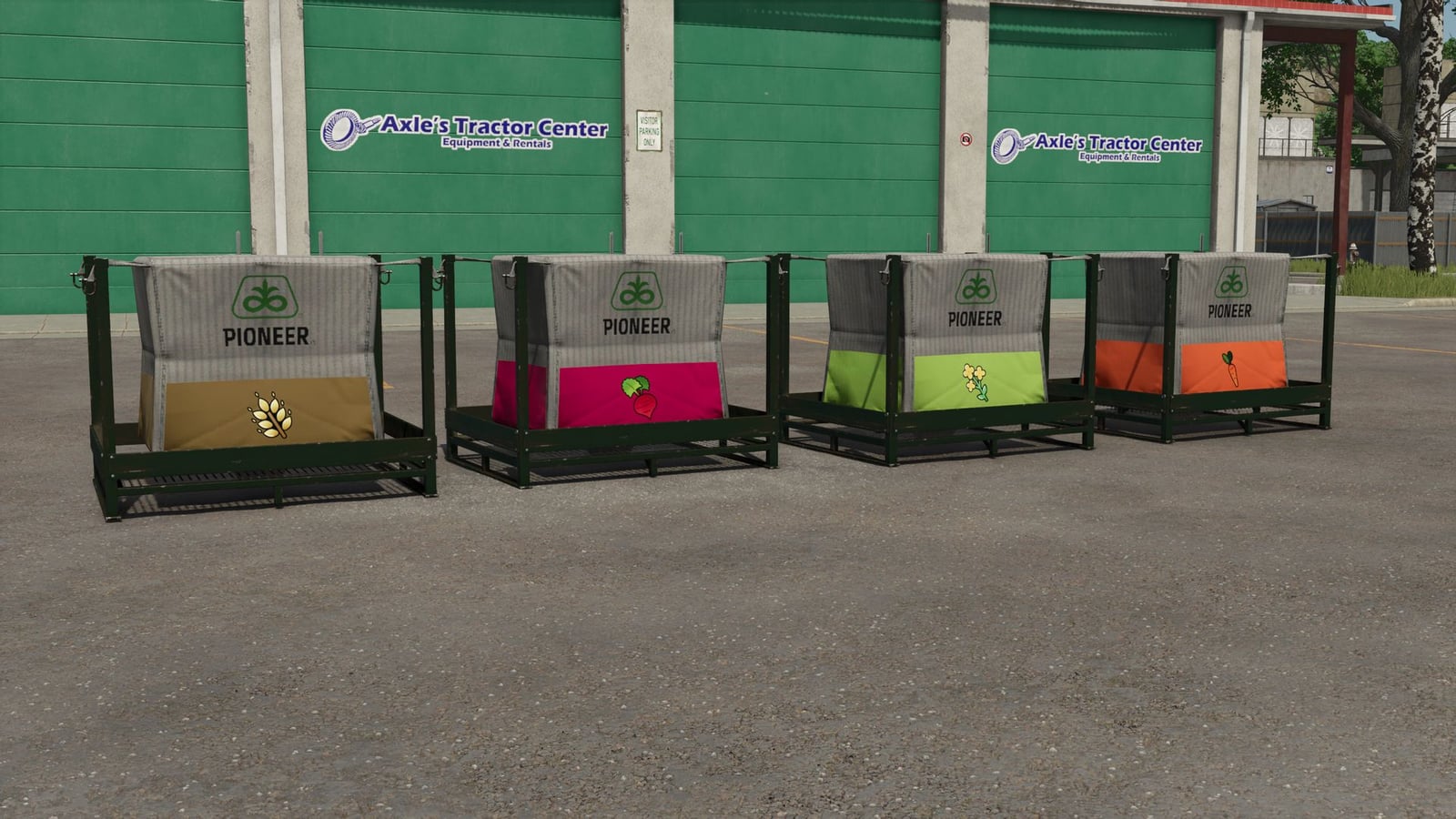
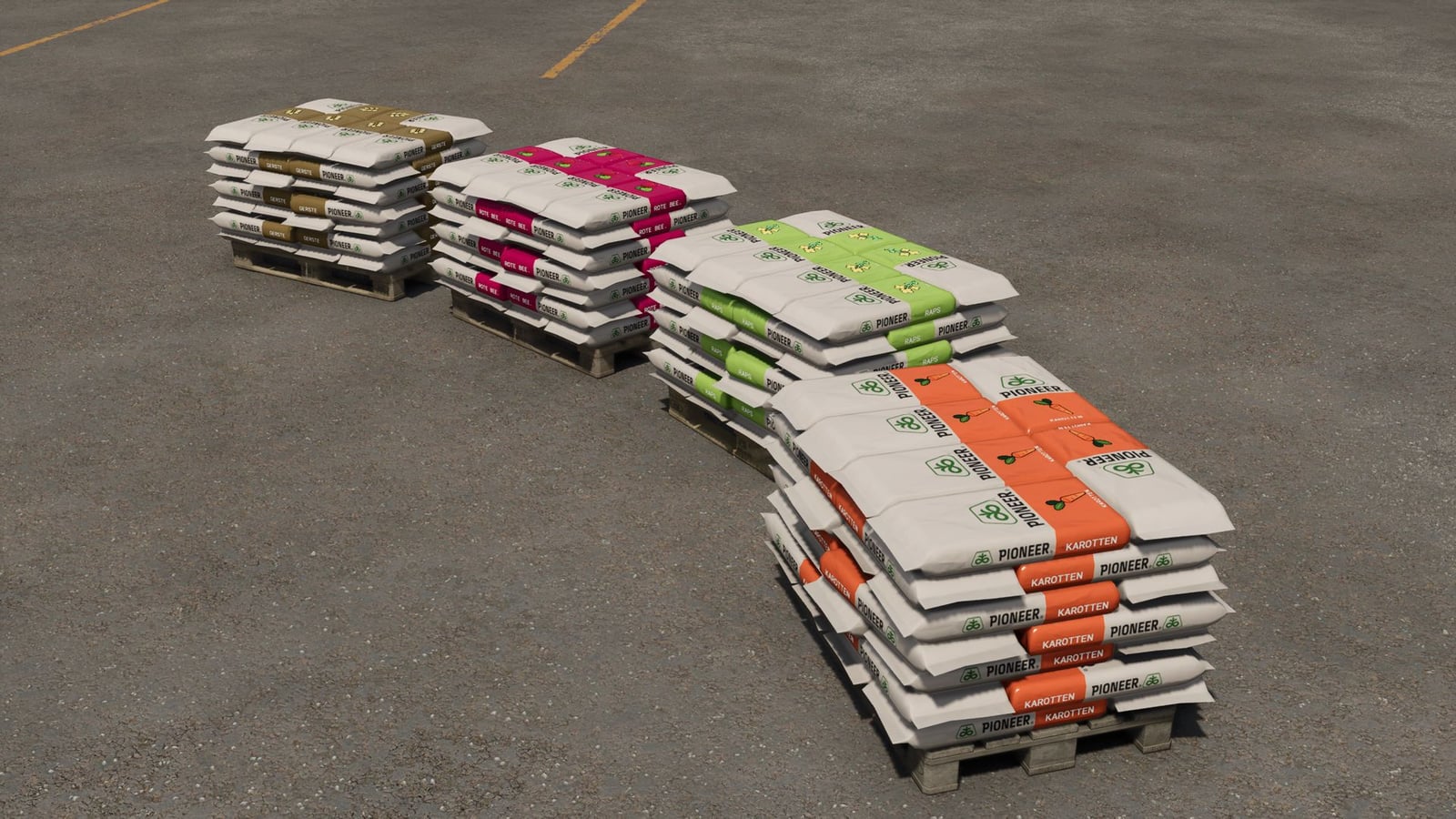
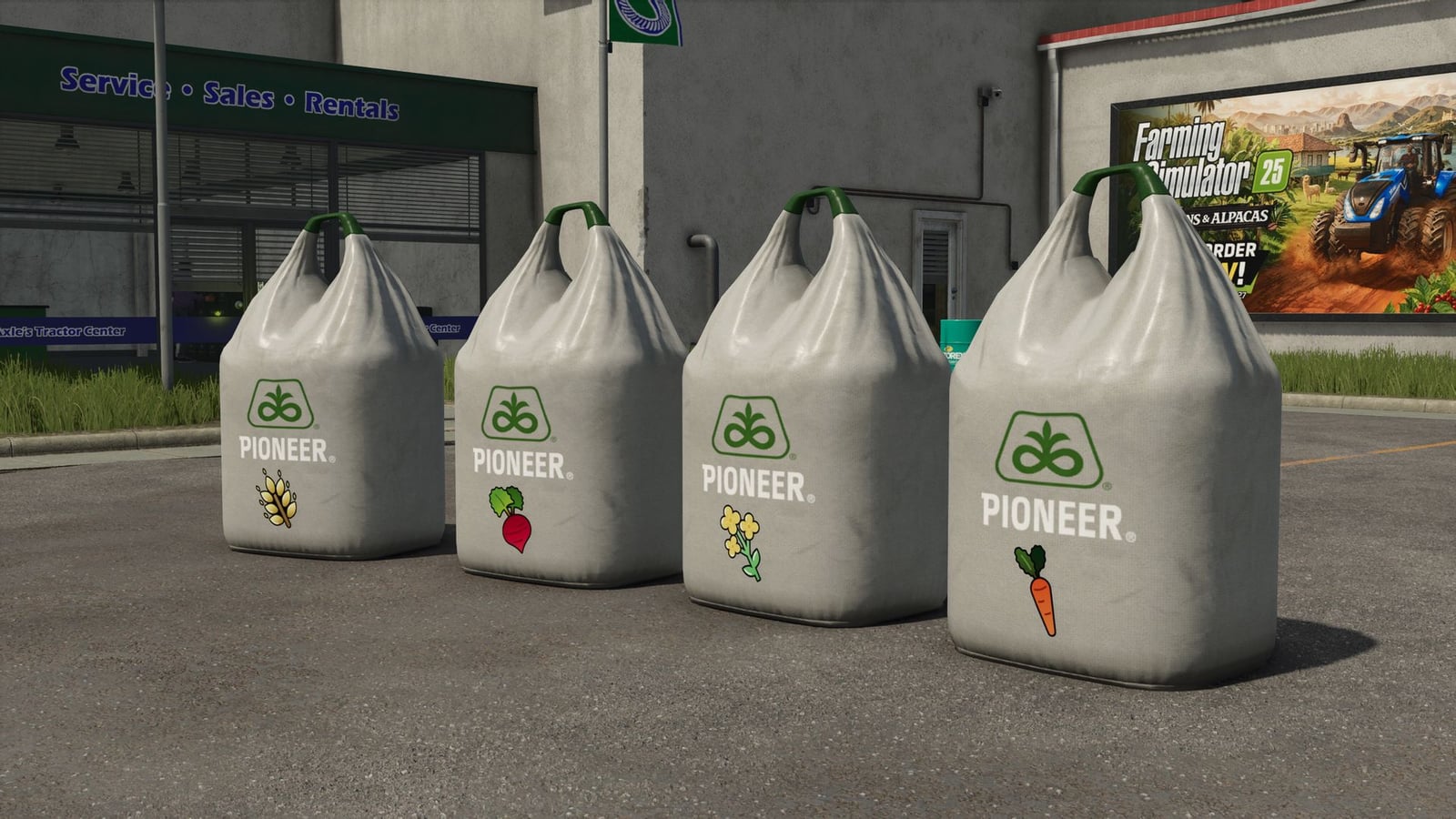
This mod gives your map realistic seed types for every crop already available there. The seed prices adjust dynamically, and you get matching pallets and BigBags in the shop. Seed drills also become much more hands-on with controls for tramlines, section width and seed handling.
You can sow a crop with its real seed, like real wheat seed for wheat. Just grab the suitable seed pallets or Big Bags from the shop and get to work.
Features
- Seed types are added to the map dynamically, based on the crop varieties that are already there.
- Each seed drill takes only the seed types for crops that drill can sow.
- Front tanks usually support every seed type.
- Load a specific seed type into a seed drill and it can sow only that matching crop. To move on to another crop, change the seed type first.
- The standard seed types stay available too, and you can still pick the crop with the Z key.
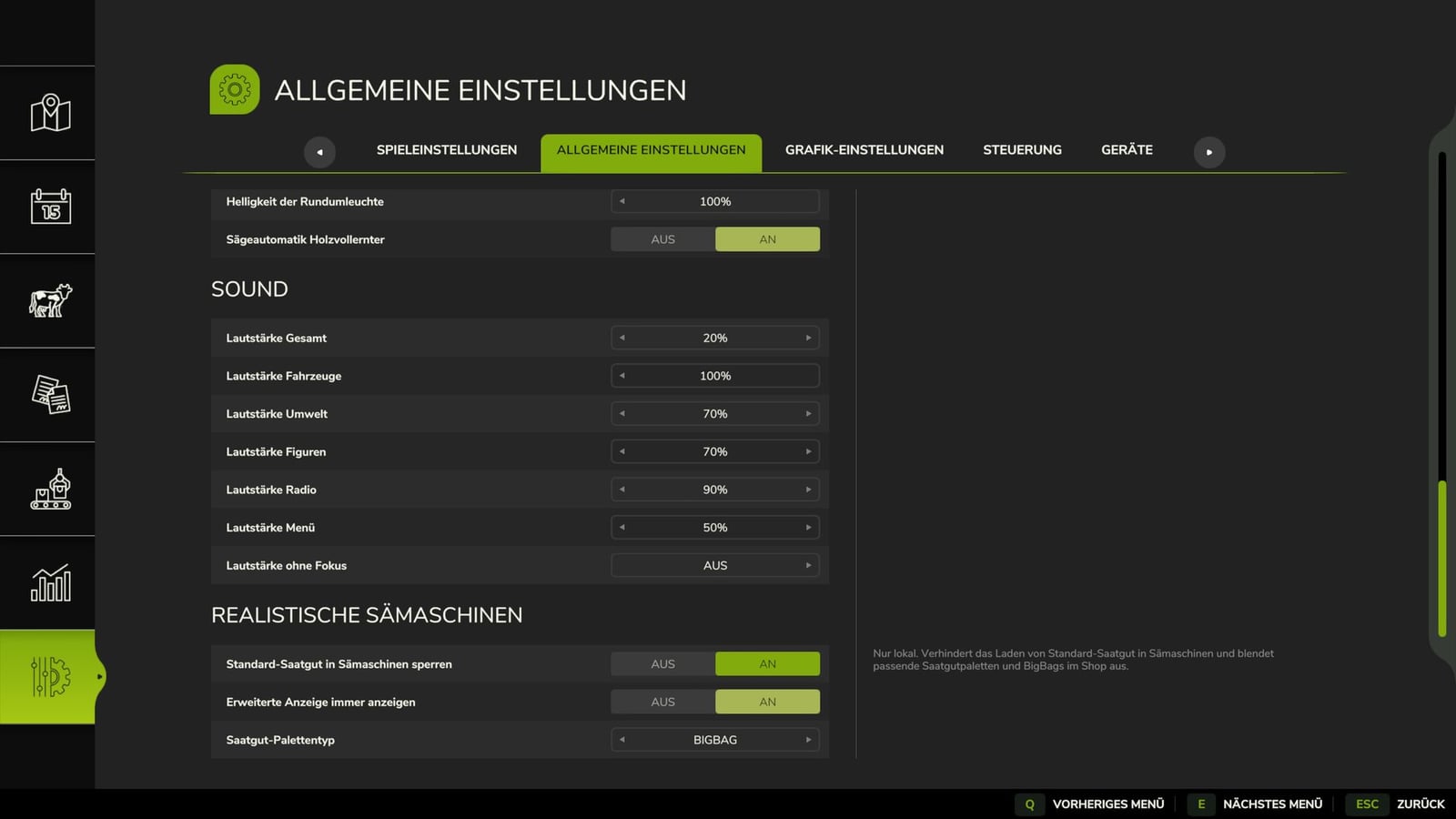
- There is a general setting for disabling standard seed types in seed drills. Once disabled, you use only the new crop-specific types, and the matching standard seed pallets and Big Bags are hidden in the shop.
- The setting belongs to each player separately, which means different playstyles can work together in multiplayer.
- Unloading seeds lets you choose the pallet type that gets generated:
- New seed range
- New seed big bag
- Standard seed range
- The F1 menu gives you more sowing information and controls, so setting up a pass is easier:
- Sown area
- Seed consumed
- Fertilizer consumed
- Current tramline mode
- Tramline spacing and path
- Working width
- Half-width shut-off status
- Fertilizer function status
- There are three ways to run tramlines:
- Manual: Press a key or click the HUD whenever you want to advance the row count.
- Semi-automatic: The row count goes up automatically as soon as the seed drill is lowered.
- Automatic: A custom-generated GPS course handles the tramline position and half-width shut-off for you.
- You can take manual control over the tramlines and half-width shut-off at any time.
- In automatic mode, GPS starts controlling things again when its calculated state matches your manual selection.
- Use buttons or the clickable HUD to operate the track markers and the fertilization function.
- Reset the counters for the current session whenever needed. The total counter since buying the machine is kept.
- All buttons can be changed from the game settings.
Standard key bindings
- Ctrl + M: Switch tramline mode
- Ctrl + R: Select next lane
- Ctrl + N: Change tramline spacing
- Ctrl + T: Switch half-width shut-off
- Ctrl + G: Manually override tramline
- Ctrl + J: Toggle left lane marker
- Ctrl + K: Toggle right lane marker
- Ctrl + L: Toggle fertilization function
- Ctrl + 0: Reset statistics counter
- Middle mouse button: Toggle mouse pointer for the HUD
Seed Big Bag
- Contents: 1,000 liters
- Shop categories: BigBags and seed pallets
- Seed types matching the fruits on the map
Seed Big Bag Pallet
- Contents: 1,000 liters
- Shop categories: Pallets and seed pallets
- Seed types matching the fruits on the map
Seed range
- Contents: 1,050 liters
- Shop categories: Pallets and seed pallets
- Seed types matching the fruits on the map
Seed prices are calculated dynamically using the required seed amount, the yield and the sales value of the respective fruit. That keeps the seed cost in a reasonable proportion to the yield you eventually get.
Changelog
- BETA 5
Changelog 0.9.0.100:- Retail outlets now also accept seeds from RealSeeders.
- Fixed increased fertilizer consumption when half-shut down.
- Fixed problems with
FS25_sowingMachineRollerReady. - Performance improvements.
- BETA 4
Empty pallets spawning during unloading has been fixed. The wrong working width display was corrected. Half-sided shutdown and tramline switching now synchronize correctly in multiplayer. - BETA 3
Fixed the problem that stopped potatoes from loading into potato planters when standard seed was blocked.