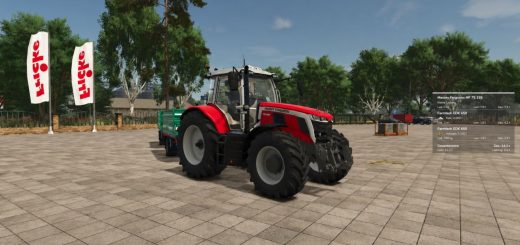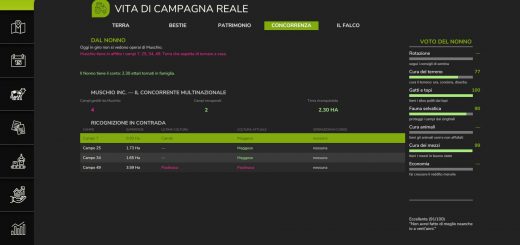
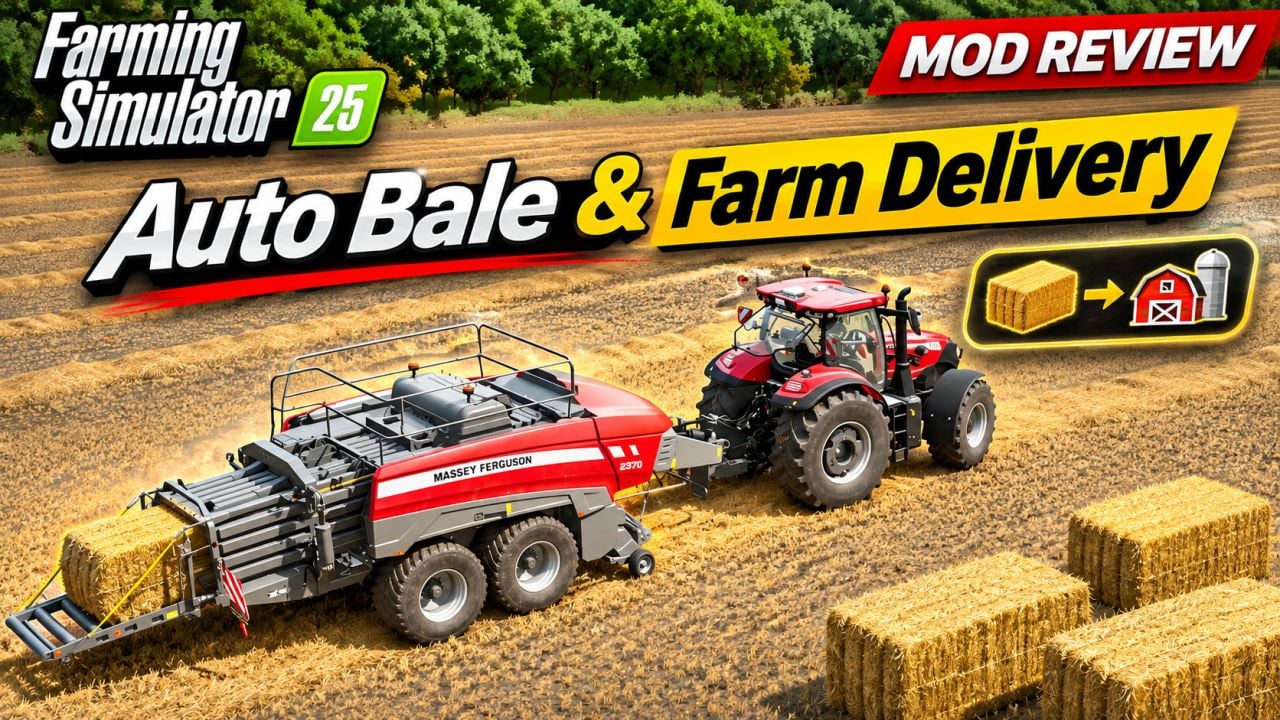
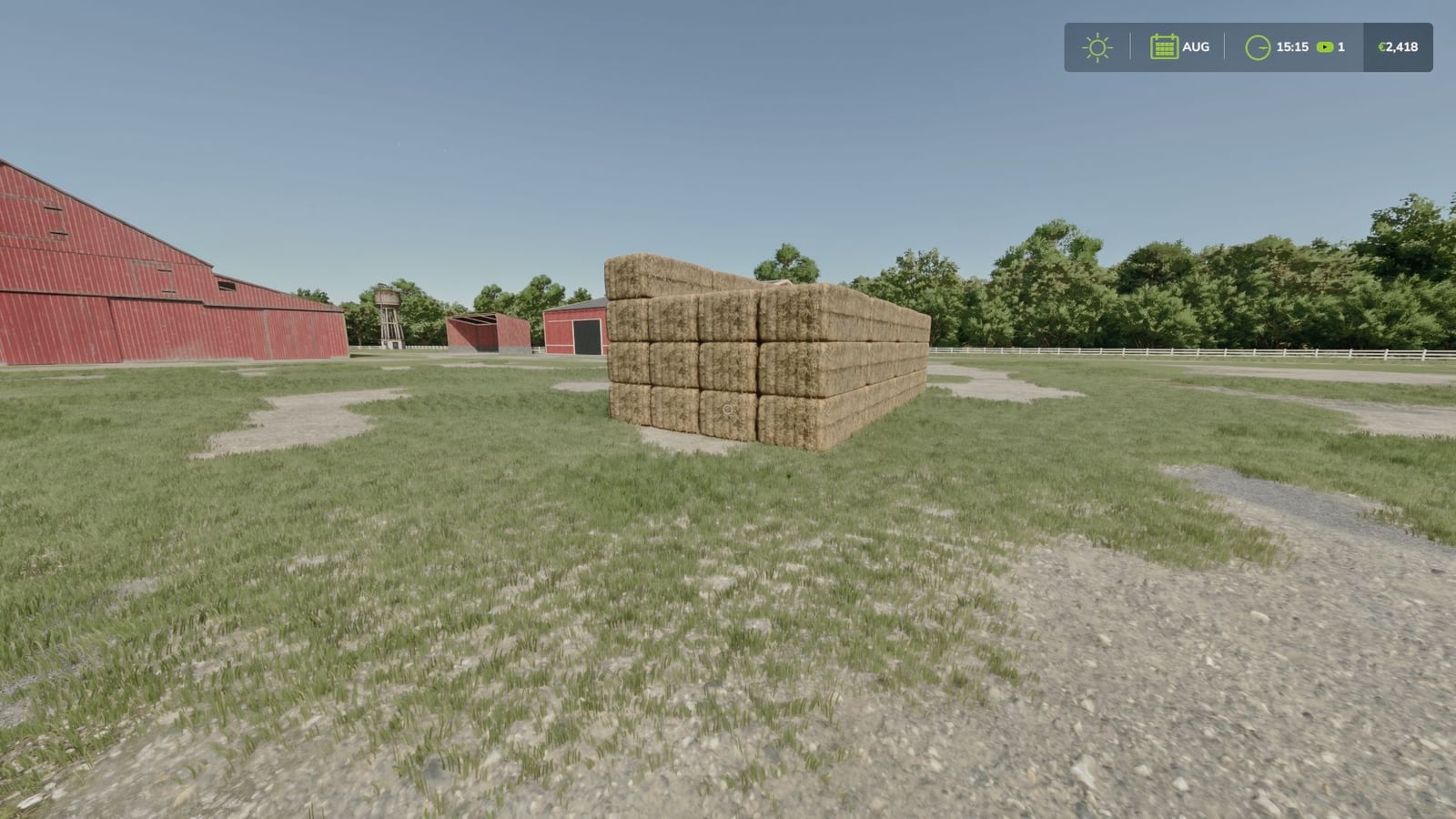
Turn the windrows on your own fields into bales with a single click. Auto Bale handles straw, hay and grass without a baler, and you decide on the map where the bales should show up.
How it works
- Start in the map menu and pick one of your fields.
- Next to Visit, Sell and Tag Place, you will find the new Auto Bale button.
- Click it, then confirm “Are you sure?” with Yes.
- Fresh grass gives you a choice: Yes creates wrapped silage bales, while No creates plain grass bales.
- Now click the delivery spot on the map.
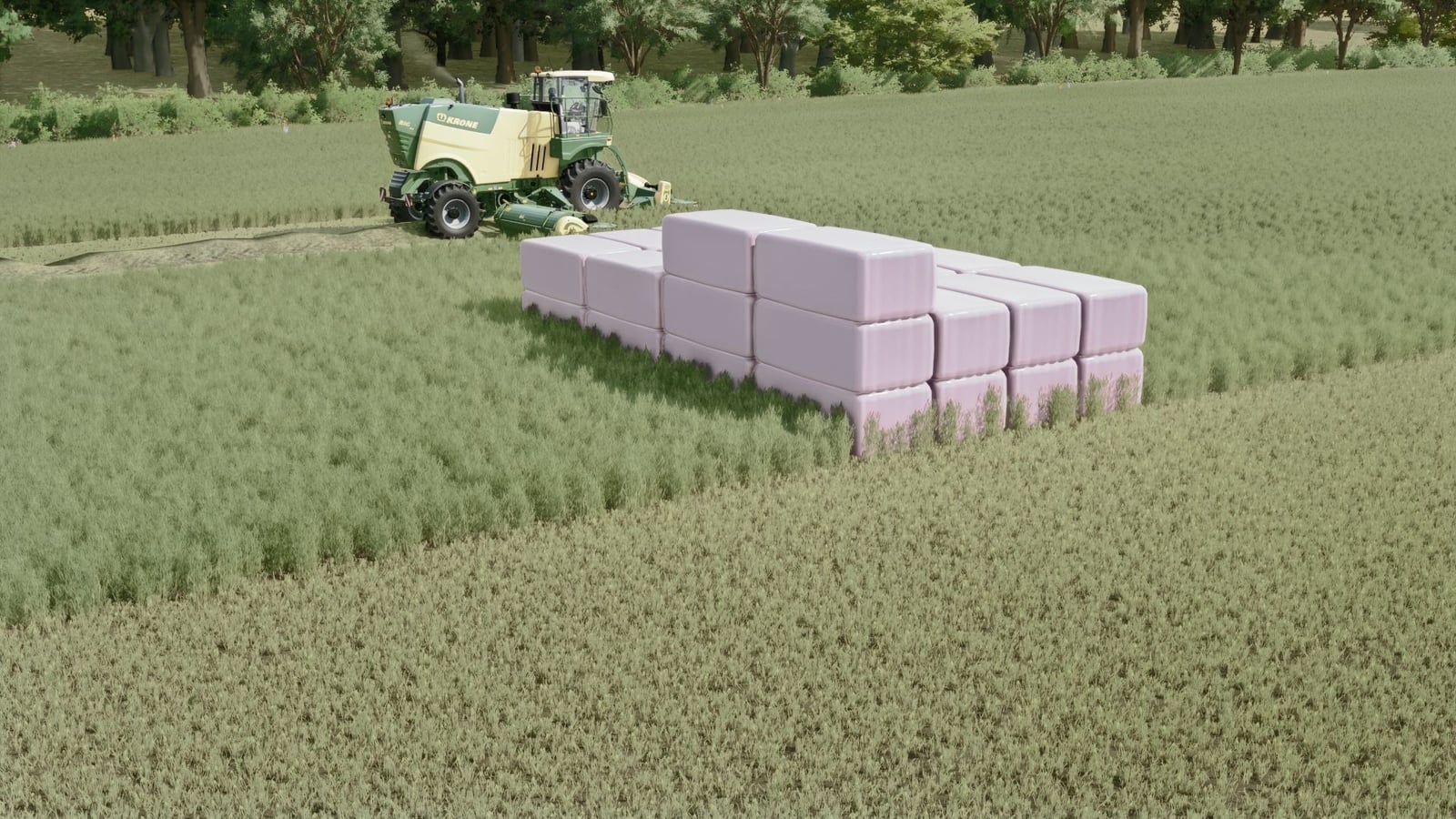
Auto Bale looks at what is lying on the field and separates straw, hay and fresh grass. It adds the litres for each kind and builds the matching bales. The windrows and their visible traces disappear from the field, then the bales are stacked where you picked them in blocks of 4x4x4, for 64 bales.
What you get
- Put straw on the field and you get straw bales.
- Dry grass, meaning hay, becomes hay bales.
- Fresh grass can become wrapped silage bales or plain grass bales, depending on your choice.
- If grass dries on the field, it is treated as hay and can only turn into hay bales.
- Several kinds on the same field all arrive together in one delivery.
Features
- Only your own land can be used.
- Your delivery point can be anywhere on the map, whether that is your farm, a road or another field.
- The mod searches for a free, level place near the point and puts the stacks there. If something gets in the way, the stacks move a little. No free space within about 48 m means no change, and you receive a message.
- Close the map before picking a point and the entire action is cancelled.
- You pay 100 per row and 200 for delivery. If your money is not enough, nothing changes.
- Big square bales are the default, and round bales are available too.
- When the leftover amount reaches at least 5 percent of a bale, it becomes one smaller bale.
- Blocks normally use 4x4x4. You can switch to 6x6x6 or single rows. Round bales never get stacked.
- Multiplayer works as well. The farm of the player who clicks gets the bales.
- The available languages are English, German and French.
Console commands
autoBale [farmlandId] [x z | here]– does the same job as the button.autoBaleScan [farmlandId]– counts the material only and changes nothing.autoBaleGrass silage|grass– chooses the default answer for the fresh grass question.autoBaleType square|round– sets the bale shape.autoBaleStack 0|4|6– sets the block size.autoBalePrice [amount]– controls the money per row, default 100.autoBaleFee [amount]– controls the delivery money, default 200.autoBalePick on|off– lets you choose the point on the map, or puts the bales at the field edge.autoBaleClean [farmlandId]– clears away leftover traces.autoBaleInfo– displays the current settings.
Installation
Drop FS25_AutoBale.zip into your mods folder, Documents/My Games/FarmingSimulator2025/mods. Keep it zipped and do not unzip it.