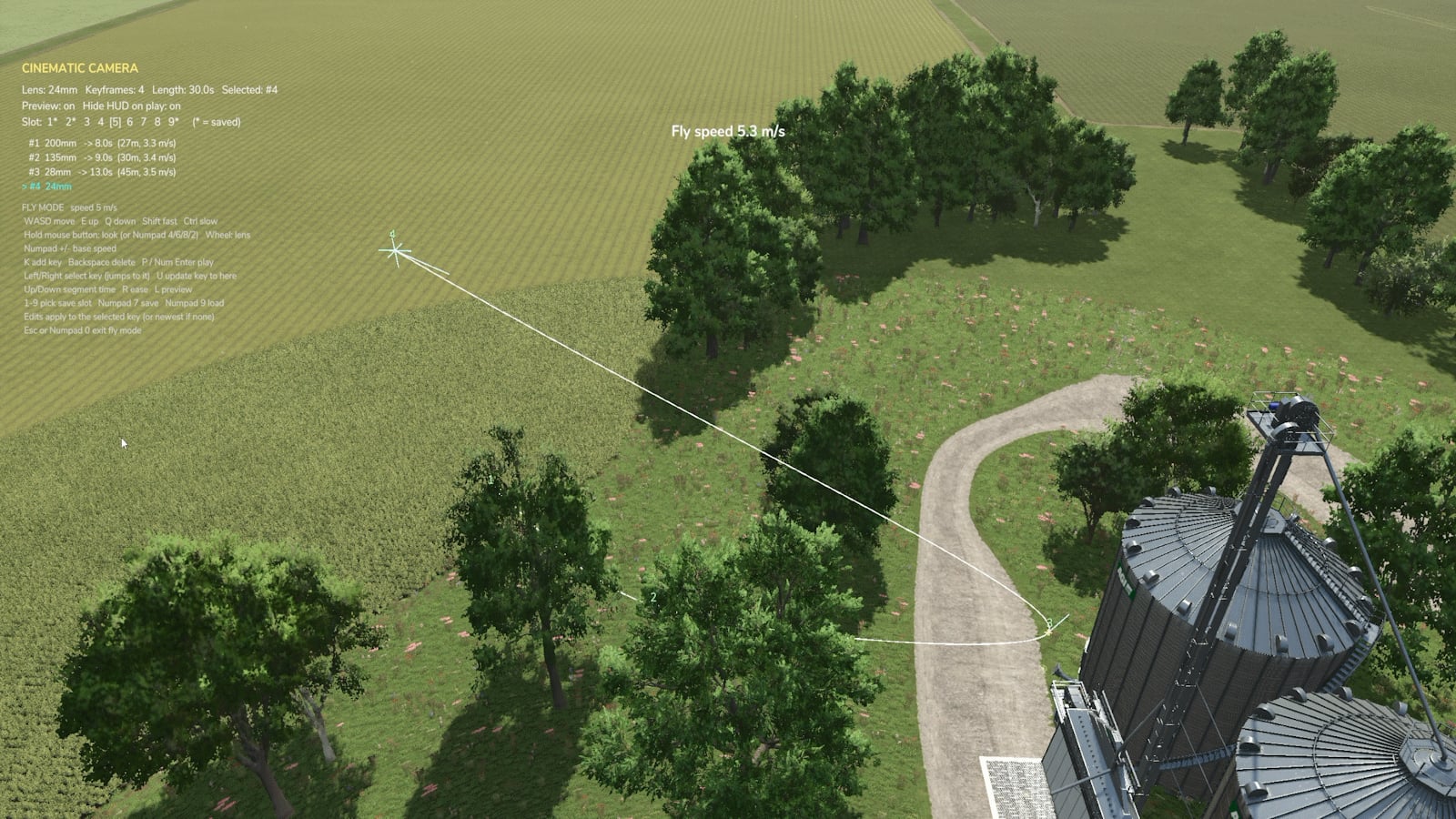
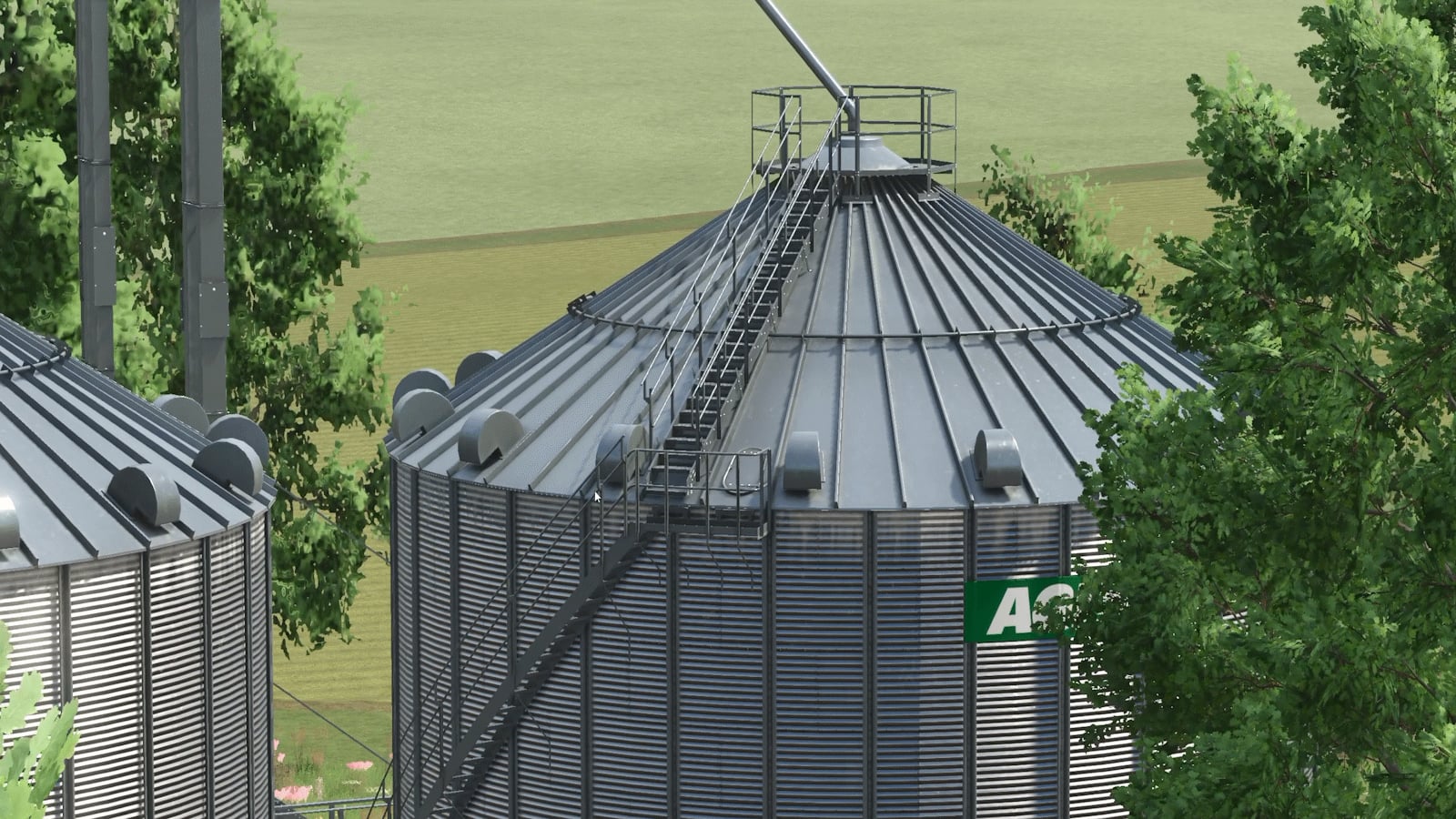
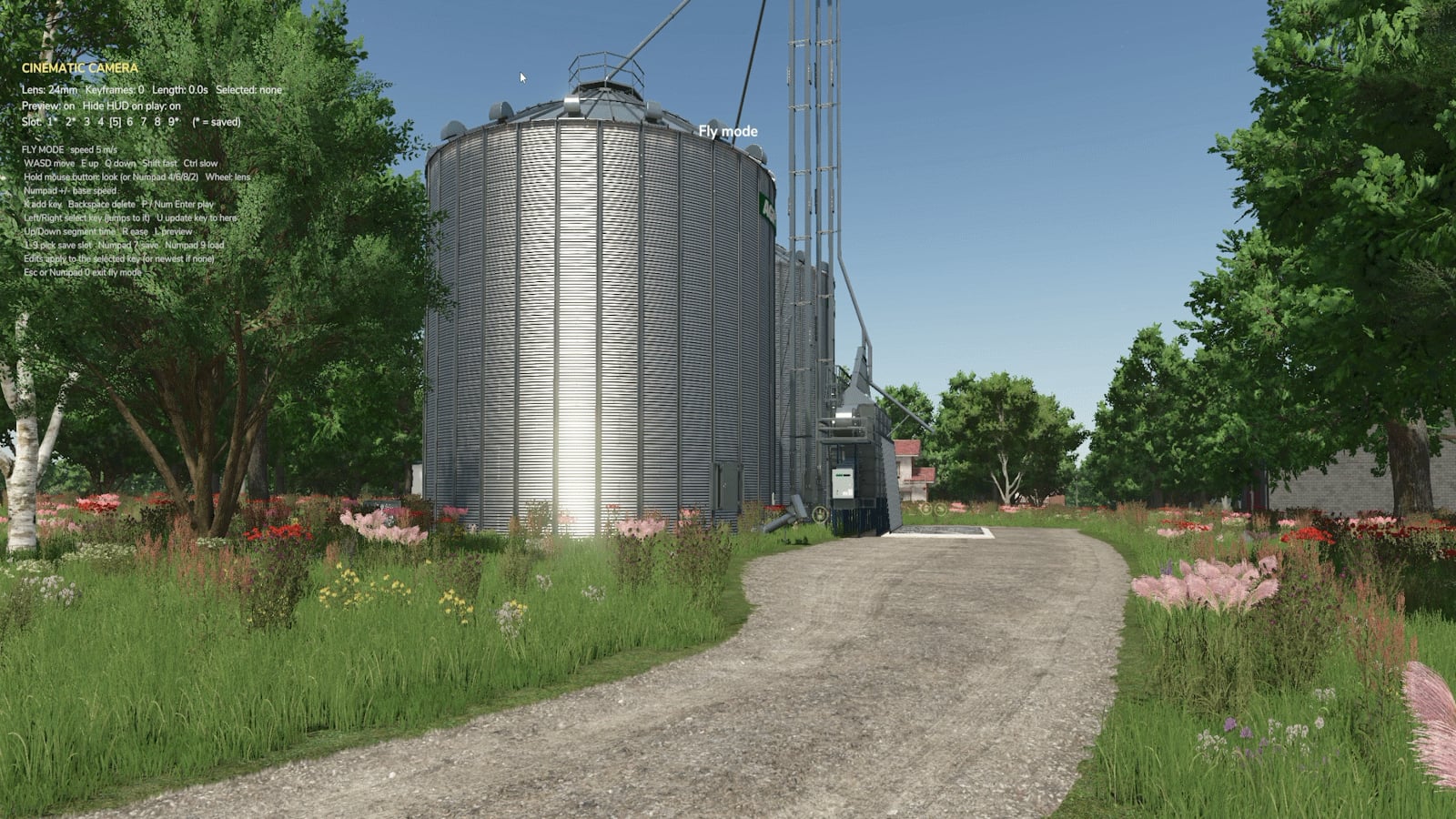
Cinematic Camera gives you a way to build camera runs all around the map. Drop keyframes on the ground or up in the air, then let the camera glide through them on a smooth curve. It blends the position, angle and lens as it goes, so your take plays out like a real camera operator filmed it. You can run the same setup again and again whenever you need it.
Features
- Keyframe paths: add points on foot or in the air, and the camera follows a smooth spline from one to the next.
- Fly mode: take control of a free drone-style camera, with smooth acceleration, fast and slow modes, and unlimited mouse look.
- Real lenses: set 14mm to 200mm on each keyframe, then zoom smoothly between those choices.
- Timing and ease: choose the time for every segment, watch the live m/s readout, and ease in or out for gentle starts and stops.
- Edit any keyframe: step through the path, jump the camera to a keyframe, update its position, or insert and delete one.
- Path preview: check the route, keyframes and look directions in the world before you shoot.
- Clean playback: the HUD hides on its own, leaving the camera ready for recording with OBS or similar.
- 9 save slots per map, with overwrite protection.
- Fully rebindable in Options → Controls.
Default controls
| Action | Key |
|---|---|
| Open / close tool | Left Alt + C |
| Fly mode on / off | Numpad 0 |
| Play / stop | Numpad Enter |
| Add keyframe | Alt + K (fly mode: K) |
| Select keyframe | Alt + ← / → (fly mode: ← / →) |
| Update selected keyframe | Alt + U (fly mode: U) |
| Lens | Alt + PgUp/PgDn (fly mode: mouse wheel) |
| Segment time | Alt + ↑ / ↓ (fly mode: ↑ / ↓) |
| Ease | Alt + E (fly mode: R) |
| Save / load | Alt + S / Alt + O (fly mode: Numpad 7 / 9) |
| Save slot | Alt + N / B (fly mode: 1-9) |
For fly mode movement, use WASD to move, E to go up and Q to go down. Shift makes movement fast, Ctrl makes it slow, and holding the mouse lets you look around. Use Numpad 4/6/8/2 to pan.
Installation
- Download
FS25_RTM_cinematicCamera.zip, and leave it zipped. - Move it into
DocumentsMy GamesFarmingSimulator2025mods. - Enable Cinematic Camera when you load your savegame.
Notes
- Works in singleplayer and multiplayer. Your camera is your own, while all players need the mod installed.
- The tool’s hotkeys work on foot, so use fly mode for airborne and vehicle shots.
- Paths save to
modSettingsFS25_cinematicCamera.