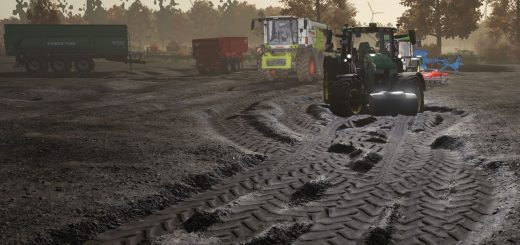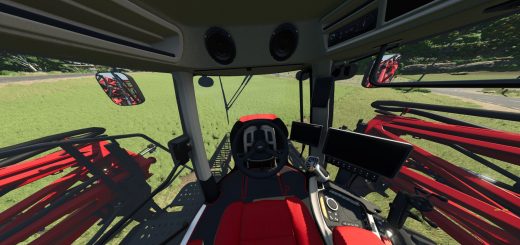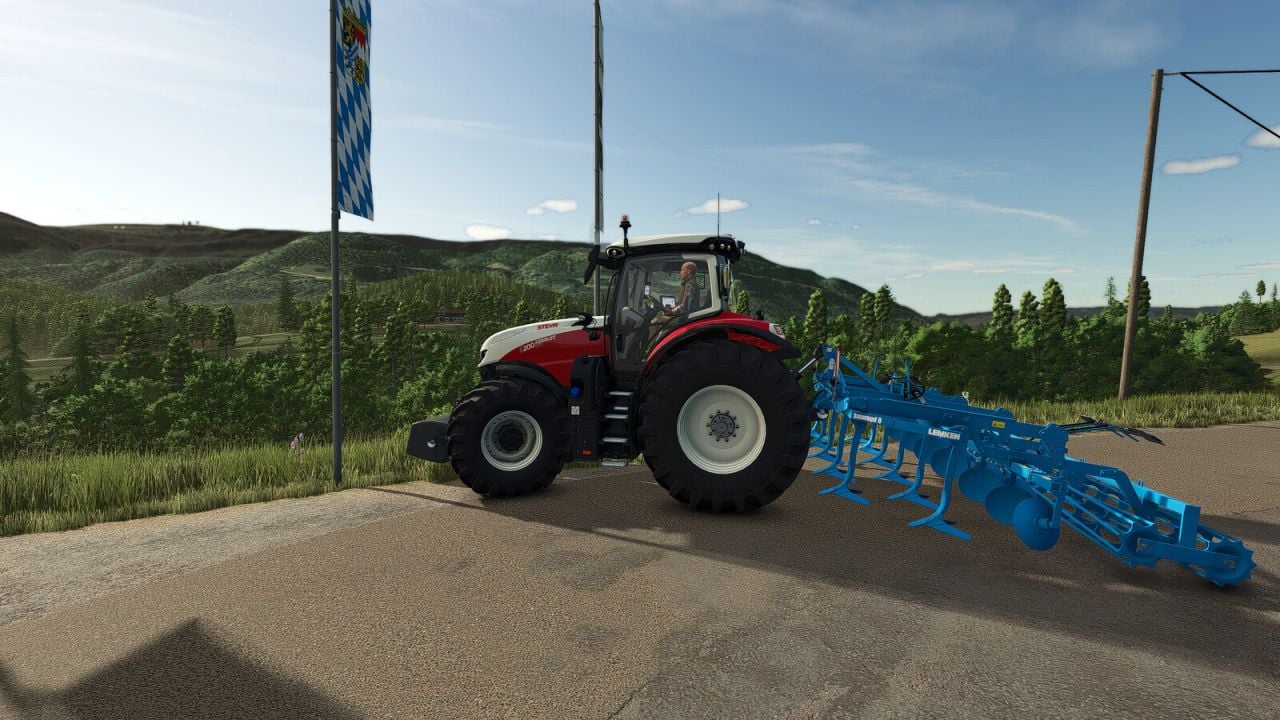
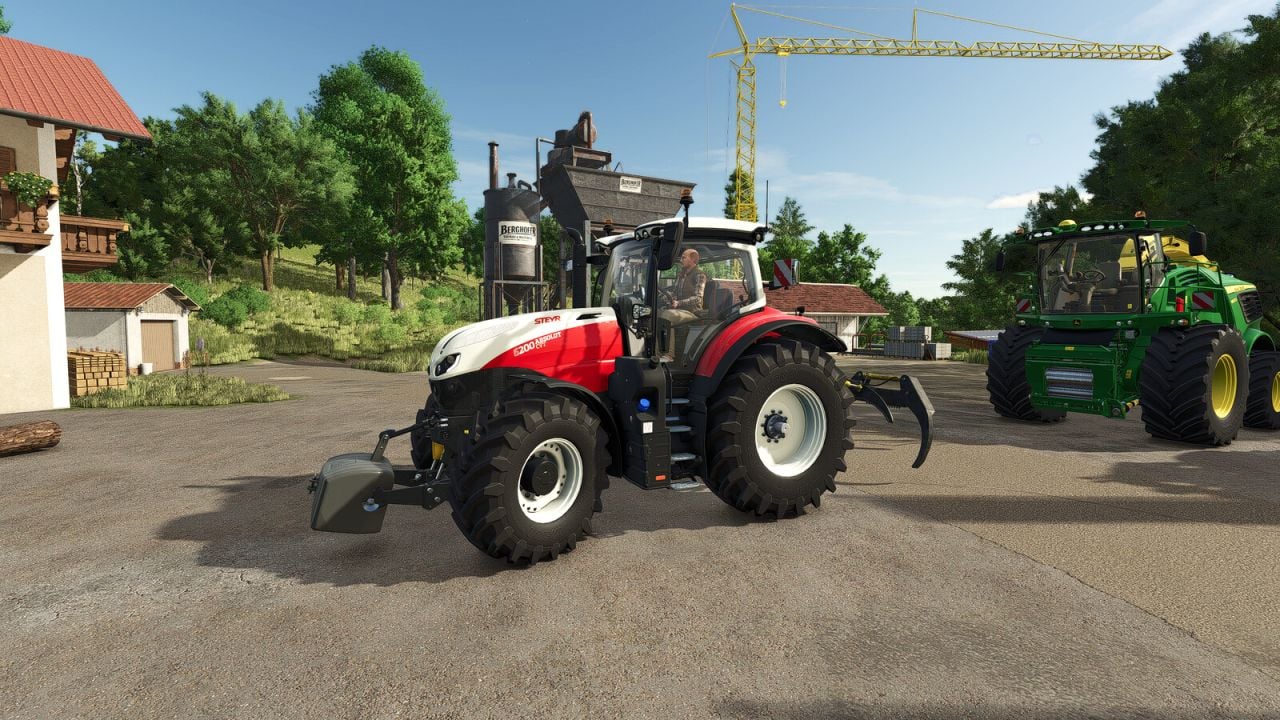
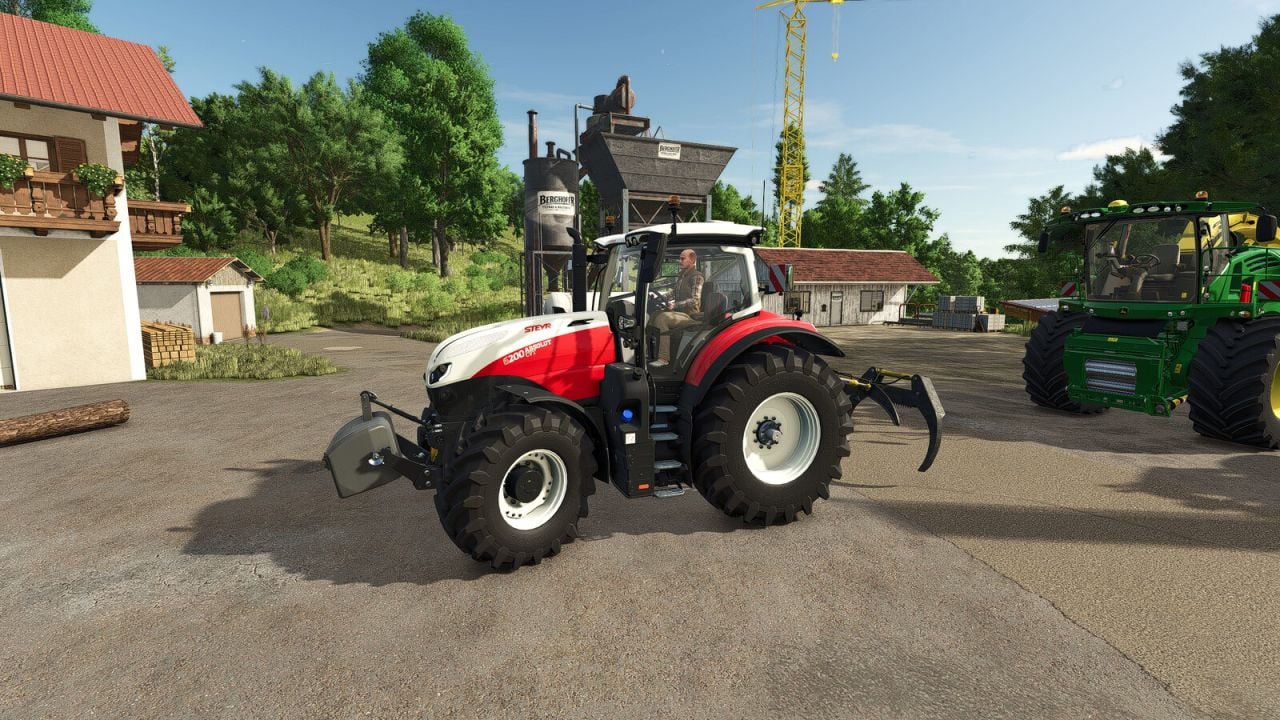
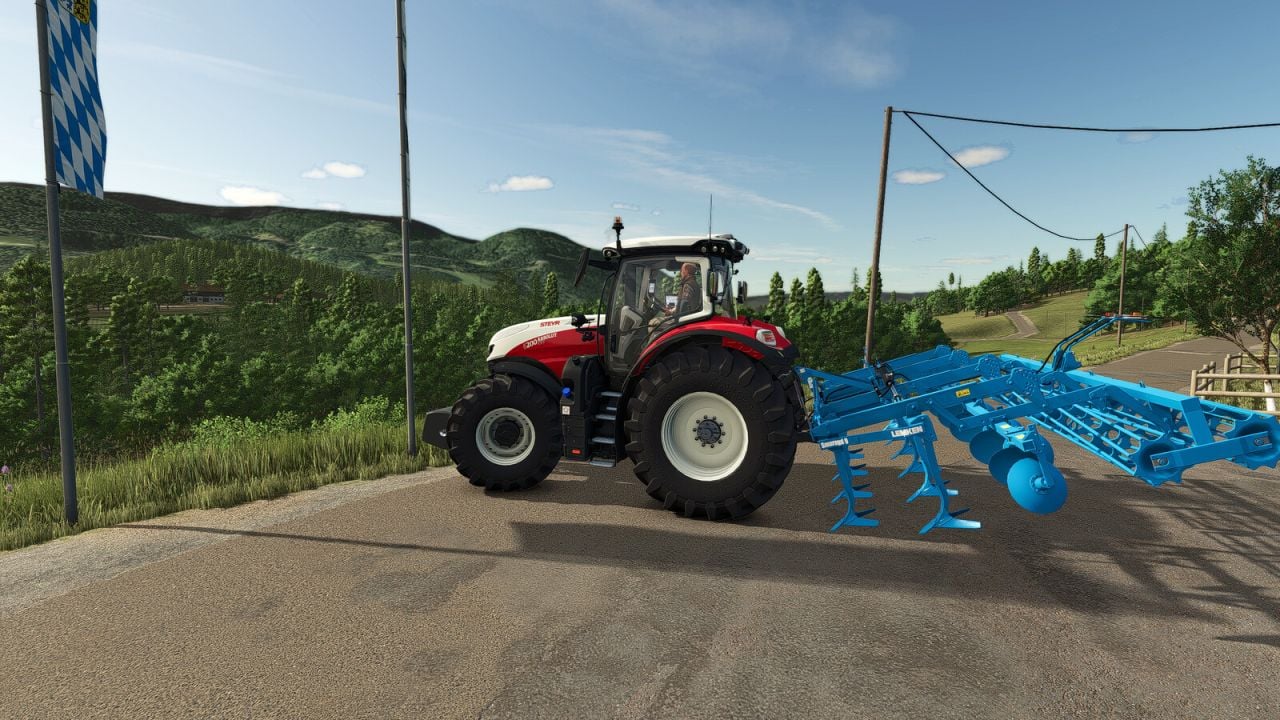
Move the mouse to handle the three-point hitch, just like with a front loader. You control the implement directly and can leave it at any height.
Features
- Press and hold the mouse wheel, then control the three-point hitch:
- Mouse up: lower the implement
- Mouse down: raise the implement
- Mouse left: top link out
- Mouse right: top link in
- It moves only while you move the mouse, so the implement stays wherever you leave it.
- V still does its normal job and moves it all the way up or down.
- Using several implements, only the selected one moves.
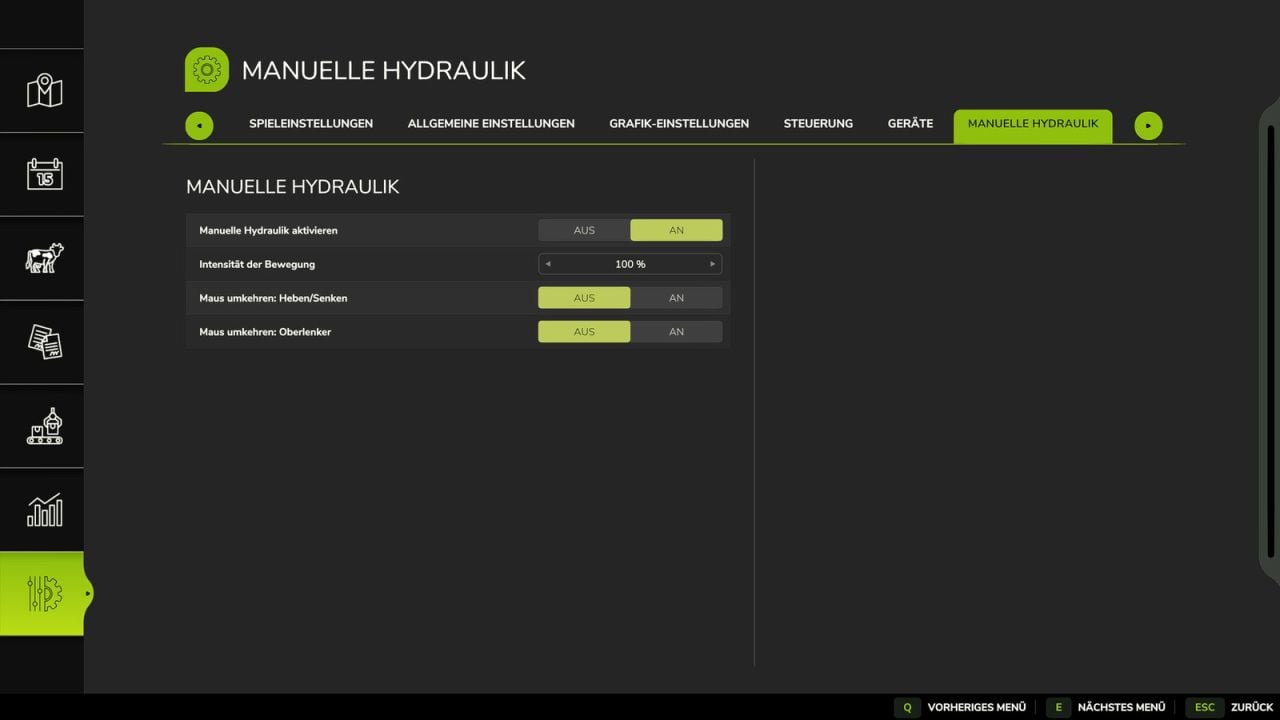
- Switch it on or off in Settings > Manual hydraulics.
- You can change the bindings in the key bindings.