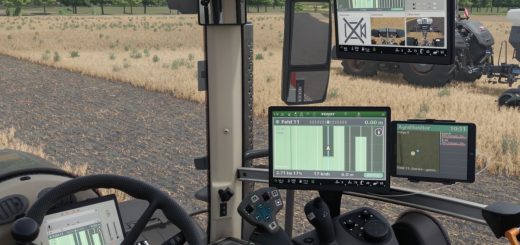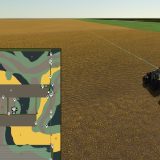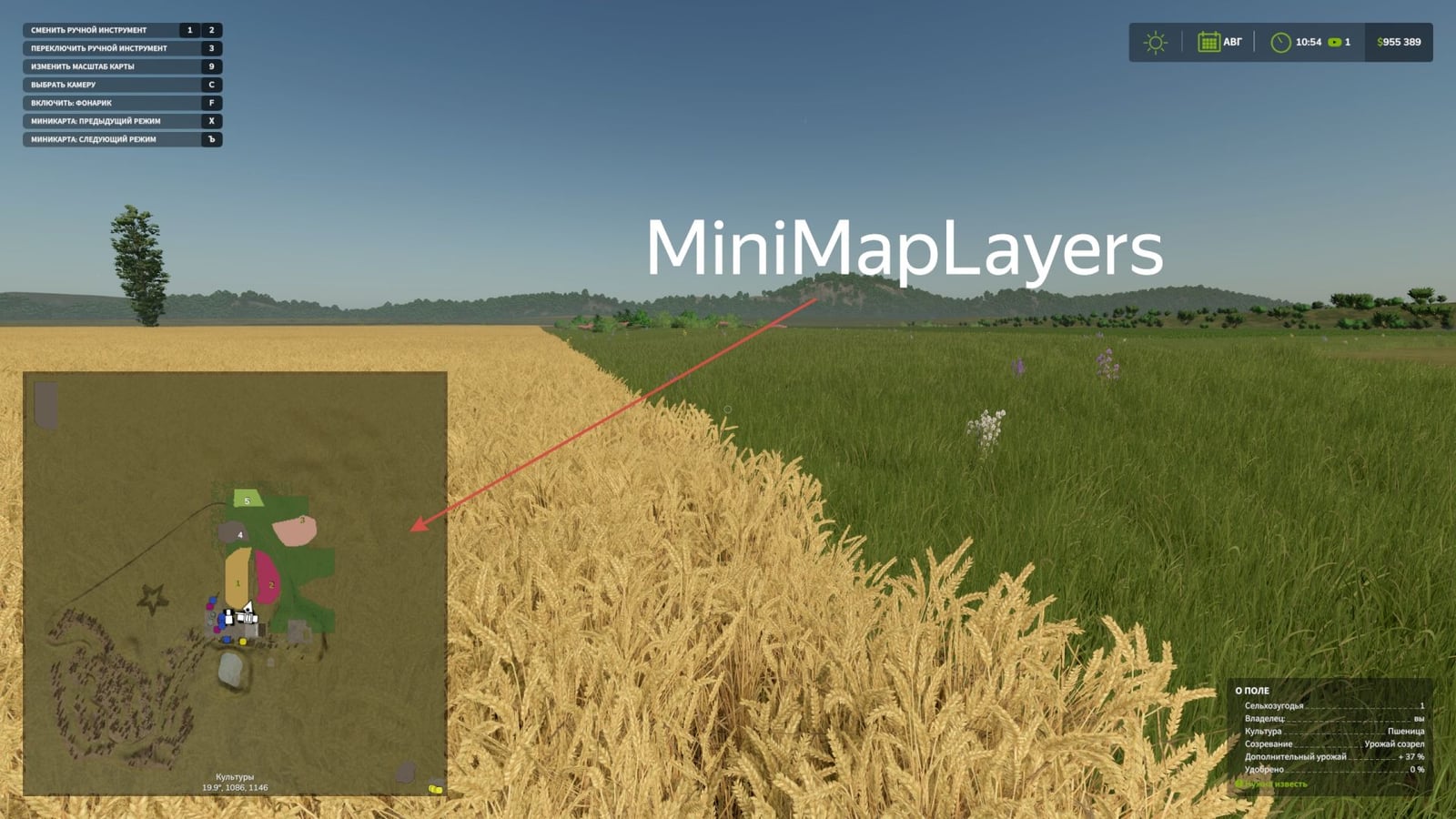
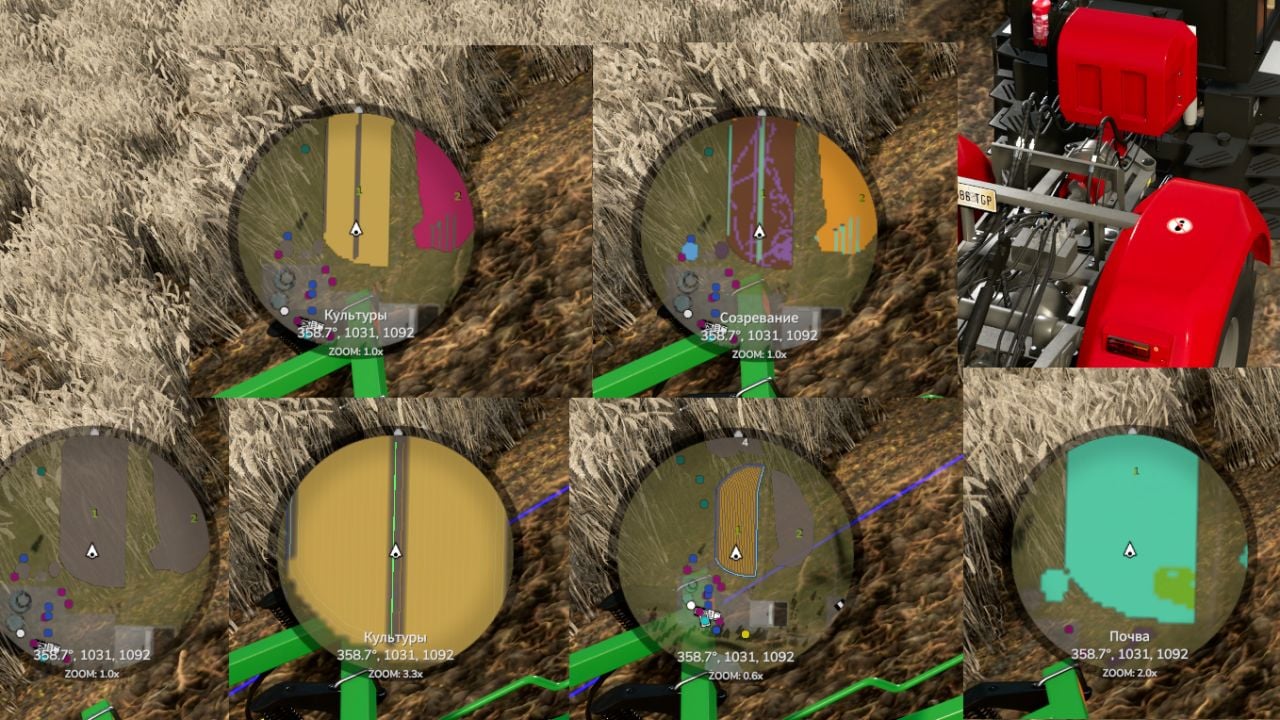
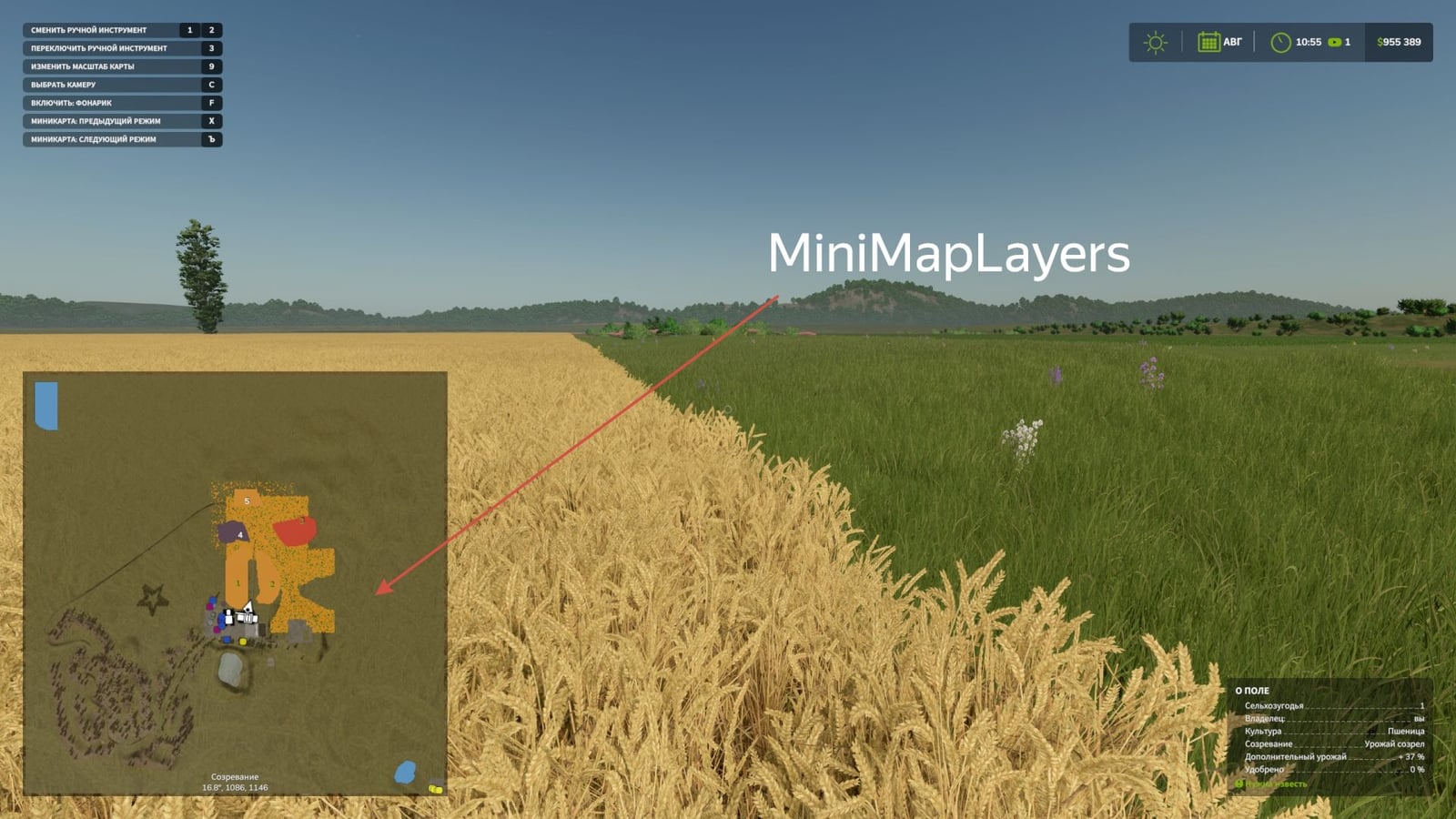
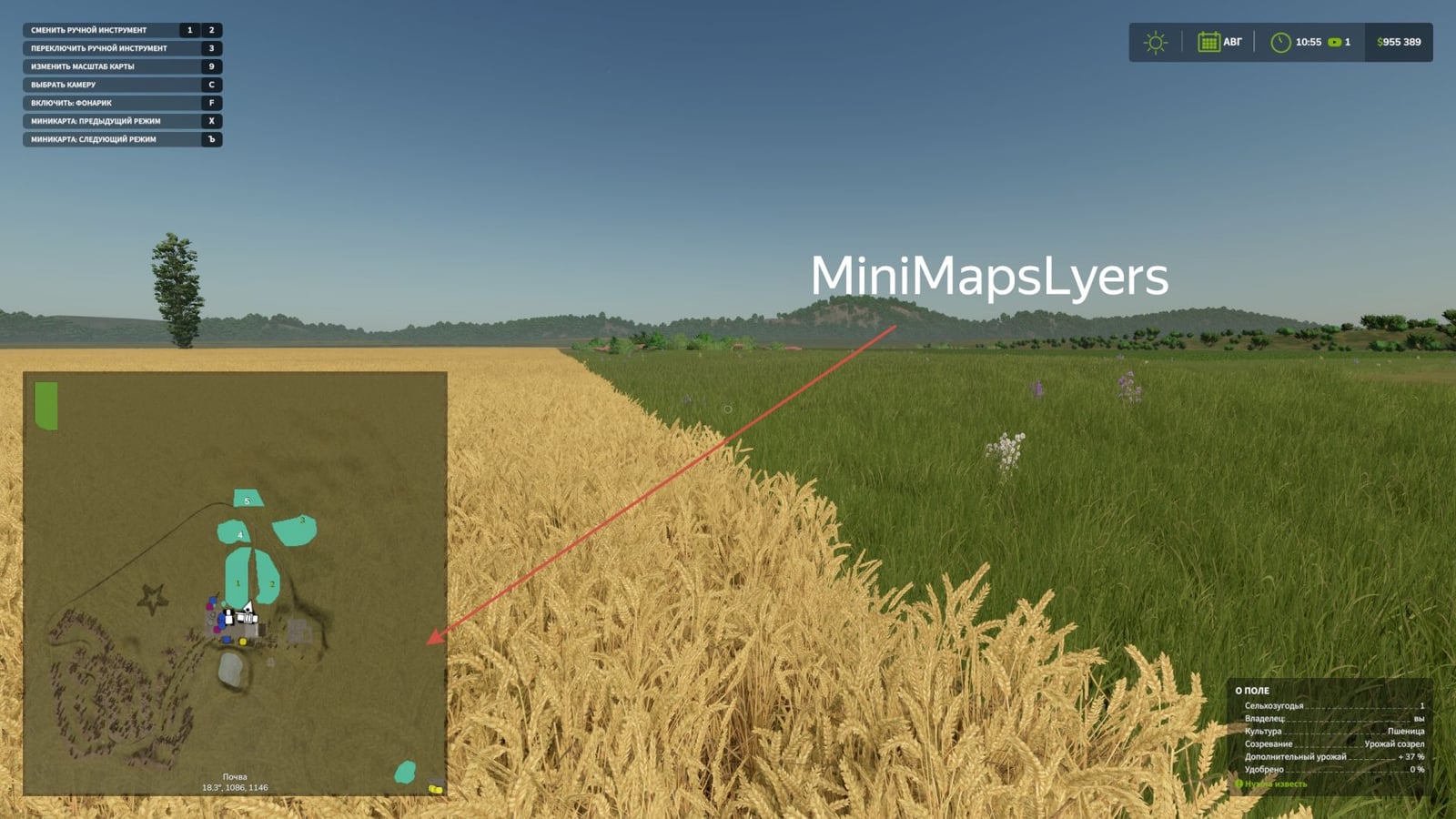
Want more useful info while you are out working a field in Farming Simulator 25. Mini Map Layers puts advanced display layers right on the HUD minimap. Check crops, growth stages and soil conditions without stopping to open the PDA map.
Switch between minimap modes with the hotkeys set in the control settings, so changing what you see stays right in your workflow.
Features
- See crops, growth stages and soil conditions on the minimap.
- Default keys: use
]for the next layer,[for the previous layer,alt+]to zoom in,alt+[to zoom out, andalt+"to enable GPS lines.
Changelog
- V1.0.7.0
- The Beans and Alpacas Pack DLC layer, Fungicide, now has support.
- V1.0.6.0
- Player TonyTonnarello added Italian and Spanish translations.
- V1.0.5.0
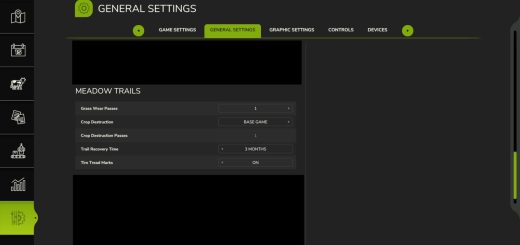
- A mod settings item was added. You can choose whether separate soil layers are included for display.
- Precision farming compatibility was added, letting precision agriculture layers show on the minimap. Turn this off or on in the mod settings.
- Auto mode was added as a test and can be enabled in the settings. It tries to detect your equipment and put the appropriate layer on the minimap. With Auto mode included, manual switching does not work.