With Vehicle Management, you get a lightweight, customizable HUD for Farming Simulator 25. It keeps your farm vehicles easy to follow without covering up the screen.
Features
- See the active vehicles from your farm.
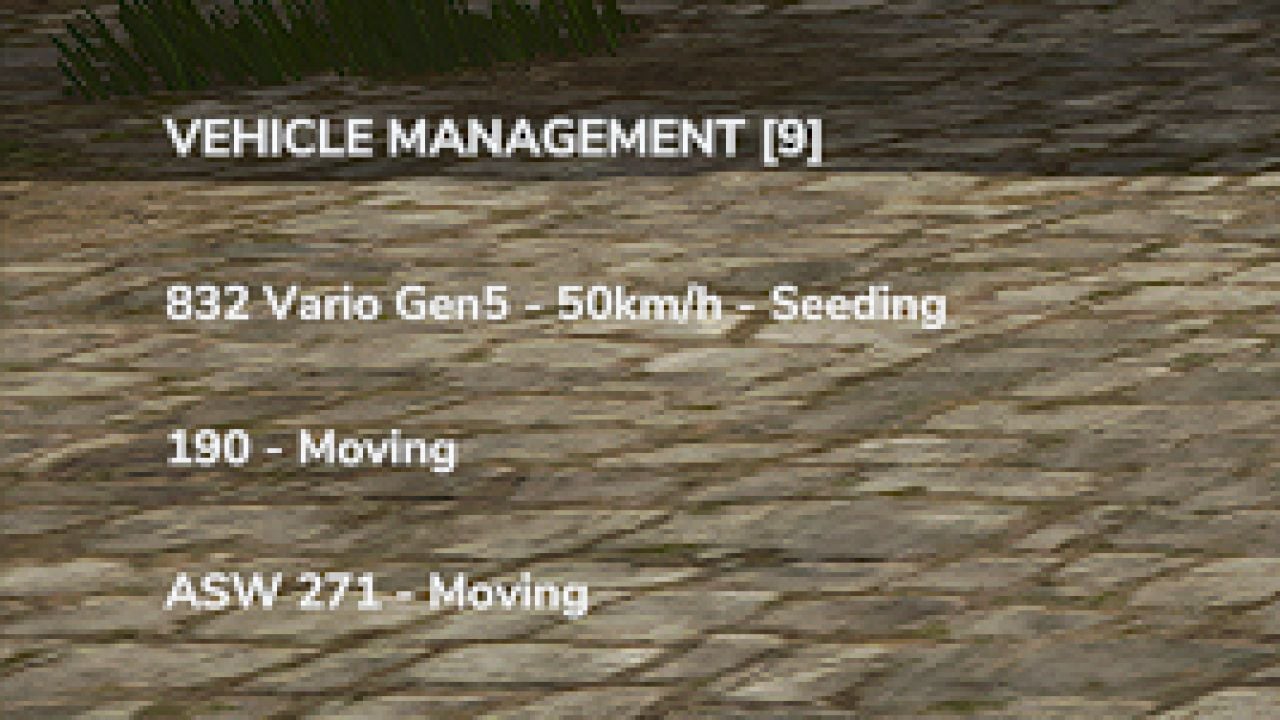
- Check each vehicle’s name and what it is doing right now.
- Field numbers show up when they are available.
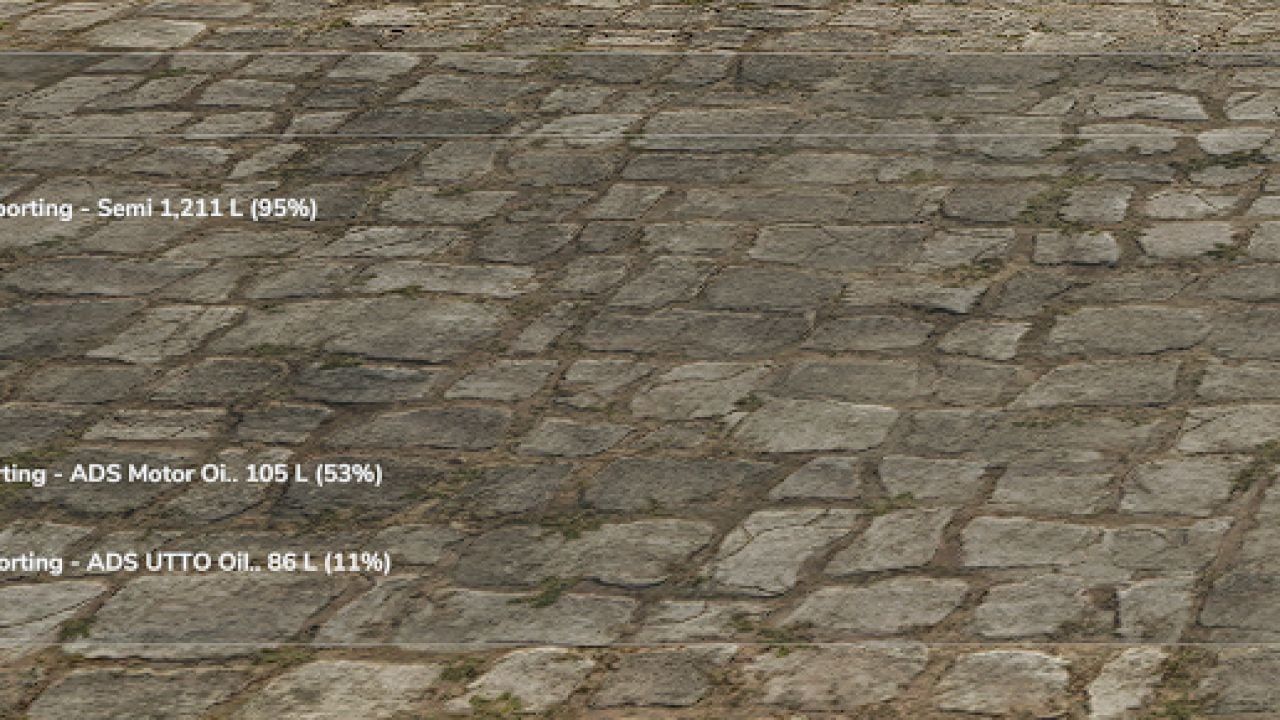
- Keep track of transported materials, their quantities in liters and fill percentages.
- Inactive vehicles disappear automatically.
- Pick one of three display modes: Full, Half and Minimal.
- Half and Minimal modes give you a transparent text-only interface.
- Set the HUD position and size to suit your setup.
- Vehicle information updates automatically.
Controls
- Use Alt + B to change the display mode.
- Press Alt + V for the next vehicle page.
- Use Alt + M to change the HUD position.
- Move the HUD with Alt + Arrow Keys.
- Resize it with Alt + Page Up / Page Down.
Changelog
- V1.4.5.0
- Native FS25 icons for fuel, seeds, fertilizers and transported materials are now included.
- Fuel monitoring with a percentage display was added.
- Material quantities in liters and fill percentages were added.
- Low resource levels now get dynamic colors.
- Vehicle and AI worker activity detection was improved.
- Attached implements and transported materials are detected better.
- Automatic HUD positioning was improved so it avoids overlapping with the minimap.
- The interface now has two display modes: Full and Reduced.
- HUD readability and the compact layout were improved.
- Various optimizations and bug fixes.