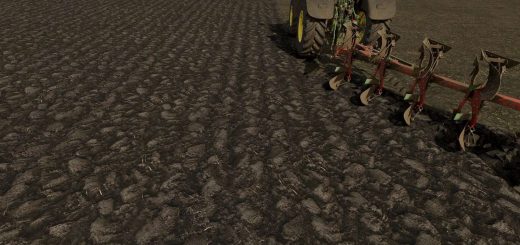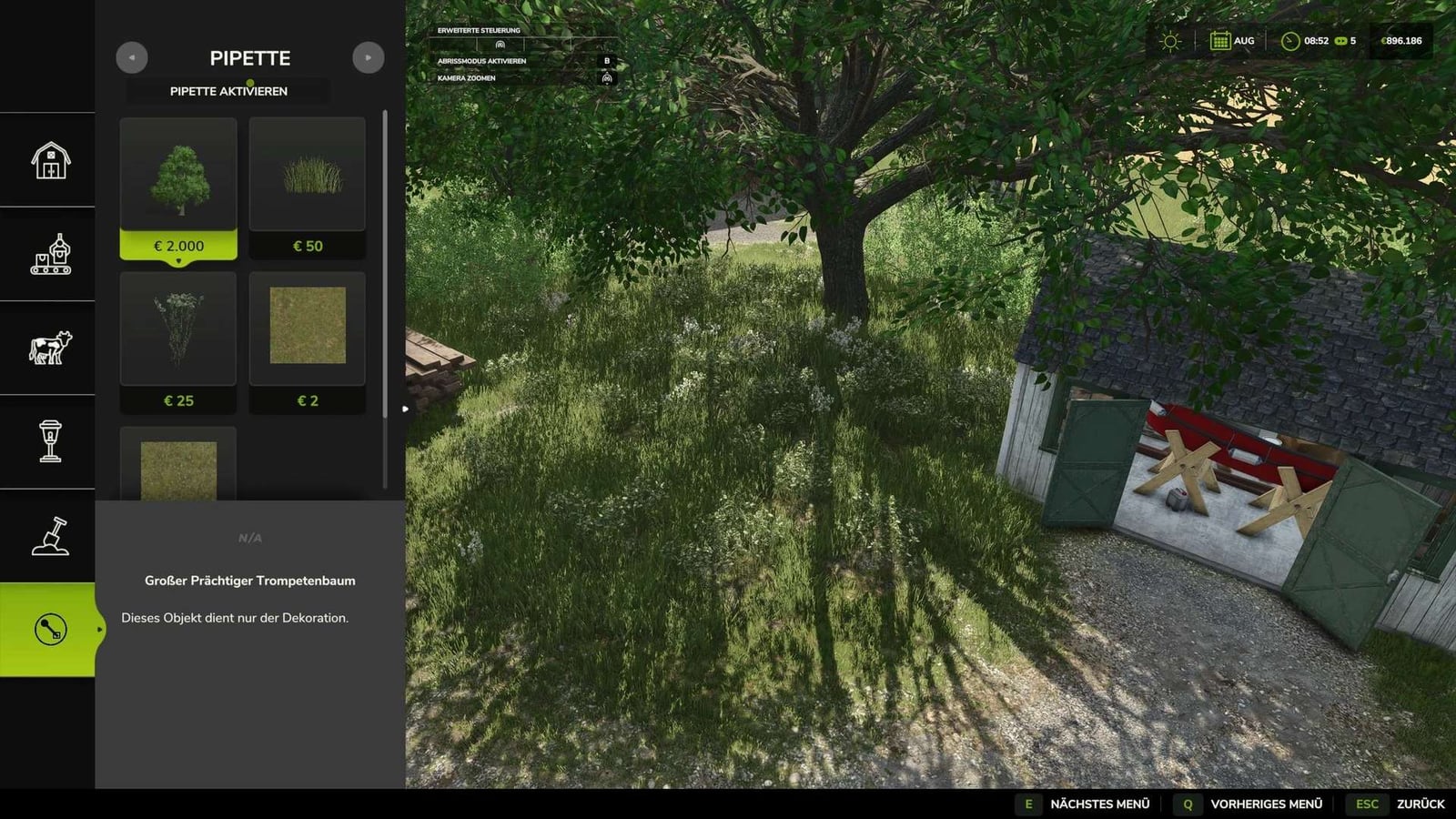
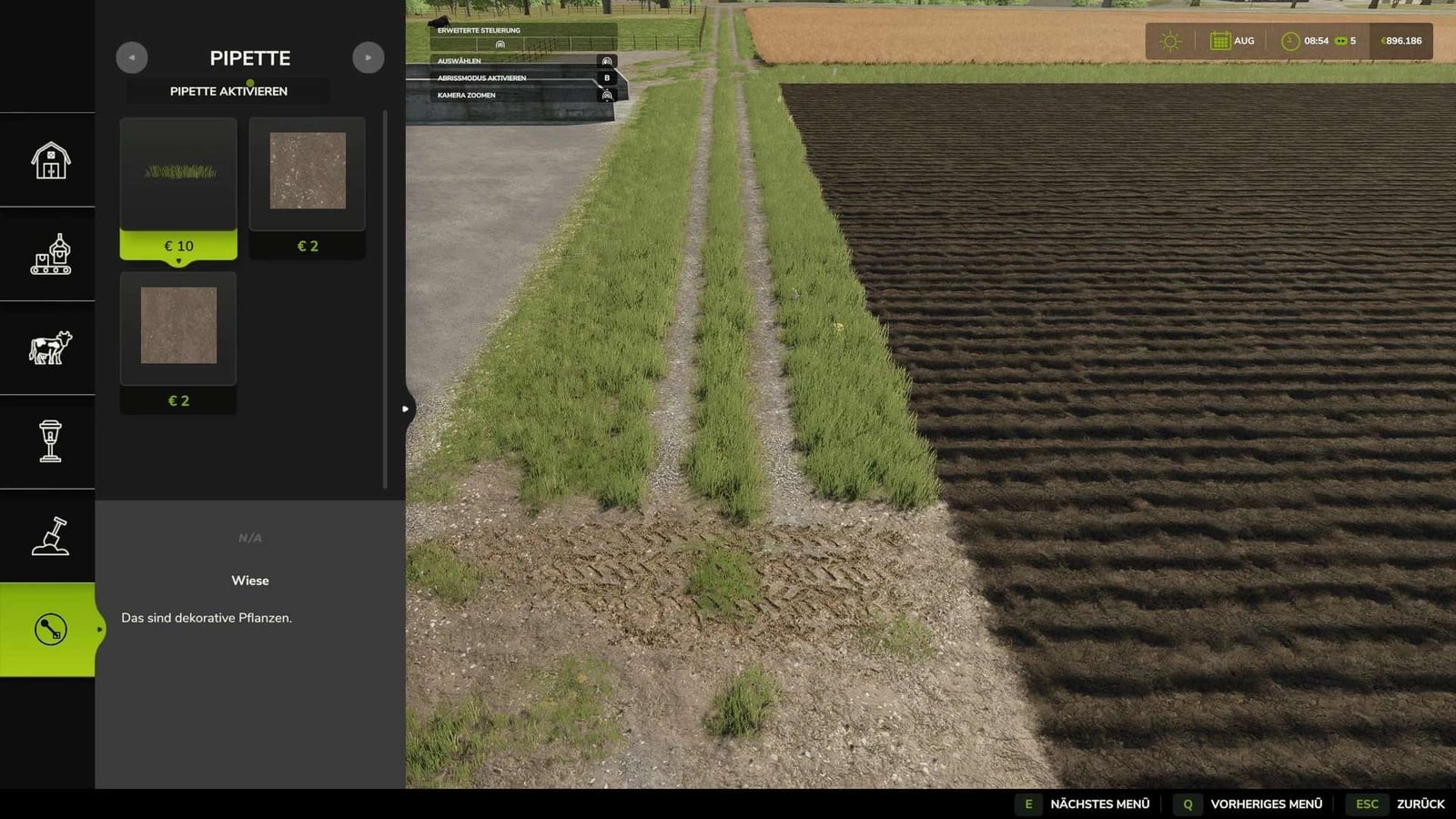
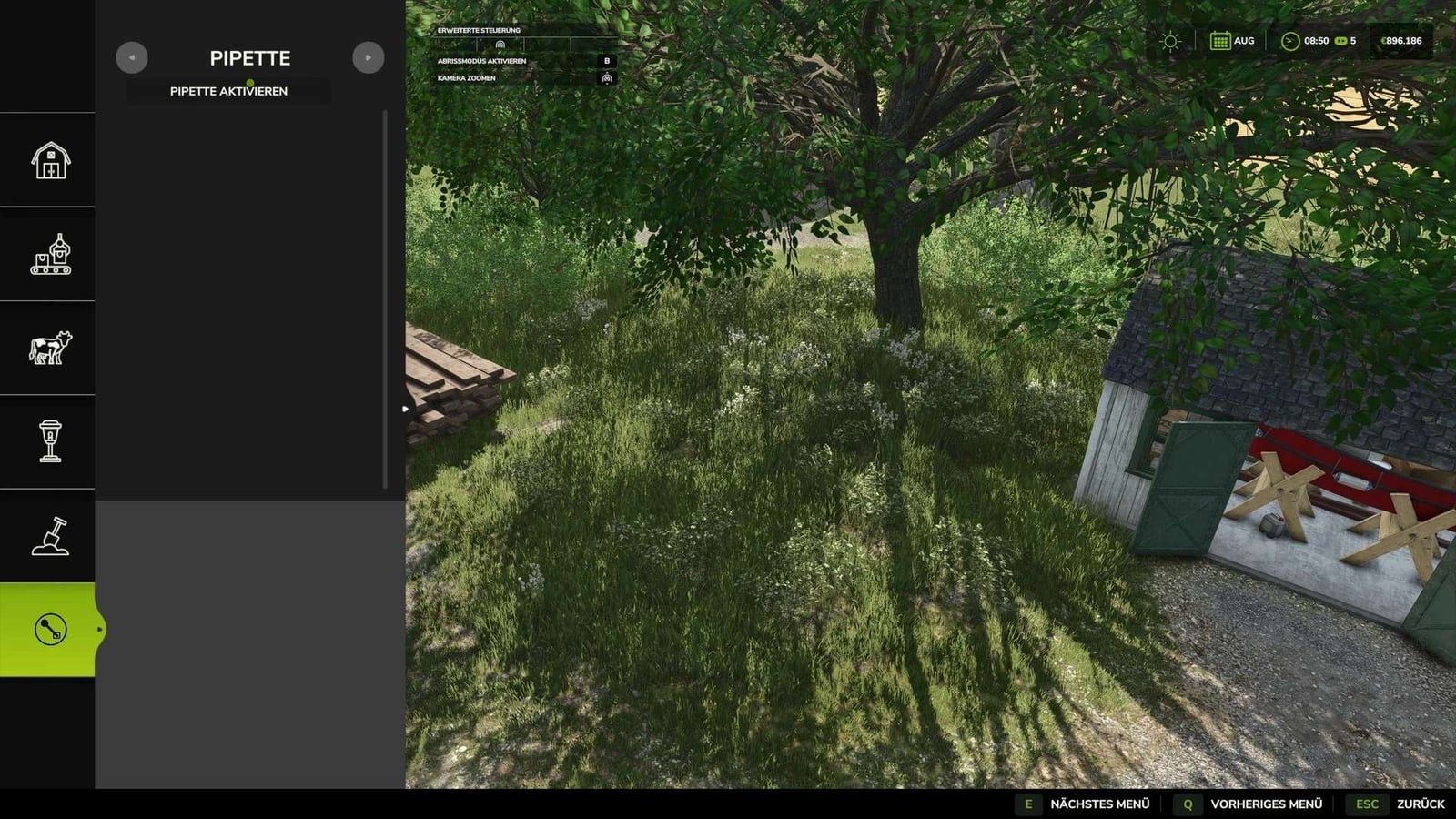
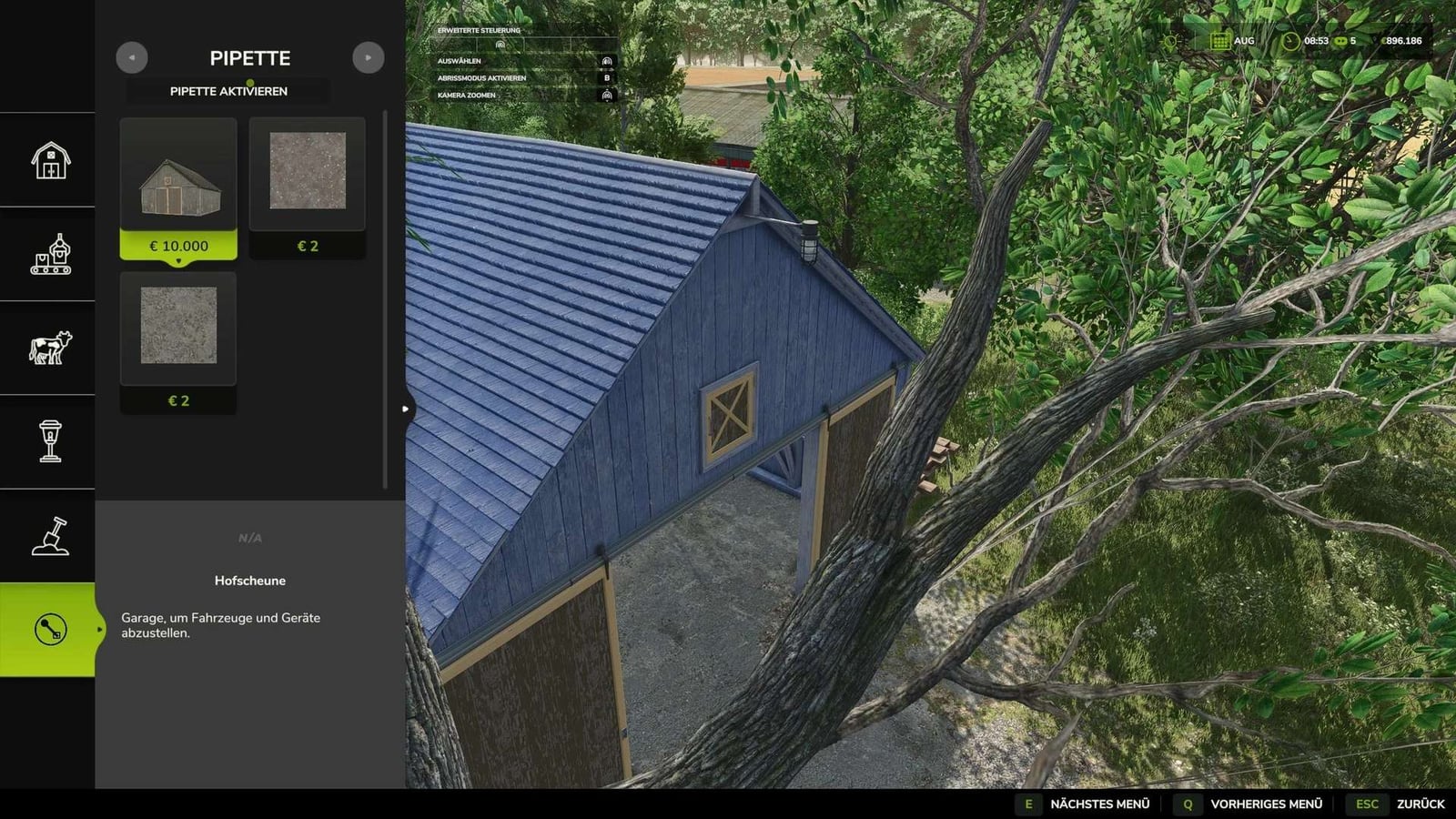
Need to find a texture or object on the map and use it again? Texture Pipette adds that pipette function to the construction menu. Sample ground textures, foliage, placeable trees, and supported placeable objects directly from the map, then pick them from the menu for painting or building.
Features
- Sample ground textures already being used, visible foliage like grasses, flowers, and bushes, placeable trees, plus supported objects.
- When elements overlap, you may get several matching results to choose from.
- The tool checks which ground textures and foliage are available on the map you are playing.
- If possible, foliage specific to that map appears as a paintable entry in the construction menu.
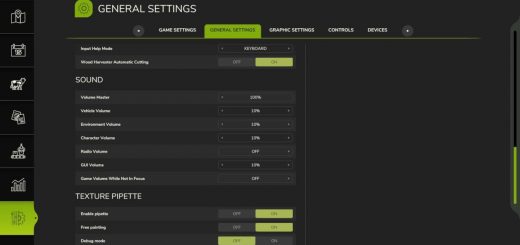
- Debug mode stays disabled by default. It is optional and meant only for troubleshooting.
Usage
- 1. Open the construction menu and go to the “Pipette” tab.
- 2. Select “Activate Pipette”.
- 3. Click the ground texture, foliage piece, tree, or supported object you want to sample.
- 4. Pick the item you need from the construction menu results.
- 5. Paint or build in the usual way.
When you are done painting, hit the ESC key to close the tool, so you do not keep painting accidentally. Reactivate the pipette whenever you need it.
Changelog
- 2.2.0.1: Use Shift + mouse wheel in the construction menu to adjust brush size, tree growth stage, and bush size. The selection cannot move past the minimum or maximum settings.