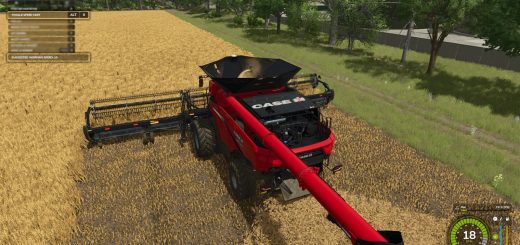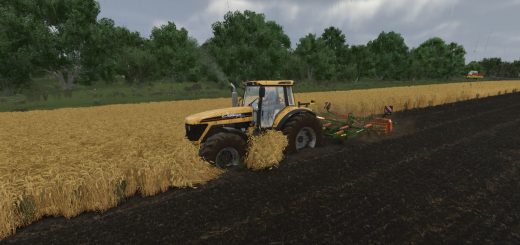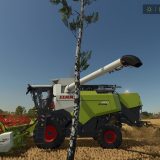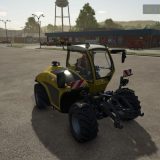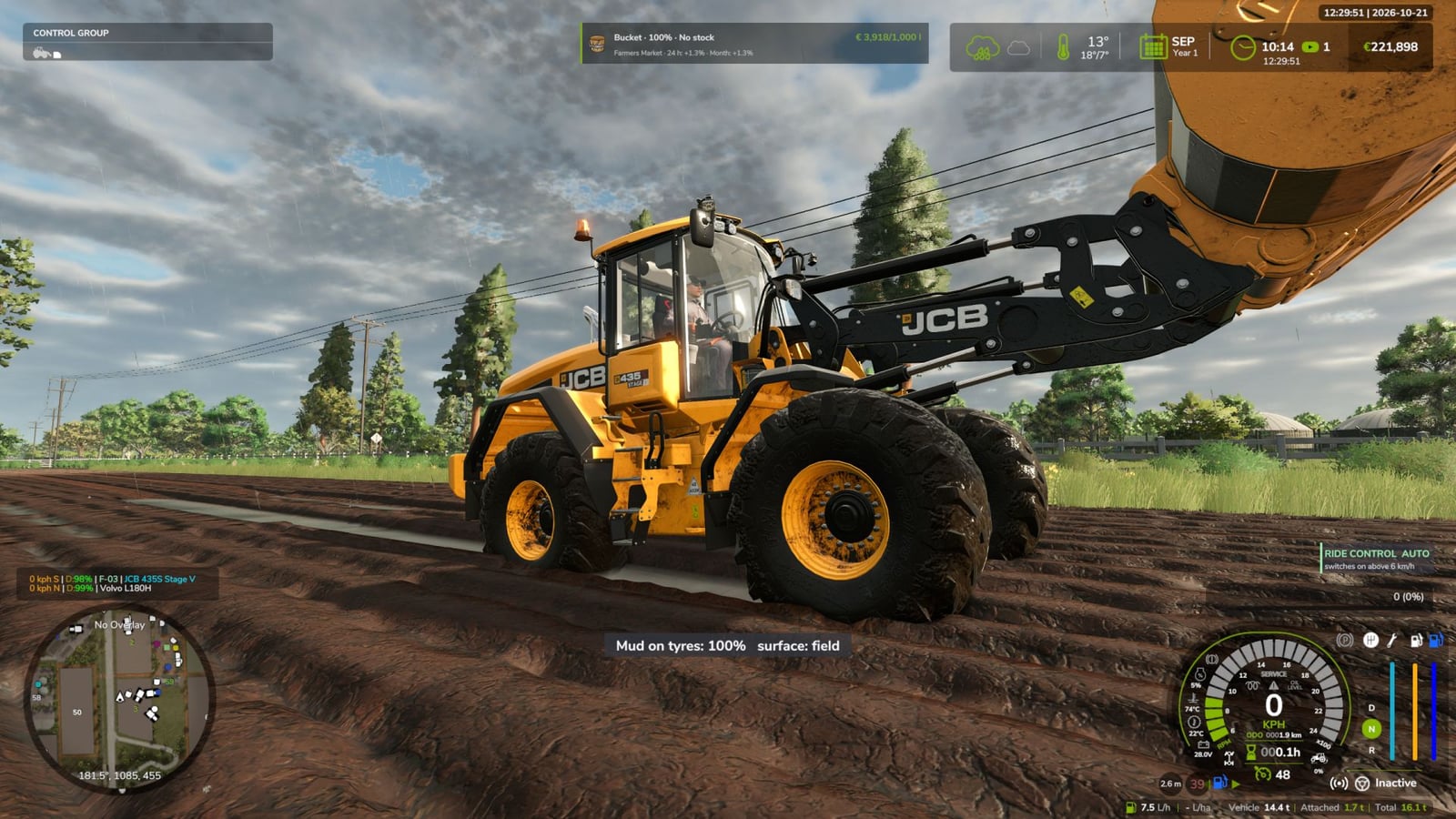
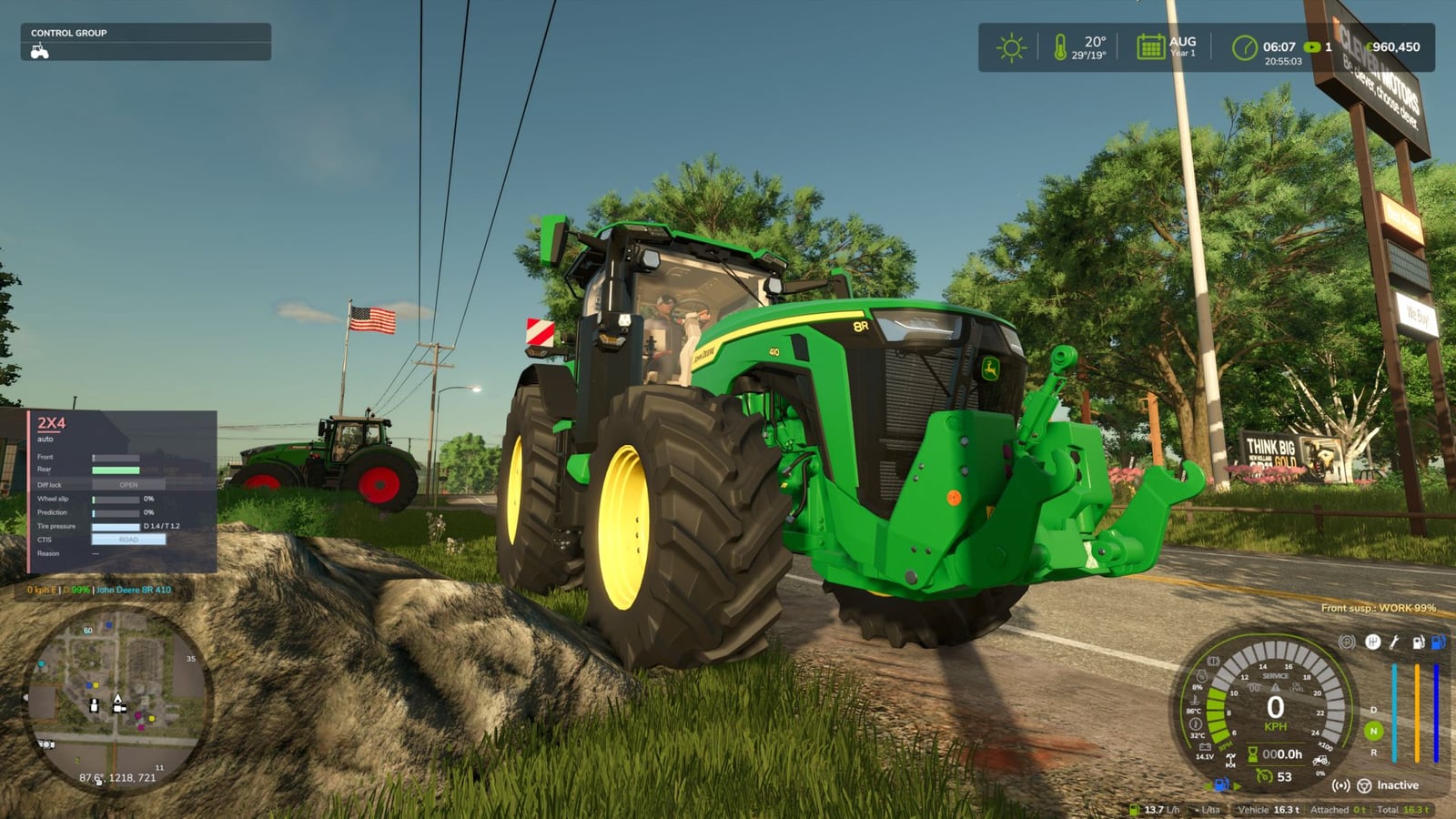
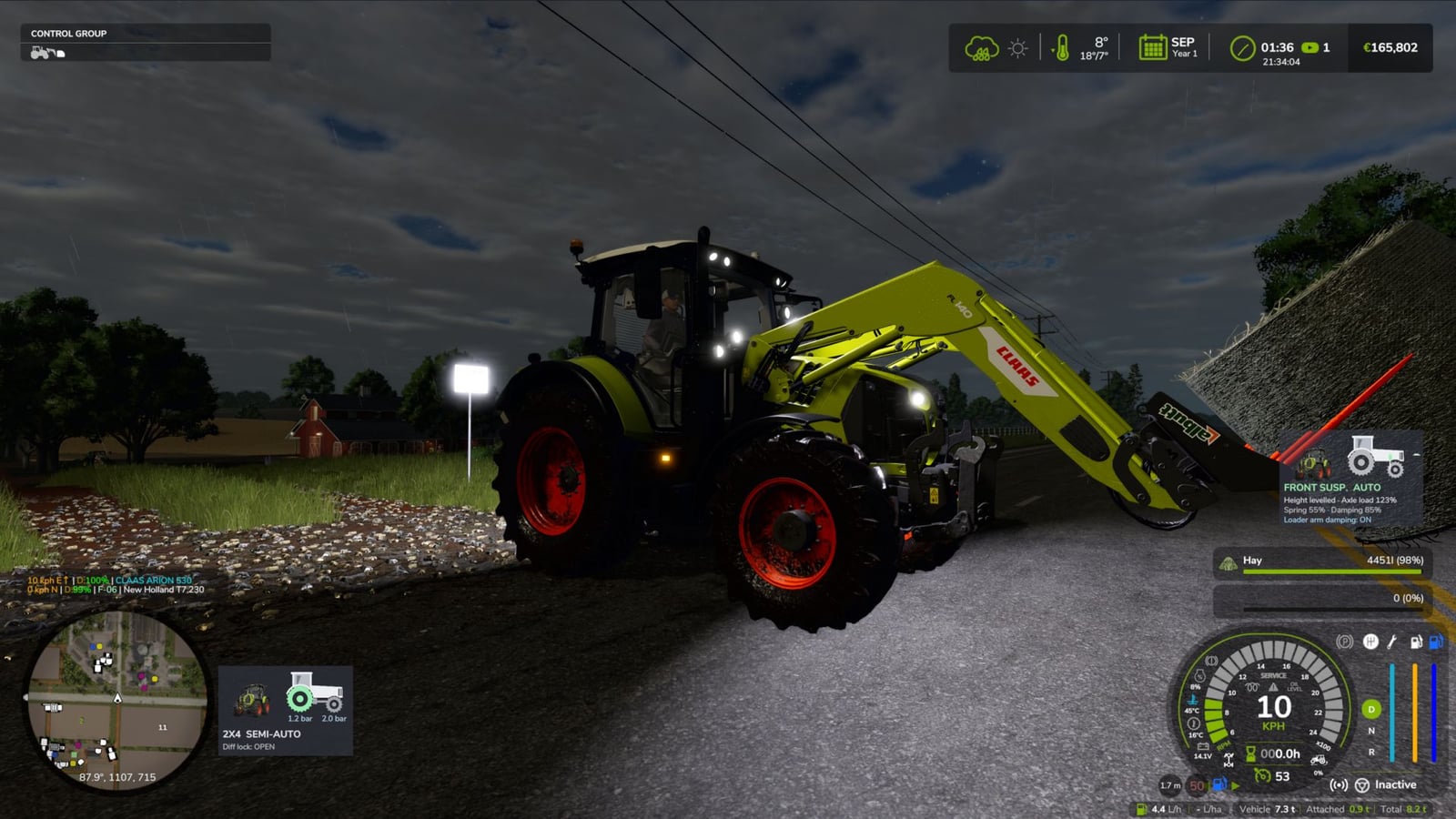
You can bring hydraulic front suspension to medium and large tractors that use it in real life. This is still a beta version, so testing continues, especially in multiplayer. It is already playable, but more testing is part of the deal.
Features
- The suspension actually works while you drive. Wheels move up and down over bumps and rocks, and the links, cylinders and shaft move too. The result is a tractor that feels more stable and comfortable.
- Add front weights or a heavy implement and the front levels itself back to the correct height within a few seconds.
- Supported systems include John Deere ILS and TLS, Fendt, Claas PROACTIV, Terraglide (Case IH / New Holland / Steyr), MF Quadlink, Valtra, Deutz-Fahr and McCormick. They each behave in their own way, with some softer and some firmer.
- You can choose between these driving modes:
- AUTO, the front levels itself
- WORK, firmer for field work or when the front starts bouncing
- LOCKED, a stiff axle for front loader work or heavy transport
- MANUAL, raise and lower the front yourself, only on JD ILS and Fendt, just like in real life
- Here are the controls:
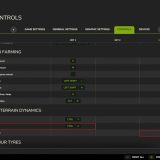
Ctrl+Alt+U, change modeCtrl+Alt+↑ / ↓, raise or lower the front in manual mode- You can change the controls in the control options.
- This only works with tractors that have the system in real life, meaning medium and large tractors from the listed brands. Small tractors and crawlers stay as they are.
- Remember that this is a beta version, with multiplayer testing still underway. It needs more work, but you can play it. Tweaks and fixes will be released from user feedback and suggestions.
- Found a problem? Send the
log.txtfile. For multiplayer, the log from the host and the log from the player who joined are both needed.
Changelog
- V2.0.2.1
- New: Pick the suspension for each tractor model with Left Alt + U > Vehicle > “Suspension for this model”: Auto / Levelling / Pendulum / Original. The choice is saved for every vehicle of that model and is applied straight away.
- New: In the window > Settings, “Manual height on all tractors” gives manual height to systems that do not have it in real life, for example John Deere TLS. It starts off by default and is marked as not realistic.
- Fix: Tractors with their own vehicle type in the mod, such as converted John Deere 6M / 7M, no longer miss the suspension, the window or the keys.
- Fix: If the front axle is a separate physics part, it now stays with the wheels while the chassis rises and lowers. That means the suspension cylinders extend and retract along with the height.
- Fix: Parts with no mass in the XML no longer make a tractor count as a light tractor with a pendulum axle.
- V2.0.0.0
- Open the Suspension window with Left Alt + U to see the system, mode, height, front-loader stabiliser and live state. It also shows axle load, weight on the front, cylinders, spring, damping and warnings, plus a side view of the axle. Settings and the panel moved from the game menu into the window.
- Trucks get rear air suspension with levelling, ECAS, for up to 3 axles. The ride height stays the same when empty or loaded. Manual height helps with loading docks and coupling, then the truck returns to ride height by itself above 30 km/h. 8×4 tippers and bigger keep their leaf springs. You can switch this off.
- Levelling is used only on tractors that have it in real life. Brand, weight and minimum power decide this, with a default of 120 hp. Small or simple tractors get a swinging pendulum front axle without suspension instead of the game’s soft suspension. Tracked tractors are left alone.
- Wheel loaders and telehandlers receive Ride Control, with boom suspension and an accumulator above 6 km/h. Below that speed, operation is rigid for precise work.
Ctrl + Uswitches AUTO / OFF. - With a front loader on a tractor, the load floats with the movement of the arm tip. Turn it on or off in the window.
- Road damping gets firmer above 30 km/h. You also get JCB Fastrac rear self-levelling suspension and a hydraulic valve sound.
- Rigid front axles, for example on the John Deere 7030, move and tilt as one piece.
- Independent suspension no longer shakes, including JD 8R ILS, and switching tractors no longer gives those little hops.
- The panel can warn about “end stop” and “front too light – add ballast”, and it shows the name of the tractor’s system. You can switch the panel off. It hides while the window is open and when Zasty HUD is active.
- Cars, combines and other vehicles stay untouched. The shop category is checked.
- Use
Ctrl + Ufor the mode,Ctrl + Alt + Up / Downfor manual height while held, andAlt + Ufor the window. - Removed:
Ctrl + Alt + LandCtrl + Shift + U, because they are now available in the window. - Fix: default keys are now assigned on a new installation.
- Default keys:
- Left Ctrl + U: Suspension mode, or Ride Control on wheel loaders
- Left Alt + U: Suspension window
- Left Ctrl + Left Alt + Up / Down arrow: Manual height while held
- These are the default keys. If the game or another mod already uses one, open Options > Controls and set the key you want to avoid conflicts.
- V1.1.0.0
- This big update makes every machine behave almost like the real one.
- Automatic levelling for tractor classes is limited to tractors that have it in real life. Small and simple tractors instead use a pendulum front axle without suspension.
- Wheel loaders and telehandlers get Ride Control with boom suspension. Above 6 km/h, the load floats over bumps, while below that speed the arm is rigid.
Ctrl+Alt+Uswitches AUTO / OFF, or you can bind your own key. - Front loader damping reacts to the arm tip and ignores smooth hills. It has its own switch,
Ctrl+Alt+L. - On the road, damping is firmer above 30 km/h.
- The JCB Fastrac receives a self-levelling rear axle.
- The HUD shows end-stop and front-too-light warnings, tells you to add ballast, and displays the tractor’s system name.
- Levelling now has a hydraulic valve sound.
- Everything runs more smoothly: no shaking on the JD 8R ILS and no hops when you switch tractors.
- New settings were added to the controls menu, all in 25 languages.
- Tracked tractors are left alone.