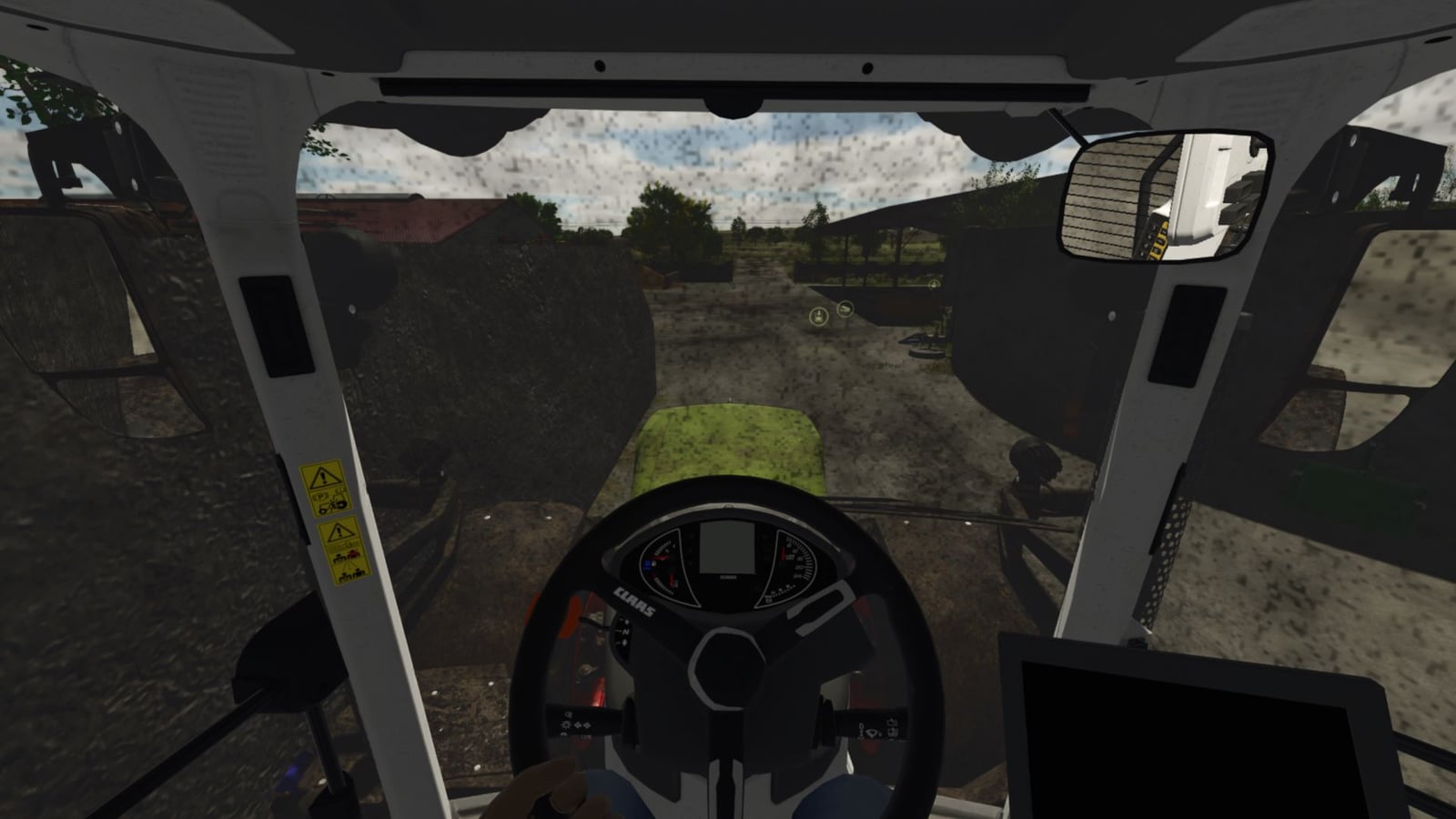
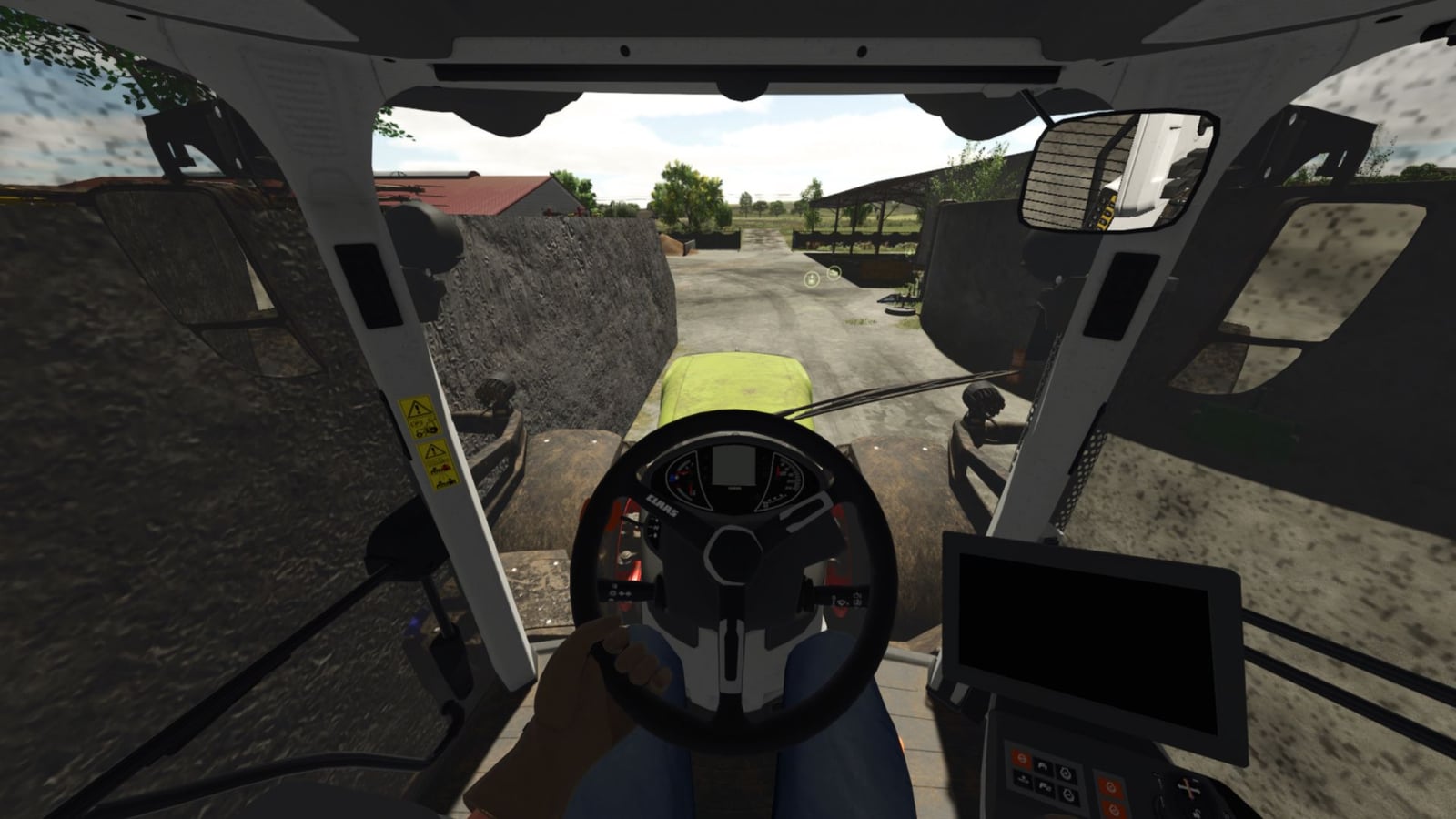
Got a problem? Tell me in the comments exactly which vehicle you are using, what happens, whether you are in the cab, and if IC (Interactive Control) is being used. You can also find me on Discord at qareq_qareq. As you drive more kilometers on fields and roads, dirt builds up on the windows. Wet fields make it build up more, while asphalt keeps the buildup slower. Leave the vehicle standing and the windows will not get dirty by themselves.
Features
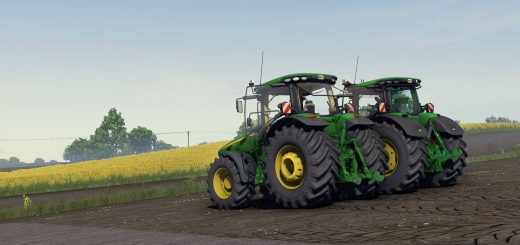
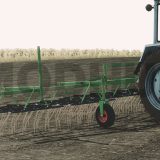
- Large tractors finally show their dirt from the outside, instead of it being barely noticeable as before.
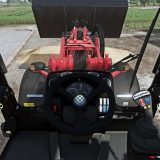
- The dirt film stays on the doors and windows, with no ghost effect on the windows beside the cab and no loss of visibility.
- Window detection has been reworked. More vehicles can now get dirty, including ones that used to stay completely clean.
- Your Interactive Control (IC) panel still works normally because RealGlass does not block it.
- Check the windshield washer fluid in the narrow HUD bar beside the fuel gauge. You will not see it in menus or in the shop.
- Have a canister ready and press the
Rkey once to refill. Do not hold the key. The tank fills itself in approximately 15 seconds. - Windshield washer fluid is also available for purchase in the shop.
HUD and fluid
- Look beside the fuel gauge, in the third column, to see damage | fuel | fluid.
- The HUD uses a windshield with a drop icon and a percentage value.
- Menus and the shop hide this HUD, keeping those screens clear.
- Move close to the bottle and click
R. The tank fills automatically in approximately 15 seconds, so theRkey does not have to stay pressed. - You can fill up from the tractor or on foot, and this works with HUDPlus too.
Bottle in the shop
- Buy the bottle and it appears on the ground. Pick it up with the left mouse button (LMB), just like any other object.
- It appears both in the shop and in the item overview.
- Improved physics and collision stop it from floating or falling through the map.
Windows and large tractors
- Dirt is now easy to see on large cabs too, where it used to be barely visible.
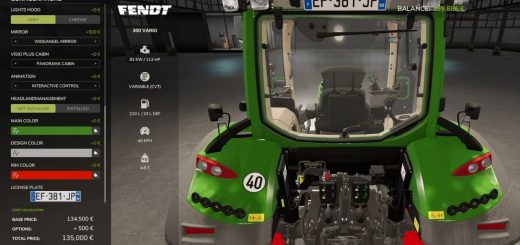
- For a more complete dirty-window look, the inside gets dirty as well as the outside.
- GPS system screens and the other displays in the cab stay free of dirt.
Controls
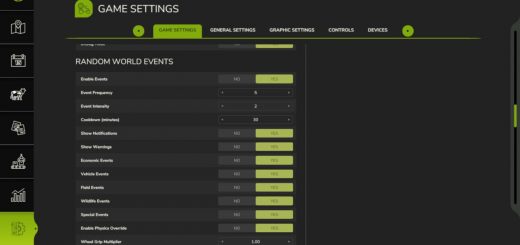
- Set every RealGlass key binding in “Options > Controls”.
- Fan: press Right Ctrl key + H. The “H” key on its own no longer turns on the GPS or the worker.
Performance
- Films and overlays run better on weaker PCs and in multiplayer mode. Only the tractor you are sitting in and nearby machines are affected, so you can keep driving without applying it everywhere.
Changelog
- V1.1.1.3
Every window gets an even dirt layer now, with no wiper streaks. The buildup is slower and more realistic: after working in the field, a light film appears instead of the whole vehicle being covered in mud straight away. Dirt is darker and more visible. The wipers clean the windshield again while it is dry, and they clean faster with fluid or in rain. The sides and rear stay dirty. - V1.1.1.2
Dirt builds up again across several kilometers instead of showing up immediately. On a dry field, light dust appears after approximately 5 km. Wet fields build mud faster, but not instantly. Dirt roads add only a little, and asphalt adds almost nothing.