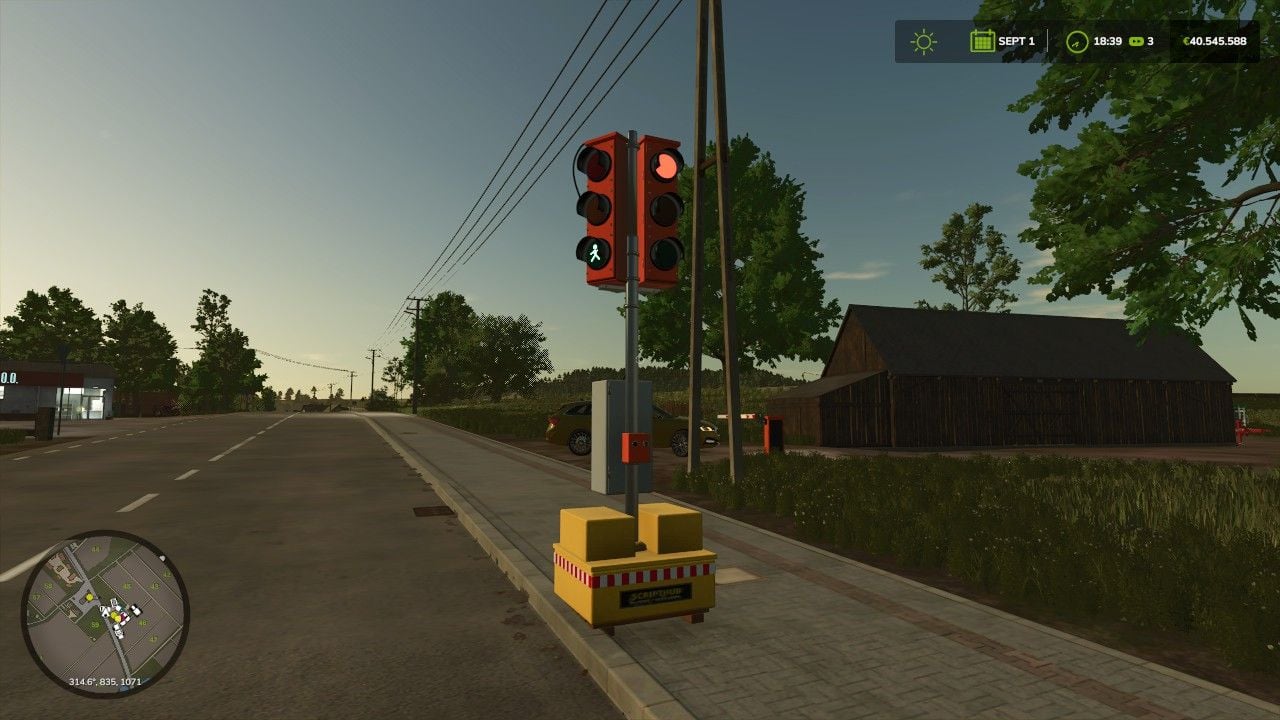
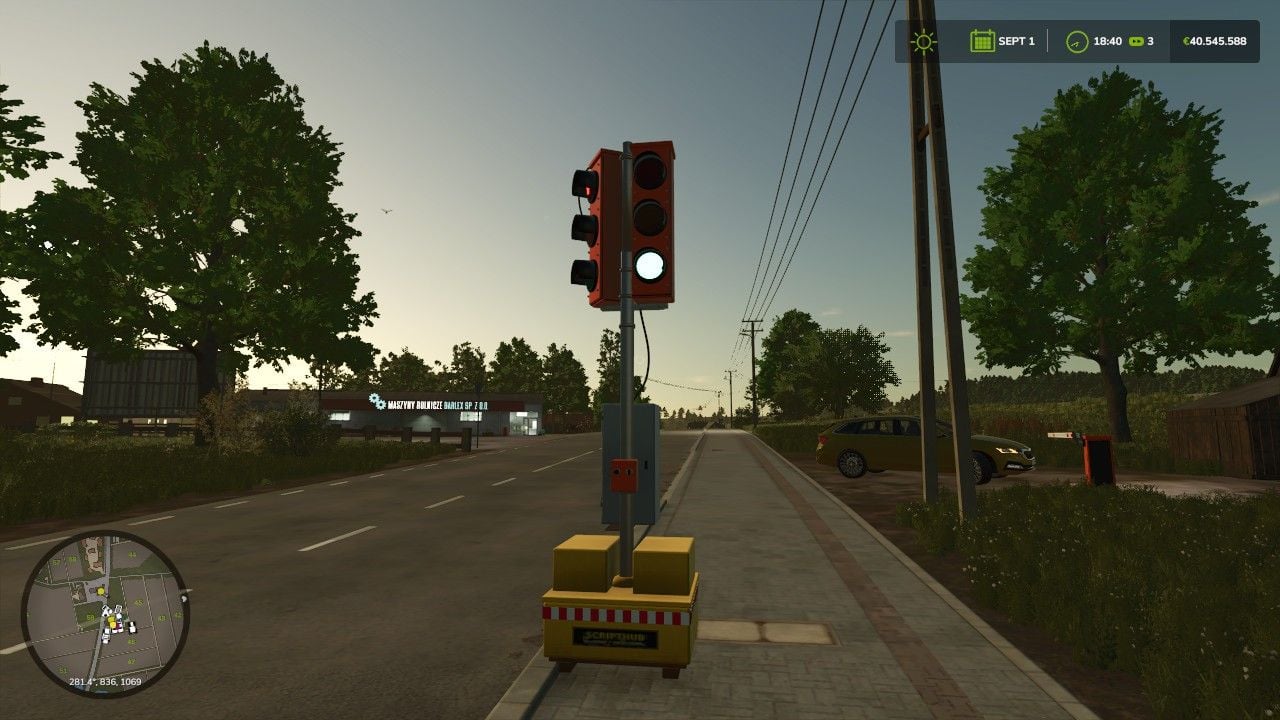
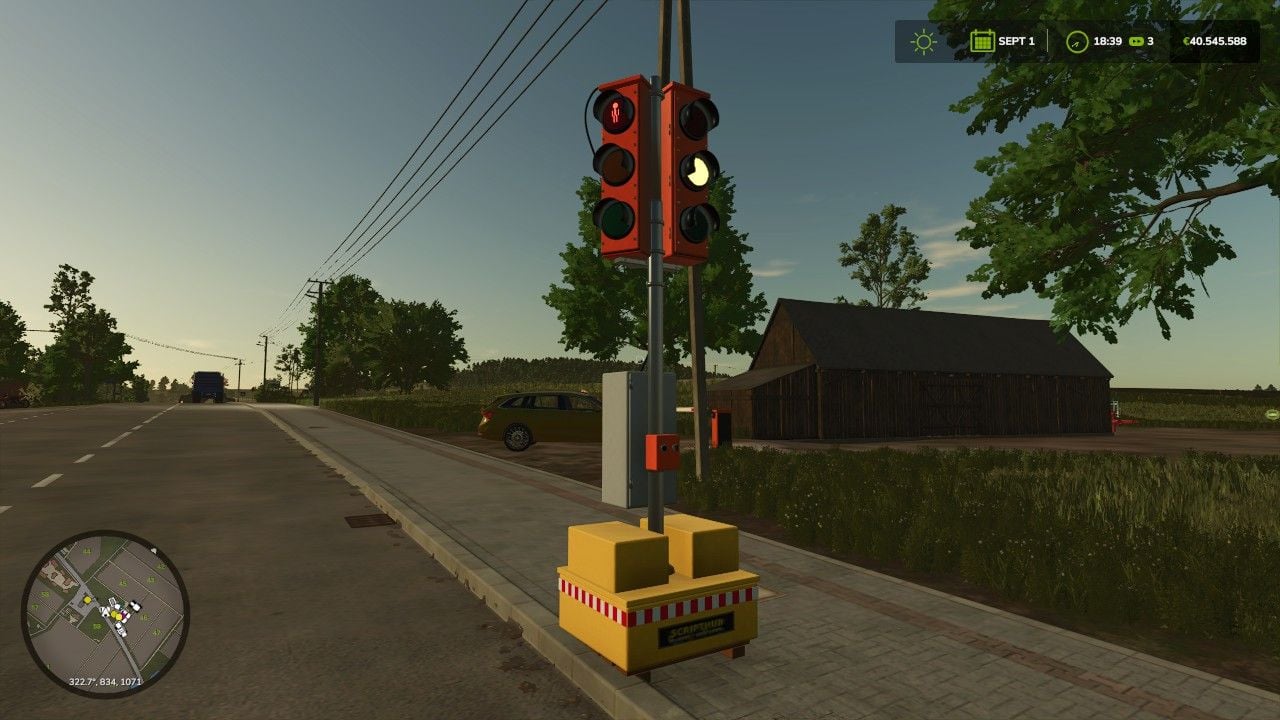
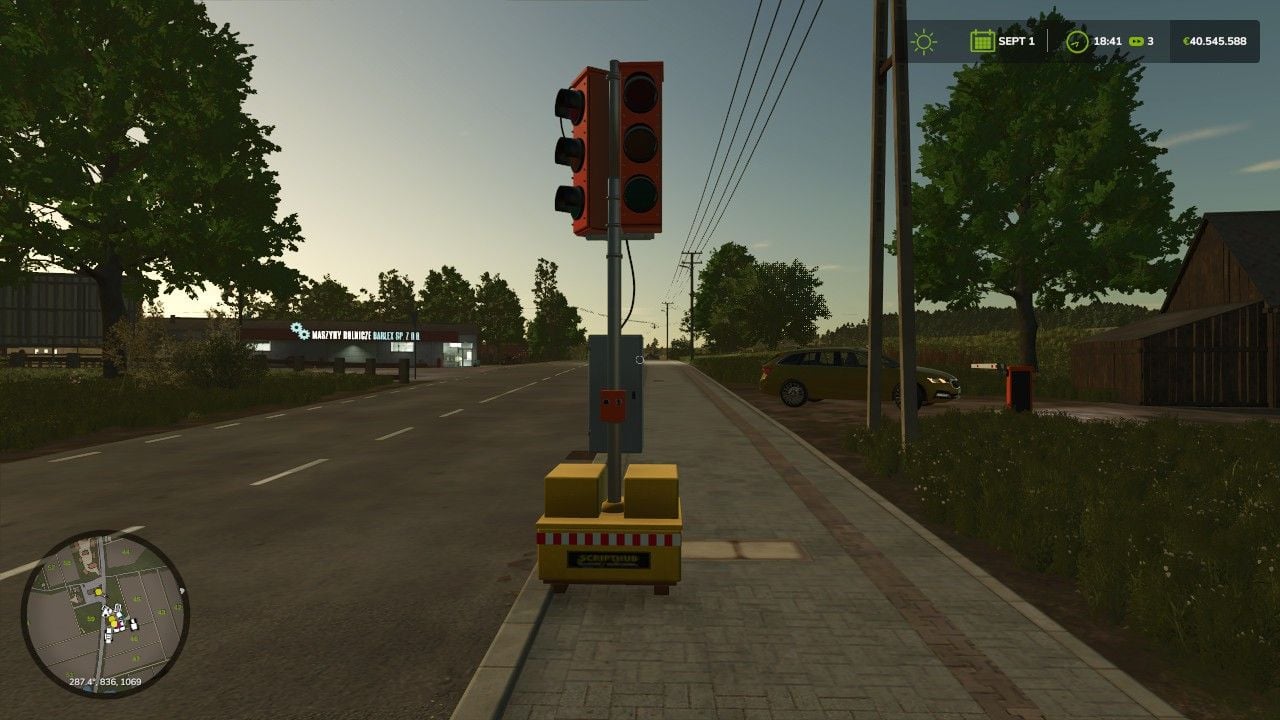
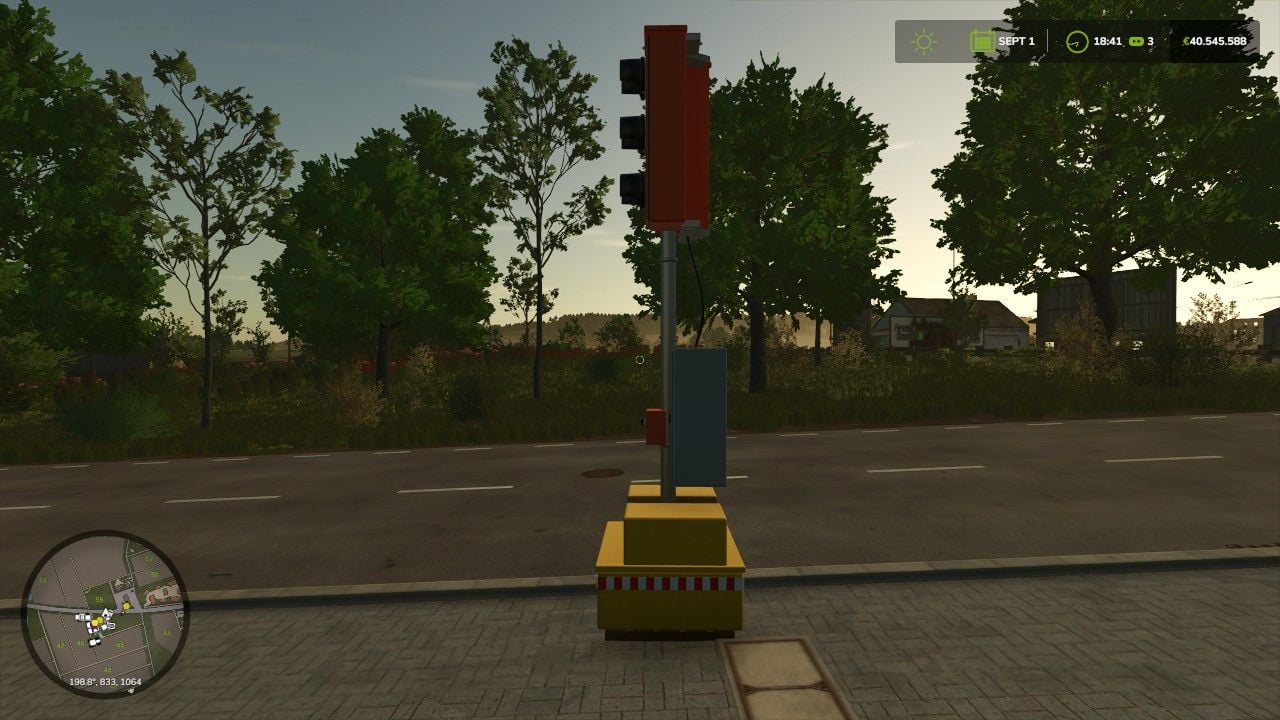
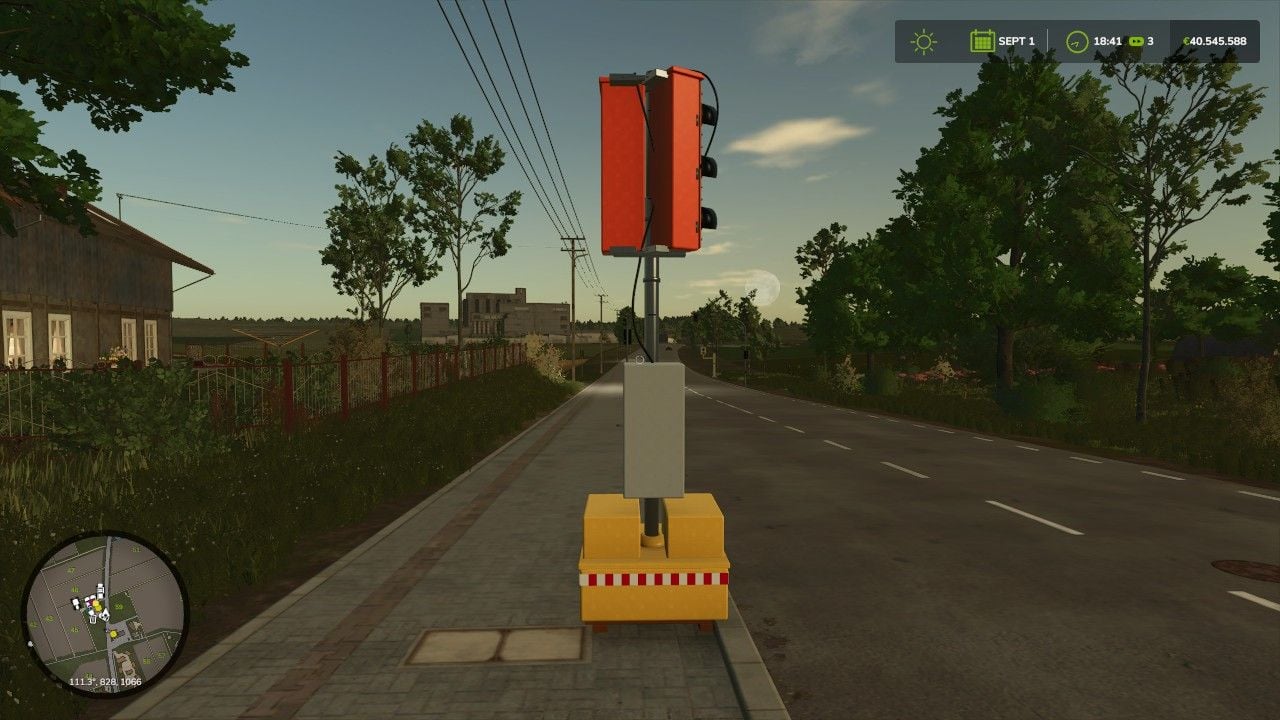
Need a portable replacement traffic light for FS25? This one brings orange signal housings, a yellow ballast base, a galvanized pole, cables, brackets and reflector strips to your setup.
Walk up to the pole and you can turn the light on, turn it off or put it into flashing yellow mode right there.
Features
- You get the normal sequence with red, red-yellow, green and yellow
- Flashing yellow is available as an extra mode
- The side-mounted pedestrian signal follows the matching crossing phase
- The visible controls include an on/off button and a selector switch
- Your selected operating mode and the current signal phase are saved
- The local AI stopping area is active during red, red-yellow and yellow
- Traffic passes during green, with the light switched off and during flashing yellow
- You can optionally include the ScriptHub Modding construction category
- Place multiple traffic lights and they work independently from each other
Specifications
- Price: 2250 Euro
- Daily maintenance: 0 Euro
- At the highest detail level, the model has 354.714 triangles
- Two more distance levels reduce the model details
Operation
Keep your hands empty, walk to the control box on the pole and use it on foot.
- K or left mouse button: Turn it on and off
- J or right mouse button: Switch between flashing yellow and normal operation
Check the F1 help window for the current key bindings.
Without the extra construction category, look for the traffic light at Decoration > Miscellaneous. Add the ScriptHub Modding construction category and it will be under ScriptHub Modding > Traffic Lights and Traffic.
Note: A real multiplayer test is still pending.