
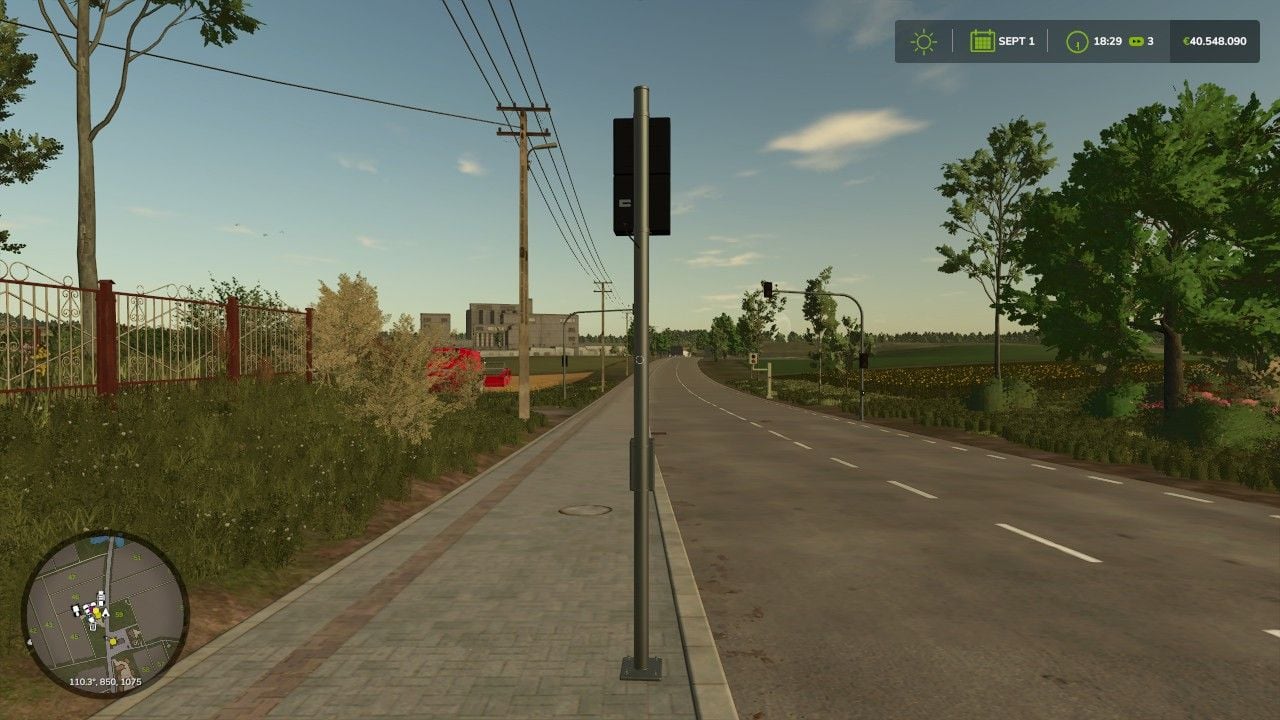
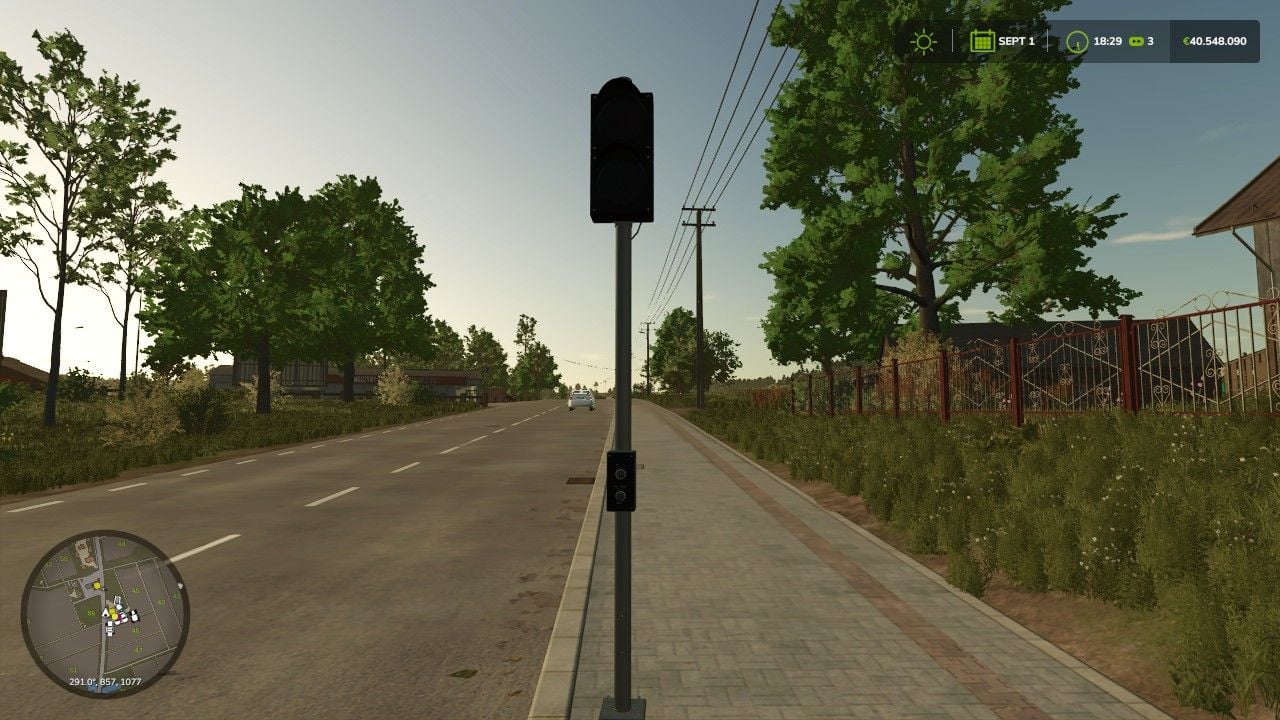
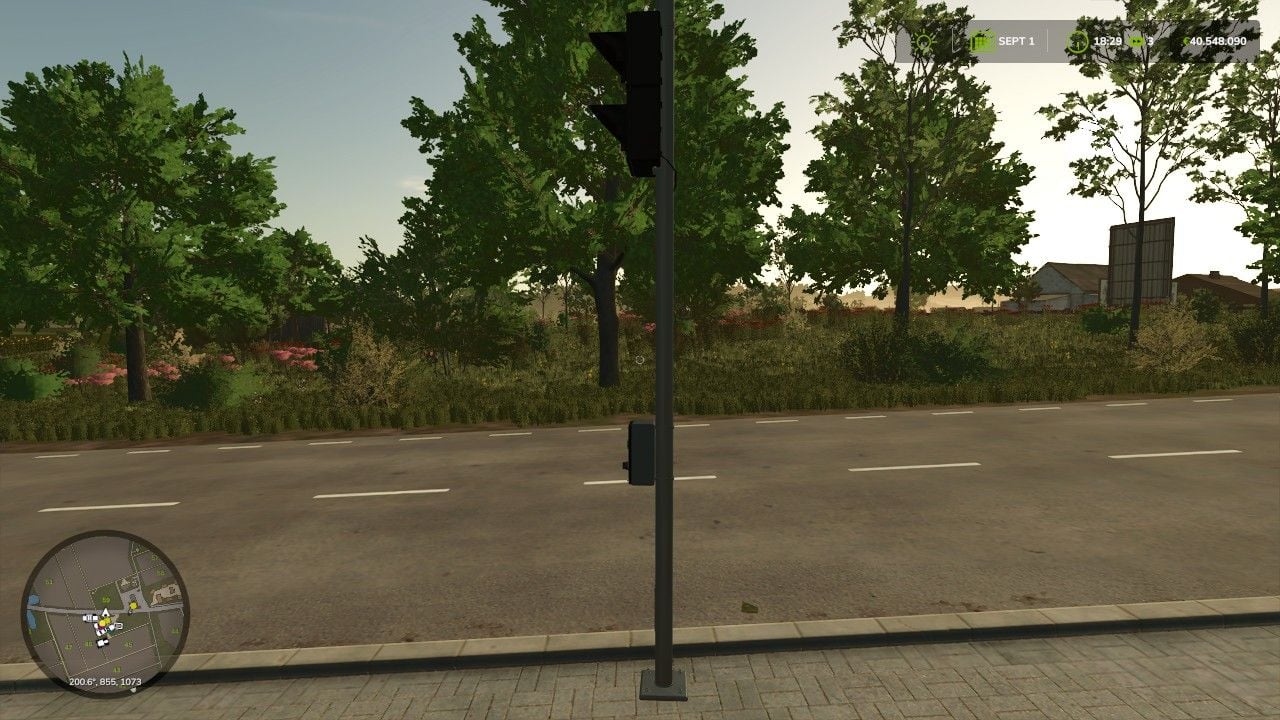
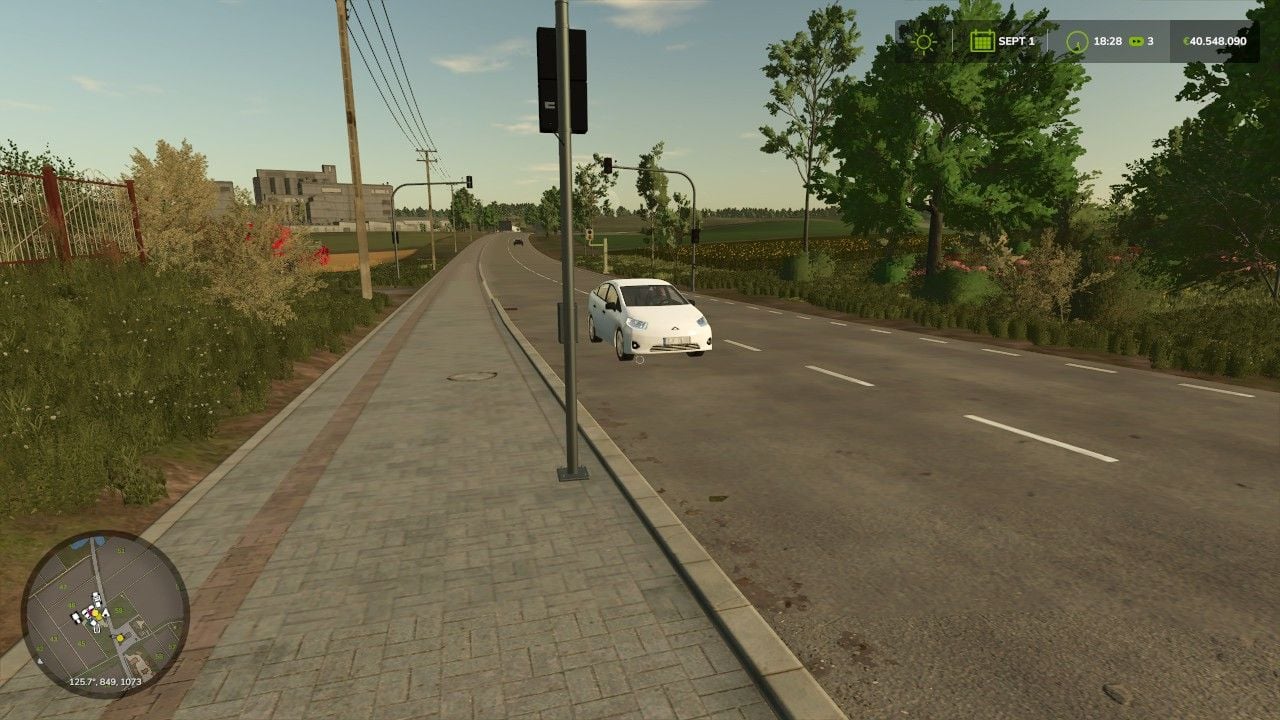
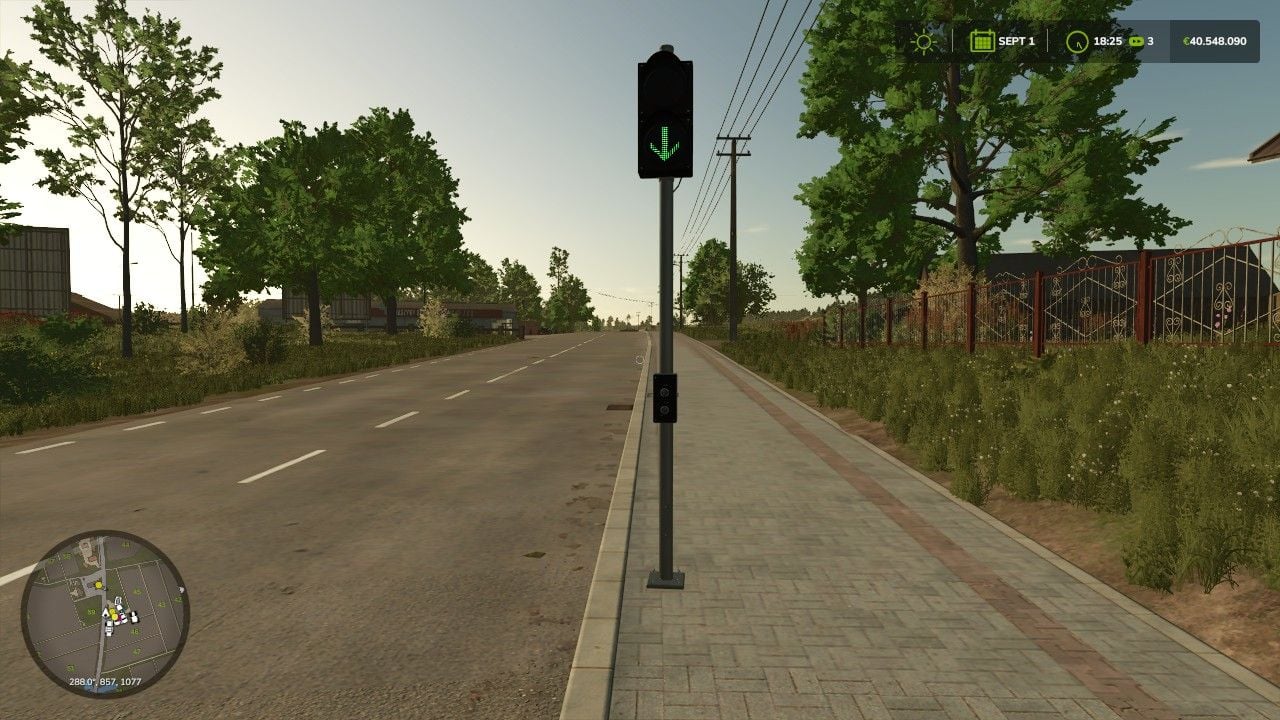
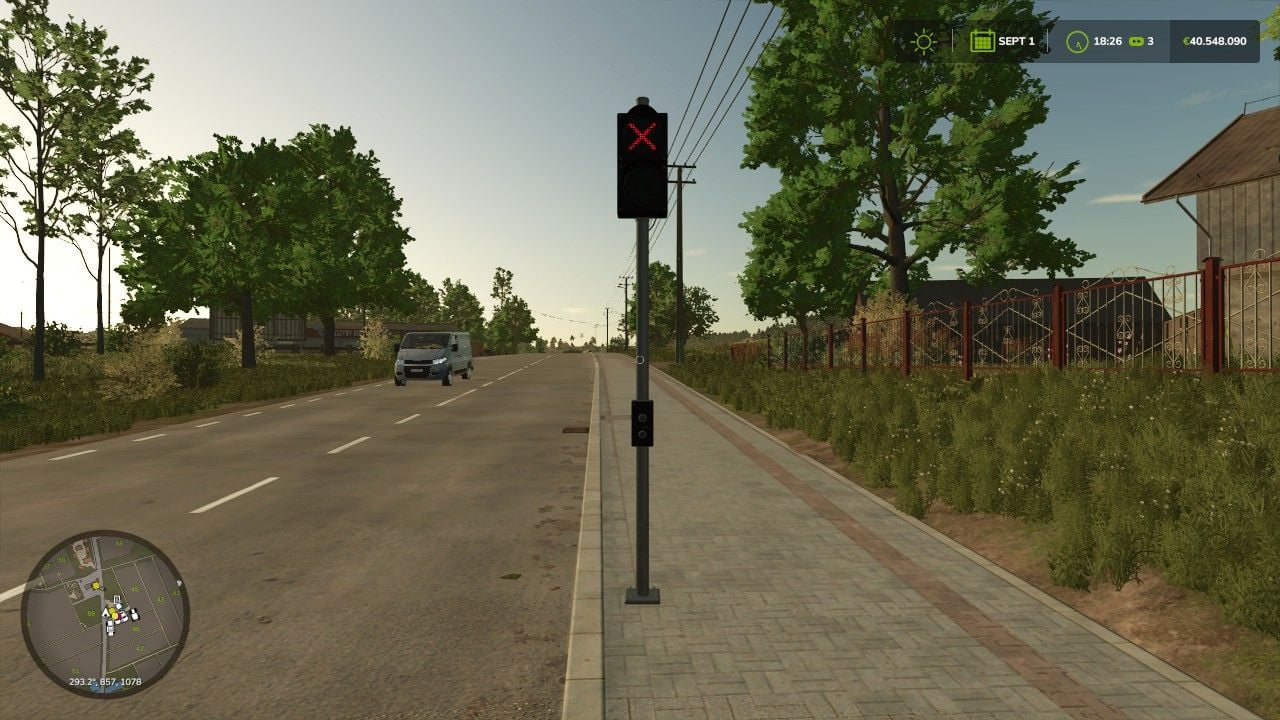
Give your roads, business premises, parking garages and access roads a more realistic look in Farming Simulator 25. You control the lane traffic light yourself, so you can show a green arrow, put up a red stop signal or turn the whole light off. That makes it easy to build and use traffic setups that fit your map.
Features
- Switch the lane traffic light manually
- Use the green arrow to let traffic through the lane
- Use the red signal to stop the lane
- Turn the signal display completely on or off
- Realistic model with a traffic light pole
- Works well for roads, parking garages and business premises
- AI traffic stops when the light shows red
Controls
- Key J: Switch the traffic light on or off
- Key K: Switch from green to red or back
Mod information
- Game: Farming Simulator 25
- In-game category: Decoration / In our category, under Traffic Lights/Traffic
- Controls: Manually via keyboard











