Farm Radio brings a handy way to stay connected in Farming Simulator 25. Keep in touch with your own farm across the map, call neighboring farms on the Repeater channel, or use proximity voice when other players are close in Farming Simulator 25 multiplayer.
Features
- Talk with your farm through radio communication, or use proximity voice in multiplayer.
- A compact display lets you see when someone is transmitting.
- Your character also uses animations for the handheld radio.
- Radio channels work only for players assigned to a farm. Without a farm, you cannot transmit or receive radio calls.
- You can reassign both radio controls separately from the game’s usual voice-chat control.
- Transmit on Local and Local lights up in your farm color.
- Use Repeater and its display highlight turns red while you transmit.
- Your name and speaker icon take on the color of your outgoing channel.
- Calls from your farm highlight the member who is speaking.
- When another farm uses Repeater, its name and color appear with the incoming call.
- The existing voice mute and block settings are still respected.
Getting Started
- Install and enable the same mod version for the multiplayer host/server and every player taking part.
- Switch on in-game voice chat, then check the microphone settings.
- Join a farm first to unlock the Local and Repeater radio channels.
Radio Controls
- Local, hold
Comma (,): Talk to your own farm members from anywhere, no matter the distance. - Repeater, hold
Forward Slash (/): Talk with players on every farm, including your own. - Proximity voice: Talk to nearby players with the game’s voice activation or normal push-to-talk setting.
Changing Key Bindings
Go to Settings → Controls, then check the Player section for:
- Farm Radio (hold)
- Repeater Radio (hold)
Reading the Radio Display
- When you transmit on Local, the Local indicator highlights in your farm color.
- When you transmit on Repeater, the Repeater indicator highlights red.
- Your outgoing channel color is used for your name and speaker icon too.
- An incoming call from your farm highlights the member currently speaking.
- An incoming Repeater call from another farm shows that farm’s name and color.
Test Release Feedback
If you find audio issues, vehicle key-binding problems, animation glitches, or incorrect display indicators, please report them. Add a short description, your game log, and a screenshot or recording where possible.
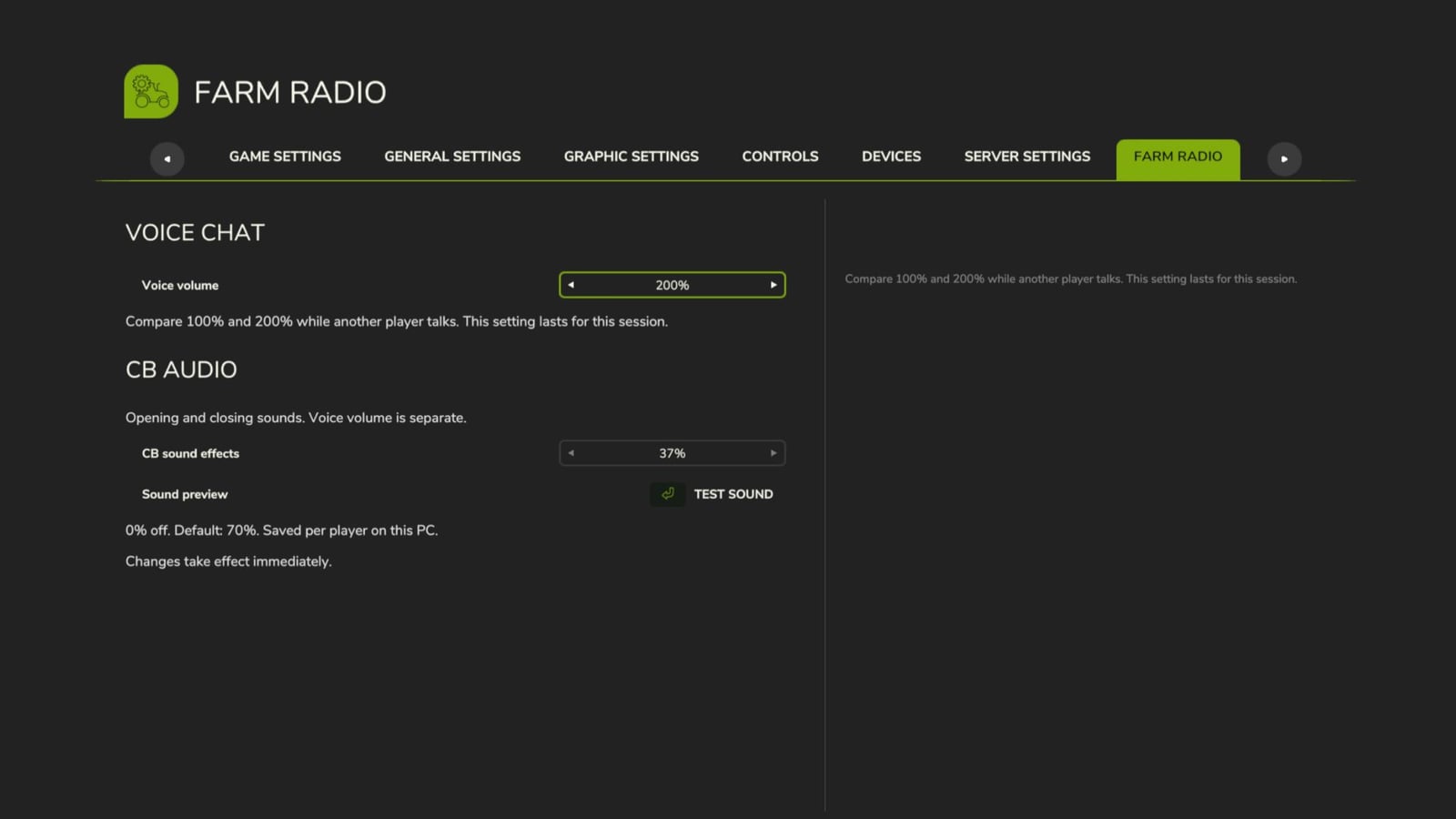
This build has an experimental voice-volume increase. The audible result may vary, and testing is still in progress.
Changelog
- V1.0.0.0
Volumes were boosted, and a menu for adjusting volumes in settings was added.