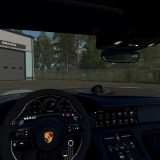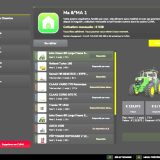
You get a switchable 4×4 traction system for compatible tractors, trucks, harvesters and cars. It reacts to wheel slip and includes differential locks, so there is more to manage when you are driving or building with these vehicles. Multiplayer is still in development.
You can play multiplayer already, but bugs may still show up.
Features
- The system really checks rear-wheel slip. The automatic modes react to actual wheel-slip physics, not simply to speed.
- Each vehicle starts with one of four driving modes:
- Manual leaves you in control all the time.
- Semi-automatic joins in when real wheel slip happens, but you can still take manual control whenever you want.
- Automatic uses that same basic logic, changed for vehicles that come with automatic 4WD from the factory, including CVT/IVT transmissions.
- Intelligent gives you continuous, proportional engagement in the Fendt style instead of snapping abruptly on or off.
- Native tyre-pressure simulation runs during engagement, and it does not need any other mod.
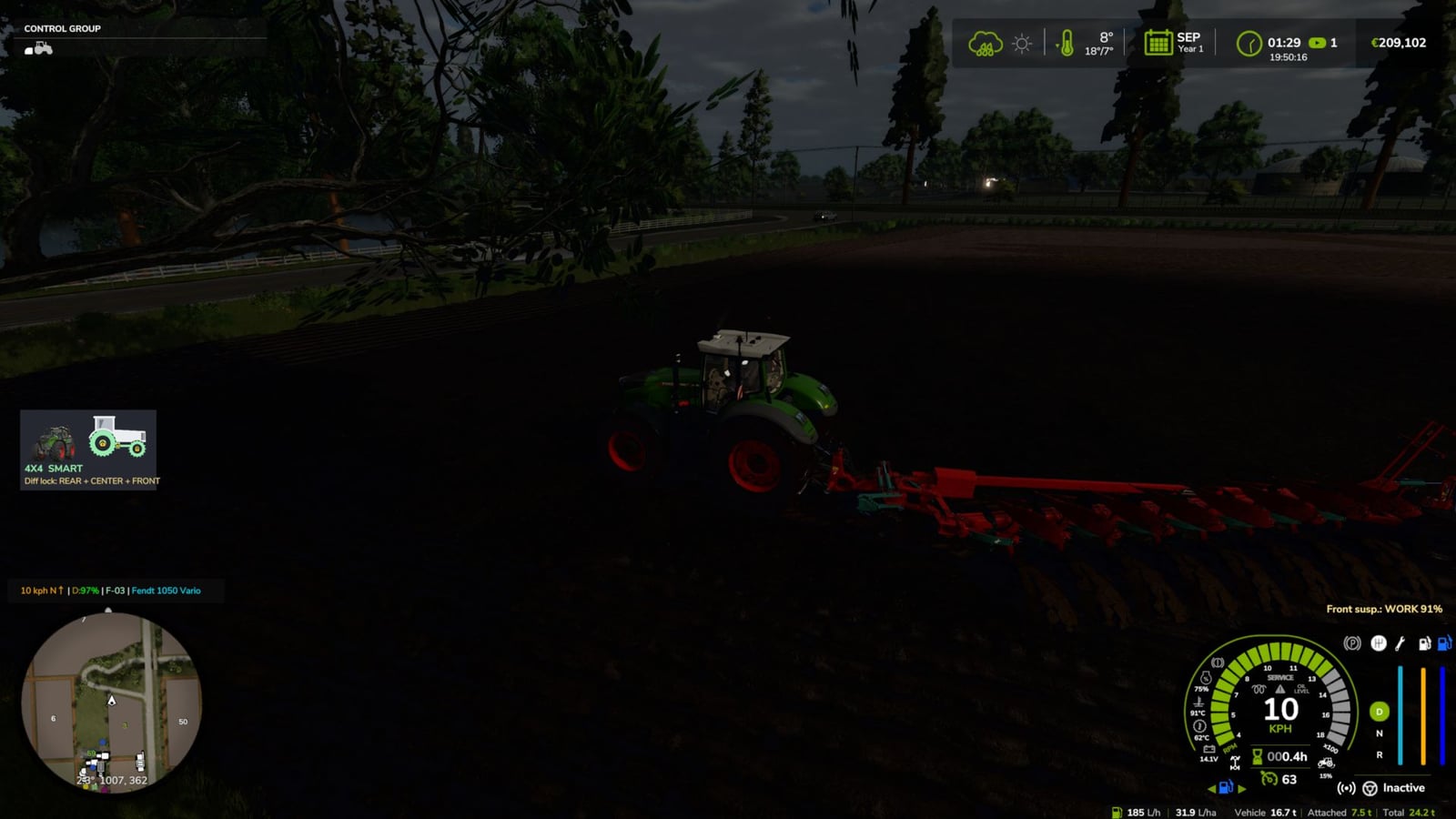
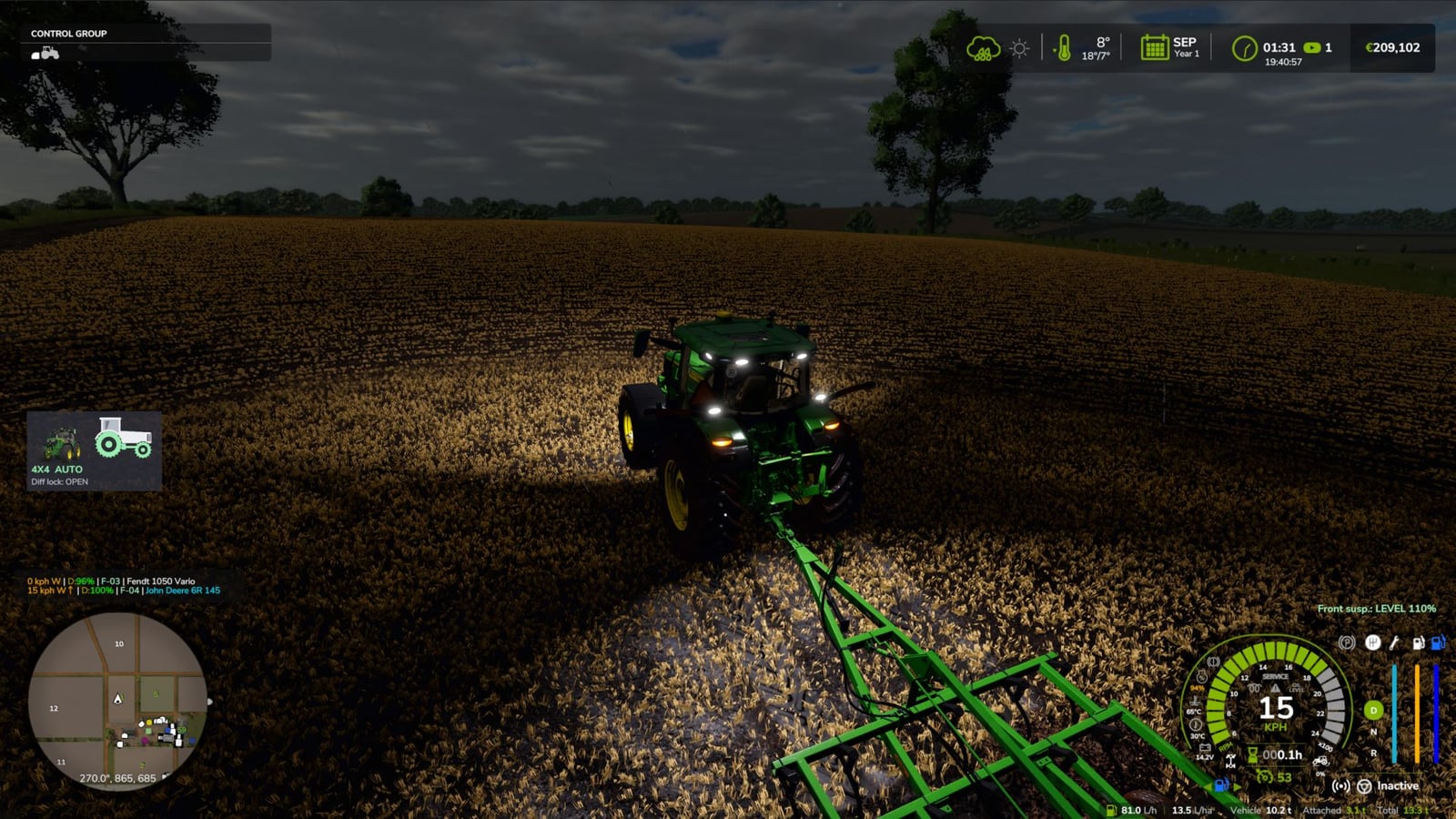
- The on-screen HUD gives you the status in real time. You can move it from the game’s Settings menu.
- You do not have to edit vehicle XML. The system integrates automatically with all compatible vehicles.
V2.0.0.0
- All drivable vehicles are included now, apart from trains, boats and motorbikes.
- The vehicle’s shop category and real driveline decide the setup: tractors still get selectable 4×4, as before; articulated / 4-track tractors, wheel loaders and telehandlers stay on permanent 4×4 with locks only; 6×4 trucks get a lockable inter-axle differential plus locks; AWD trucks can select front drive; 4×2 trucks get a rear lock; cars / pick-ups / UTVs use part-time 4×4 that engages on the move; combines and self-propelled vehicles can use rear-axle drive on demand.
- Limits for each vehicle type decide when 4×4 and locks may engage, how fast the vehicle can go with 4×4, and when automatic lock / unlock happens.
- Open the new 4×4 window with Left Alt + J. You see the driveline from above, control 4×4 and centre / inter-axle and front / rear locks with the mouse, save the mode per vehicle with the savegame, choose tyre pressure for field / road / automatic / manual, and access telemetry plus all settings.
- The game’s settings menu no longer contains this menu because it slowed loading. Everything has been moved into the window.
- When a mod or DLC tractor has no profile, its transmission chooses the mode: CVT / full powershift means automatic, partial powershift means semi-automatic, and manual gearbox means manual.
- Brand profiles now work only for tractors. Massey Ferguson combines and the Kubota R640 were changed to automatic. Challenger MT600 is excluded.
- With the Zasty HUD active, the 4×4 panel disappears. The HUD instead shows 6X4 / AWD / 4X2 and the locks.
- Multiplayer sends each vehicle’s driveline and mode to all players, and the server checks which mode was selected.
- The remaining keys are Ctrl + J for 4×4 and Ctrl + K for locks. Single locks, CTIS, tyre pressure, panel and telemetry are handled in the window now.
- A fix was made for new installations where the default keys were not assigned.
KEYS (default)
- Use Left Ctrl + J to turn 4×4 on / off.
- Use Left Ctrl + K to turn Differential locks on / off.
- Press Left Alt + J for the 4×4 window, with locks, tyre pressure, mode and settings.
Those are the default keys. If the game or another mod is already using one, go to Options > Controls and pick the key you prefer so there is no conflict.
V1.7.0.1
- AI helper fixes are included. The combine could stop while reversing uphill and would not shift gear, which Patrik Vendelberger reported.
- Now 4×4 works only for the vehicle a player is driving. If an AI helper is driving, if the vehicle is stopped with nobody inside, or if it is parked, the game’s original differentials, tyre radius and speed limit are used.
- The missing translation of
Move 4WD HUDis fixed. It had caused a log warning in 22 languages, as reported by Patrik Vendelberger. - The HUD textures are compressed, so the log no longer receives
raw formatwarnings. - Starting the game is faster because the settings menu section is now created only the first time you open Settings. Before this, startup froze by ~4 s.
- Vehicle Control Addon (VCA) compatibility is new, after Cris669 suggested it.
- VCA already has its own 4WD and diff locks and rewrites the differentials every frame, so the two mods were fighting.
- Find the new option at Settings > General > 4×4 Traction System >
With Vehicle Control Addon: - With
Command VCA(default), the mod’s automatic 4WD logic uses slip, implement lowered, braking, tight turns and GPS prediction to switch VCA’s 4WD and diff locks. VCA handles the differentials. CTIS, tyre pressure, HUD and telemetry keep working. Leave to VCAmeans that only VCA works on that vehicle.Ignore VCAkeeps the old behaviour and is not recommended.- The VCA integration should work, but it has not been tested in-game yet with VCA installed. Please test it and send feedback/log if something is not right.
- Headland Management and CVT Addon were checked, as Cris669 suggested. No conflicts were found.
- Thanks go to Patrik Vendelberger and Cris669 for the reports.
V1.7.0.0
- You can now open the in-game settings menu through Esc -> Settings -> General ->
4x4 Traction System. - Its settings cover HUD position and style, 4WD engagement with implement lowered, disengagement in tight turns, engagement while braking, road speed limit, GPS prediction strength, locked centre torque bias, tyre pressure by hand and diagnostic log.
- The settings are saved in
modSettings/FS25_4x4TractionSystem.xml, stay available for all savegames and remain when the mod is updated. - Editing anything inside the zip is no longer needed.
- There is also a new minimalist HUD. Choose
Iconin the menu to use the optional tractor-from-the-side display. - Green means a wheel has traction. The rear is always green. When 4WD engages, the front wheel and drive shaft turn green too, and they are grey in 2WD.
- Padlocks show the diff locks: rear lock on the rear hub, centre lock on the transfer box and front lock on the front hub.
- When a wheel slips, it flashes green/red, and each axle works on its own. Low field pressure at road speed makes both wheels flash.
- For tractors with CTIS or pressure by hand, the pressure appears under each front / rear wheel and is shown in bar.
- The shop picture of the tractor you are driving appears next to the icon, and you can switch it off.
- Below it, text shows 4X4 / 2X4, the mode and the active locks. You can choose between three sizes.
- Move the HUD, panel or icon by pressing Ctrl+Shift+N, dragging with the left button, and finishing with right click / Esc / Enter. The camera stays still while you move it. The key is changeable in the Controls menu.
- Note: the new menu and icon texts are available in English and Portuguese. For now, other languages display English. Translation work is in progress.