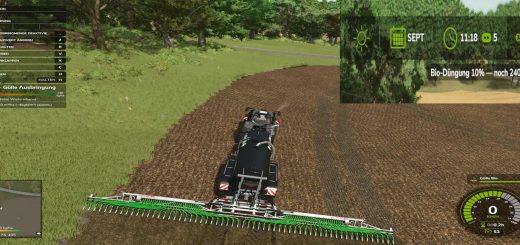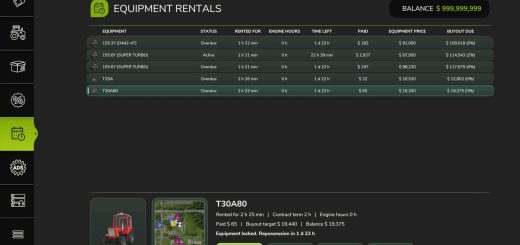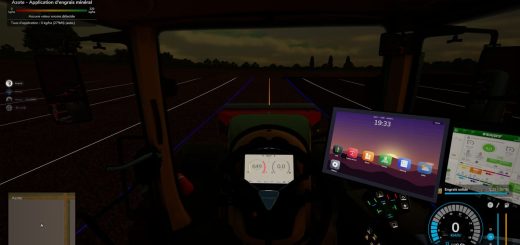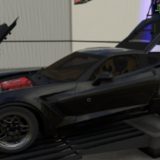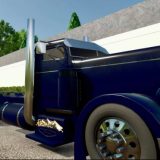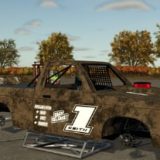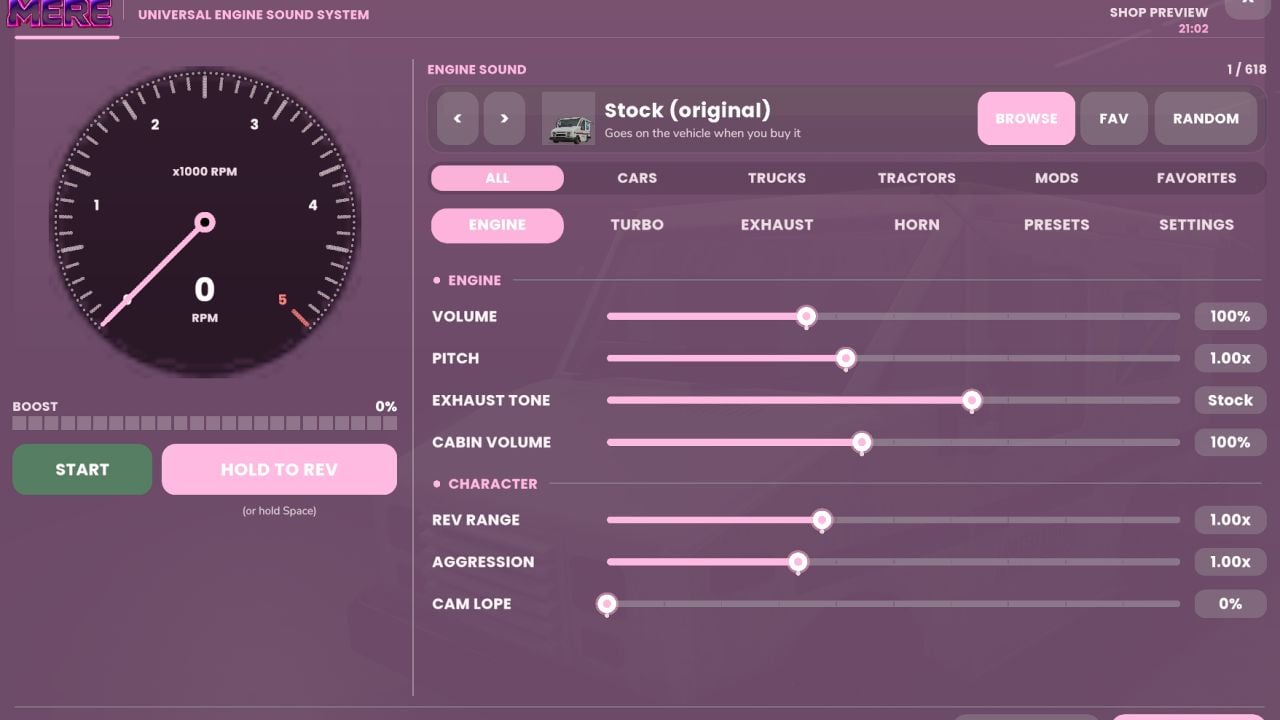
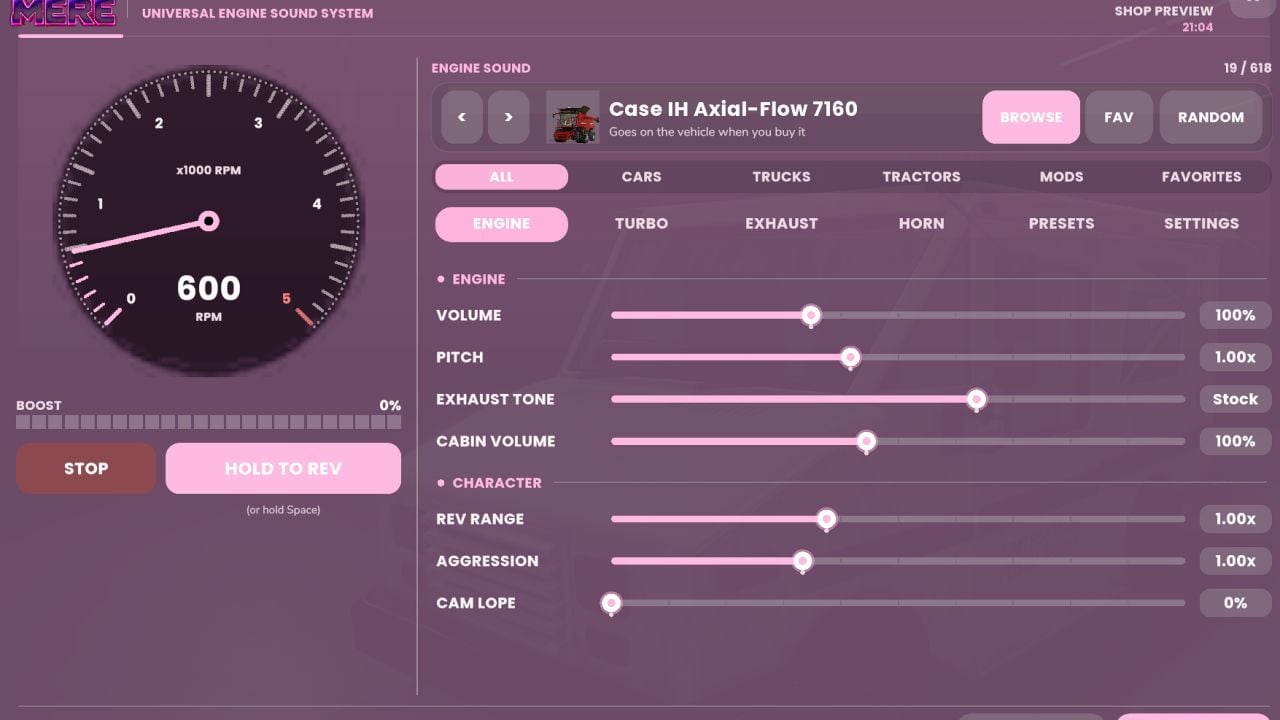
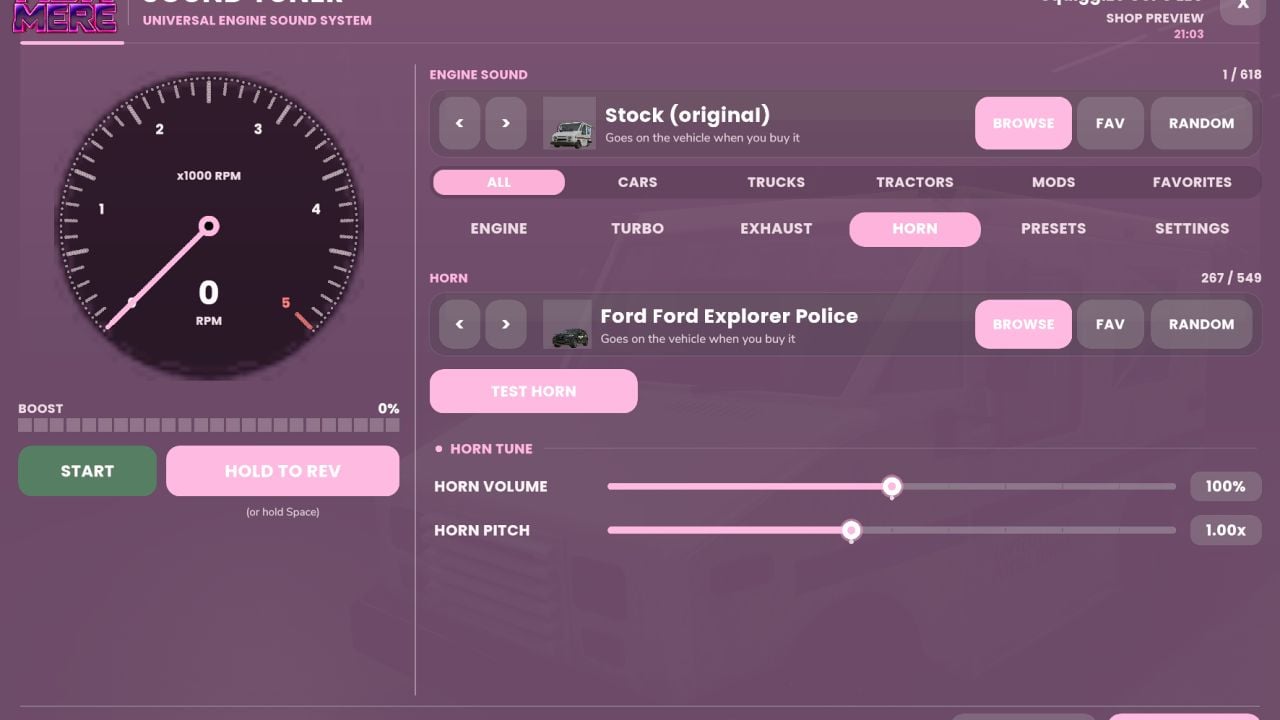
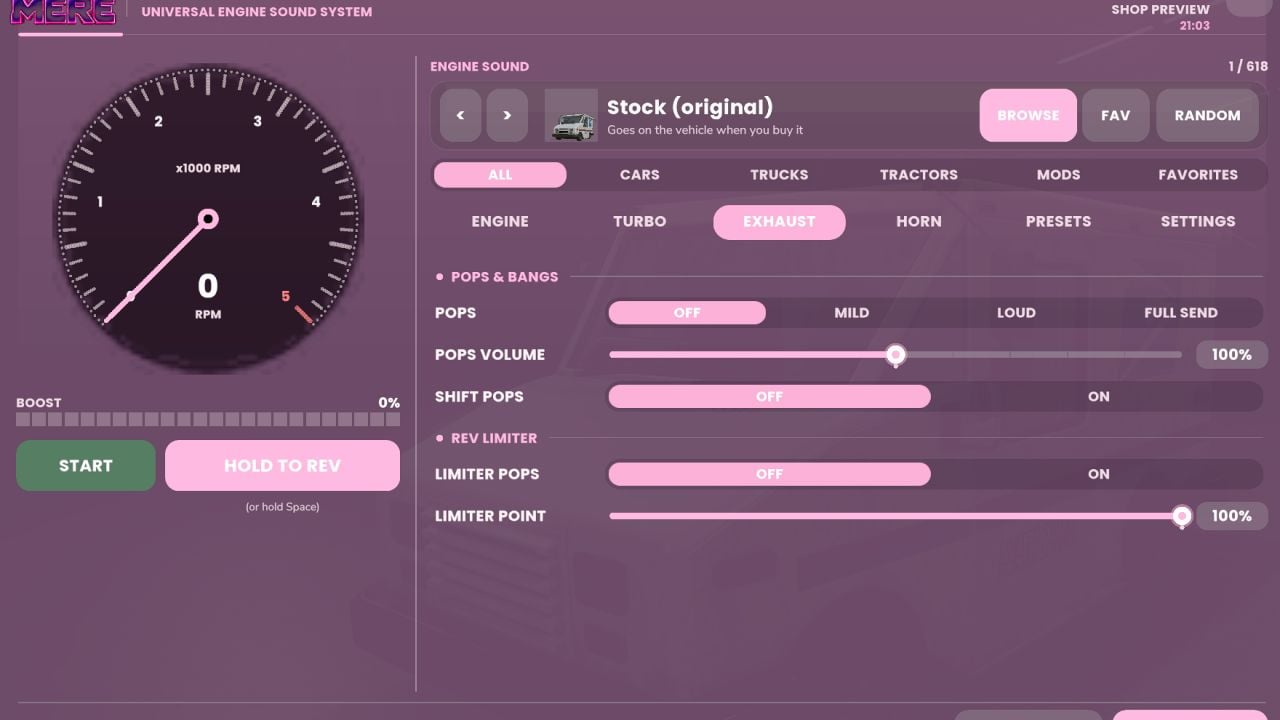
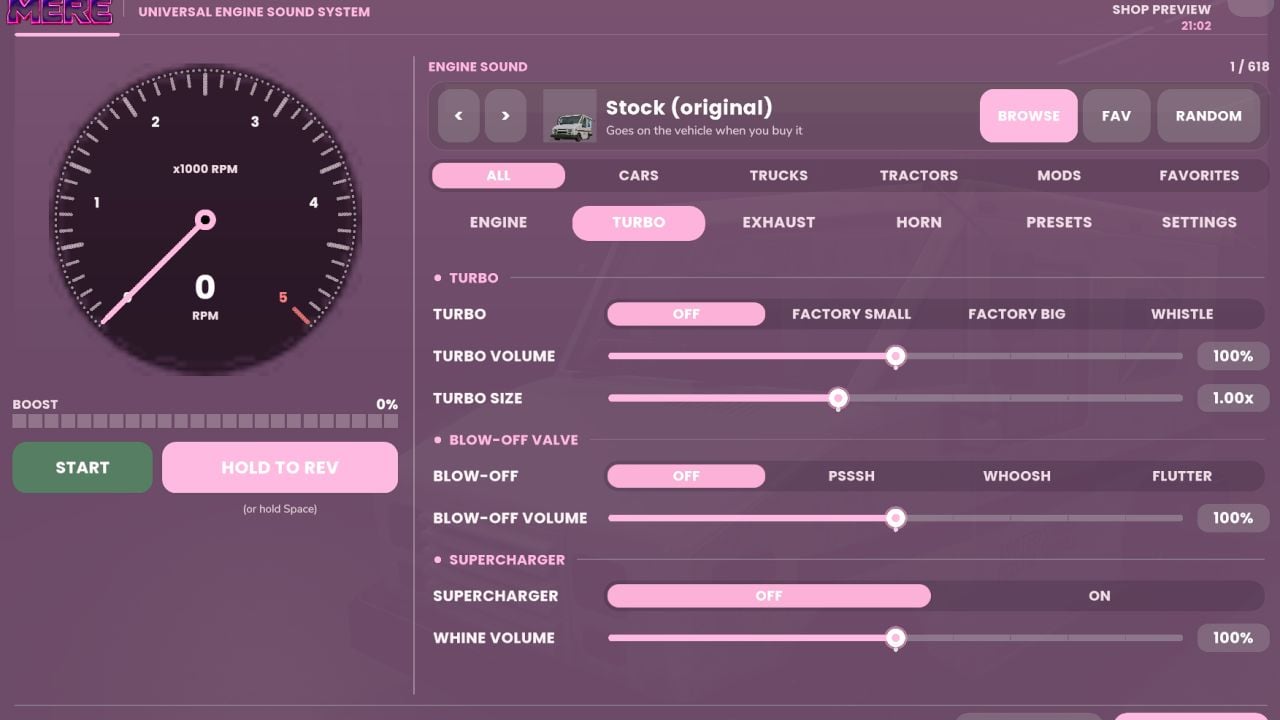
Give your cars, trucks and tractors a different sound by using engine sounds and horns from vehicles you already have installed. You can tune sounds one by one, save your own setups, change performance settings and try them out with launch control or drag racing.
Features
- Engine and horn swapping. Pick sounds from base-game vehicles or from installed vehicle mods. The vehicle-picture list lets you search by name, filter by vehicle type and save favorites. Preview each sound, go through them one at a time or let the tuner pick one at random.
- Engine sound adjustments. Tune volume, pitch, exhaust tone, cabin volume, rev range, aggression and cam lope. Keep the result low-key or make the setup more noticeable.
- Turbo and supercharger sounds. Try small turbo, large turbo or whistle options, then set the volume and size. You can also add supercharger whine and choose psssh, whoosh or flutter for the blow-off valve.
- Pops and bangs. Set up lift-off pops, gear-change pops and limiter pops, and choose the limiter point.
- Horn tuning. Change the horn separately from the engine sound, adjust its volume and pitch, then use the test button to listen to the changes.
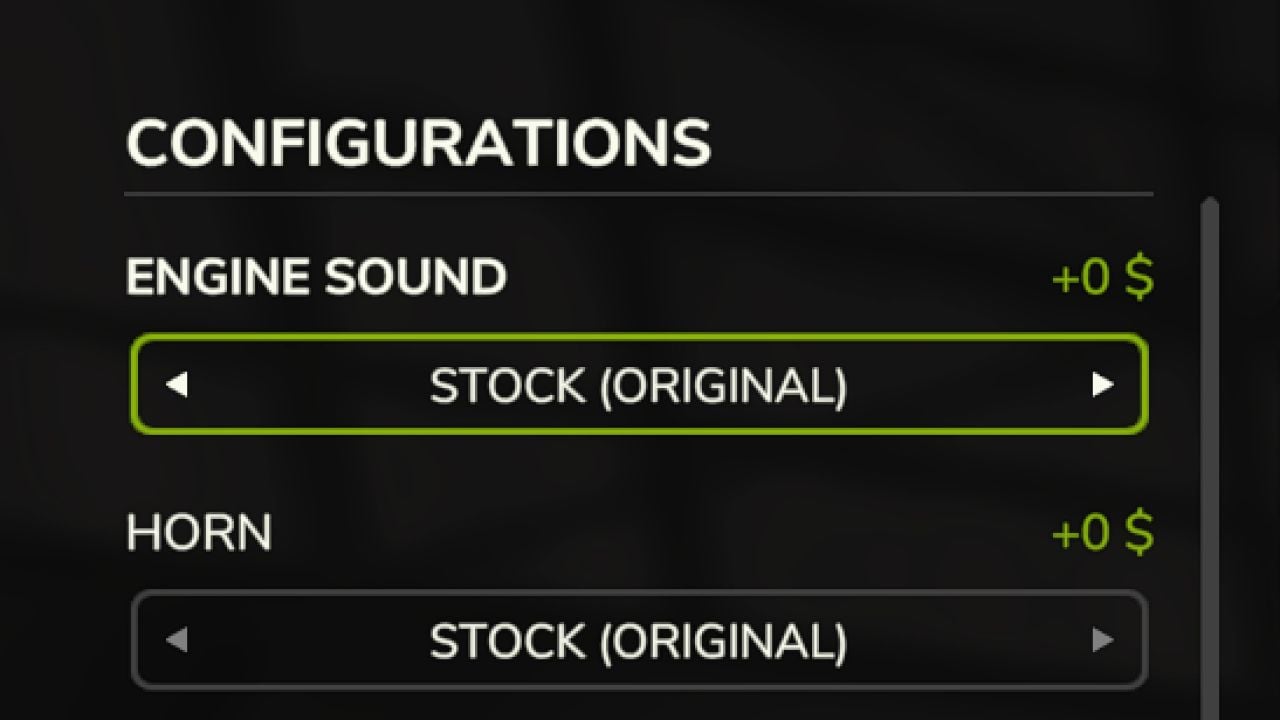
- Shop previews. In the shop, motorized vehicles include Engine Sound and Horn options. Open Sound Tuner, start the engine and rev it before buying. The tune you select stays with the purchased vehicle.
- Saved setups. You get 7 presets plus 4 slots for custom tunes. Copy a tune from one vehicle and paste it onto another when you want to use the same setup.
- Performance tuning. Adjust power, idle RPM, rev limits, top speed and fuel use. Turbo and supercharger settings can add boost power as well.
- Exhaust and vehicle effects. Change exhaust flame size, engine knock under load, reverse beeper volume and air brake volume. Smoke can be clean, stock, black or coal-rolling, with separate controls for amount and idle smoke.
- Burnouts and launch control. Use line lock to hold the front brakes for a burnout. The 2-step launch control comes with its own RPM and pop settings. Burnouts make smoke and put rubber marks on the ground.
- Drag racing. Take on an eighth mile, 1,000 feet or a quarter mile with Sportsman or Pro tree timing. Race AI across three difficulty levels or race another player. The tuner records reaction time, 60-foot time, elapsed time and trap speed, while time slips and best runs are saved.
- Menu customization. Set up a tachometer and boost gauge, then choose from 12 themes, RGB and custom colors. Move the window and adjust how it looks and behaves. Right-click any slider to send it back to stock.
- Multiplayer support. Tunes save per vehicle and sync in multiplayer. Server owners can configure power tuning permissions, maximum power, Pro tree availability and wheel effects.
Controls
- Left Alt + U: Open the tuner.
- Left Alt + Q: Open launch controls.
- Left Shift + Left Alt + D: Open the drag strip.
- Hold REV: Rev the engine while stationary. During the shop preview, holding Space works too.
Controls configurable.
Find everything under Ashmere in the shop and in build mode.