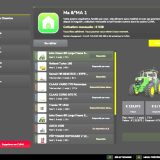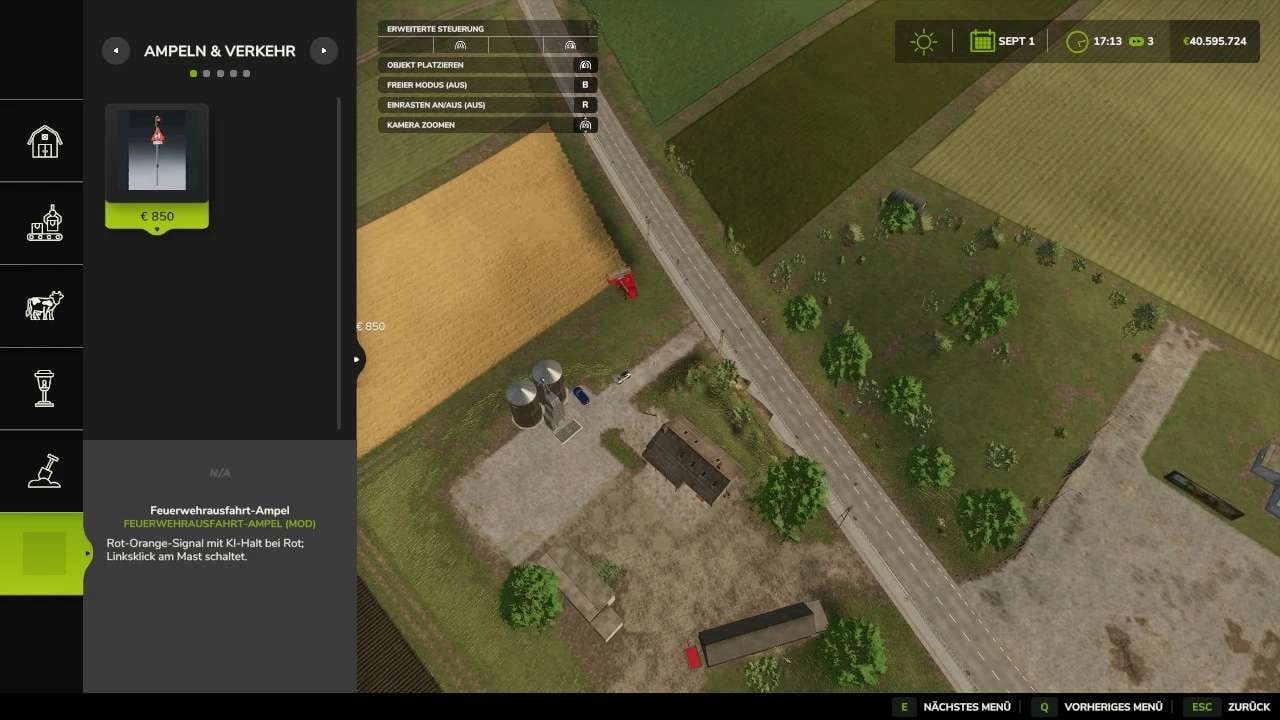
Building in Farming Simulator 25 gets a dedicated “ScriptHub Modding” main category in the construction menu. Traffic lights, signs, and other construction objects are collected there, so you can find them together while creating your setup.
Features
- You get five sections to work with: Traffic Lights & Traffic, Decoration, Signs, Buildings, and Miscellaneous.
- Compatible mods are automatically detected based on the author (“ScriptHub Modding”) or the mod’s name.
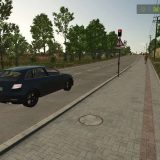
- The “Fire Station Exit” traffic light, for example, is automatically sorted into “Traffic Lights & Traffic”.
- Want to include more custom mods? Add them through the included configuration file.
- The ScriptHub Modding logo and custom icons show you the category and its subsections.
- Remember that the individual object mods need their own installation and must be activated in your savegame.
Installation
- Drop the ZIP file, still zipped, into your
modsfolder. - Activate it with the relevant object mods.
- Remove older versions of this construction category before you install this one.
- For LS25 on PC and Mac.