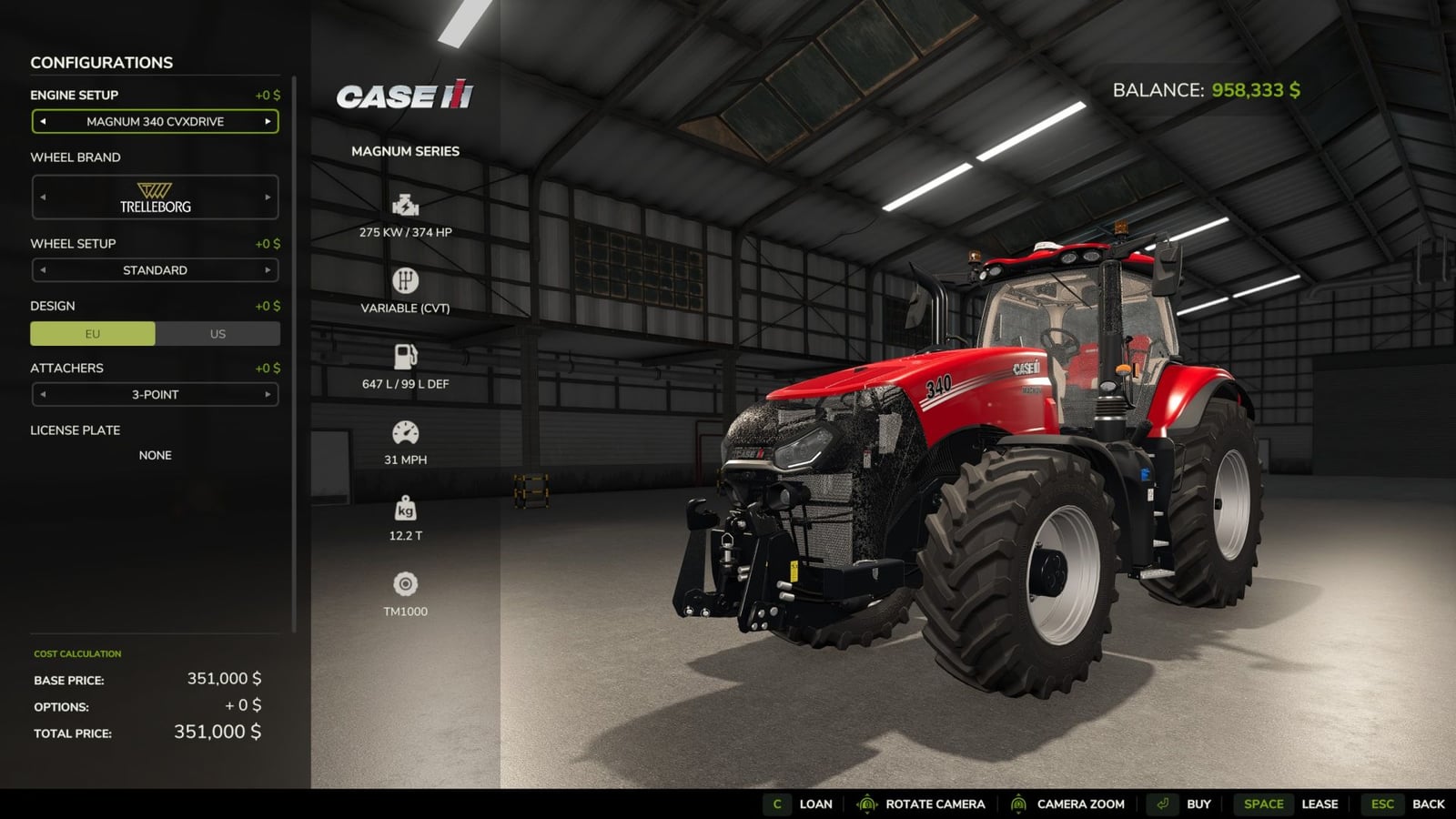
With this mod, you can finance a purchase instead of leasing it or paying everything upfront. That gives you another way to get vehicles and manage the farm cash flow.
Features
- Terms and dates:
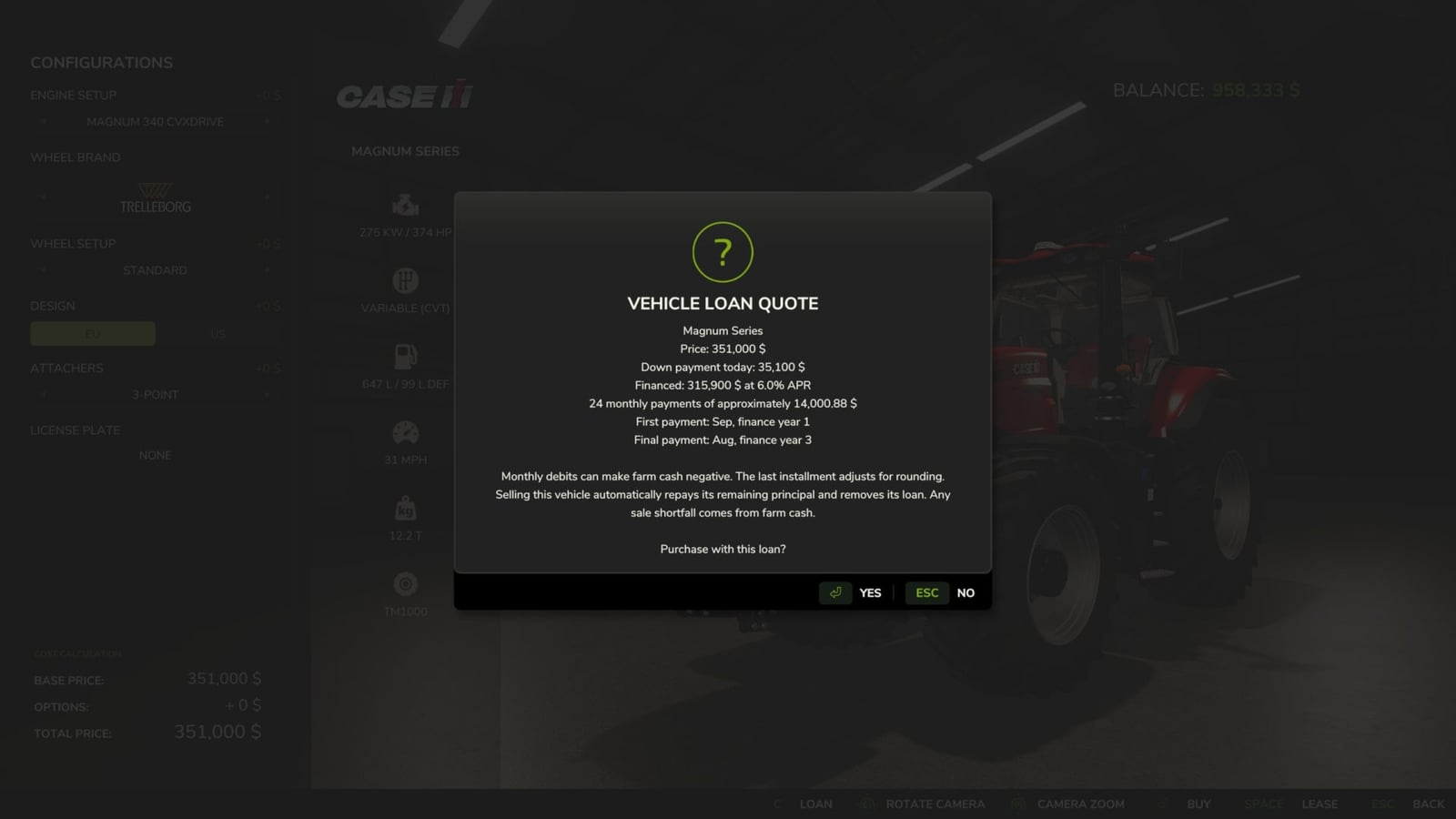
The APR stays fixed at 6%. The payment plan uses reducing balance amortization, so the balance is worked down over the schedule.
Your first installment comes up at the next in-game month change. After that, you pay every month, no matter what days-per-month setting you use or how much real-world time passes.
The final payment is adjusted for cent rounding, then the payments stop.
The mod keeps a saved “finance year” calendar. Year 1 starts with March in the first year when you enabled the mod. This calendar is not a real-world year.
For example, start a 36-month loan in August of finance year 1 and it ends in August of finance year 4. The end dates are saved, so they stay in place when you reload the save.
Mandatory payments can push farm cash into the negative. There is no missed-payment deferral, no repossession, no late fee and no automatic extension of the end date. - View and pay off:
To check an owned vehicle, open its configuration/service screen and pick Vehicle loans.
Open a contract to see the balance, monthly amount, next due date and end date.
Confirm payoff to clear the outstanding principal. Any future interest is waived.
For an early payoff, you need enough cash available.
You can also use the optional console commandsvlLoansandvlPayoff.
Those commands need the game’s developer console. The store buttons do not need it.
Whenever changes happen, loan balances update on every client. A client joining the game requests a snapshot and refreshes every 30 seconds. Reopen the details dialog to refresh what you see there.
Once a new purchase is financed, closed contracts may disappear from the list. - Multiplayer:
The server handles the purchase price recalculation and controls the interest rate.
Your farm must have the Buy Vehicles permission before you can finance or pay off a loan.
Requests are rate limited, and a farm can have only one purchase loading at a time.
Across the server, the limit is 256 active contracts.
Monthly payments are charged by the server only, and the server also saves the ledger.
Loan snapshots contain the contracts of all farms, but the interface filters them so you see your farm.
Other clients are not blocked from loan information by this mod. - Saves and vehicle sales:
Loan records go intovehicleLoans.xml, next to the normal savegame files.
Keep that file with its matching savegame and backups. Do not move a ledger between saves, and do not delete it while contracts are still outstanding.
Sell a financed vehicle through the standard garage/dealer sale and the remaining principal is repaid automatically, removing the loan. If the loan was not paid in full, future interest is waived when the vehicle is sold, and the original borrowing farm is charged the remaining balance. If the sale falls short, farm cash covers the difference and may become negative. A rejected sale does not change the loan.
Resetting, reconfiguring, transferring or deleting a vehicle without a normal sale leaves the debt open. Third-party sale systems that bypass the standard SellVehicleEvent are not covered. The original borrower is still liable.
Removing or disabling the mod suspends payments. Turn it back on to resume them.
While loans are active, leave the mod enabled continuously. It cannot reconstruct the months that passed during a period when the mod was disabled.
Before permanently removing the mod or deleting a borrowing farm, pay off its contracts.