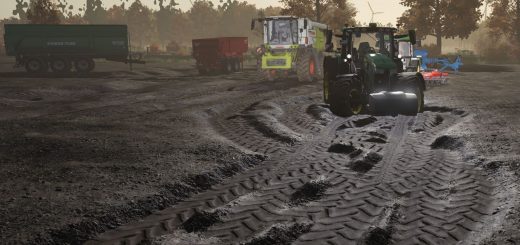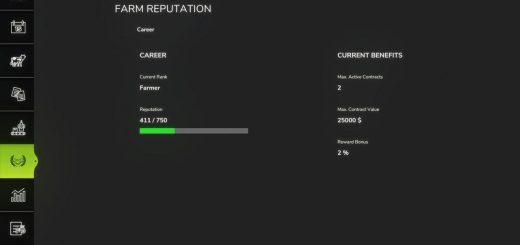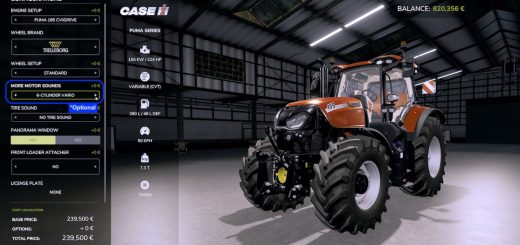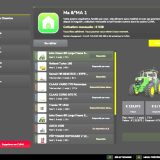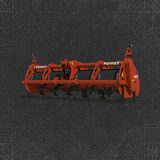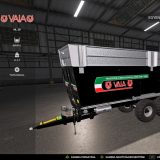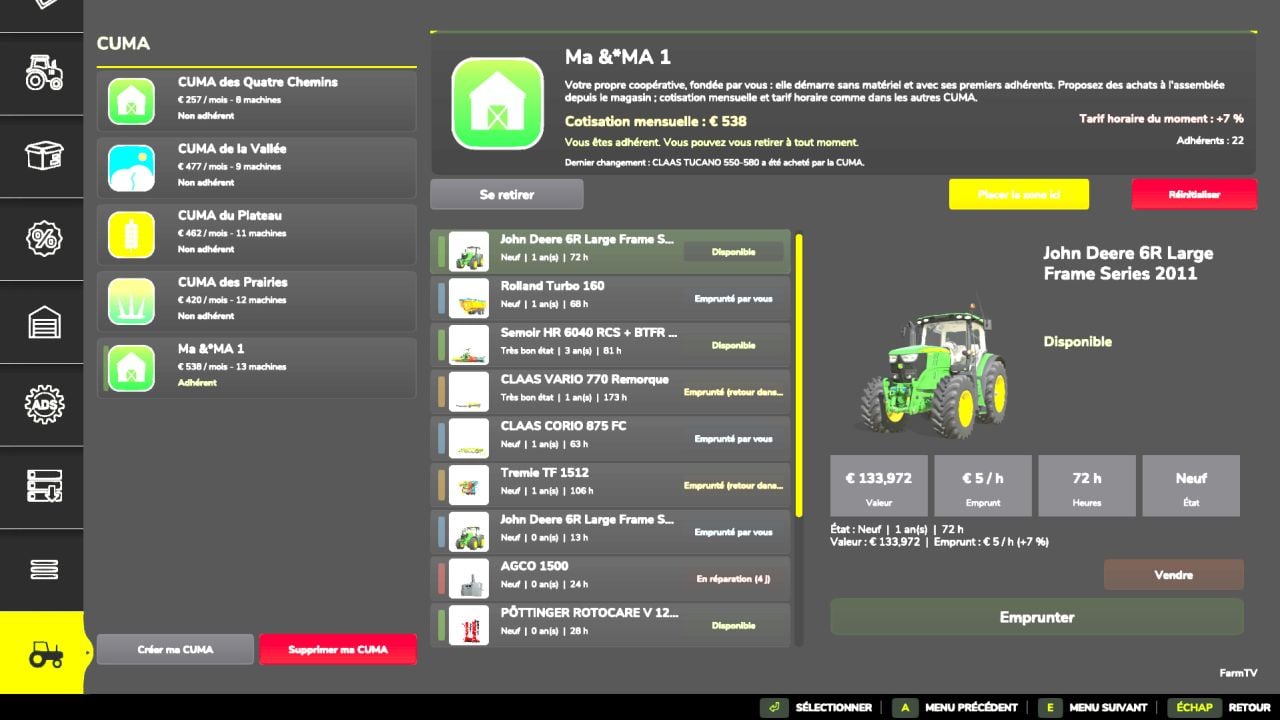
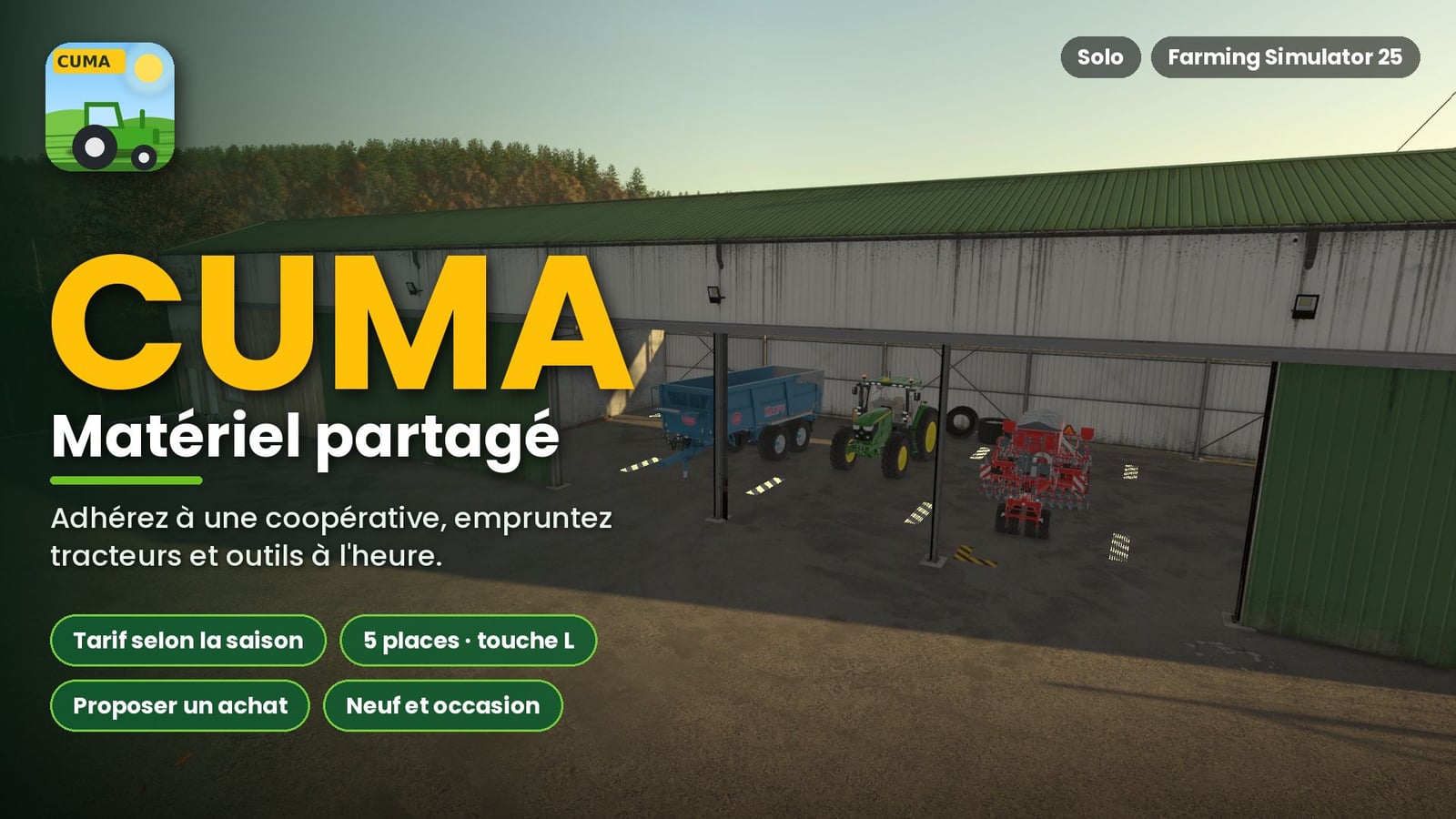
Bring CUMA cooperatives into Farming Simulator 25 and make your farm work with shared equipment. You join one cooperative, pay its monthly membership fee, then borrow tractors, tools, and machines by the hour. It gives you another way to use equipment without having every machine on your own farm.
Look for the new CUMA tab in the shop. That is where you manage the cooperative and its equipment.
Features
- You can belong to only one CUMA at a time.
- Leaving becomes possible once you have been a member for at least 1 year.
- The fleet value determines the membership fee.
- Equipment borrowing is billed by the hour.
- The rates change with the season.
- The member count changes gradually.
- The mod generates between 2 and 4 CUMAs. Each one has its own profile and equipment, such as a small cooperative, arable farming, livestock farming, or recent equipment, and more.
- Machines come from the in-game shop, including modded machines.
- Every machine can have an age, operating hours, wear, breakdowns, repairs, and availability.
- Tools are chosen to match the tractors’ power.
- The fleet can include tractors, seeders, plows, spreaders, haymaking equipment, balers, trailers, telehandlers, harvesters, and other equipment.
- From the CUMA page, you can install an area with 5 spaces.
- Part of the fleet appears in that area. Walk up to a machine and press L to borrow it.
- When all spaces are occupied, a displayed machine may leave automatically so the machine borrowed through the menu can appear.
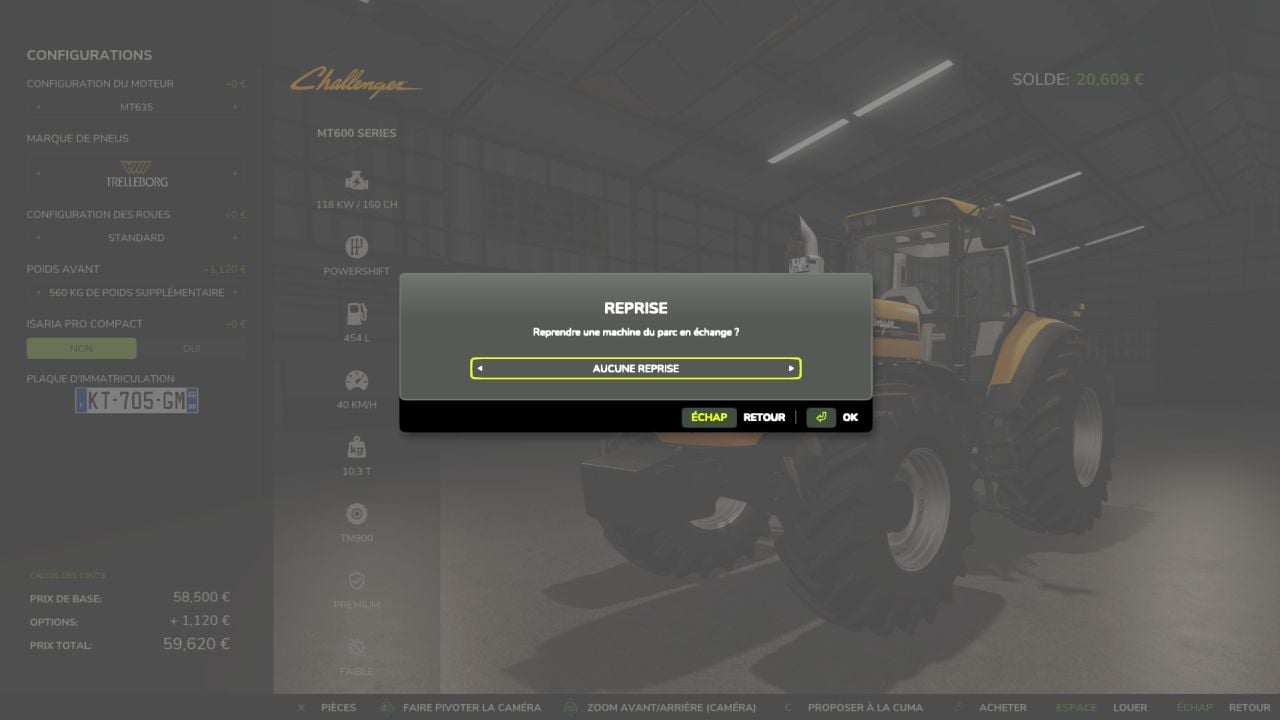
- Want to suggest a new machine purchase? Choose:
- The type of equipment
- Whether it is new or used
- A possible trade-in
- The model
- Options and configurations
- Acceptance depends on the need, compatibility, budget, number of members, and expected profitability.
- You need to wait several in-game days between two proposals.
- This mod is for single-player only.
- Multiplayer is not supported.
- The L key cannot be remapped.
- Some interface warnings can show up in the log without causing any consequences.
- The mod is still being developed and will get future updates.
Installation
Put the ZIP file into the mods folder, activate the mod, and open the shop. The CUMA tab is shown last.
Next, place the delivery area from the CUMA page or use the dedicated placeable.
Once an update is installed, Reset lets you generate the CUMAs and their equipment again.
Warning: using this operation removes the existing CUMAs, their machines, and their progress.
Changelog
- V1.0.0.1
Many improvements are included: creating your own CUMA, buying equipment from the CUMA directly through the shop menu, and a booking calendar in Multiplayer. The calendar remains in beta.